
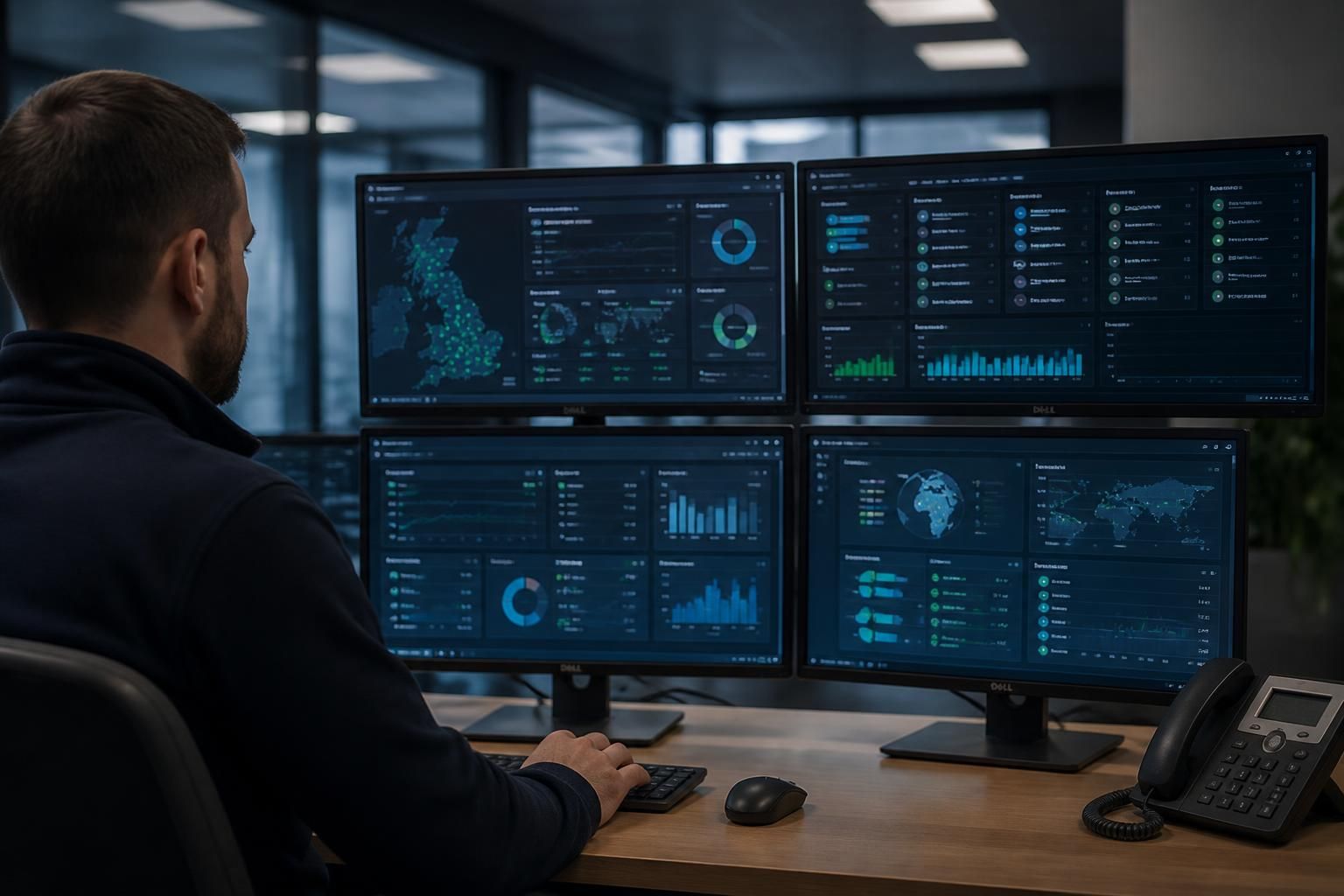
Is remote access IT support suitable for multi-site businesses?
Yes. Remote access IT support can suit multi-site businesses by allowing authorised IT staff to diagnose and administer systems across different locations without travelling, provided each site has secure connectivity, appropriate access controls and a fallback plan for local network or device failures.
Remote access IT support is suitable for multi-site businesses when systems can be securely reached, managed and monitored from an approved central service, while each location retains suitable safeguards for local failures. It is particularly effective where sites use standardised devices, cloud services and centrally managed user accounts.
Why it suits multi-site organisations: A remote support model reduces the need to send an engineer to every branch for routine technical work. An authorised technician may be able to investigate endpoint faults, apply configuration changes, manage user access, review logs and support business applications across several locations from a central point. This can provide a more consistent approach than allowing each site to manage technology independently.
Remote access is also useful when a business has a small internal IT team. Internal staff can retain responsibility for business decisions and local priorities, while a managed IT provider handles technical administration across the estate. The arrangement can support offices, warehouses, manufacturing sites and other locations with different working patterns, provided the technical design reflects how each site operates.
The main suitability factors are:
- Reliable connectivity: Each site needs a dependable route to the systems being supported. This may include internet connectivity, site-to-site links, secure remote access gateways or cloud-based administration platforms. If a branch loses its internet connection, remote support may be unable to reach equipment at that location until connectivity is restored.
- Consistent infrastructure: Standard operating procedures, device configurations and software versions make remote diagnosis more predictable. Significant differences between sites can increase investigation time and create location-specific risks, particularly where legacy equipment or specialist systems are involved.
- Strong identity controls: Remote administration should be restricted to named, authorised personnel. Multi-factor authentication, role-based permissions, separate administrative accounts and session logging help limit misuse and provide evidence of who accessed a system and what actions were taken.
- Network separation: Business-critical servers, user devices, guest networks and operational technology should not automatically have unrestricted access to one another. Segmentation can reduce the effect of a compromised account or endpoint and make remote administration more controlled.
- Clear ownership: A multi-site support arrangement should define which party manages routers, firewalls, wireless networks, endpoints, servers, cloud services and specialist equipment. It should also identify who can approve changes and who is responsible for decisions affecting each site.
Central management needs local awareness. A remote technician may see the technical symptoms of a problem without knowing the operational effect at a particular site. For example, an issue affecting a warehouse workstation may have different consequences from the same issue affecting an administrative office. Site contacts, equipment records and documented dependencies help connect remote technical work with the business process it supports.
Businesses should also distinguish between problems that are suitable for remote resolution and those requiring a person on site. Software configuration faults, account problems, many endpoint issues and some network changes can often be investigated remotely. Physical damage, power loss, cabling faults, failed local network hardware and equipment that cannot start may require local assistance. A practical support model therefore includes an escalation route, trusted site contacts and arrangements for physical intervention when remote administration is not enough.
Security should be designed across all locations, not added after deployment. Access should be granted through controlled tools and approved networks rather than exposed administrative services. Permissions should be limited to the systems and actions required for the task, with temporary access removed when it is no longer needed. Session records, security alerts and regular access reviews are important where one support function can reach multiple sites, because a weakness in central administration could affect the wider organisation.
Multi-site businesses should maintain accurate documentation before relying heavily on remote support. Useful records include site addresses, network diagrams, internet and firewall details, device inventories, software dependencies, backup arrangements, approved contacts and recovery procedures. Documentation should distinguish between systems shared by all locations and systems that operate independently at one site.
Remote access is not a substitute for resilience. Each location should have a plan for loss of connectivity, power disruption, unavailable equipment or failure of the remote access service itself. Depending on the business, this may involve local administrative procedures, alternative communication methods, spare equipment, backup connectivity or an agreed manual process. The appropriate fallback depends on the importance of the site and the systems it uses.
For a growing organisation, remote access support can provide a scalable way to manage technology across new and existing locations, but only if onboarding follows a defined standard. New sites should be assessed for connectivity, security controls, equipment compatibility, user access and support responsibilities before they are added to the managed environment. S2 Technology Group supports businesses with remote access IT support as part of wider IT management, cyber security, cloud and connectivity services, helping organisations assess whether their multi-site technology can be administered securely and consistently.
For multi-site businesses, remote access IT support is most suitable when changes can be controlled across locations rather than applied everywhere at once. A central technician may be able to administer several sites, but each change still needs a defined scope, approval and validation process.
Changes to shared services, security policies or network settings should be assessed for their effect on every location. A practical approach may involve testing the change on a representative site, reviewing the result with the relevant contact and then extending it to other sites in stages. This helps identify differences between locations before they affect the wider environment.
Each change should have a recorded purpose, named approver, implementation plan and rollback method. After implementation, the support team should confirm that users can access the required systems and that site-specific processes continue to operate. This level of control makes remote administration more predictable without treating every branch as identical.
Discuss whether remote access IT support suits your multi-site business
Speak to S2 Technology Group about your multi-site IT environment and assess whether remote access support fits your connectivity, security and operational requirements. This can help identify suitable next steps before changes are made across your locations.