
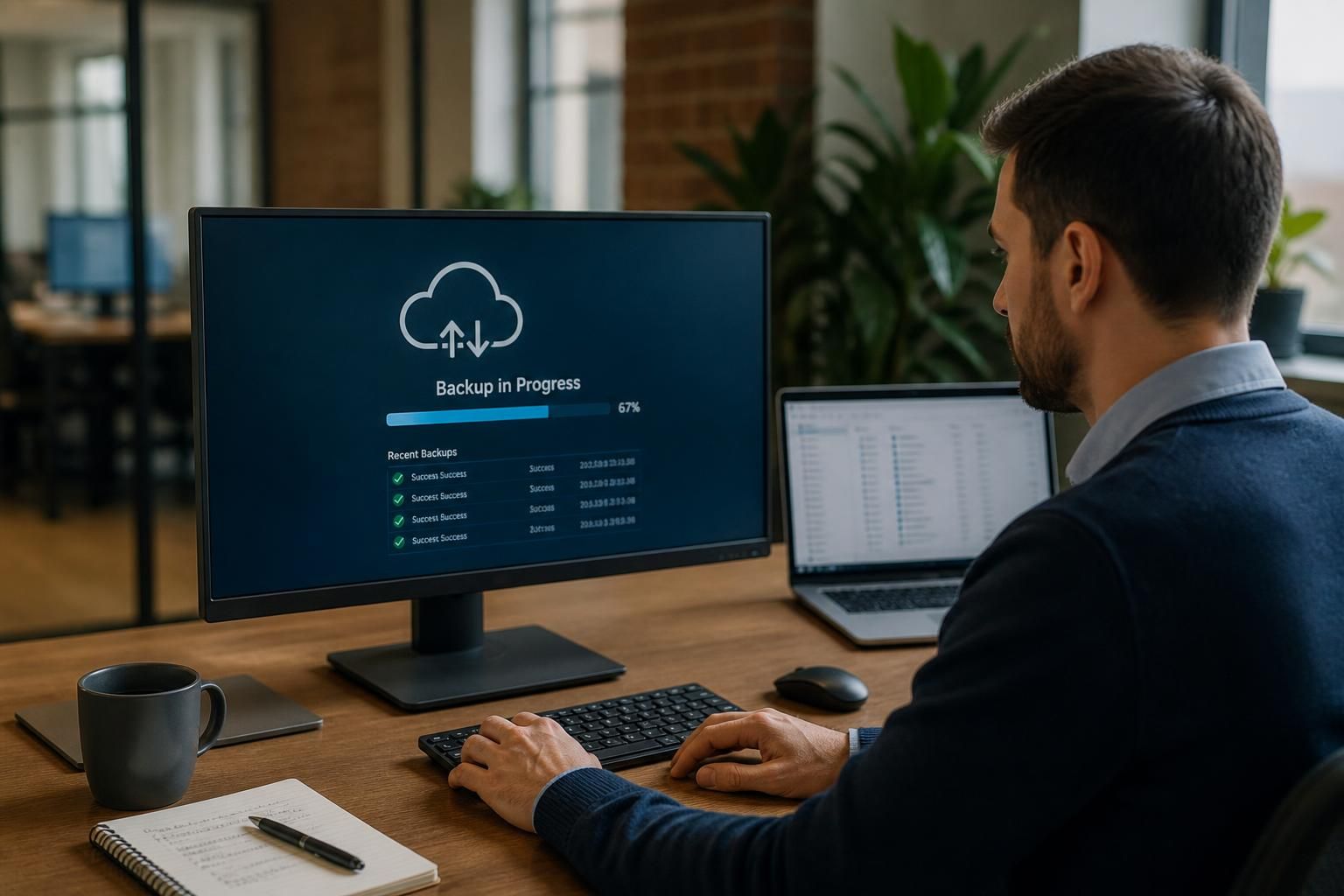
Small Business Backup Solutions
Small business backup solutions create secure, recoverable copies of essential files, applications and system data. A suitable backup solution for small business protects against accidental deletion, hardware failure, cyber incidents and disruption, while supporting recovery when data is lost.
What Small Business Backup Solutions Help You Achieve
Effective small business backup planning turns data protection into defined operational outcomes. It can help organisations control recovery priorities, preserve useful file versions, reduce dependence on individual devices and make backup responsibilities easier to manage.
Recover deleted or overwritten files
A backup provides a separate copy of files that have been deleted accidentally, overwritten incorrectly or affected by corruption, allowing the required version to be recovered instead of recreated manually.
Restore data after hardware failure
When a laptop, desktop, server or storage device fails, backed-up data gives the organisation a route to restore essential information without relying on the damaged hardware.
Limit the impact of cyber incidents
Recoverable backup copies can support restoration after malware or ransomware affects working data. Backup arrangements should be protected from unauthorised access so that recovery copies remain usable.
Preserve useful file versions
Keeping multiple versions makes it possible to return to an earlier, intact copy when unwanted changes or corruption are discovered after the latest file was saved.
Support recovery of essential systems
A suitable backup plan can include applications, configurations and system data as well as individual documents, helping organisations rebuild the technology needed for important business processes.
Reduce dependence on individual devices
Backing up business data separately from the device on which it is created reduces the risk that one lost, stolen or failed computer becomes the only source of important information.

Practical Backup Guidance for Small Businesses
Small business backup is a managed process for copying and protecting business information so it remains available after an incident. It should cover more than documents: consider email, databases, accounting records, shared folders and the configurations that support daily work.
The right approach depends on how your organisation creates, stores and uses data. Retention periods, access permissions, encryption, storage location and recovery testing all affect whether a backup is useful when required. These decisions should reflect operational priorities rather than simply the amount of storage available.
S2 Technology Group helps businesses review these considerations and select practical backup arrangements for their environment. We explain what is being protected, how copies are managed and which recovery steps staff need to understand, giving decision-makers a clearer basis for evaluating backup services for small business.
Expertise in Small Business Backup Planning
A reliable small business backup arrangement is judged by whether usable information can be recovered, not simply by whether a backup job reports success. Effective design considers application consistency, dependencies between systems and the integrity of the data after restoration, particularly where accounting, operational or shared business records are involved.
S2 Technology Group brings a structured approach to reviewing backup architectures, including the role of backup software, storage targets and administrative controls. This helps distinguish a technically complete copy from a recovery process that is practical for the organisation’s systems and working methods.
As business systems change, backup arrangements also need considered review. New cloud services, additional users, altered file structures and connected devices can introduce gaps if protection policies remain static. Regular assessment provides a basis for keeping small business backup solutions aligned with the organisation’s current technology and operational requirements.
Questions to Ask About Small Business Backup
Does small business backup cover cloud applications as well as local devices?
Check that the proposed solution supports your operating systems, applications, cloud platforms and data volumes, rather than assuming file copying alone will protect every critical business workload without compatibility checks.
How is small business backup data protected from ransomware?
Ransomware resilience combines isolated or immutable backup copies, restricted administrative access, multifactor authentication and monitored backup activity. Test restoration regularly to verify attackers cannot alter copies or compromise recovery credentials.
What recovery time should a small business backup solution support?
Define recovery time objectives by workload priority, then align backup frequency, restoration methods and available resources with the maximum disruption period each business process can tolerate before normal operations resume.
What should small business backup monitoring include?
Monitoring should track backup completion, failed jobs, unusual changes, storage capacity, retention status and alert delivery. Assign named responsibility for reviewing alerts, investigating exceptions and recording corrective action taken promptly.
How long should small business backup data be retained?
Retention should reflect legal duties, contractual requirements, operational history and recovery needs. Define daily, monthly or event-based policies for each workload where appropriate, documenting ownership, deletion rules and exceptions clearly.
Recovery Focus
S2 Technology Group combines backup guidance with recovery-focused architecture reviews, helping small businesses assess protection beyond successful backup job reports.
Small Businesses We Support

Professional Services Firms
Client records, correspondence, financial documents and shared workspaces require consistent protection. Backup planning should account for access permissions, retention requirements and the recovery of individual files without disrupting day-to-day work.

Manufacturing Businesses
Manufacturers may need to protect production records, technical documentation, stock information and systems that support operations. Backup arrangements should consider operational dependencies and provide tested recovery options for important data and configurations.

Logistics Organisations
Logistics companies rely on schedules, delivery records, customer information and operational systems. A suitable backup approach should protect frequently changing data and make recovery priorities clear if an application, device or shared file becomes unavailable.

Multi-Site Businesses
Organisations working across several locations need consistent backup policies without overlooking local systems or connectivity constraints. Central oversight, secure storage and documented recovery procedures help align protection across offices and operational sites.
Backup Solutions for Different Small Business Needs
The most suitable small business backup approach depends on operational circumstances, including limited internal IT capacity, remote access requirements, legacy systems and the need to restore individual files or complete working environments. These scenarios help identify appropriate protection priorities.
Limited Internal IT Capacity
A managed backup arrangement can suit small teams without dedicated IT staff. It provides a structured way to identify important data, set retention rules and review whether backup jobs are completing as intended.
Remote and Hybrid Teams
When staff work across offices and home locations, business data may be spread across laptops, cloud services and shared systems. Backup planning should account for each storage location and the recovery needs of mobile users.
Legacy or On-Premises Systems
Older servers and line-of-business applications may still contain essential records. A suitable backup plan should consider application dependencies, compatible recovery methods and the configuration information needed to rebuild the working environment.
Frequent Individual File Recovery
Some organisations mainly need to restore deleted documents, spreadsheets, emails or accounting records. File-level recovery requirements influence how backups are organised, retained and made accessible to authorised users.
Growing Business Infrastructure
As a business adds users, devices, applications or locations, its backup arrangements need to scale with the environment. Regular reviews help ensure new systems are included rather than remaining outside the protection plan.
Protection from Cyber Incidents
Businesses concerned about malware or unauthorised access should consider backup security as well as backup coverage. Access controls, encryption, separation from production systems and recovery testing all contribute to a more resilient arrangement.
Small Business Backup Questions Answered
How often should small business backups be tested?
Backup frequency should reflect how quickly information changes and how much loss the organisation can tolerate; daily copies may suit static records, while active systems need more frequent protection cycles.
What is the difference between local and online backup for small business?
Local backups store copies on equipment at the premises, allowing access without internet connectivity. Online backups send copies to remote storage, reducing dependence on premises-based equipment and protecting against damage.
How does small business backup support compliance requirements?
Compliance-focused backups support retention, access control, audit evidence and documented recovery procedures. Requirements vary by sector, so organisations should map protected data and retention policies to applicable obligations and contracts.
Which backup solution is best for a small business?
The best option matches data volume, change rate, recovery priorities, infrastructure and budget. It should protect essential systems, support restoration, and remain manageable for the organisation’s internal capabilities and resources.
What is the difference between backup and synchronisation for small businesses?
Backup creates recovery copies retained for restoration after deletion, corruption or attack. Synchronisation keeps versions aligned across locations, so changes or deletions usually replicate rather than providing historical recovery points.
Discuss Your Small Business Backup Requirements
Discuss your small business backup requirements with S2 Technology Group to clarify protection priorities, review recovery needs and identify suitable next steps for your systems, data and operational processes. Contact the team to begin an informed assessment.