

Cloud Servers for Business
Cloud servers provide business applications, files and computing resources through internet-hosted infrastructure rather than equipment located solely on your premises. For small businesses, they can support flexible access, simpler scaling and professionally managed hosting without maintaining physical servers.
Business Outcomes of Cloud Servers
For a business, the value of cloud servers is measured through operational outcomes rather than infrastructure alone. The most relevant areas are availability of working information, governance, continuity, administration and the ability to support changing organisational requirements.
Access Business Systems from Different Locations
Cloud servers host applications, files and computing resources in an internet-connected environment, allowing authorised employees to use the systems they need from office, home or other approved locations.
Scale Resources with Organisational Changes
Computing capacity and storage can be adjusted as a business grows, changes its staffing levels or introduces new applications, reducing the need to plan around the limits of a fixed on-site server.
Reduce On-Site Server Administration
Moving server workloads into professionally managed hosting can reduce the physical maintenance carried out at business premises. This gives internal teams a clearer view of the systems they use without requiring them to manage every hardware task.
Support Business Continuity Planning
Cloud-hosted systems can form part of a continuity plan by placing key applications and data outside the organisation’s main premises. The precise protection available depends on the hosting design, backup arrangements and recovery procedures.
Apply Consistent Security Controls
Centralised cloud infrastructure provides a structured environment for managing access, updates and other security controls. Permissions should be based on each user’s role and reviewed as people, devices and responsibilities change.
Make IT Costs Easier to Plan
Cloud servers replace some capital investment in physical server equipment with an ongoing service model. This can make infrastructure planning more straightforward, although the total cost still depends on resource usage, software licensing, storage and management requirements.
Practical Cloud Server Guidance from Our IT Specialists
For a small business, selecting a cloud-based server means deciding how applications, data and user access should be organised, rather than simply moving existing equipment online. The right arrangement depends on workloads, permissions, connectivity and the level of control your organisation needs.
At S2 Technology Group, we examine those practical requirements before discussing configurations. We consider which systems need dedicated resources, how users should connect, what information requires stronger protection and how the setup can be managed as needs change. This helps distinguish a suitable cloud server from an unnecessarily complex arrangement.
Clear advice also matters when cloud hosting connects with other services, including telephony and a VoIP cloud service. We explain the dependencies and management considerations in straightforward terms, helping your team assess the option against its working requirements rather than technical terminology.
Specialist Expertise in Business Cloud Servers
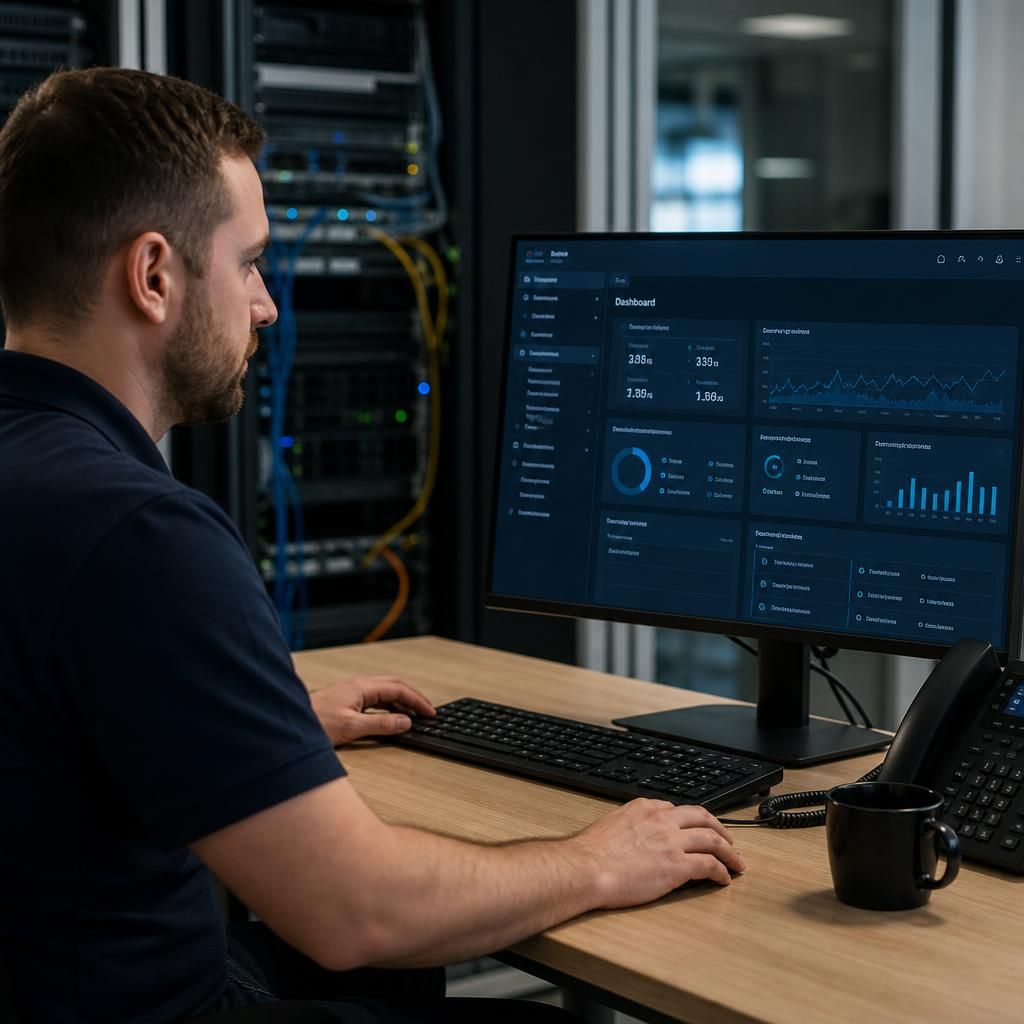
A cloud server for a small business is a managed computing environment hosted in a data centre and accessed over a network. Specialist knowledge is needed to align its architecture with application requirements, user roles, security controls and the organisation’s approach to resilience, rather than treating cloud hosting as a simple replacement for an on-site server.
S2 Technology Group considers the operational detail behind that architecture, including identity management, patching, monitoring, backup arrangements and the separation of administrative privileges. These controls help establish a cloud server environment that can be governed properly as staff, applications and business processes develop.
This depth of assessment is particularly relevant where cloud servers support several connected services or sites. S2 provides informed guidance on the technical dependencies, configuration choices and management responsibilities involved, giving decision-makers a clearer basis for evaluating cloud based servers for small business.
Questions to Ask Before Choosing a Cloud Server
How will a cloud server handle your business’s data location requirements?
Review how data can be recovered after accidental deletion, corruption or a compromised account. Confirm backup retention, restoration testing, recovery responsibilities and document whether critical applications require separate continuity arrangements.
How will cloud server costs change as your business grows?
Examine whether charges reflect users, storage, processing capacity, software licences, connectivity and support, rather than a fixed package. Request modelling for likely growth, seasonal demand and changing future application requirements.
What connectivity does your cloud server require for reliable business access?
Assess bandwidth, latency, connection resilience and traffic prioritisation for applications hosted in the cloud. Check whether voice, remote sessions and file transfers compete, and plan failover without relying on assumptions.
How easily can your business move away from a cloud server provider?
Check export formats, application dependencies and licence ownership before signing. Clarify notice periods, assistance charges, data erasure evidence and whether your team can rebuild services elsewhere without losing essential functionality.
How is cloud server performance measured for business applications?
Measure performance through response times, CPU and memory utilisation, storage latency, session quality and resource contention. Use baselines and trend analysis to separate server constraints from application or network issues.
Clear Guidance
S2 connects cloud server design with applications, permissions, connectivity and governance, giving businesses a clearer basis for sound technology decisions.
Businesses We Support with Cloud Servers

Professional Services Organisations
Professional services firms often depend on document management, line-of-business applications and controlled access to client information. A cloud server can centralise these resources while supporting structured permissions for office-based and remote users.

Manufacturing Businesses
Manufacturers may need reliable access to operational software, shared files and administrative systems across office and production environments. Cloud server planning should account for application requirements, user roles and connectivity between sites.
Logistics Companies
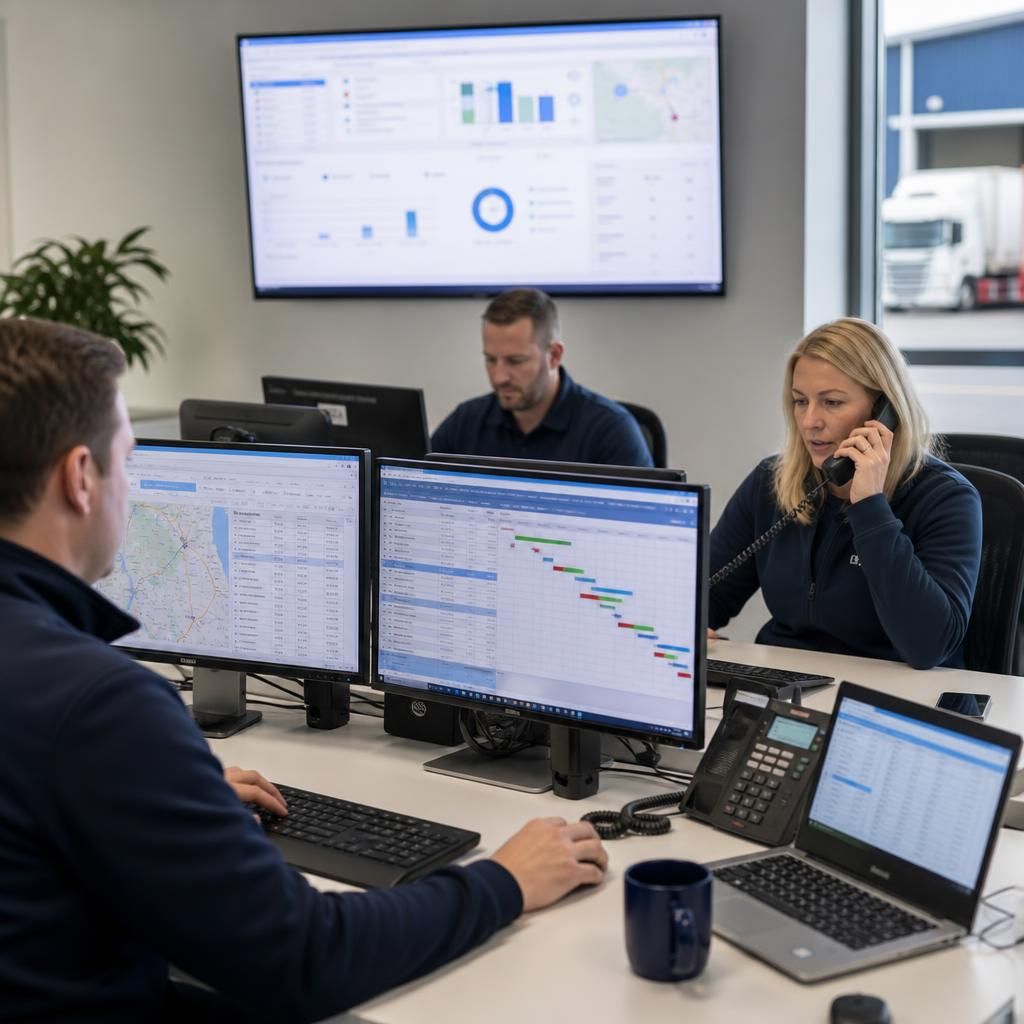
Logistics organisations commonly rely on systems for planning, records and coordination between teams. Cloud servers can provide a centrally managed platform, with access arrangements shaped around user permissions, application dependencies and data protection needs.

Multi-Site Businesses
Businesses with several premises may use cloud servers to make shared applications and information available through a consistent infrastructure model. The design must consider connectivity, site access, user structure and how different locations depend on central systems.
Cloud Server Options for Different Working Requirements
Cloud servers can be considered when a business is replacing ageing on-premises hardware, opening another site, accommodating hybrid teams or needing a hosted environment for specific software. Each situation brings different requirements for access, resilience, security and administration.
Replacing On-Premises Server Hardware
A cloud server can be considered when existing physical equipment is ageing or approaching replacement. It provides hosted computing resources without requiring the business to purchase, house and maintain another physical server on its premises.
Supporting Hybrid Teams
Businesses with staff working from different locations may use a cloud server to provide a central environment for applications and files. User permissions and connection methods should be defined carefully so access remains appropriate to each role.
Connecting Multiple Sites
Organisations with more than one office can use a cloud server as a shared platform for systems that need to be accessed across locations. The design should account for connectivity, application dependencies and how information is managed between sites.
Hosting Specialist Applications
Some business software has specific server, database or processing requirements that are not well suited to individual devices. A cloud server can provide a dedicated hosted environment for those applications, subject to checking compatibility and resource needs.
Strengthening Control Over Business Data
A cloud server may be appropriate where a business needs clearer control over who can access shared information and how systems are administered. Security settings, permissions, backup arrangements and governance should be considered as part of the overall design.
Cloud Server Questions Answered
How secure is a cloud server for a small business?
Cloud servers can host business software, databases and files on virtualised infrastructure, with resources allocated according to requirements. Suitability depends on workload compatibility, security controls, connectivity and planned backup arrangements.
How are cloud server backups managed for a small business?
Cloud server backups typically involve scheduled copies of data, applications and configurations to separate storage, with retention policies and restoration testing defined according to business continuity requirements and operational priorities.
Can a cloud server support your existing business software?
Cloud servers can usually run established business software, but compatibility depends on operating systems, licensing, integrations and performance requirements. Testing before migration helps identify changes needed for reliable ongoing operation.
What administration does a cloud server require?
Cloud server administration includes managing user access, operating systems, updates, allocation, monitoring and configuration. Responsibilities may be shared between your organisation and provider according to skills, control and service design.
How is a cloud server migrated from on-premises infrastructure?
Migration from on-premises infrastructure involves assessing workloads, preparing environment, transferring data, configuring access, testing applications and switching users across. A staged approach can reduce disruption and expose issues before cutover.
Discuss Your Cloud Server Requirements
Discuss your cloud server requirements with S2 Technology Group to clarify suitable hosting, user access, security controls and management responsibilities. Enquire today for practical guidance based on your applications, existing infrastructure and plans for growth.