
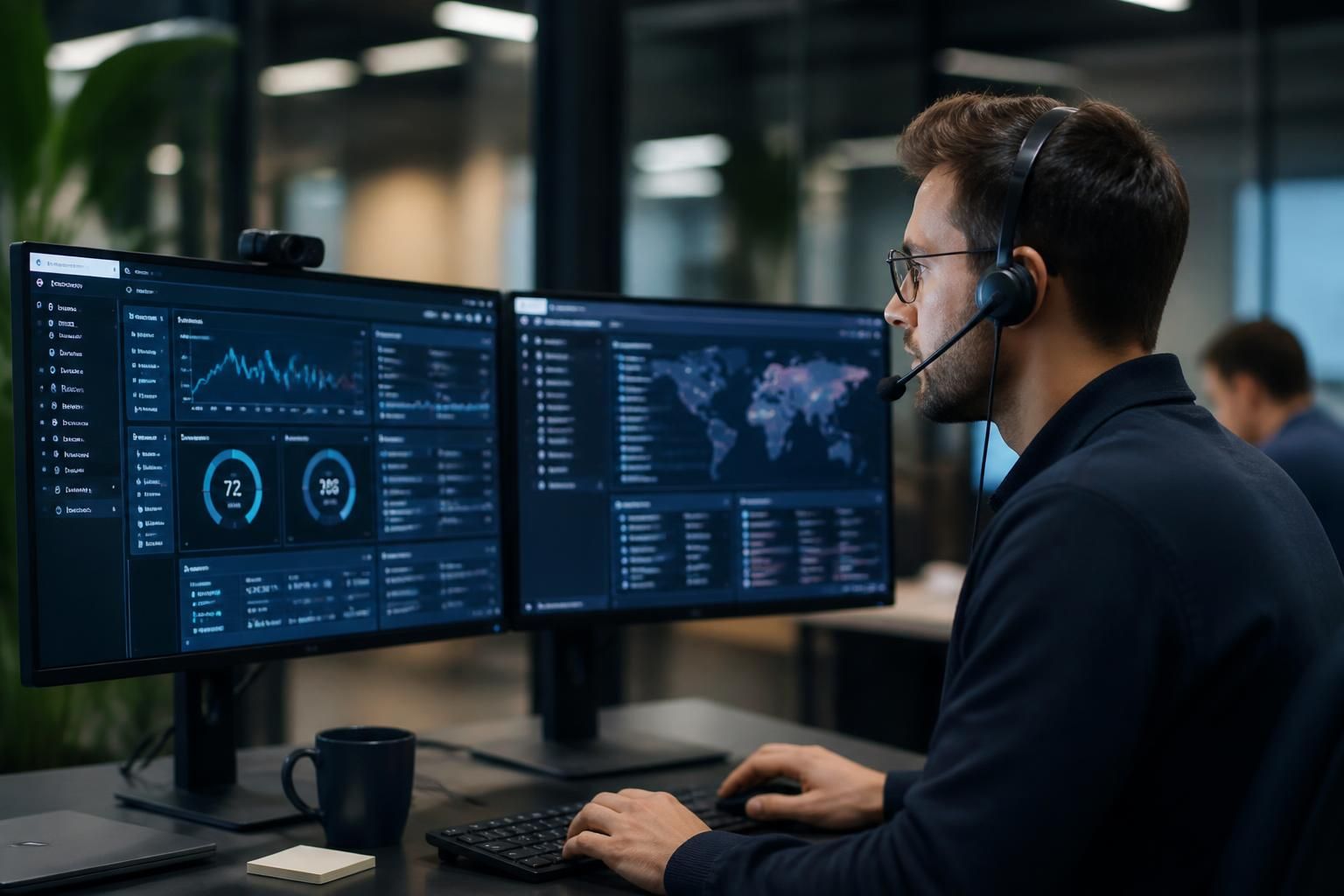
Remote Managed IT Support
Remote managed IT support is the delivery of IT monitoring, maintenance and technical assistance from an off-site team. S2 Technology Group helps businesses manage devices, users, systems and security remotely, reducing dependence on on-site intervention for routine support.
Outcomes of Remote Managed IT Support
Remote managed IT support can influence more than fault resolution. Its practical value includes clearer oversight, better control of routine changes, stronger continuity for distributed teams, and a more consistent approach to maintaining business technology.
Earlier identification of IT issues
Remote monitoring gives the support team visibility of device, system and security conditions without waiting for a user to report every problem. This helps identify faults, unusual activity and maintenance requirements for investigation before they become wider operational issues.
More consistent device maintenance
Routine maintenance can be planned and applied across managed devices using a defined remote process. This supports a more consistent approach to updates, configuration checks and system upkeep than relying on individual users to manage these tasks themselves.
Stronger control over user access
Remote management makes it easier to apply agreed access controls when users join, change responsibilities or leave the organisation. Keeping user accounts and permissions aligned with business requirements reduces unnecessary access to systems and information.
Clearer visibility of the technology estate
A managed remote service can maintain an overview of devices, users, systems and their configuration. This gives decision-makers better information when reviewing risks, planning upgrades or assessing whether existing technology still supports the organisation.
More structured security management
Security-related checks and controls can be managed as part of the wider remote support process rather than treated as isolated tasks. This helps link device maintenance, user access and system oversight into a more consistent security approach.
Better support for business growth
Remote management provides a repeatable way to add users, configure devices and adjust systems as an organisation develops. This can help growing businesses extend their IT environment without making every routine change dependent on a separate on-site intervention.
Improved support for remote access
Remote managed IT support can help maintain the systems and controls that staff need when accessing business resources away from the office. Managing these arrangements centrally supports more consistent access while keeping security and user requirements in view.
More informed technology planning
Ongoing remote oversight creates useful context for decisions about infrastructure upgrades, system changes and future IT requirements. Rather than basing plans only on isolated support requests, businesses can consider recurring issues, current configurations and changing operational needs together.
Meet the People Behind Your Remote IT Support
Remote managed IT support still depends on people, not only monitoring tools. S2 Technology Group’s team interprets alerts, investigates recurring issues and explains the practical effect of technical decisions in terms that business users can apply.
Good remote support starts with context. A technician needs to understand which users, applications and processes are affected before changing a setting or applying a fix. This reduces guesswork and helps distinguish an isolated device problem from an issue requiring wider attention.
Human judgement also matters when planning improvements. S2 can discuss priorities with business contacts and help coordinate changes across users or locations. The aim is a clear working relationship in which technical support remains understandable, proportionate and aligned with how the organisation operates.
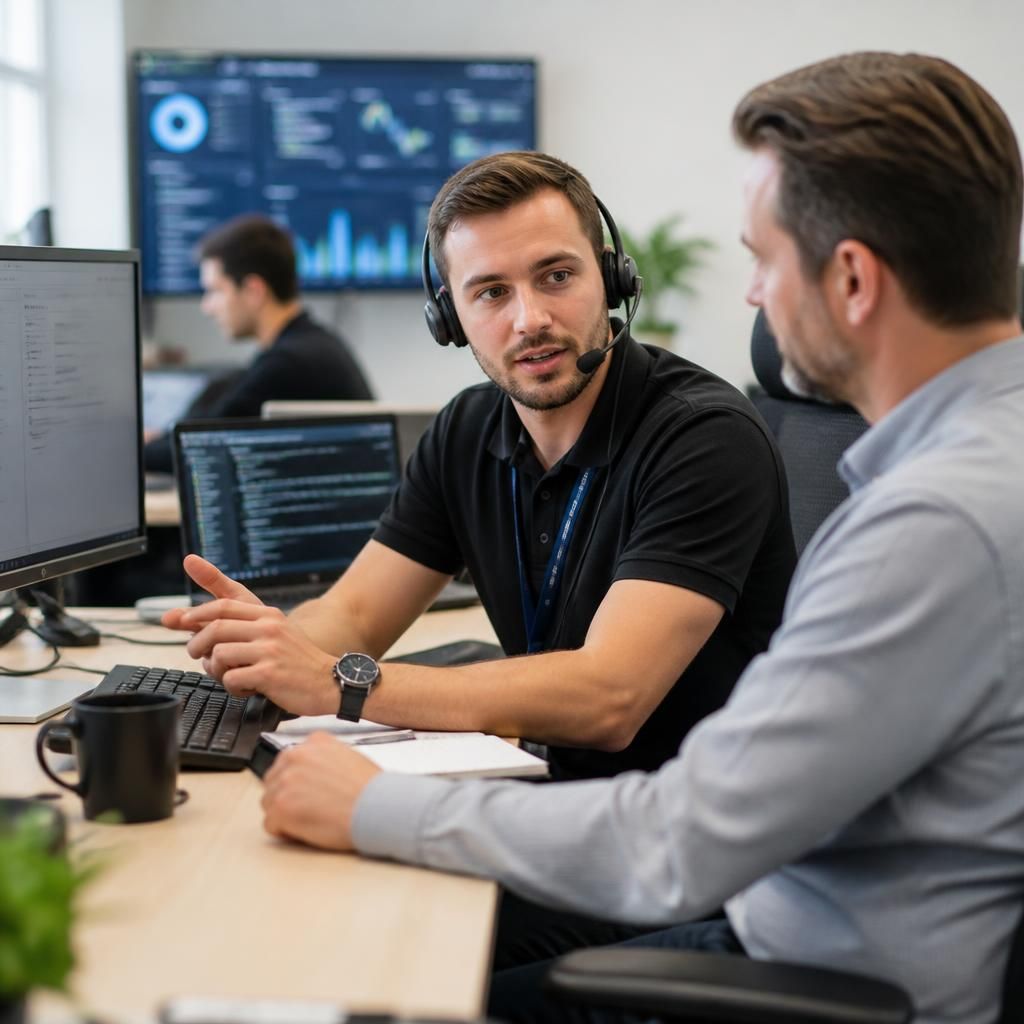
Specialist Expertise in Remote Managed IT Support
Remote managed IT support is the structured administration of business technology from an off-site service team, using secure access, system information and documented processes to investigate and resolve issues. S2 Technology Group applies this approach across user devices, networks, cloud services and business systems, while considering the security and operational requirements of the wider environment.
Specialist remote support depends on more than accessing an affected computer. It requires the ability to interpret logs, configuration data and dependency relationships so that technical symptoms can be assessed in context. S2’s wider expertise in cyber security, cloud solutions and business connectivity supports a more joined-up assessment when an issue crosses device, network or hosted-service boundaries.
This depth is particularly relevant to organisations whose technology estate is changing as they grow, adopt cloud services or connect users across multiple sites. S2 can provide informed technical guidance alongside remote administration, helping business contacts evaluate risks, prioritise improvements and maintain a consistent approach to secure, manageable IT.
Questions to Ask About Remote Managed IT Support
How is remote access secured during technical support?
Ask whether remote access is controlled, logged and limited by role, how approvals work, and what happens when systems cannot be reached remotely. Clear procedures help expose operational risk early.
Which IT issues can remote managed IT support resolve?
Remote support can address device faults, software errors, account and access problems, connectivity issues, configuration changes and routine maintenance. Problems requiring physical work or unavailable systems may need onsite handling.
How are persistent technical problems escalated through remote managed IT support?
Persistent issues should move from repeated fixes to structured investigation, with incident history, affected dependencies, root-cause analysis and agreed ownership documented. Escalation may then involve project planning or specialist intervention.
What reporting should remote managed IT support provide?
Reports should summarise ticket patterns, device and service status, security findings, recurring risks, outstanding recommendations and completed actions. They give business contacts evidence for prioritising investment, governance and operational improvements.
How is remote managed IT support introduced into an existing IT environment?
Introduction should begin with an inventory of users, devices, applications, connectivity and dependencies. Existing documentation, access arrangements and business priorities then inform a phased transition, with responsibilities clearly agreed beforehand.
Context-Led Support
Context-aware remote managed IT support connects technical expertise with users, systems and priorities, so decisions reflect the wider business environment.
Businesses We Support
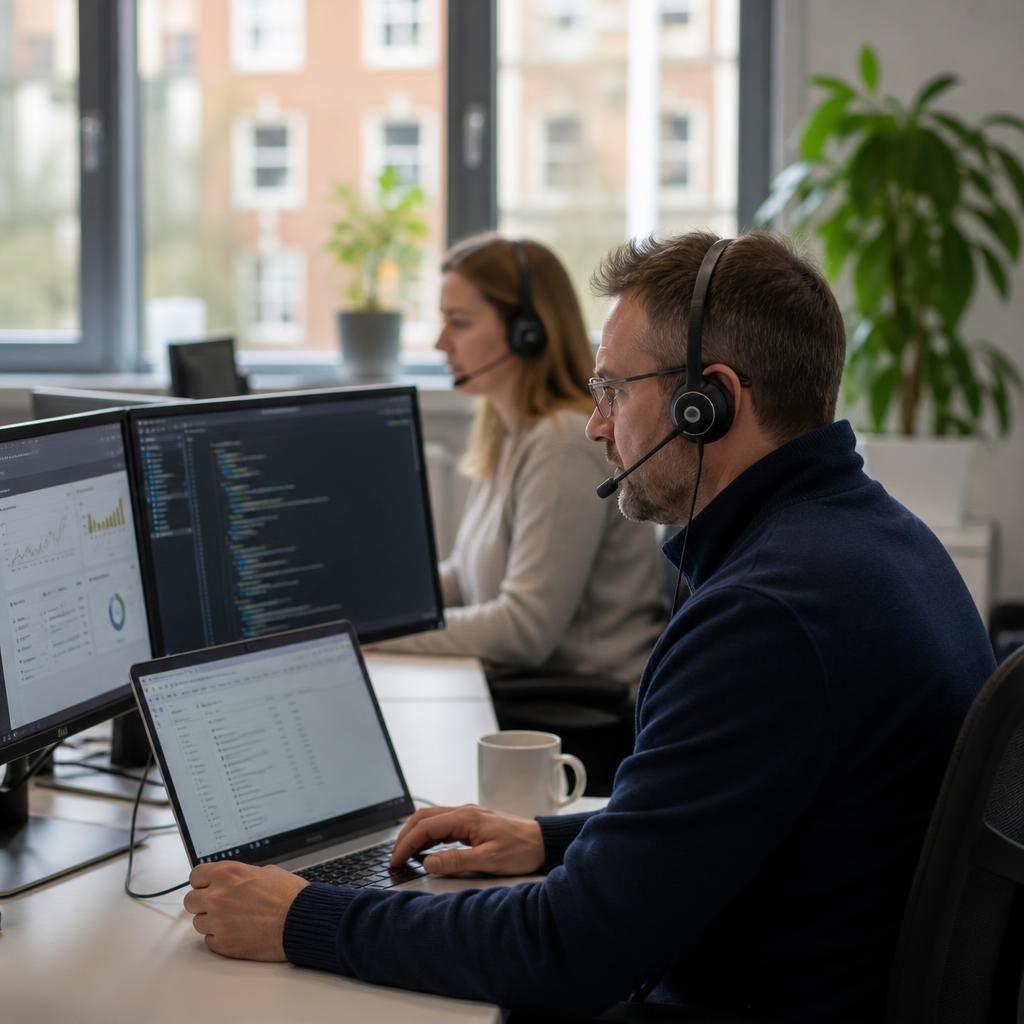
Professional Services Organisations
Professional services firms often depend on cloud applications, managed user access and secure handling of client information. Remote managed IT support can help maintain user accounts, devices and security controls without requiring routine on-site visits.
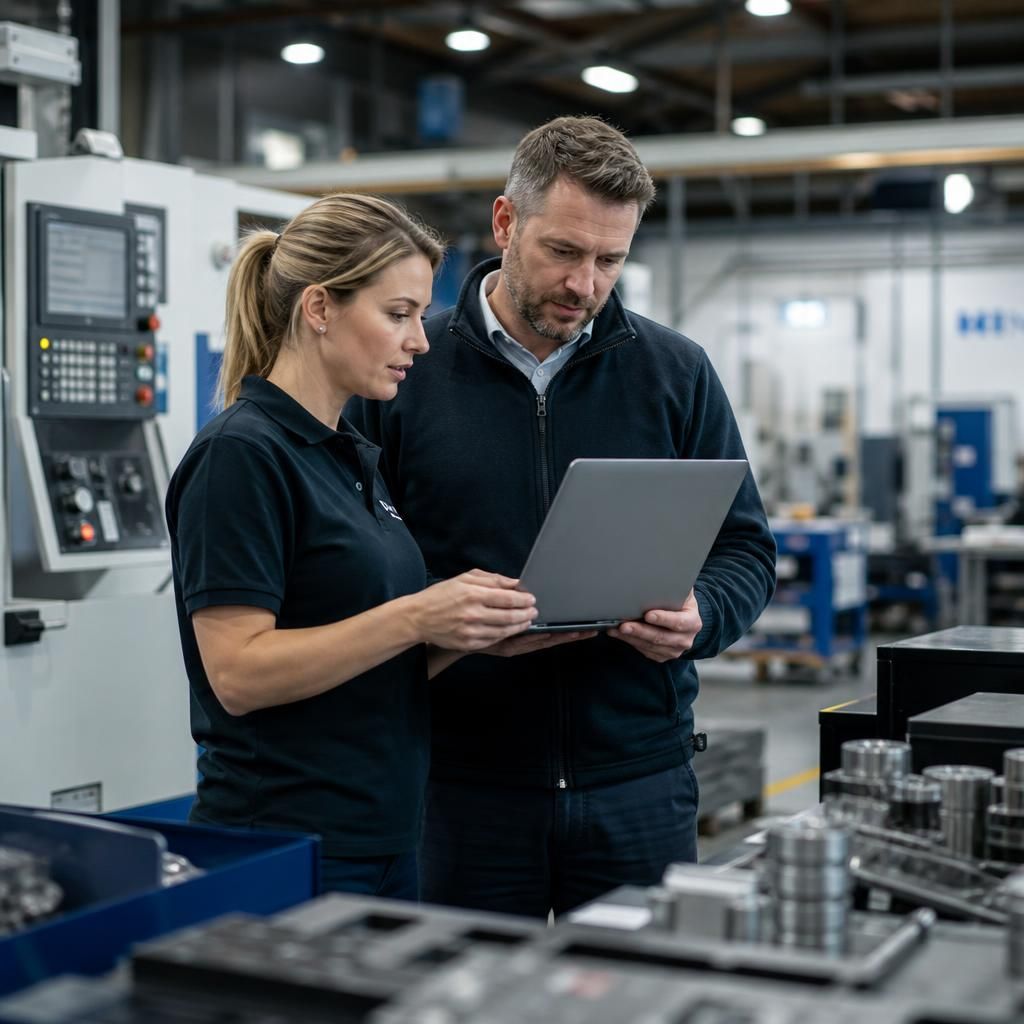
Manufacturing Businesses
Manufacturing organisations may need support across office systems, user devices and operational teams. A remote support model can assist with monitoring, maintenance and access management while recognising the different requirements of administrative and production environments.
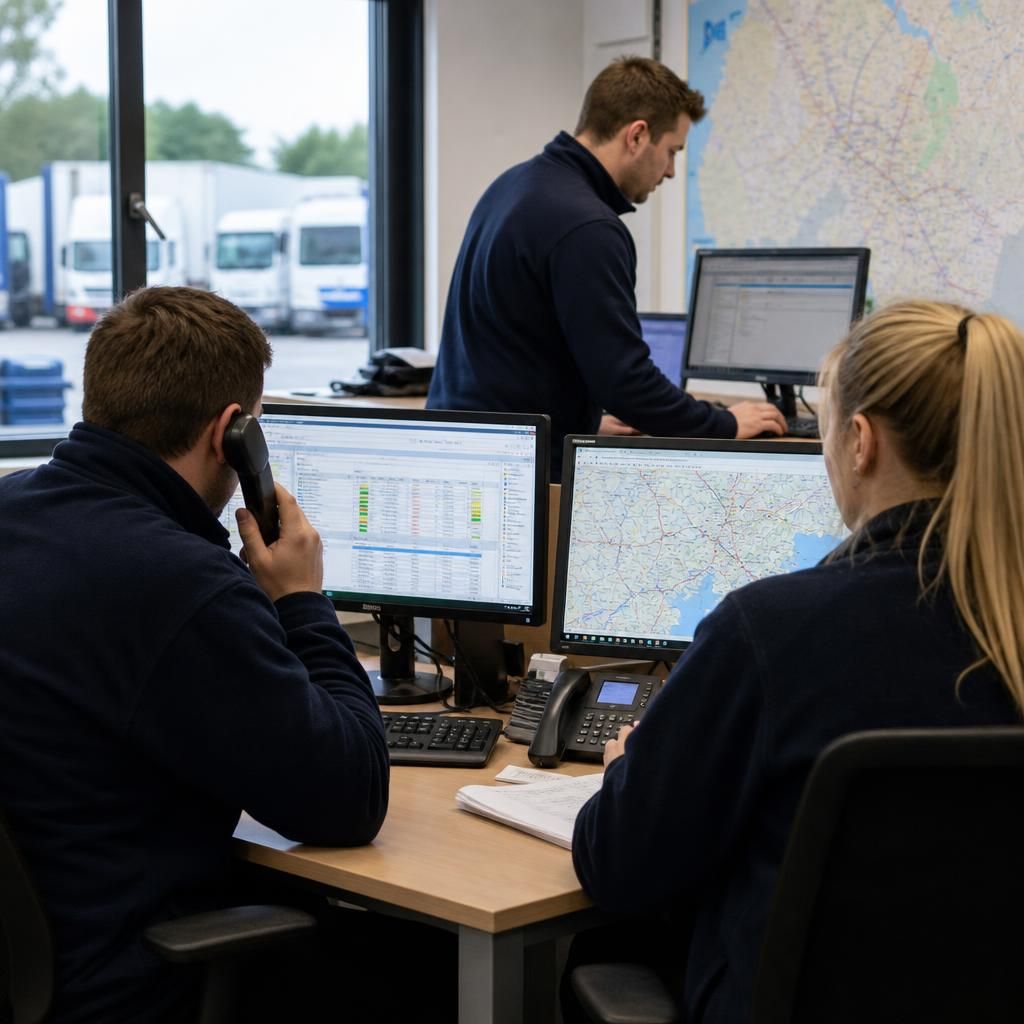
Logistics Operations
Logistics businesses rely on dependable connectivity and access to systems used by office-based and mobile teams. Remote managed IT support provides a structured way to manage users, devices and common technical issues across changing working locations.
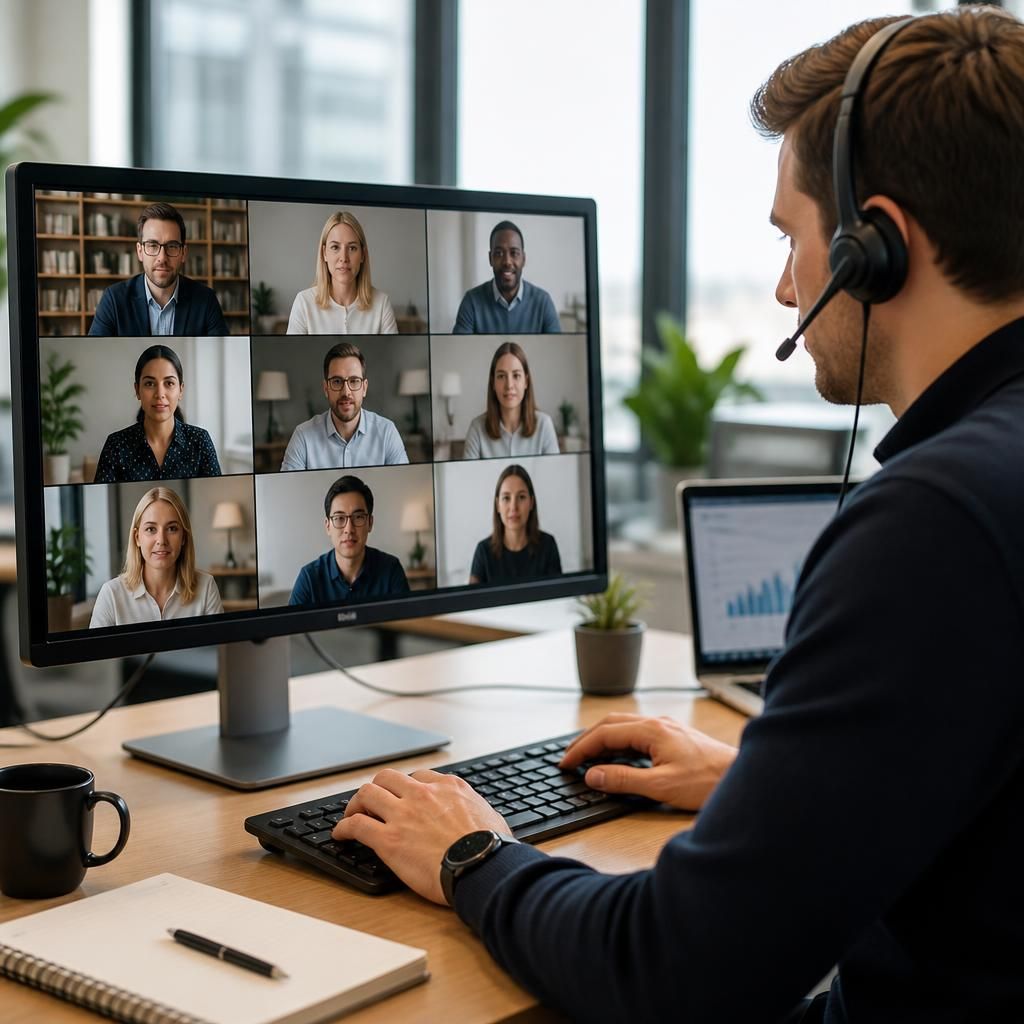
Multi-Site Organisations
Multi-site businesses need consistent IT administration across offices, users and networks. Remote managed IT support can help apply agreed security and configuration standards across locations, while identifying issues that may affect one site or the wider organisation.
Where Remote Managed IT Support Fits
Remote managed IT support can suit organisations with distributed users, limited on-site technical resource or recurring device administration needs. The examples below show how remote assistance may be applied to everyday support, user changes and system oversight.
Hybrid and Remote Teams
Remote managed IT support fits organisations whose employees work from home, across client sites or between office locations. Technicians can investigate user issues and administer supported devices without requiring every employee to be in the same workplace.
Multi-Site Organisations
Businesses operating from more than one premises may use remote support to maintain a consistent approach to devices, users and core systems across locations. Centralised oversight can make it easier to identify whether an issue is local or affects several sites.
Lean Internal IT Capacity
A growing business may have a knowledgeable internal contact without needing a fully staffed IT department. Remote managed support can provide additional technical capability for device administration, troubleshooting and routine system management.
Security-Focused Device Management
Remote support is relevant where business devices need regular attention to security settings, user access and software maintenance. Off-site administration allows these technical controls to be reviewed as part of the organisation’s wider IT arrangements.
Planned Technology Changes
Remote managed IT support can support organisations preparing for changes to systems, devices or working arrangements. A remote team can help assess the technical implications, coordinate settings and keep the effect on users under review.
Questions About Remote Managed IT Support
Is remote managed IT support suitable for multi-site businesses?
Remote support can monitor systems, apply approved changes, investigate faults and assist users without travelling on-site. Issues involving cabling, hardware replacement or physical access may still occasionally require local intervention.
How is remote managed IT support priced?
Pricing typically reflects user and device numbers, required monitoring, security responsibilities and support scope. S2 Technology Group can assess your environment and provide a support proposal suited to your requirements.
Does remote managed IT support include patch management?
Yes, it can include patch management: remote tools identify missing updates, schedule approved deployments, and report installation status, helping maintain supported software and reduce exposure to known vulnerabilities and security risks.
Can remote managed IT support manage user access and permissions?
Yes, remote management can create, amend and remove accounts, assign role-based permissions, and support access reviews. Approval controls and documented changes help reduce unauthorised access when responsibilities or staffing change.
Does remote managed IT support include backup monitoring?
It can monitor backup jobs, identify failed or incomplete runs, check reporting and flag unusual results. Reviewing alerts and retention settings helps verify that recovery data remains available when needed.