
Secure Server Backup Solutions
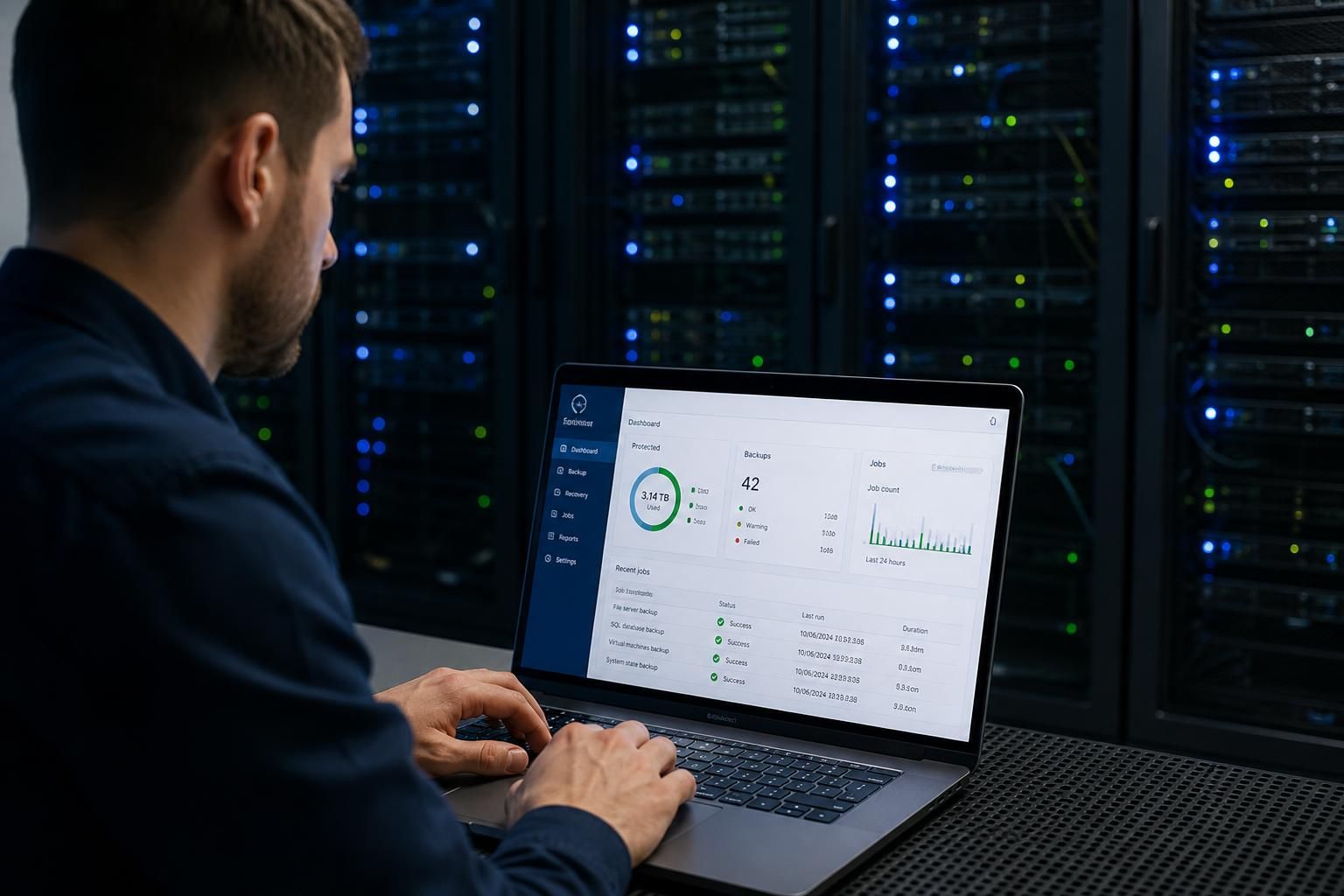
Server backup solutions create protected copies of operating systems, files, databases and application data, allowing organisations to restore services after hardware failure, corruption, accidental deletion or cyber incidents. S2 Technology Group provides scalable online and image-based approaches.
Business Outcomes of Server Backup Solutions
A well-designed server backup solution combines suitable retention rules, recovery testing and access controls. It helps businesses limit operational disruption, support governance requirements and recover data consistently when an incident affects critical systems, applications or stored files.
Reduced disruption from server failures
A current backup gives administrators a recovery source when a server suffers hardware failure, system corruption or another incident. This can help restore essential operating systems, applications and files without rebuilding the entire environment from the beginning.
Recovery from accidental deletion
Retention rules preserve earlier versions of data, allowing selected files, folders or application information to be recovered after accidental deletion or unwanted changes.
Stronger resilience against cyber incidents
Separating backup copies from production systems and controlling access to them reduces the risk that an incident affecting live data also compromises every recovery copy.
More consistent recovery procedures
Documented backup schedules, recovery priorities and tested restore processes give IT teams a defined method for bringing critical servers and applications back into service.
Support for governance requirements
Retention records and controlled access provide evidence of how business data is protected and managed, helping organisations align server backup practices with internal policies and relevant governance obligations.
Capacity that can grow with the organisation
Scalable server backup arrangements can accommodate additional workloads, files, applications and infrastructure as a business expands, without requiring the backup design to be replaced each time.
The People Behind Your Server Backup
Server backup solutions are planned systems for copying server data and configuration to protected storage, with rules for what is captured, retained and checked. Our team begins by understanding how your organisation uses its servers, including file shares, databases, line-of-business applications and virtual machines, rather than treating every environment alike.
That assessment informs backup schedules, retention policies and the separation of backup access from day-to-day administration. We also consider encryption, storage location, permissions and the evidence needed to confirm that jobs are completing properly. Clear documentation means your staff are not left guessing when a recovery decision is required.
Good support includes explaining the choices in straightforward terms and recording changes as your infrastructure develops. Whether you operate a single physical server or a mixed virtual environment, we can help you assess current arrangements, identify gaps and establish a server backup approach that is practical for your organisation.
Specialist Expertise in Server Backup
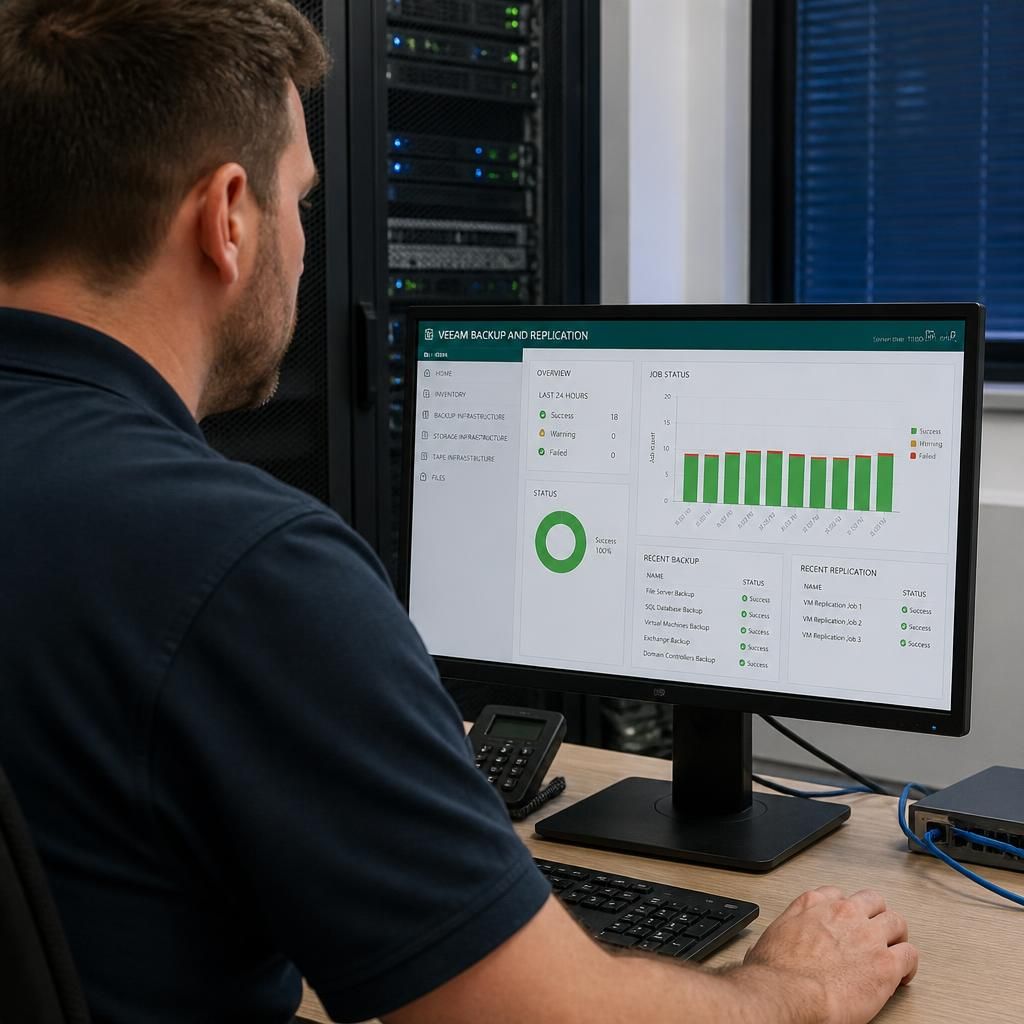
Server backup solutions are engineered recovery controls that preserve a usable copy of server workloads and the information they depend on. Their effectiveness is judged not only by whether a backup job completes, but by whether systems, applications and data can be restored in a dependable sequence.
S2 Technology Group brings specialist depth to the points that are often overlooked: application consistency, database dependencies, recovery priorities and the difference between restoring individual files and rebuilding an entire server. These considerations help shape a backup design that reflects how an organisation actually operates, rather than relying on a standard configuration.
Sound technical practice also requires evidence that recovery procedures remain suitable as infrastructure changes. Reviewing restore results, documenting dependencies and refining protection as workloads develop gives decision-makers a clearer basis for managing operational risk. This structured approach supports businesses that need their server backup arrangements to remain understandable, testable and aligned with wider continuity planning.
Questions to Ask About Server Backup Solutions
Can your server backups survive a compromised administrator account?
Assess recovery objectives before selecting technology: define acceptable data loss and restoration time for each workload, then verify the proposed server backup design can meet them consistently through documented testing.
What happens when a server backup repository runs out of space?
Capacity alerts should precede exhaustion, with retention rules, tiered storage and pruning reviewed against recovery requirements. Investigate failed jobs, protect essential restore points and expand capacity before backups are interrupted.
Which data is excluded from your server backup policy?
Document exclusions explicitly, including temporary files, caches, personal data, unsupported applications and redundant copies. Record the rationale, owner and recovery impact, then review exclusions whenever systems or business requirements change.
Can server backups be recovered if the production network is unavailable?
Use a repository reachable through an independent management path, with isolated or removable copies for severe outages. Document offline restoration procedures, credentials and dependencies, then test recovery without production connectivity.
Can server backups be restored to different hardware?
Yes, if backups capture system state appropriately. Validate bare-metal recovery on compatible hardware, account for drivers, storage controllers and boot modes, and document application licensing or activation requirements in advance.
Recovery Readiness
S2 Technology Group aligns server backup design with organisational priorities, recovery dependencies and testing, rather than treating protection as software.
Organisations We Support with Server Backup

Professional Services Organisations
Professional services firms often depend on shared documents, client records and line-of-business applications being available and consistent. Server backup planning considers file permissions, database dependencies and retention requirements so that important information can be recovered without overlooking the systems that support daily work.

Manufacturing Businesses
Manufacturing environments may connect office systems with production-related applications, stock records and operational data. A suitable server backup approach maps these dependencies, protects configuration information and helps identify which systems need priority during recovery.

Logistics Organisations
Logistics operations rely on data such as schedules, orders, inventory records and transport documentation. Backup design for these organisations needs to account for application data, shared files and the order in which connected systems must be restored.

Growing Multi-Site Businesses
Multi-site organisations need server backup arrangements that reflect different locations, connectivity routes and access permissions. Reviewing the environment as a whole helps clarify where backup copies are stored, how they are protected and how recovery requirements differ between central and site-based systems.
Server Backup for Different Business Needs
Server backup solutions can be tailored to the systems, data types and recovery priorities found in different organisations. The following situations show how businesses may apply local, online or hybrid protection to address specific operational and compliance requirements.
Growing Organisations
As an organisation adds users, applications and data, its backup requirements can become more complex. Server backup solutions can be structured around changing storage needs, different retention periods and the systems that are most important to daily operations. This gives growing businesses a clearer basis for reviewing capacity and adjusting protection as their infrastructure develops.
Operationally Critical Systems
Manufacturing, logistics and other process-led businesses may depend on servers that support shared files, operational records or specialist applications. Backup planning can prioritise the relationships between these systems, helping define what must be restored first and what data each service requires before it can be used properly.
Protection From Cyber Incidents
A cyber incident can affect both live data and connected backup resources. Server backup arrangements can therefore separate backup access from routine administration and apply appropriate permissions and encryption. Reviewing how backup copies are stored and accessed helps organisations assess whether their current design supports recovery following corruption or malicious activity.
Multi-Site Businesses
Businesses operating across multiple locations may have servers, applications or shared data distributed between sites. A consistent backup policy can bring schedules, retention rules and monitoring requirements into one documented approach, while still accounting for the systems and data held at each location.
Retention And Governance Needs
Some organisations need to retain particular records for defined periods and demonstrate that backup activity is being managed properly. Server backup planning can map retention rules to business requirements, control who can access backup data and maintain clear records of configuration changes and completed checks.
Server Backup Solutions: Frequently Asked Questions
How often should a server backup run?
Server backup solutions protect operating systems, files, databases and applications by creating recoverable copies on separate storage, supporting restoration after hardware failure, corruption, deletion or cyber incidents affecting business operations.
How long should server backups be retained?
Retention periods should reflect regulatory duties, recovery-point requirements, data sensitivity and storage capacity. Use daily, weekly or monthly retention tiers, and review them when systems, risks or compliance obligations change.
What is the difference between file-level and image-based server backup?
File-level backup copies selected files and folders, enabling granular restoration. Image-based backup captures an entire server or volume, including configuration and applications, supporting broader system recovery after failure or corruption.
How can you test whether server backups will restore successfully?
Test restores by recovering selected files, applications or complete server images in an isolated environment, then verify data integrity, dependencies and application functionality. Document results and repeat after significant changes.
What should a server backup recovery plan include?
A server backup recovery plan should define recovery priorities, responsible roles, access procedures, dependencies, escalation routes, communication steps and documented actions for restoring services after disruption or data loss occurs.
Get Advice on the Right Server Backup Approach
Discuss your current server backup arrangements with S2 Technology Group to identify practical improvements, clarify recovery priorities and determine which online, local or hybrid options best fit your organisation’s infrastructure and data requirements.