

Managed IT Support
Managed IT support is an ongoing service for maintaining, securing and improving a business’s technology. S2 Technology Group combines proactive support, cyber security, cloud management and infrastructure advice to help organisations operate reliably and scale securely.
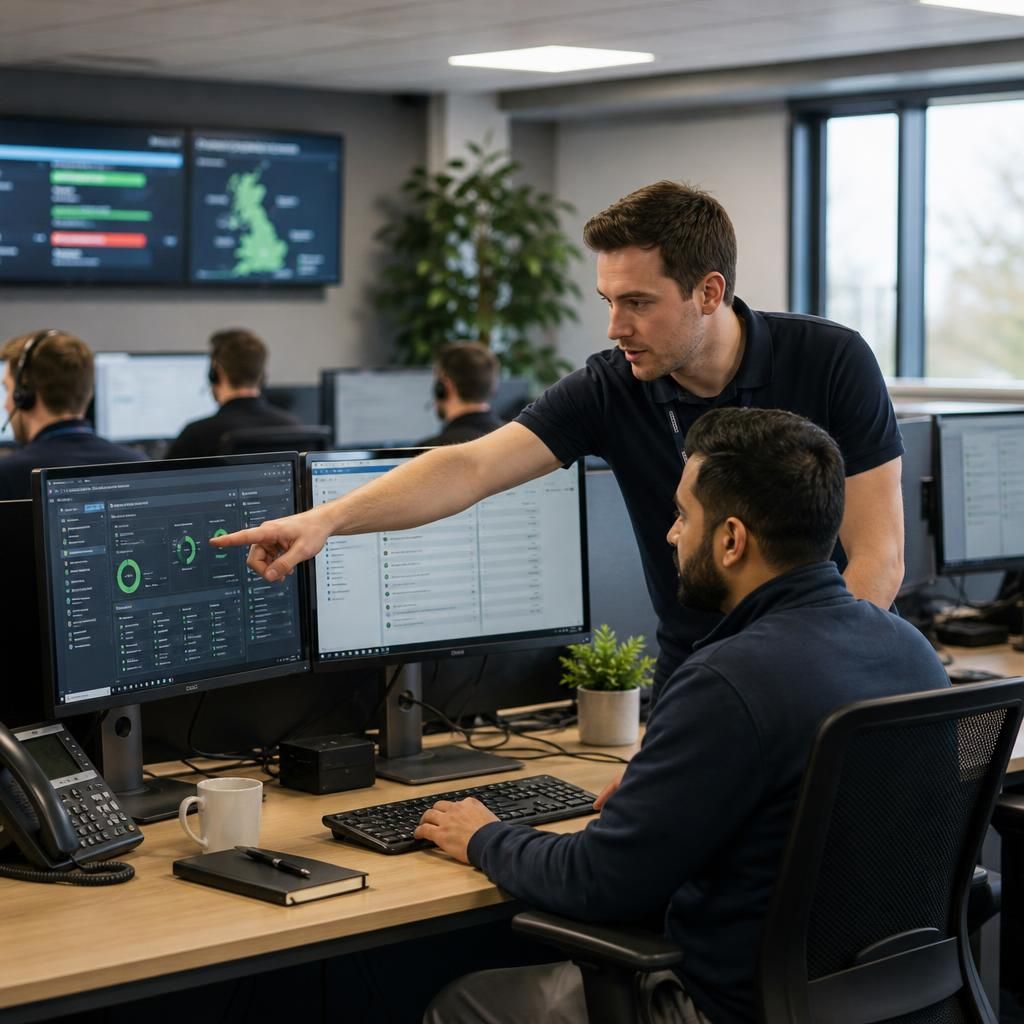
How Managed IT Support Fits Together
Managed IT support is a structured arrangement in which an IT provider takes responsibility for defined technology functions, rather than waiting for individual faults to be reported. The scope may include user support, device and server oversight, network maintenance, patching, backup checks and security administration.
An effective arrangement separates routine management from projects and specialist escalation. Routine work keeps systems governed and documented; projects cover changes such as upgrades or cloud migrations; escalation handles complex incidents requiring deeper investigation. This distinction helps a business understand what its service includes and where extra consultancy may apply.
Before comparing managed support services, check how issues are logged, prioritised and reviewed, which systems are monitored, and how ownership is recorded. Ask for clear boundaries around third-party applications, on-site visits, licences and out-of-scope work. S2 can shape managed IT support around the systems and operational needs of small and medium-sized organisations.
What Effective Managed IT Support Covers
The following strengths show how S2 approaches managed IT support: combining clear accountability, practical technical guidance, security-conscious planning and scalable service design with an understanding of the operational pressures facing growing organisations.
Clear Accountability
Defined responsibilities make it easier to understand which technology functions S2 manages, how issues are handled and where third-party or project work sits outside the service.
Security-Conscious Management
Security is considered alongside routine support, with attention to access controls, device management, patching, backups and the risks introduced by changing business systems.
Practical Technical Guidance
Recommendations are linked to the organisation’s existing systems and working practices, helping decision-makers assess upgrades, configuration changes and infrastructure improvements in context.
Designed to Scale
Managed support can be shaped around the needs of growing organisations, including changes to users, devices, locations, cloud services and connectivity as the business develops.
Structured Service Oversight
Documented systems, agreed service boundaries and regular review create a clearer basis for managing recurring work, planned changes and specialist technical escalation.
Where IT Risk Can Build Between Support Requests
Managed IT support is an operating model that applies consistent controls across a business’s technology, rather than treating each device, user or system as a separate responsibility. This can make configuration, access and technology records easier to govern as the organisation develops.
An often-overlooked challenge is change within the workforce. Joiners, leavers, role changes and equipment reassignment can leave outdated permissions, unused licences or inaccurate asset records if they are handled informally. Including these activities in managed IT support helps align technology with current business responsibilities.
Growing organisations can also use managed IT support to identify where standardisation would reduce avoidable complexity. Approved device configurations, documented onboarding steps and planned technology lifecycles provide a clearer foundation for future decisions. S2 Technology Group can help businesses assess these practical requirements alongside their wider IT needs.
Choose the Right Managed IT Support Approach
Managed IT support can be structured around the technology responsibilities a business needs to control, rather than applying an identical package to every organisation. The right scope depends on internal capability, operational risk, infrastructure complexity and the guidance required for day-to-day decisions.
The options below match common needs with appropriate support models and service boundaries.
Match Your IT Needs to the Right Support Model
No Dedicated IT Team
A fully managed support model gives organisations without in-house IT capacity a defined partner for day-to-day technology management and technical guidance.
Co-Managed IT
A co-managed model allows an internal team to retain routine responsibilities while S2 provides additional expertise, governance and support for more complex requirements.
Security-Led Support
Where risk reduction is the priority, the support scope can place greater emphasis on security controls, access governance and ongoing protection of business systems.
Cloud-Centred Operations
A cloud-focused approach brings cloud services, user access and business applications into a coordinated support structure as reliance on hosted systems increases.
Multi-Site Coordination
Organisations operating across several locations can use managed IT support to apply consistent technology standards, connectivity oversight and documented ownership across each site.
Questions to Ask About Managed IT Support
What happens when a managed IT support agreement ends?
Review how performance is evidenced: request meaningful reports, documented recommendations, incident trends, risk registers, and an exit process preserving administrative access, records, configurations and business continuity throughout transition planning.
How is managed IT support pricing structured?
Pricing should reflect agreed responsibilities, monitored systems, user and device scope, service levels, project exclusions, licensing, and on-site requirements. Compare inclusions, assumptions, review arrangements, and additional-work rates before signing contracts.
What security responsibilities should managed IT support include?
Responsibilities should cover identity and access control, patch governance, endpoint protection, vulnerability review, incident handling, security monitoring, user awareness, policy maintenance, exceptions, and ownership, with escalation routes formally agreed.
What should a managed IT support onboarding process include?
Onboarding should document systems, users, dependencies and risks, confirm administrative access, establish support routes, validate monitoring and backups, and produce an agreed transition plan with clearly defined responsibilities and priorities.
How should managed IT support integrate with an internal IT team?
A managed provider should complement internal IT by agreeing ownership, escalation and documentation. Internal staff retain strategic control, while outsourced specialists handle defined operational tasks, avoiding duplicated effort and confusion.
Practical Options Within Managed IT Support
The following options show how managed IT support can extend beyond fault handling, from technology policy reviews and supplier coordination to licence oversight and capacity planning. Each can clarify responsibility, inform decisions and reduce gaps between everyday administration and longer-term planning.
User Support and Triage
A managed support model can give staff a defined route for reporting technical issues, with requests categorised by business impact and directed to the appropriate level of investigation.
Endpoint Management
Workstations and other business devices can be managed against agreed standards, helping maintain consistent configurations and providing a clearer basis for patching, maintenance and replacement decisions.
Identity and Access Oversight
Access administration can be linked to each person’s role, with joiners, leavers and changes recorded so permissions remain aligned with current business responsibilities.
Cloud Service Administration
Managed support may include oversight of cloud environments, user accounts, configurations and dependencies, helping organisations understand how hosted services fit into their wider technology estate.
Network and Connectivity Management
Network oversight covers the connections and core equipment that allow users, sites and services to communicate, with documented ownership helping separate routine maintenance from infrastructure projects.
Technology Planning
Regular reviews can identify capacity concerns, ageing systems and emerging requirements, giving business leaders a structured basis for prioritising upgrades, suppliers and future IT investment.
Business Benefits of Managed IT Support
Managed IT support gives a business a defined point of responsibility for the day-to-day operation of its technology. Instead of relying on individual employees to resolve technical issues or make ad hoc decisions, support activity can be coordinated against agreed priorities, documented requirements and the organisation’s wider objectives.
This structure can also make technology planning more practical. Regular reviews help identify where ageing equipment, unsuitable systems or increasing user demands may affect future operations, allowing potential changes to be considered before they become urgent. It also gives managers clearer information when assessing internal resources, supplier arrangements and investment priorities.
For organisations without a full in-house IT team, managed IT support provides access to ongoing technical oversight without requiring every responsibility to sit with existing staff. S2 Technology Group can discuss the level of support, management and consultancy that fits the organisation, with the scope defined around its systems, users and operational requirements.
Managed IT Support FAQs
Can managed IT support cover multiple business locations?
Managed IT support pricing depends on users, devices, sites, systems, service scope and required consultancy. Request a documented proposal separating recurring management, project work, licences and additional charges clearly.
How does managed IT support handle technology lifecycle planning?
Lifecycle planning tracks devices, software and infrastructure from acquisition through replacement. It considers compatibility, warranty status, supportability, security requirements and business change, helping schedule upgrades before obsolete systems constrain operations.
What reports should managed IT support provide?
Reports should cover ticket trends, recurring faults, device and system status, security actions, backup checks, risks, completed changes and recommendations, giving managers evidence for governance and informed decision-making.
Can managed IT support cover both cloud and on-premises systems?
Yes, managed IT support can coordinate cloud and on-premises environments, covering identity, connectivity, servers, endpoints and security controls while documenting dependencies between hosted services and local infrastructure for consistent administration.
How does managed IT support control changes to business systems?
Change control should use documented requests that record the reason, scope, dependencies, risk and rollback plan. Changes are then tested, approved and scheduled appropriately, with outcomes recorded for ongoing governance.
Discuss Your Managed IT Support Requirements
Discuss your managed IT support requirements with S2 Technology Group to clarify service scope, responsibilities and priorities. You can use the conversation to assess whether ongoing technical oversight fits your organisation’s systems, users and operational needs.