
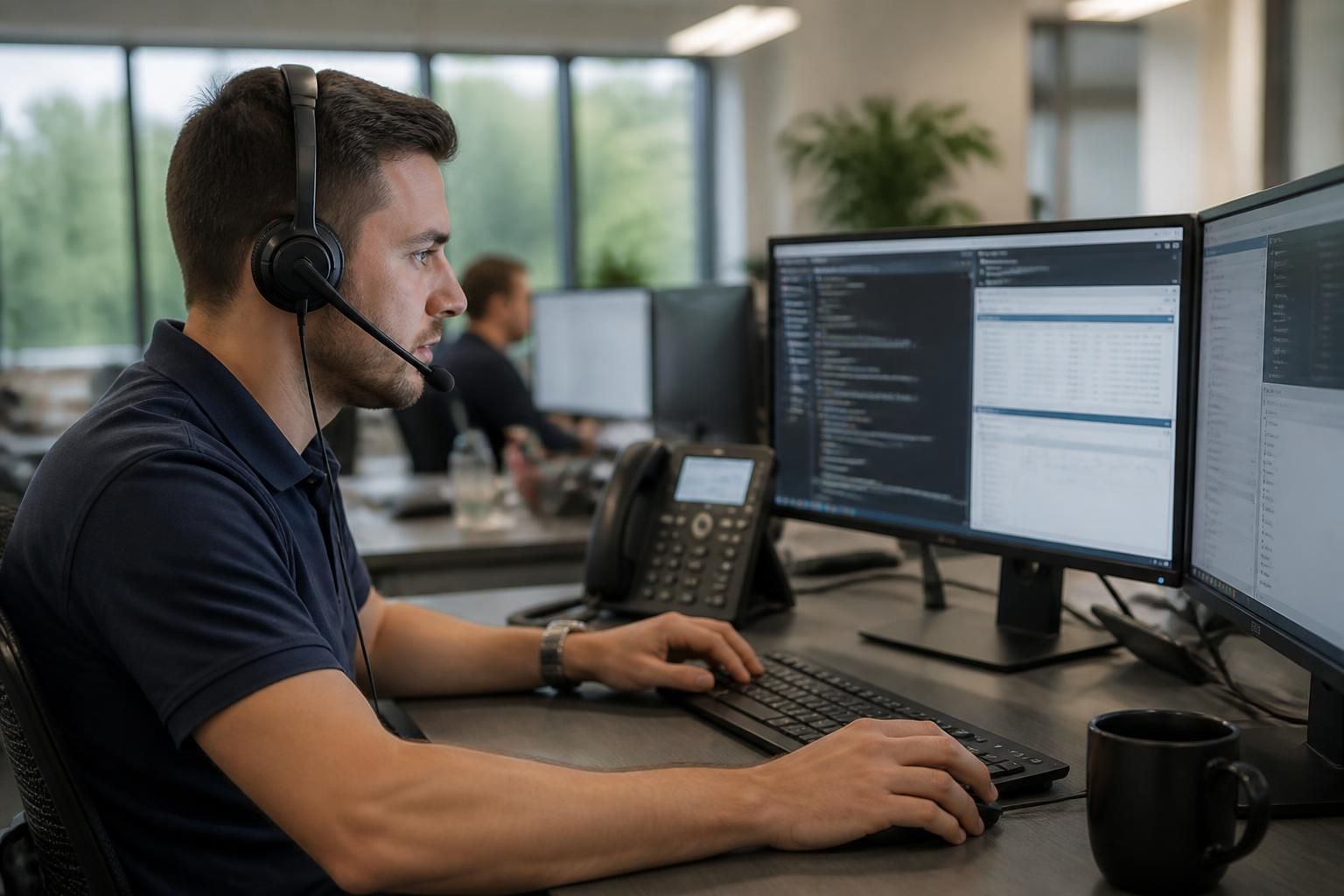
Remote IT Support Services
Remote IT support services let technicians diagnose, manage and resolve technology issues through secure connections, without attending your premises. They can cover user devices, applications, network equipment and routine maintenance, helping businesses maintain controlled, dependable IT operations.
What Remote IT Support Helps Your Business Achieve
Effective remote IT support creates practical business outcomes beyond resolving individual faults. It can standardise device management, improve oversight of technology assets, support safer working practices, reduce disruption from recurring issues and provide a clearer basis for infrastructure planning.
Quicker identification of technical faults
Secure remote access allows technicians to inspect device settings, applications and connections directly. This helps distinguish user, software, configuration and network faults before deciding what further action is needed.
More consistent device configurations
Remote management supports the application of agreed settings across business devices. Consistent configurations make systems easier to administer and reduce variation between users and locations.
Better support for distributed teams
Users working from different premises can receive assistance through their business devices and applications without requiring every issue to be handled in person. This is useful for organisations with remote users or multiple sites.
More controlled maintenance
Routine tasks such as updates, configuration checks and software maintenance can be managed remotely. This provides a structured way to keep supported systems aligned with the organisation’s IT requirements.
Clearer separation of remote and onsite work
Remote diagnostics can establish whether a problem is software-based, configuration-related or likely to require physical attention. This gives the business a clearer basis for planning any necessary onsite intervention.
Improved visibility of recurring issues
Reviewing remote support activity can reveal repeated faults, affected devices and common user problems. These findings can inform technical improvements instead of treating each incident as an isolated event.
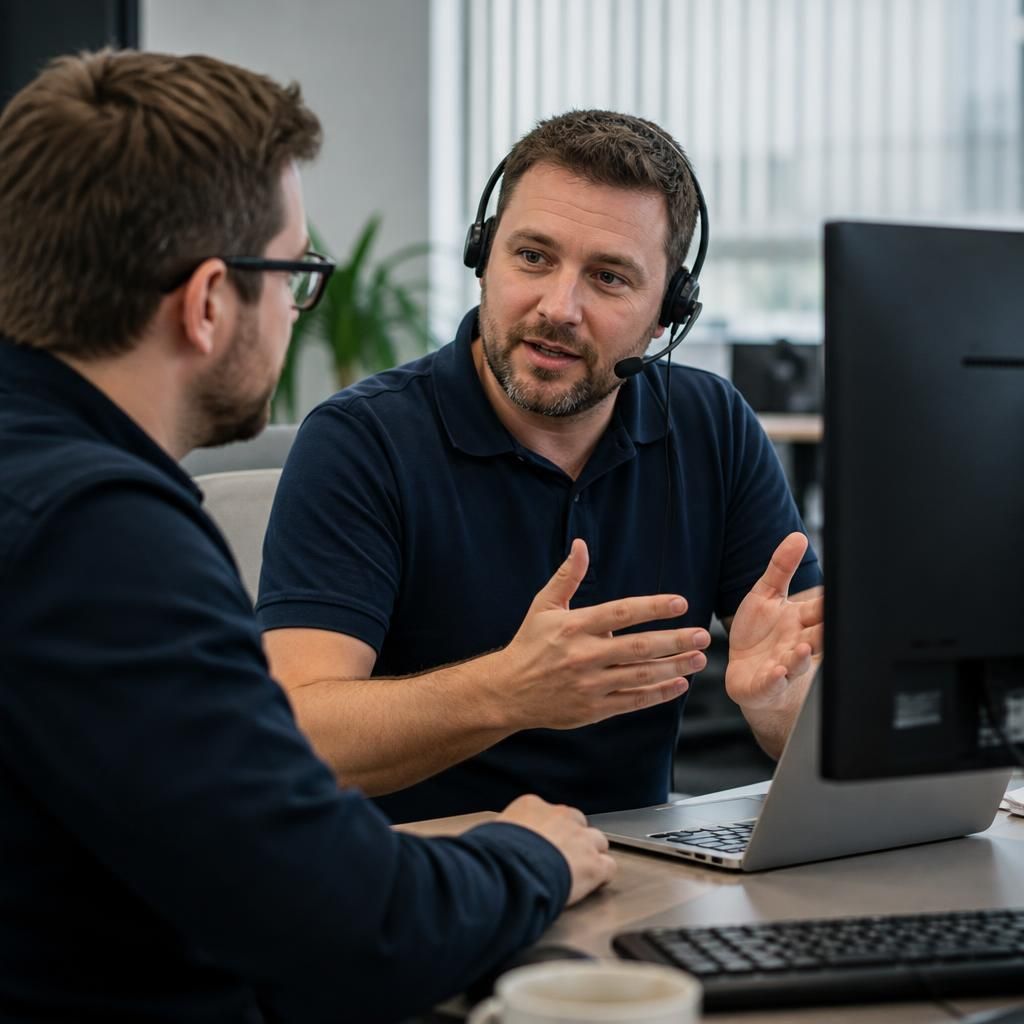
The People Behind Your Remote IT Support
Remote IT support is delivered by people who combine technical investigation with clear communication. A technician needs to understand how an issue affects a user’s work, not simply identify an alert or apply a standard fix.
Good support therefore includes plain-English explanations, sensible questions and a record of what was changed. This helps users understand the immediate action and gives other technicians useful context if the issue needs further investigation or an on-site visit.
For business leaders, that human element matters when deciding whether to outsource remote IT support services. The right arrangement should define responsibilities, access permissions and escalation routes, while keeping the conversation focused on business risk, user needs and practical next steps.
Specialist Expertise in Remote IT Support
Remote IT support services use secure administration tools, monitoring and documented technical procedures to manage business technology without requiring a technician to be physically present. S2 Technology Group applies this approach across endpoint configuration, software maintenance, network diagnostics and access control, with each intervention considered against the organisation’s wider security and operational requirements.
Effective remote network management depends on more than connecting to a device. It requires appropriate permissions, reliable asset information, event records and a clear distinction between routine maintenance and changes that could affect connectivity or security. S2 can use structured remote IT services to investigate patterns, maintain consistent configurations and identify when an issue requires deeper technical work or a different form of support.
Remote management technologies such as TR-069 can assist with the administration of compatible network and communications equipment, but their suitability depends on the devices, service design and security controls involved. S2’s specialist role is to assess those dependencies, define sensible management boundaries and align remote IT support with the organisation’s requirements for governance, resilience and controlled change.
Questions to Ask About Remote IT Support Services
What happens when remote IT support cannot resolve an issue?
Assess whether the provider documents technician access, records administrative actions, separates approval from implementation, and explains how privileged credentials are withdrawn when staff, devices or responsibilities change within the organisation.
How is business data protected during remote IT support sessions?
Protection should combine encrypted connections, multi-factor authentication, least-privilege permissions, session controls and audit records. Confirm whether data is copied locally, how credentials are securely stored and when access is revoked.
What should an outsourced remote IT support service include?
An outsourced service should define covered systems, monitoring, maintenance, user assistance, documentation, reporting and escalation criteria, with responsibilities aligned to business priorities, existing suppliers and future technology and risk requirements.
How is remote IT support integrated with on-site technical work?
Remote support should feed into on-site work through shared documentation, diagnostic history and agreed handovers. Technicians can then continue investigations safely, avoiding duplicated effort and preserving the business's operational context.
How is remote IT support performance measured?
Measure remote IT support through resolution quality, recurring incident trends, device compliance, ticket ageing, user impact and change outcomes. Reports should distinguish restored service from temporary workarounds, helping assess value.
Strategic Support
S2 connects remote support with documented asset knowledge, helping businesses manage technology decisions consistently across users, devices and network environments.
Businesses We Support

Professional Services Organisations
Professional services firms often depend on secure access to documents, email, business applications and client information. Remote IT support can assist with user issues, device administration, access controls and application troubleshooting while maintaining clear technical records.
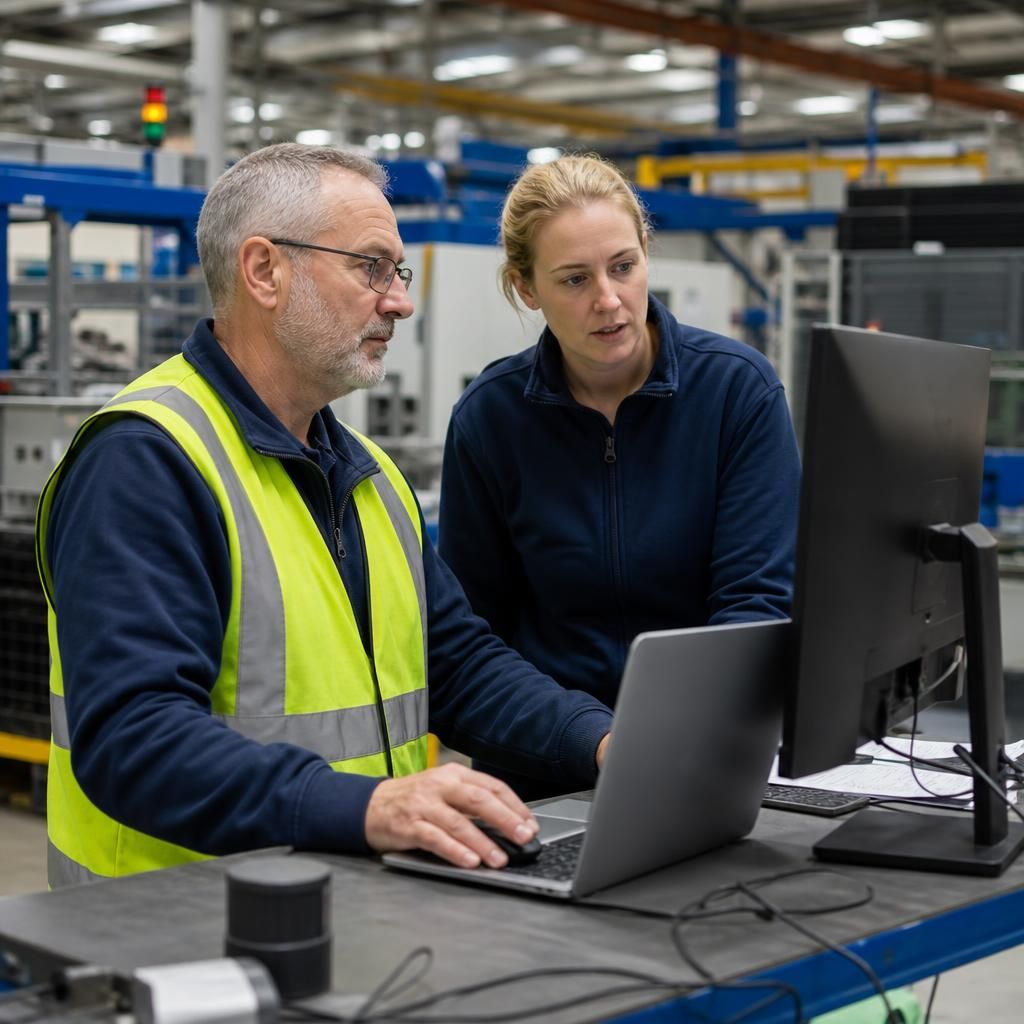
Manufacturing Businesses
Manufacturers may need dependable support for office systems, connected devices and communication between operational and administrative teams. Remote technicians can investigate user, application and network issues while coordinating escalation where physical equipment requires attention.

Logistics Operations
Logistics organisations rely on connected systems to coordinate people, vehicles, orders and records. Remote IT support can help manage user access, device problems and application faults across the systems that keep administrative work moving.
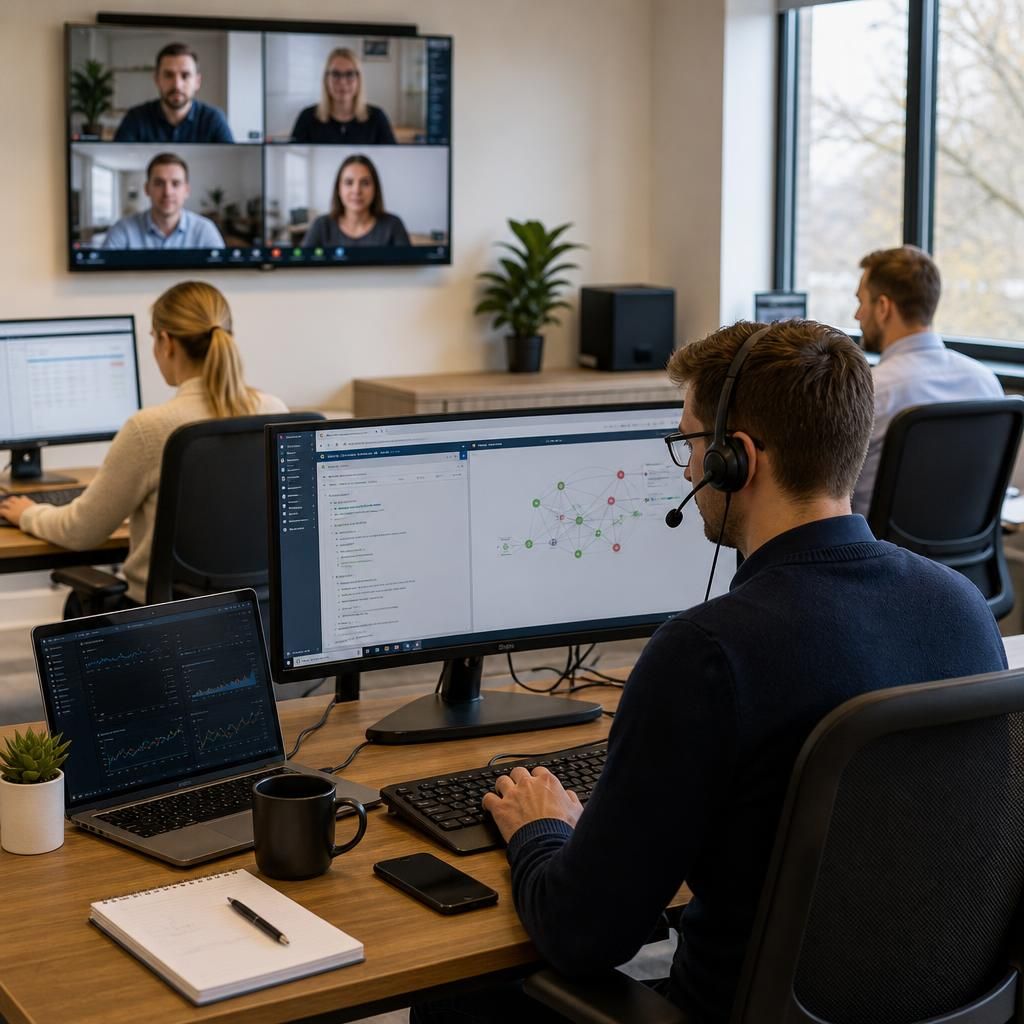
Multi-Site Businesses
Organisations operating from several locations need consistent support processes across users, devices and network environments. Remote IT support provides a way to investigate issues across sites, maintain documented asset knowledge and identify when a local intervention is needed.
When Remote IT Support Is Suitable
Remote IT support services are relevant when staff work across multiple locations, when a business is integrating new devices, or when network equipment needs central oversight. They can complement internal staff by handling defined tasks without transferring IT responsibility externally.
User Device Issues
Remote support is suitable when a workstation or laptop has a software fault, configuration problem or access issue that can be investigated through a secure connection.
Application Troubleshooting
Technicians can examine application settings, user permissions and error messages remotely, helping identify whether a problem relates to the software, device or wider IT environment.
Connectivity Problems
Remote assistance can help investigate issues affecting Wi-Fi, internet access or connections between users and business systems, using available network information and device diagnostics.
Distributed Teams
Businesses with staff working from different locations can use remote IT support to manage user issues without requiring every query to involve a visit to one central workplace.
Security-Related Checks
Remote support can be used to review device settings, access permissions and suspicious behaviour as part of a broader approach to protecting business systems.
Routine IT Maintenance
Routine tasks such as configuration checks, software updates and device adjustments may be completed remotely where the required access and technical information are available.
Remote IT Support Services FAQs
Which businesses benefit most from outsourced remote IT support?
Remote IT support covers secure investigation, configuration and maintenance of devices, applications and network equipment. It can complement internal teams by handling defined tasks, recording changes and escalating issues appropriately.
Can remote IT support manage devices across multiple business locations?
Yes, remote IT support can manage devices across multiple locations through secure connections, with central oversight of configurations, software, user access and network settings, while local requirements remain documented appropriately.
Which IT problems can remote support resolve?
Remote support can resolve software faults, account and access issues, configuration errors, connectivity problems and routine security updates. Hardware failures or complex infrastructure faults may require planned investigation on premises.
Can remote IT support manage software patching?
Yes, patching can deploy approved updates to supported devices, helping address known vulnerabilities and maintain software consistency. Policies should define testing, exclusions, restart requirements and records for audit and troubleshooting.
What is remote network management?
Remote network management is the central oversight of routers, switches, firewalls and related settings, using secure connections to monitor configuration, investigate faults, apply authorised changes and maintain records for accountability.