
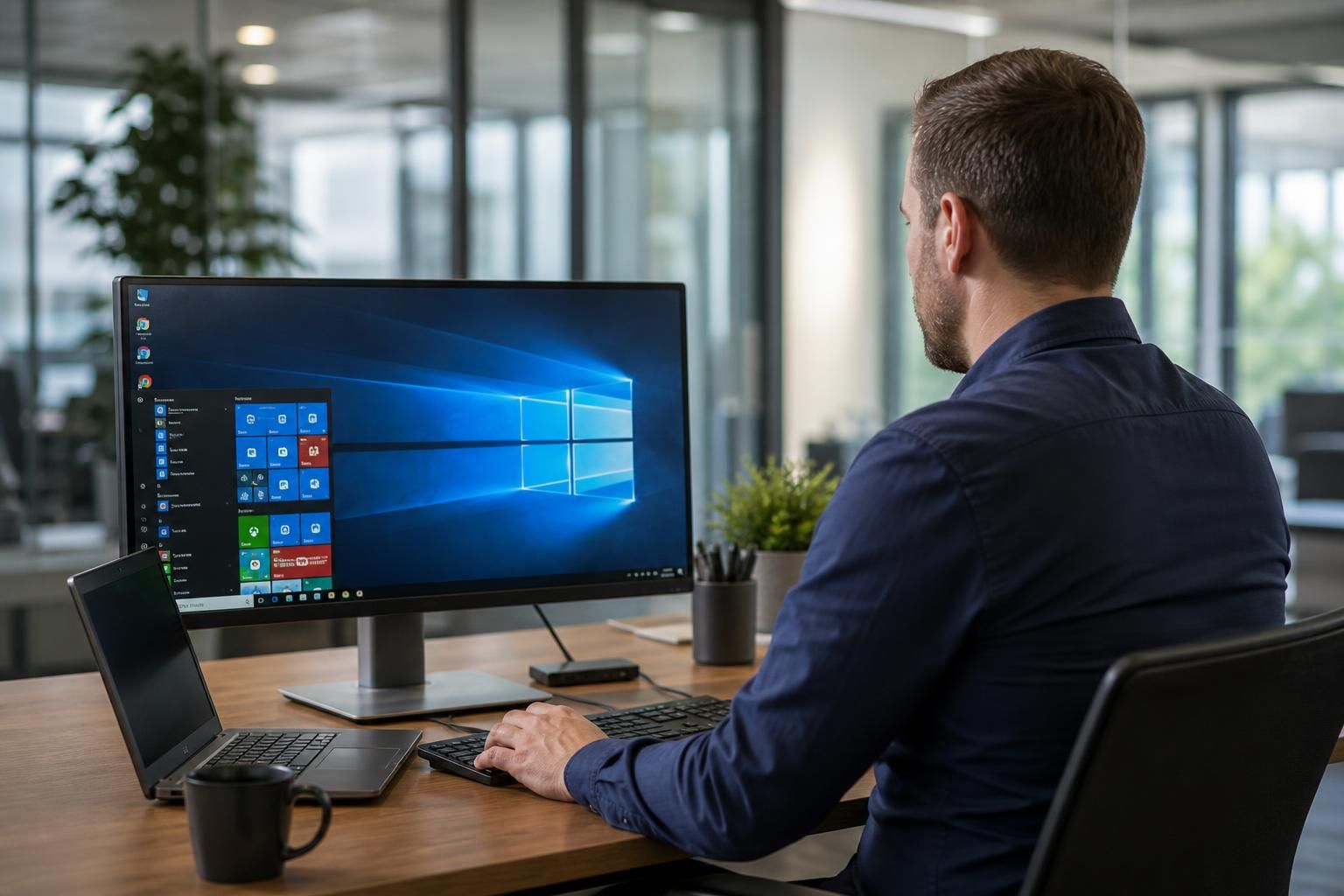
Virtual Desktop for Small Business
A virtual desktop is a hosted Windows-style work environment delivered from the cloud, allowing staff to access applications, files and settings from approved devices. For small businesses, it can simplify management while supporting consistent security and remote working.
Benefits of a Virtual Desktop for Small Business
For small businesses, virtual desktops can provide practical improvements in IT administration, data protection, business continuity and workforce flexibility. The value depends on how the environment is configured, supported and aligned with the organisation’s applications and working practices.
Centralised IT management
Applications, user settings and desktop configurations can be managed from a central environment rather than maintained separately on each computer. This can make onboarding, updates and policy changes more consistent.
Consistent access to applications and files
Staff can use the same managed desktop environment from approved devices, helping maintain a consistent way of working across office, home and other business locations.
Stronger control over business data
Data can remain within the hosted environment instead of being stored solely on individual laptops. Access permissions, device approval and user controls can therefore be applied as part of the desktop design.
Support for remote and hybrid working
A virtual desktop can provide employees with access to their required work environment without requiring every device to hold the full application and data setup locally. This is useful for distributed teams and businesses with flexible working arrangements.
Simpler device replacement
When a laptop is replaced or a new user joins, the desktop environment can be provisioned independently of the physical device. This can reduce the amount of local configuration needed before work can begin.
Scalable technology provision
Virtual desktops can make it easier to adjust users, applications and resources as a small business changes. The configuration should be reviewed against application requirements, user numbers and performance needs before expansion.
Improved continuity planning
Because the working environment is hosted rather than tied to one physical computer, virtual desktops can support continuity planning when devices are unavailable or a user needs to work from another approved location.

Practical Guidance for Your Virtual Desktop
For a small business, a virtual desktop is best understood as a centrally managed user environment rather than simply online file storage. Applications, access permissions and configuration are administered together, so the setup should reflect how each person works and which systems they need.
Good planning starts with a review of existing applications, user roles, devices and connectivity. Some software may need testing or adjustment before it can be delivered through the chosen desktop platform. Clear policies for authentication, device access and data handling also help prevent avoidable complications.
At S2 Technology Group, our IT specialists can discuss these practical considerations in plain language and help you assess whether the approach suits your organisation. The aim is a workable design that supports staff without adding unnecessary complexity, with ongoing technical guidance as your requirements develop.
Specialist Expertise in Virtual Desktop Services
A virtual desktop for small business is a centrally managed computing environment in which the desktop, applications and user controls are hosted within a cloud platform rather than maintained separately on each device. Its design must account for application compatibility, identity management, connectivity, licensing and the organisation’s requirements for access and oversight.
S2 Technology Group approaches virtual desktop planning as an IT infrastructure exercise, not a simple software deployment. The team can assess how users, applications and operational dependencies fit together, identify technical constraints and define suitable controls for authentication, permissions, device access and data protection. This helps ensure the proposed environment is practical for the business rather than based on a generic template.
Ongoing management is equally important to the quality of a virtual desktop service. User changes, application updates, security requirements and changes in working practices can all affect the environment over time. S2 Technology Group provides specialist IT guidance to help small and growing organisations review those changes methodically and keep their virtual desktop arrangements aligned with wider technology needs.
Questions to Ask About a Virtual Desktop for Small Business
What happens to a virtual desktop when the internet connection fails?
Check whether pricing covers user licences, application licensing, storage, backup, monitoring, support, and future user changes. Ask which costs vary with usage, devices, or applications, so comparisons remain.
Can we retrieve our data if we leave the virtual desktop service?
Before signing, confirm export formats, ownership, timescales, and any assistance or charges involved. Require a documented exit process covering user accounts, files, application data, backups, and credentials for secure transfer.
How is application compatibility tested before deployment?
Testing should cover each application’s installation, licensing, performance, printing, peripherals, file handling and integrations within representative user profiles. Record defects, required changes and acceptance criteria before formally approving production deployment.
How are access permissions managed in a virtual desktop?
Use role-based access groups with least-privilege rights and separate administrative accounts. Review membership regularly, remove departed users promptly, and record approval for privileged changes. Apply conditional access and multi-factor authentication.
How is a virtual desktop environment backed up and restored?
A suitable plan should define backup frequency, retention, immutable copies, encryption, restoration priorities and testing. Ask how individual files, user profiles and the complete environment are recovered, with documented procedures.
Practical Design
S2 Technology Group integrates virtual desktops with wider IT infrastructure, aligning applications, user requirements and security controls through one design.
Supporting Small Businesses Like Yours

Professional Services Team
A professional services organisation may use a virtual desktop to provide consistent access to business applications, documents and user settings across office and home working environments. User permissions can be aligned with individual roles, helping separate client information and internal resources.
Manufacturing Business
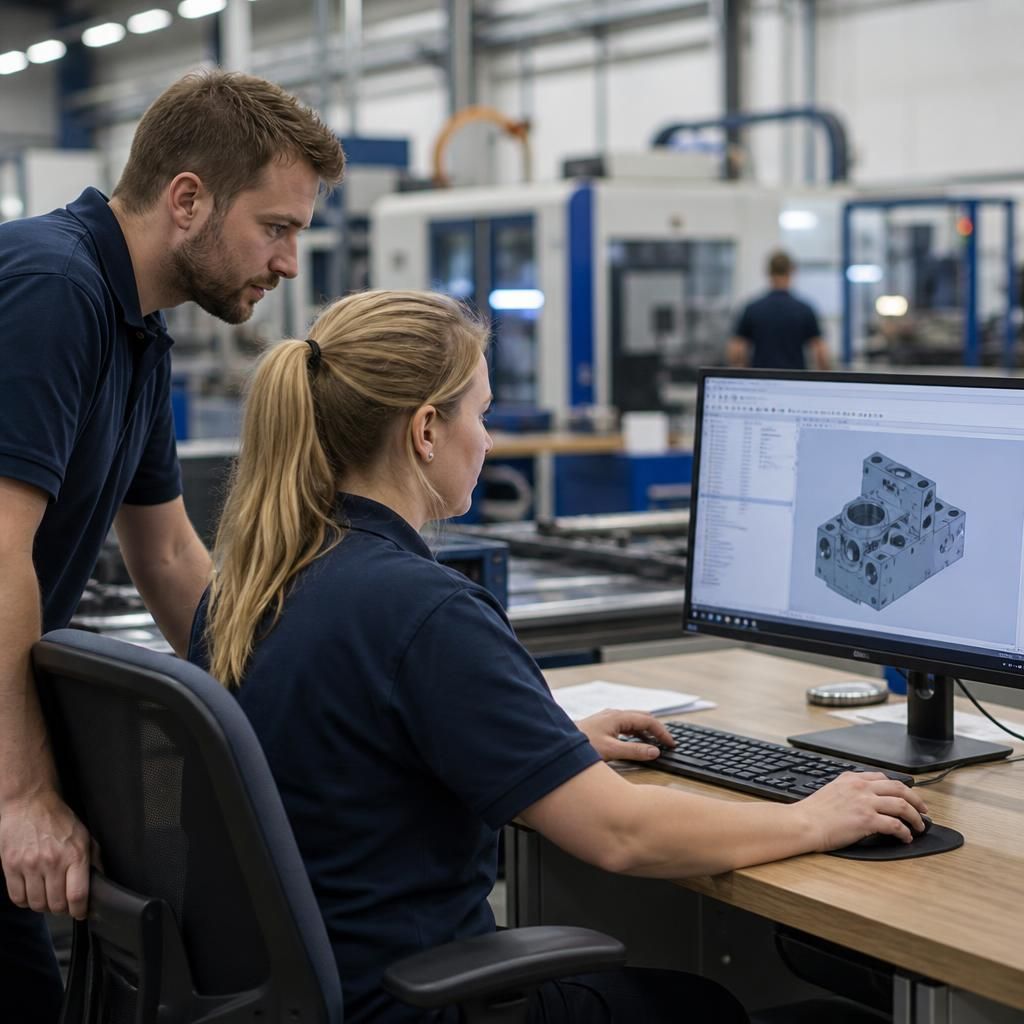
Manufacturing teams often combine operational systems with office-based administration. A virtual desktop can provide a controlled environment for authorised staff to access required applications and information without managing every configuration separately on each device.

Logistics Organisation
A logistics business may have staff working across offices, warehouses and mobile locations. Centralising desktop applications and access policies can make it easier to apply the same working environment while considering the connectivity and device requirements of different roles.
Multi-Site Organisation
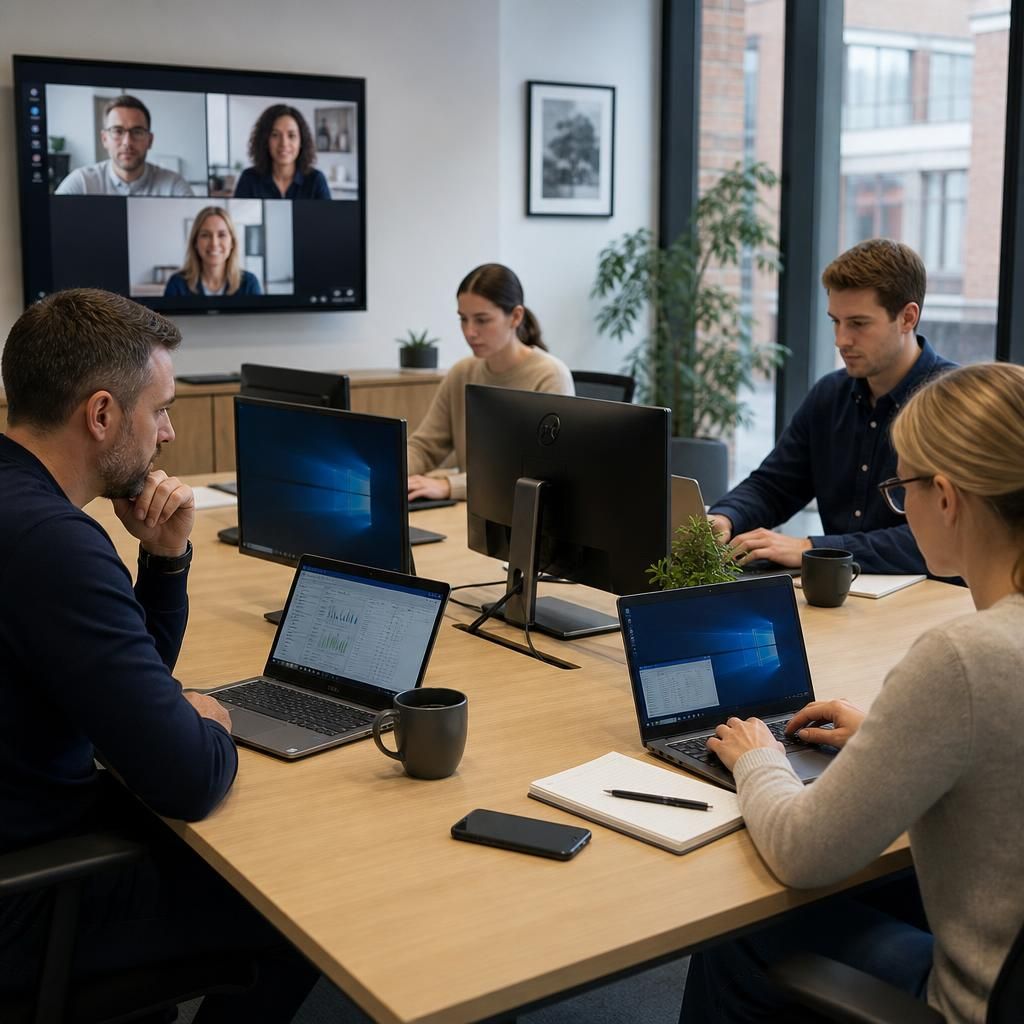
For organisations operating from several locations, a virtual desktop can support a consistent user experience across sites. The design still needs to account for application compatibility, authentication, connectivity and the information each team is permitted to access.
When a Virtual Desktop Makes Sense
Different business circumstances can prompt consideration of a virtual desktop, but suitability depends on the platform, applications and working arrangements involved. The situations below highlight common reasons to investigate this model before selecting a technical approach.
Growing teams
A virtual desktop may suit a business adding employees or changing roles regularly. New user environments can follow defined configurations, while access can be adjusted when responsibilities change. The design still needs clear user groups and permission rules.
Multi-site operations
Businesses with staff across offices or locations may consider a virtual desktop to provide a consistent working environment. This can simplify access to the same approved applications, provided each site has suitable connectivity and the platform supports the required systems.
Mixed devices
A virtual desktop can be relevant when staff use a combination of business computers and other approved devices. Applications and settings are delivered through the chosen platform, but device compatibility, authentication and local security controls should be assessed first.
Changing user access
Where employees, contractors or teams need different levels of access, a virtual desktop can support role-based arrangements. User groups should be mapped carefully so that each person receives the applications and information needed for their work without unnecessary access.
Limited internal IT capacity
Small businesses without a large in-house IT team may investigate a virtual desktop to reduce the number of individual environments that need configuring. It does not remove the need for technical oversight, application testing, connectivity checks and ongoing policy management.
Virtual Desktop Questions Answered
What devices can staff use to access a virtual desktop?
A virtual desktop does not remove licensing obligations: operating systems and applications still need appropriate subscriptions or licences, while administration must account for user numbers, devices and permissions over time.
What does a virtual desktop cost for a small business?
Costs typically depend on user numbers, application requirements, storage, security controls, connectivity and support arrangements. An assessment should separate platform charges, implementation work, licences and ongoing management costs for budgeting.
Can a virtual desktop support multiple office locations?
Yes, a virtual desktop can provide consistent access to centrally managed applications across office locations, provided each site has suitable connectivity and users receive appropriate permissions and authentication controls configured.
How is virtual desktop performance monitored?
Performance is monitored through metrics such as application responsiveness, resource utilisation, session stability and connection quality. Reviewing these indicators helps identify capacity constraints, configuration issues or user-impacting faults before escalation.
How are software updates managed in a virtual desktop?
Updates are scheduled centrally, tested against business applications where necessary, then deployed according to defined policies. Administrators can coordinate maintenance, verify successful installation and address compatibility issues across user environments.
Discuss Your Virtual Desktop Requirements
Discuss your virtual desktop requirements with S2 Technology Group to clarify platform suitability, application compatibility and access needs. Our specialists can help identify practical next steps for a secure, manageable desktop environment aligned with your organisation.