

Managed Backup Services
Managed backup services combine monitored backup processes with secure storage, recovery testing and policy management. They help organisations protect business data, restore critical systems and support IT business continuity management when data loss or disruption occurs.
Business Outcomes of Managed Backup
Effective managed backup gives organisations a structured way to reduce the operational impact of data loss. Its value extends beyond retaining copies, supporting recoverability, clearer accountability and decisions about which information and systems require priority protection.
Restore Critical Business Systems
Managed backups provide structured recovery points for essential servers, applications and business data, helping IT teams restore the systems needed to resume important processes after data loss or disruption.
Reduce the Impact of Data Loss
Maintaining controlled copies of business information limits reliance on damaged, deleted or compromised originals and gives the organisation a defined route towards recovery.
Support Business Continuity Planning
Backup arrangements form a practical part of IT business continuity management by identifying how data and systems can be recovered when normal operations are interrupted.
Improve Recovery Confidence
Recovery testing checks whether backup data can be used as intended, helping reveal configuration issues or unsuitable recovery procedures before an actual incident occurs.
Protect Backup Data Separately
Secure backup storage creates a managed copy that is separated from the primary environment, reducing the risk that one infrastructure problem affects both live data and its recovery copy.
Clarify Protection Priorities
Policy management helps organisations define which systems and information require protection, how recovery requirements differ, and where backup resources should be focused.
Create Clearer Accountability
Monitored processes and documented policies make backup responsibilities easier to track, supporting more consistent oversight than relying on occasional manual copying or individual knowledge.
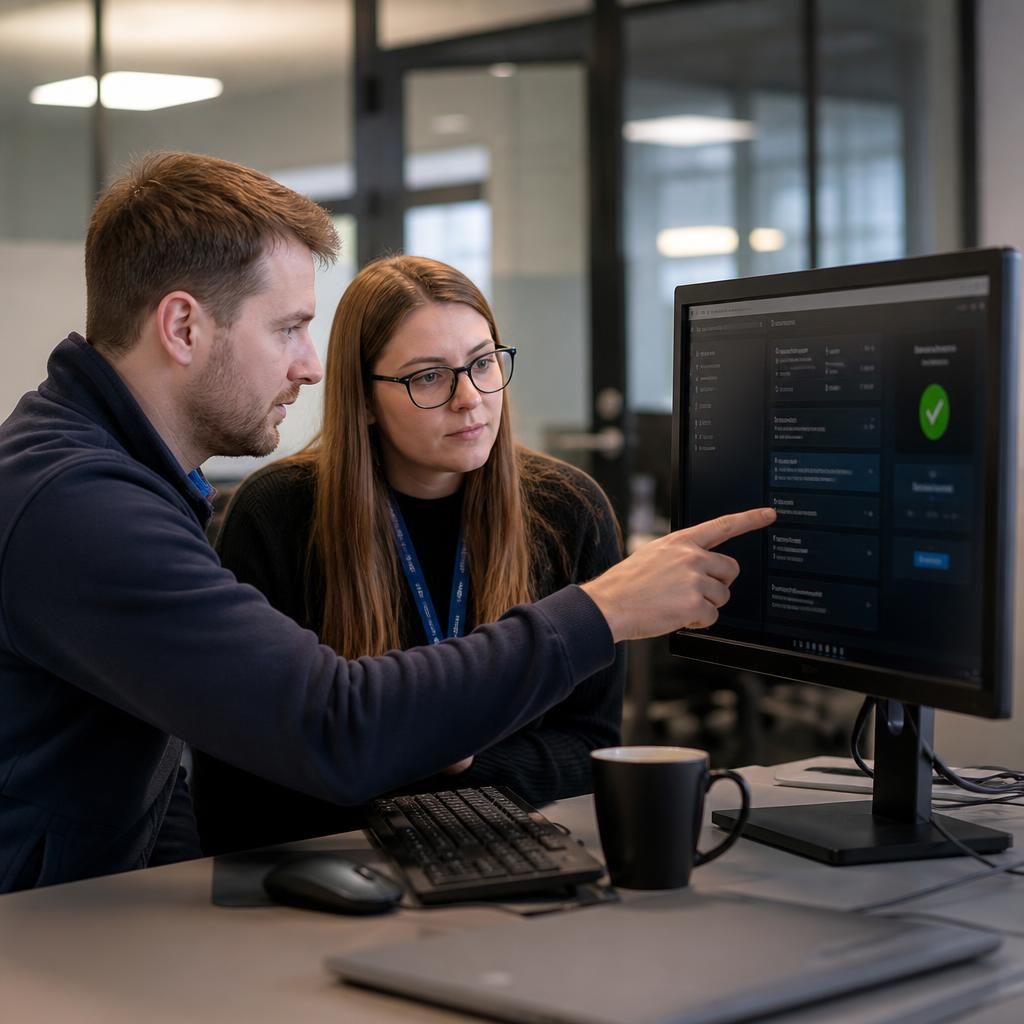
The People Behind Managed Backup
A useful backup plan starts with understanding how your organisation works. Our team looks at the systems, applications and information that support day-to-day operations, then helps identify what needs protecting first and who should be involved in recovery decisions.
That practical context matters because backup arrangements should reflect the business, not just the technology. We explain the purpose of each control in straightforward terms, record agreed responsibilities and consider how changes to systems, users or working practices may affect the plan.
Managed support also provides a consistent point of review. S2 Technology Group can work with your team to clarify priorities, investigate issues and keep backup arrangements aligned with operational requirements, giving decision-makers clearer information when they assess continuity planning.
Expertise in Managed Backup Planning
Managed backup is a governed service that connects data protection with the way an organisation operates. Specialist planning considers retention rules, data classification, access permissions and the separation of backup environments, so that protection is not dependent on a single system, user account or location.
Technical depth also matters when backup arrangements span servers, cloud platforms, applications and user data. S2 Technology Group can help assess configuration dependencies, identify exceptions and document the conditions required for recovery. This provides a more informed basis for evaluating managed cloud backup and other MSP backup solutions against operational and security requirements.
For businesses reviewing IT business continuity management, managed backup should be assessed as part of a wider control framework rather than as isolated software. S2 Technology Group combines technical guidance with structured management, helping decision-makers examine retention, permissions, recovery priorities and the responsibilities that support a dependable data protection strategy.
Questions to Ask About Managed Backup Services
Can managed backup protect data from compromised administrator accounts?
Providers should report failed jobs, distinguish isolated errors from recurring configuration problems, document corrective action, and confirm subsequent backups complete successfully before treating data protection as fully restored operationally.
How often should managed backup recovery tests be performed?
Test frequency should reflect recovery objectives, system changes, regulatory duties and risk. Schedule routine exercises, retest after significant alterations, and document findings, limitations and resulting improvements for stronger ongoing governance.
What recovery objectives should managed backup support?
Managed backup should support defined recovery point and recovery time objectives: how much data loss is tolerable and how quickly each priority system must be restored, validated against operational dependencies.
How are managed backup retention policies aligned with regulatory requirements?
Policies should map retention periods to applicable legal, contractual and sector obligations, document deletion exceptions, restrict access, and record reviews so evidence supports audits while avoiding unnecessary retention and exposure.
Can managed backup recover individual files without restoring an entire system?
Yes, provided the platform supports granular recovery. Managed backup should document file-level restore procedures, permissions, version selection and integrity checks, avoiding unnecessary system-wide restoration when only one item is required.
Managed Resilience
S2 combines recovery planning, technical oversight and ongoing backup management in one structured service, helping teams make informed continuity decisions.
Businesses We Support

Professional Services
Professional services firms often manage confidential client records, working papers and communications across shared systems. Managed backup can help organise protection around document platforms, line-of-business applications and user data, while supporting defined recovery priorities for essential work.

Manufacturing Organisations
Manufacturers may rely on production data, operational software and shared files that support planning and administration. A managed backup approach considers which systems and information are important to resume operations, alongside the dependencies between applications, servers and user access.

Logistics Businesses
Logistics organisations commonly depend on scheduling records, customer information and operational data being available to coordinate deliveries and services. Backup policies can be aligned with these information types and reviewed as systems, locations and business processes develop.

Multi-Site Businesses
Organisations operating across several sites need backup arrangements that account for different locations, connectivity, users and systems. Managed oversight can help maintain a consistent approach while identifying site-specific requirements for protecting data and supporting recovery planning.
Managed Backup for Different Business Needs
Managed backup may suit organisations with remote users, multiple sites, specialist applications or limited internal IT capacity. It can also support businesses reviewing legacy arrangements, meeting retention requirements or preparing for change, provided backup scope and recovery priorities are documented.
Business-Critical Data
For organisations that depend on operational files, databases and applications, managed backup provides a structured way to identify important data and include it within documented protection policies.
Accidental Data Loss
Backup arrangements can support recovery when information is deleted, overwritten or corrupted. Clear recovery priorities help determine which data should be restored first and how its use should be checked.
Mixed IT Environments
Businesses with on-premises servers, cloud platforms and user devices may need a coordinated approach rather than separate, disconnected backup tasks. Managed oversight helps bring those requirements into one documented plan.
Unverified Backups
A completed backup does not by itself confirm that recovery will work. Recovery testing provides evidence that protected data can be restored and highlights gaps that need attention.
Shared Recovery Responsibilities
Where several people influence IT decisions, managed backup can help define who owns backup policies, reviews reports and authorises recovery actions, reducing uncertainty during continuity planning.
Managed Backup Services: Frequently Asked Questions
What does a managed backup service include?
Coverage should be based on business impact, application dependencies and acceptable recovery priorities, rather than simply available storage; undocumented exclusions can leave important information outside the backup scope entirely unprotected.
How does managed backup monitor failed or incomplete backup jobs?
Managed backup services monitor job status, logs, transferred data and verification results. Failed or incomplete runs generate alerts for investigation, correction and documented follow-up, reducing unnoticed protection gaps in business systems.
Is managed backup data encrypted?
Yes. Managed backup data should be encrypted during transfer and while stored, with access controls protecting keys and repositories. Encryption policies should be documented, reviewed and aligned with recovery requirements.
How is managed backup scaled as data volumes grow?
Managed backup scales through policy-based storage, workload prioritisation and capacity reviews. As volumes grow, administrators adjust repositories, retention rules and network planning while preserving recovery objectives and documented governance requirements.
What is the difference between managed backup and self-managed backup?
Self-managed backup leaves internal staff responsible for configuration, monitoring, testing, retention and recovery procedures. Managed backup adds structured oversight, documented governance and specialist administration, reducing reliance on individual employees alone.
Discuss Your Managed Backup Requirements
Discuss your managed backup requirements with S2 Technology Group to review coverage, retention, recovery priorities and service responsibilities. A focused consultation can clarify whether your current arrangements support continuity objectives and identify practical next steps for improvement.