
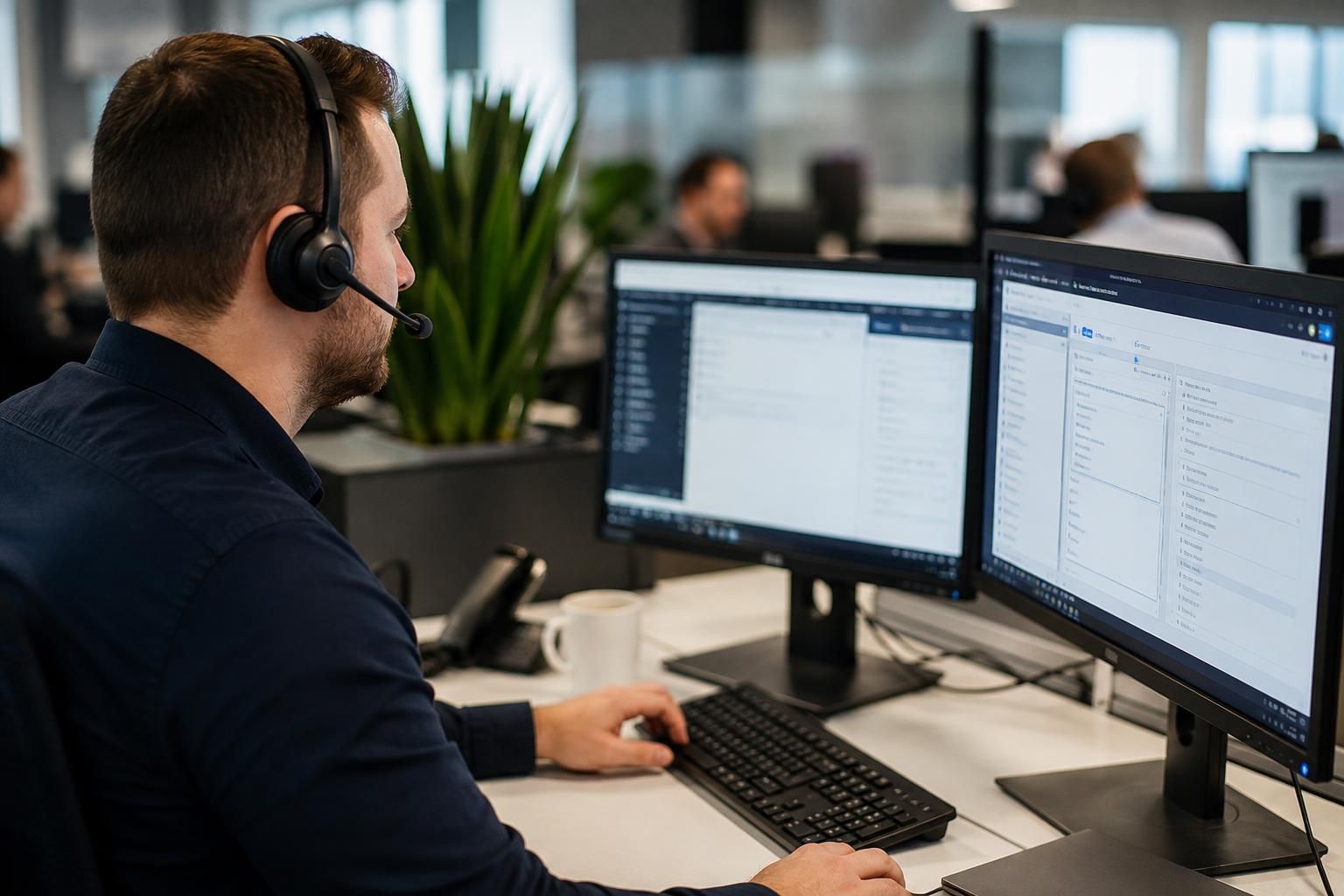
Remote IT Support for Small Businesses
Remote IT support enables technicians to diagnose and resolve device, software, connectivity and access issues through secure remote connections. S2 Technology Group supports small businesses by combining remote assistance with proactive monitoring, troubleshooting and practical guidance for users and systems.
Practical Outcomes of Remote IT Support
Remote IT support gives businesses a structured way to manage user access, software faults and routine maintenance. The practical benefits include clearer issue ownership, better visibility of recurring problems and less dependence on individual users diagnosing technical faults themselves.
Direct investigation of technical faults
Technicians can examine affected devices, software, connectivity and access settings through a secure remote connection, helping identify the cause without relying solely on a user’s description.
Less disruption from routine issues
Suitable faults can be investigated and resolved remotely, reducing the need to remove equipment from the workplace or arrange an on-site visit for straightforward problems.
Consistent troubleshooting
A structured remote support process gives technicians a repeatable way to assess issues, apply appropriate fixes and check whether the affected system is functioning correctly.
Support for users in different locations
Remote assistance allows users to receive technical help wherever their supported device is connected, which is useful for organisations with multiple sites or employees working away from the main office.
Safer technical assistance
Secure remote connections provide a defined method for accessing systems during support work, helping technicians investigate problems without requiring informal access arrangements.
Practical guidance after resolution
Once an issue has been addressed, technicians can explain the cause and relevant next steps in clear terms, helping users understand how the system should be used.
A Human Approach to Remote IT Support
Remote IT support is more than giving a technician access to a device; it is a structured conversation about what the user is experiencing and what should happen next. Clear context can distinguish a fault from a misunderstanding or configuration question.
Before a session begins, the user should know what access is needed and what the technician intends to check. Plain explanations make technical decisions easier to follow, particularly where a change affects accounts, files or working practices. Good notes also preserve useful detail for future support.
S2 Technology Group keeps the human exchange central. Users can describe problems in ordinary language, while technicians explain the reasoning behind proposed actions. This makes remote assistance easier to understand and gives business teams a clearer basis for decisions about their IT.
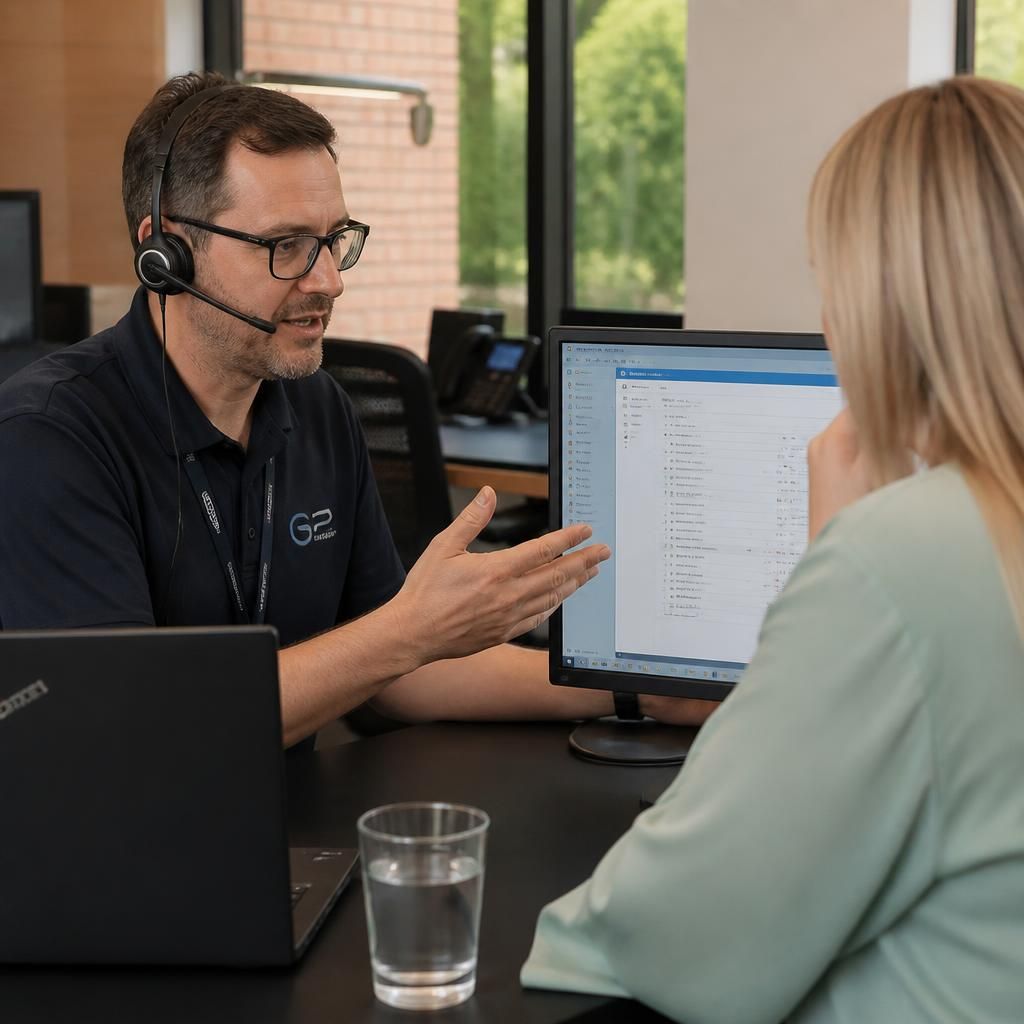
Specialist Expertise in Remote IT Support
Remote IT support is most effective when it is grounded in a clear understanding of the wider environment, not just the device showing a fault. S2 Technology Group considers how endpoint configuration, user identity, cloud services, connectivity and security controls interact before recommending a change.
This wider technical perspective helps distinguish an isolated incident from a weakness affecting multiple users or locations. Support work can therefore inform sensible improvements to configuration, access control, device management and resilience, rather than treating each ticket as an unrelated problem.
For growing organisations, this depth provides a practical alternative to relying solely on ad hoc technical knowledge within the business. S2 Technology Group combines remote assistance with structured IT management and strategic advice, giving decision-makers a clearer basis for maintaining technology that is secure, supportable and aligned with operational requirements.
Questions to Ask About Remote IT Support
How does remote IT support protect privileged access to business systems?
Reputable remote support uses approved tools, limited permissions and documented sessions, protecting sensitive systems while allowing technicians to investigate faults without creating unnecessary access or unintentionally weakening existing security controls.
How does remote IT support handle faults that require physical access?
Remote technicians can identify whether a fault needs physical intervention, document their findings, and advise on the next step, such as checking cabling, replacing hardware, or inspecting equipment at site.
How does remote IT support work across mixed devices and operating systems?
Effective remote support covers desktops, laptops, mobile endpoints and specialist systems through standardised diagnostic methods, while recording platform-specific settings, dependencies and compatibility issues to guide consistent resolution across operating environments.
How is remote IT support documented for audit purposes?
Audit-ready records should capture the reported issue, systems, actions taken, approvals, configuration changes and closure rationale. This evidence supports governance reviews, recurring-fault analysis and accountability without exposing unnecessary user data.
How should a small business compare remote IT support services?
Compare providers by technical scope, escalation arrangements, security controls, documentation, contract terms and understanding of your environment. Ask how they assess recurring needs, communicate decisions and support business growth effectively.
Context-Led Support
S2 Technology Group connects remote technical assistance with structured IT management and strategic advice, keeping support aligned with business requirements.
Businesses Supported by S2 Technology Group
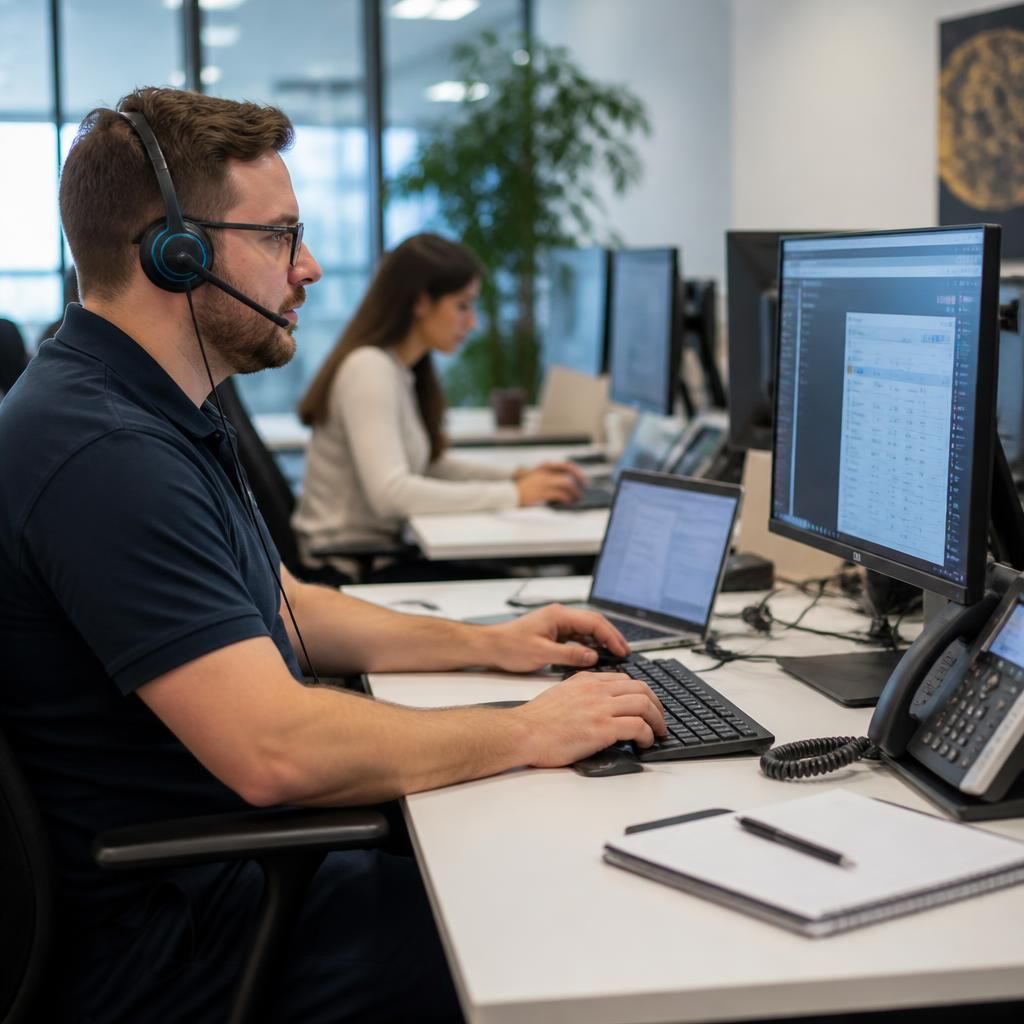
Professional Services Teams
Remote IT support helps professional services teams address device, account and software issues without taking every user away from client work. Technicians can investigate problems securely, explain the required steps and record useful details for ongoing IT management.

Manufacturing Organisations
Manufacturing businesses depend on reliable access to devices, systems and shared information across office and operational environments. Remote support can help assess configuration, connectivity and access issues while keeping technical changes aligned with the wider infrastructure.
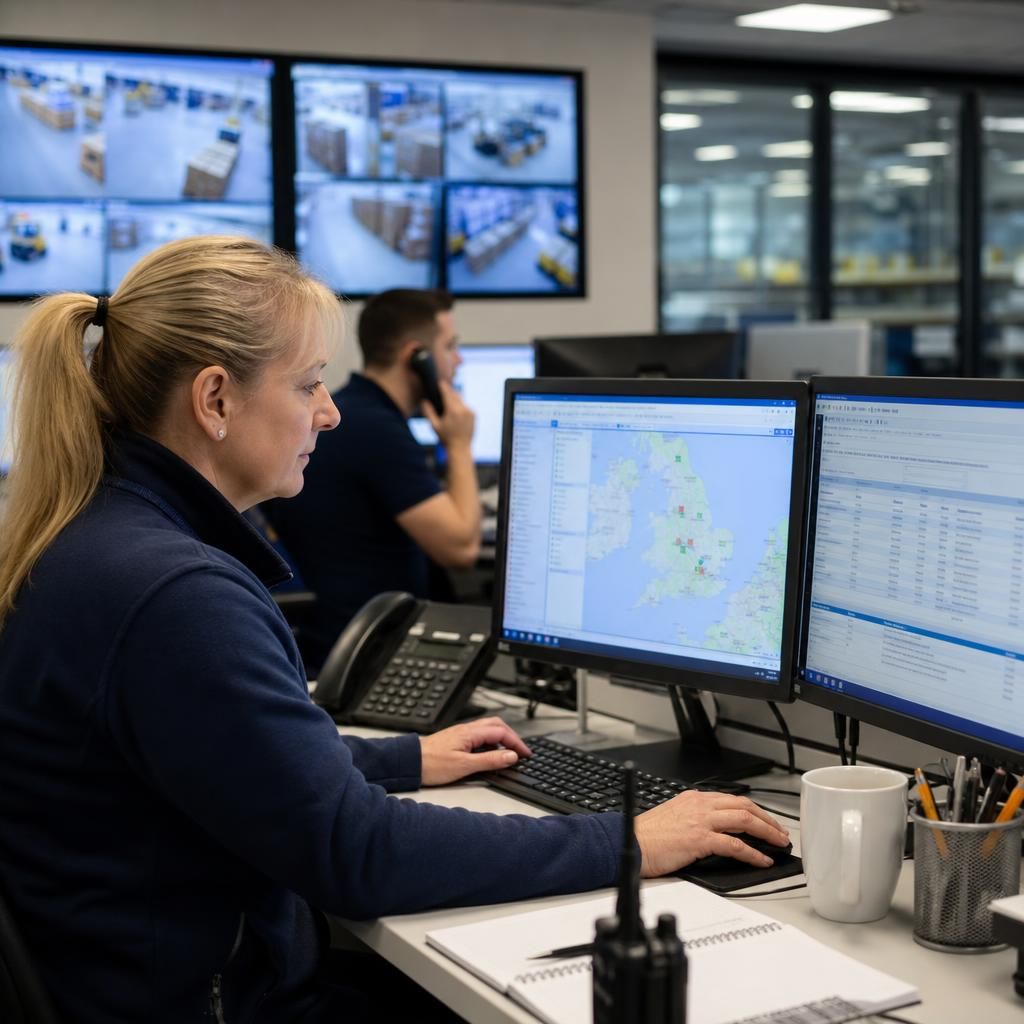
Logistics Businesses
Logistics teams use connected systems to coordinate people, information and day-to-day processes. Remote IT support provides a practical way to investigate user, software and network access problems across the technology that supports those operations.
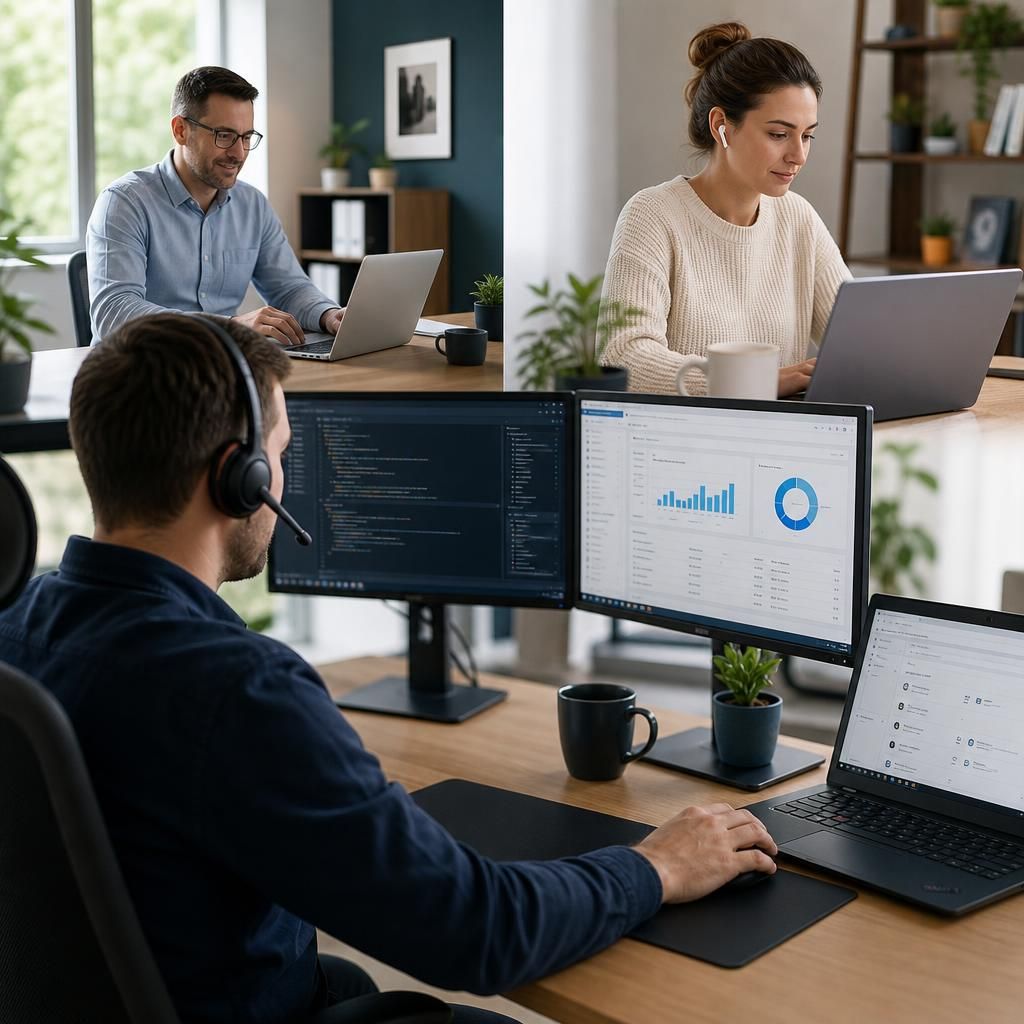
Multi-Site Organisations
Multi-site businesses need consistent support when users, devices and systems are distributed between locations. Remote assistance allows technicians to examine issues across connected environments and provide guidance that supports secure, scalable IT management.
When Remote IT Support Is Useful
Remote IT support is suited to situations where a technician can investigate or guide a resolution without travelling to the user. Common examples include distributed teams, routine account administration, software configuration, device setup and incidents affecting several users.
Connectivity Problems
Remote support can investigate unreliable Wi-Fi, network connection errors and difficulty reaching business resources, helping identify whether the issue relates to the device, local network or wider infrastructure.
Device Performance Issues
Technicians can review slow or unstable computers, examine system settings and identify software or configuration factors affecting a user’s productivity.
Security Concerns
Remote assistance can support the investigation of suspicious device behaviour, security alerts and potentially unwanted software, alongside wider cyber security procedures.
System Configuration
Many technical changes can be checked and applied remotely, including settings that affect applications, permissions, network access and the way users work with business systems.
User Guidance
Remote IT support is useful when employees need help understanding an unfamiliar application, resolving a recurring issue or following a clear set of technical instructions.
Infrastructure Checks
Remote technicians can review relevant servers, cloud services and connected systems when investigating faults that involve more than one device or business application.
Remote IT Support Questions Answered
What does remote IT support cost for a small business?
Remote sessions should use controlled permissions, user consent and secure authentication. Technicians can investigate faults, apply approved changes and document actions while limiting access to only necessary systems and information.
What equipment is needed for a remote IT support session?
Usually, the user needs a supported computer or mobile device, a stable internet connection, power, and permission to install or run the technician’s remote-support software when requested by the business.
Which issues can remote IT support resolve for a small business?
Remote IT support can resolve software errors, account and password problems, email faults, printer issues, connectivity interruptions, application configuration questions, device performance concerns, and guidance for routine tasks when appropriate.
How does a remote IT support session begin?
A remote session begins when the user reports the issue through the agreed support channel. The technician gathers details, confirms the affected device and application, then explains the next steps.
What happens when remote IT support cannot resolve an issue during one session?
If a remote session cannot resolve the problem, the technician should document findings, recommend further investigation and escalate the issue to appropriate onsite support or specialist, keeping relevant business stakeholders informed.
Discuss Your Remote IT Support Needs
Discuss your remote IT support requirements with S2 Technology Group to identify suitable assistance for users, devices and business systems. Enquire for practical guidance on secure remote access, troubleshooting and ongoing support aligned with your organisation’s needs.