
Microsoft Intune Management
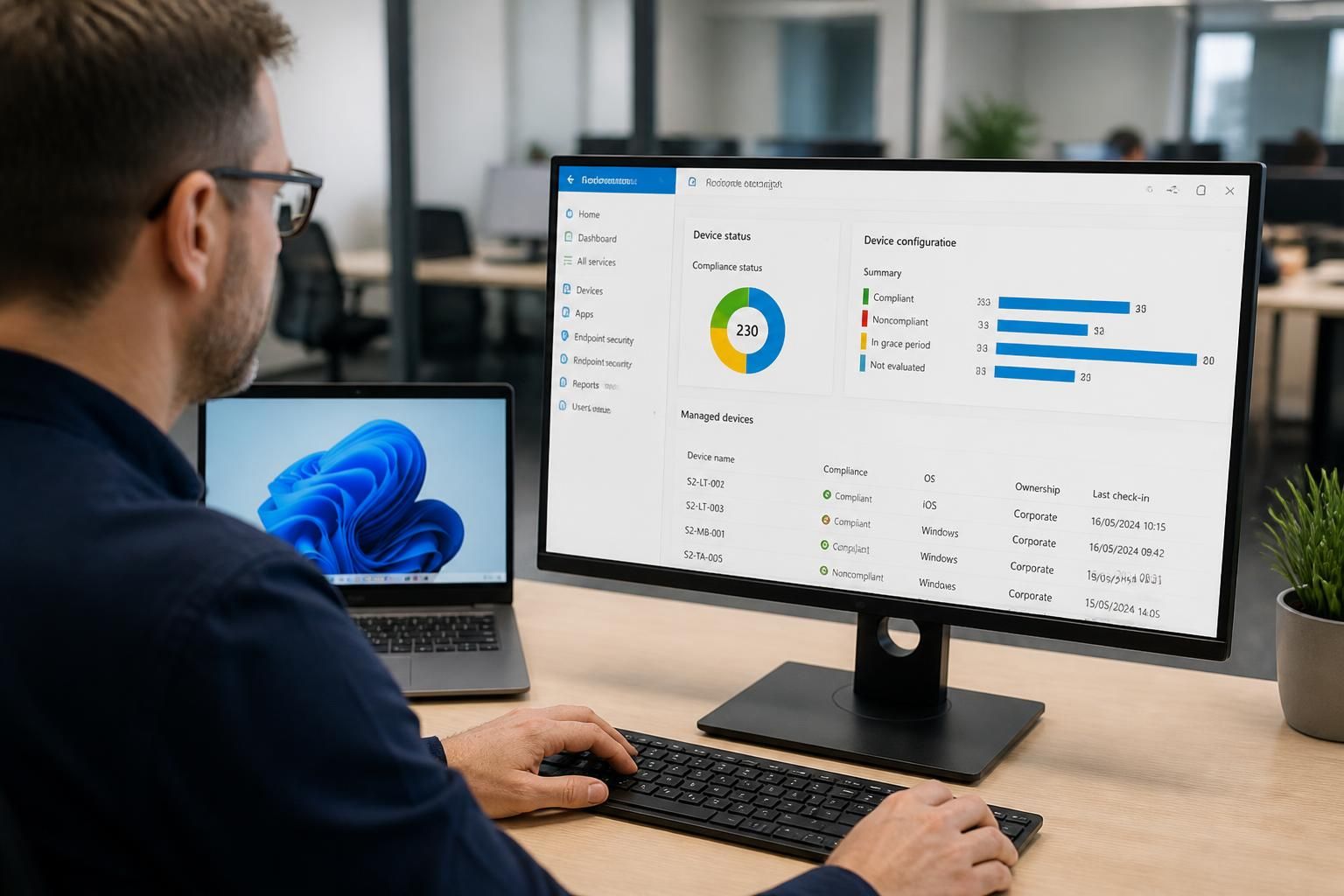
Intune management is the administration of business devices, applications and security policies from a central platform. This overview explains how an Intune training course develops practical skills in enrolment, configuration, compliance and endpoint protection.
Practical Outcomes of Microsoft Intune Training
An Intune training course develops the practical judgement required to plan endpoint administration, assign responsibilities, interpret management information, troubleshoot common issues and align everyday device operations with wider business requirements.
Consistent device enrolment
Apply a defined enrolment process for organisation-owned and approved personal devices, helping administrators capture the right ownership, user and platform information from the outset.
Controlled application deployment
Package, assign and update business applications through appropriate deployment groups, while distinguishing required software from optional tools and reducing manual installation work.
Clear security policy application
Translate security requirements into device configuration and protection policies covering settings such as encryption, passwords, updates and threat protection.
Evidence-based compliance decisions
Use compliance rules and reporting data to identify devices that do not meet policy requirements, investigate the relevant conditions and support informed access decisions.
Better handling of personal devices
Configure management approaches that separate business data from personal information, giving administrators greater control over corporate resources without treating every device as fully organisation-owned.
Structured device lifecycle management
Manage devices through provisioning, ongoing administration, reassignment and retirement, with processes that help keep records, policies and user access aligned as circumstances change.
More effective issue resolution
Use Intune’s administrative views, device actions and policy information to trace common configuration and enrolment problems before selecting an appropriate corrective step.
Putting Intune Into Practice
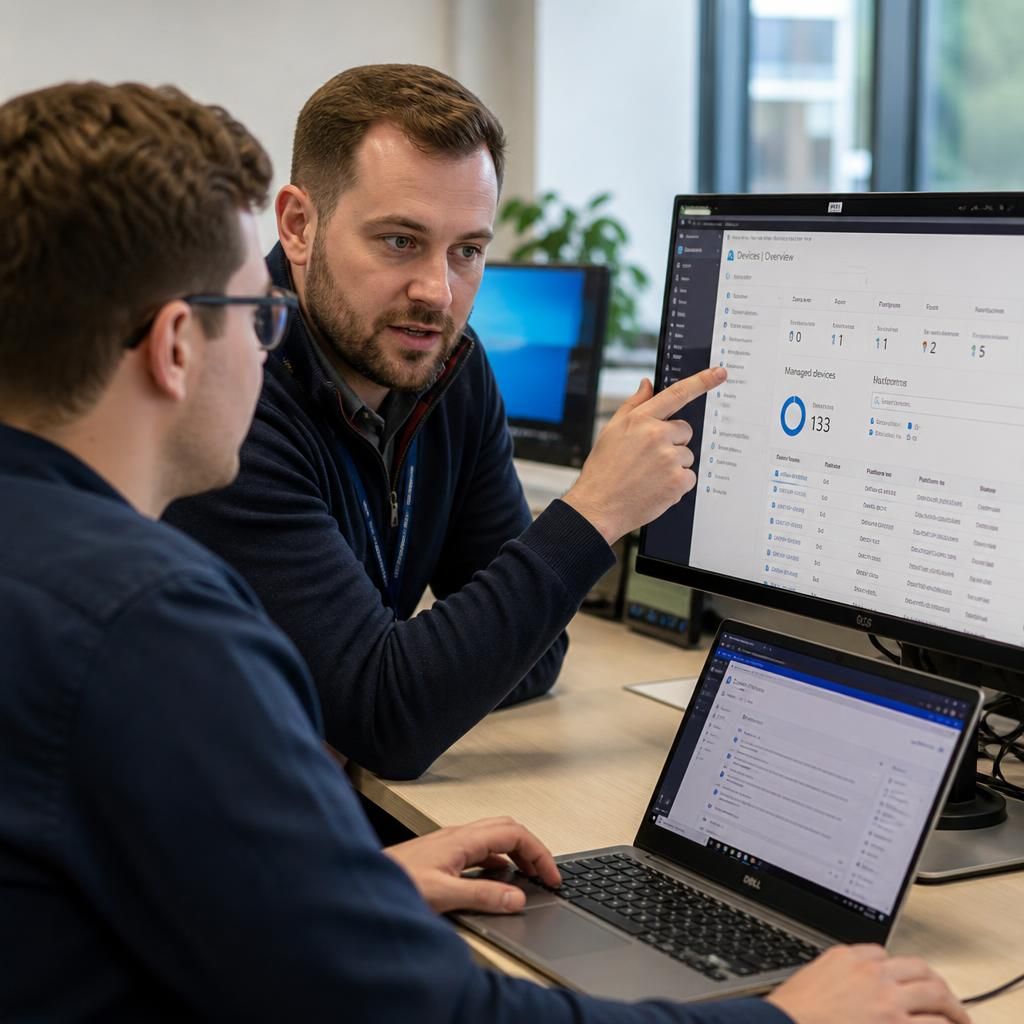
Microsoft Intune management is the ongoing organisation of devices, applications, users and policies through Microsoft’s cloud-based endpoint platform. It includes selecting appropriate controls, documenting them clearly, and reviewing whether settings still reflect business practice.
Effective management is not limited to technical configuration. It requires discussion of working practices, identification of policies that could disrupt legitimate tasks, and a clear distinction between a genuine security concern and an avoidable administration issue.
Training and guidance should connect Intune’s features with everyday decisions: who owns each task, what evidence to check, how changes are recorded, and when an issue needs escalation. This gives organisations a clearer basis for consistent device management.
Expertise in Microsoft Intune Management
Microsoft Intune management is the structured design and operation of cloud-based endpoint controls across an organisation. Its specialist demands include planning administrative scopes, separating user and device requirements, setting appropriate policy priorities, and understanding how Intune interacts with identity, applications and Windows configuration.
Experienced Intune practitioners assess the full device lifecycle rather than treating enrolment as a one-off task. They consider provisioning, application deployment, update management, ownership changes, device replacement and retirement, while using deployment groups and staged changes to limit unnecessary disruption. This systems-based approach is a central part of effective Intune training.
Sound management also depends on interpreting technical results accurately. An experienced administrator can distinguish a policy conflict from a platform limitation, trace an application or configuration failure to its source, and identify when a change requires wider security or operational consideration. These capabilities give an Intune training course practical value beyond memorising individual settings.
Questions to Ask About Microsoft Intune Management
How should Intune management handle personal devices?
Assess whether the provider explains licensing boundaries, administrative roles, data privacy, reporting ownership and change control clearly; vague answers can indicate unmanaged complexity, regardless of technical familiarity or platform knowledge.
What should an Intune training course teach about endpoint analytics?
Endpoint analytics should teach learners to interpret device health, startup performance, application reliability and user-impact indicators, then relate trends to remediation priorities rather than treating dashboards as evidence without context.
What should an Intune course teach about application licensing?
Training should cover licence assignment, entitlement checks, user and device-based models, application-specific requirements, reclamation of unused licences, and documenting ownership so deployments remain compliant and predictable during audits and reviews.
What should Intune training teach about automated device provisioning?
Training should cover provisioning profiles, hardware preparation, naming conventions, group targeting, enrolment safeguards, deployment sequencing and exception handling, ensuring newly issued devices receive appropriate settings reliably without unnecessary manual intervention.
What should Intune training teach about compliance policy exceptions?
Training should explain documenting justified exceptions, defining scope and expiry, applying compensating controls, obtaining approval, monitoring affected devices, and reviewing whether exceptions remain necessary as circumstances or risk changes.
Applied Intune Guidance
Translate Microsoft Intune training into practical endpoint management decisions aligned with each organisation’s requirements and wider technology strategy, consistently throughout.
Businesses We Support

Professional Services Teams
Professional services organisations typically need controlled access to client information across laptops and mobile devices. Intune management can support enrolment standards, application deployment and compliance policies that reflect different roles without applying identical access to every user.

Manufacturing Environments
Manufacturing businesses may use shared, fixed or mobile devices alongside office systems. Intune training helps administrators consider ownership, user access, device restrictions and application requirements before implementing policies that support operational work.

Logistics Operations
Logistics teams often depend on mobile access to business applications while working across locations. Effective Intune management involves defining suitable device configurations, protecting business data and reviewing how compliance requirements affect practical workflows.

Multi-Site Organisations
Organisations operating from multiple sites need consistent device administration with enough flexibility for local requirements. Intune provides a basis for grouping users and devices, assigning policies carefully and recording changes so endpoint decisions remain understandable across the organisation.

Growing Organisations
As an organisation grows, informal device setup can become difficult to control. Intune management supports a more structured approach to enrolment, application assignment and security policy review, helping teams define responsibilities before endpoint administration becomes fragmented.
Intune Management for Different Business Requirements
Microsoft Intune management can support different endpoint scenarios, from preparing newly purchased laptops to governing access on personally owned mobiles. The examples below show how training needs vary according to device ownership, workforce structure and compliance priorities.
New Device Provisioning
For organisations introducing laptops or tablets, Intune training covers enrolment, configuration profiles and application deployment. This helps administrators establish a repeatable process for preparing devices before they reach users.
Personally Owned Devices
Where staff use personal mobiles for business access, training can address enrolment options, application protection and selective policy controls. The focus is on separating business requirements from private device use.
Distributed Teams
Businesses with home-based, travelling or multi-site staff can use Intune to apply consistent device settings without relying on each user to configure them manually. Training explains how to manage different user and device groups.
Security Policy Management
Intune can support endpoint protection through device restrictions, security baselines and compliance policies. Training helps administrators understand how to set controls, assess their effect and document the decisions behind them.
Cloud-Based Administration
For organisations moving away from device-by-device administration, Intune provides a central platform for managing endpoints, applications and policies. Training covers the administrative structure needed to keep settings organised and reviewable.
Compliance Evidence
Where an organisation needs clearer records of device status and policy application, Intune training can cover compliance reporting and review processes. This supports more consistent checks and gives administrators evidence to use when investigating exceptions.
Microsoft Intune Management FAQs
How does Intune role-based access control work?
It covers device enrolment, configuration profiles, application deployment, compliance policies, identity controls and endpoint protection, helping administrators apply governance consistently across Windows, mobile and personally owned devices securely in practice.
How does Intune manage Windows update policies?
Intune manages Windows update policies through update rings, allowing administrators to control quality and feature-update deferrals, deadlines, restart behaviour, deployment groups and reporting while protecting operational continuity during update cycles.
How does Intune manage macOS devices?
macOS management in Intune uses platform enrolment methods, configuration profiles, application assignments and compliance checks to control organisational devices while respecting platform-specific settings, ownership models and user privacy requirements appropriately.
How does Intune manage Android devices?
Intune manages Android devices through Android Enterprise enrolment, work profiles, configuration policies, application deployment and compliance rules, separating business data from personal content according to device ownership and security requirements.
How does Intune protect business data within mobile applications?
Intune protects business data within mobile applications by applying app protection policies that control data transfer, copy-and-paste, saving, encryption and access requirements without necessarily managing the entire underlying device directly.
Discuss Your Microsoft Intune Training Requirements
Discuss your Microsoft Intune training requirements with S2. We can help identify relevant management topics for administrators, including enrolment methods, policy design and reporting priorities. Enquire today to plan a focused learning programme.