How is business data protected during remote access sessions?
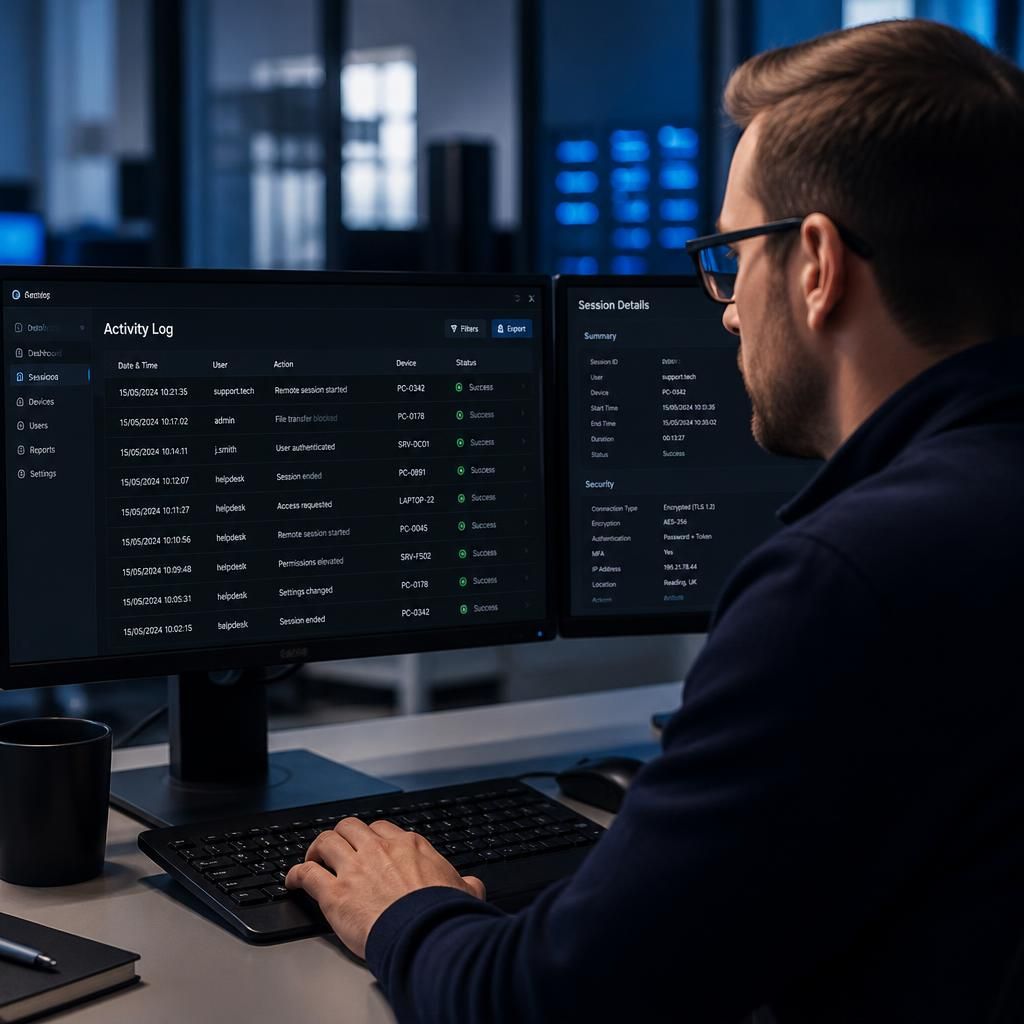
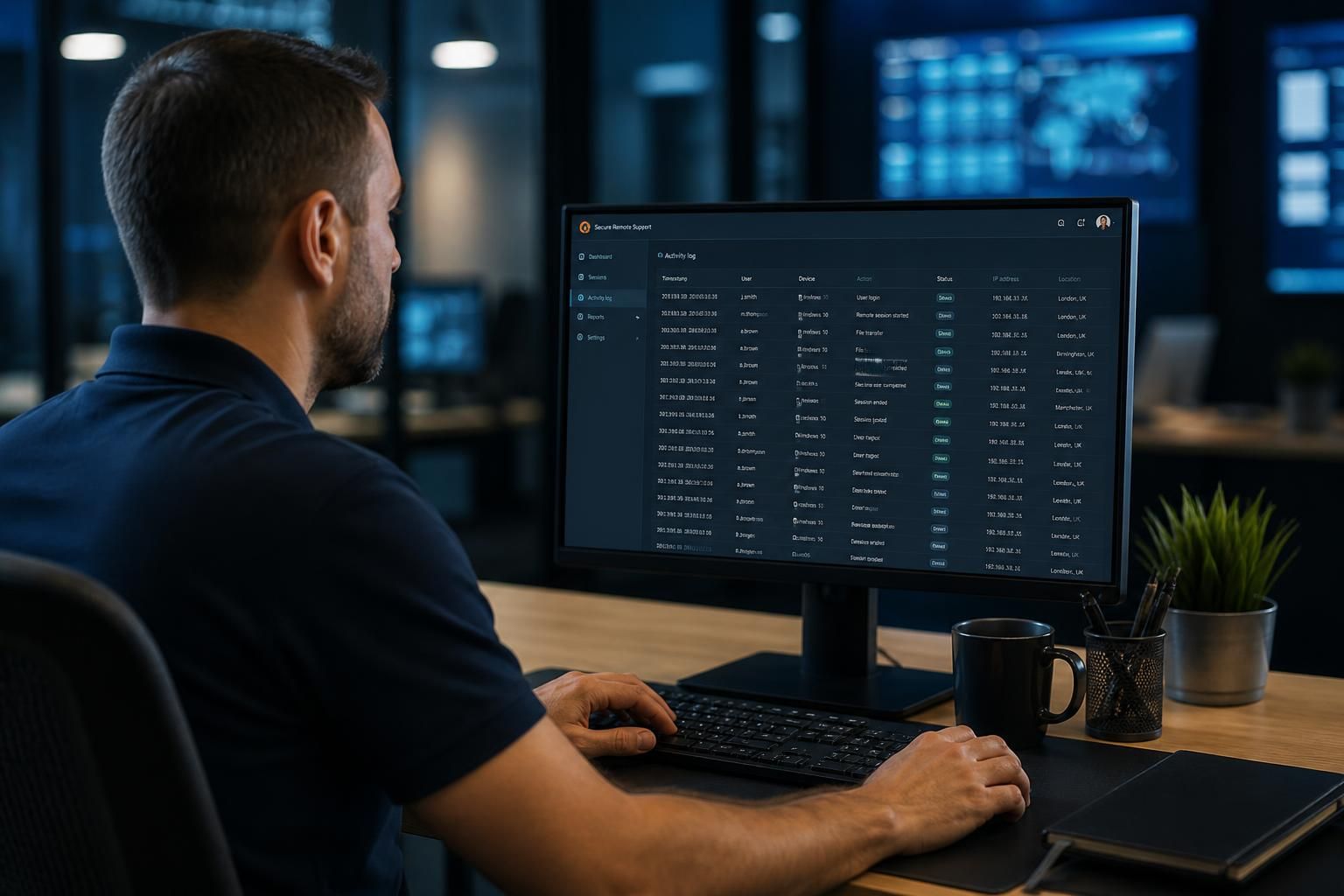
Business data is protected during remote access sessions through strong authentication, least-privilege access controls, encrypted connections and activity logging. Access should be limited to the approved device, system and support task, with permissions reviewed and removed when they are no longer required.
Business data is protected during remote access sessions by controlling what can be accessed, how information is handled during the connection, and what remains on the support device afterwards. Effective protection combines secure remote-access technology with well-managed devices, clear support procedures and checks that prevent unnecessary data exposure.
Before a session begins, the support request should be verified and its scope defined. This includes confirming the affected user, device, business system and reason for access. A technician should use the minimum information needed to diagnose the issue rather than browsing unrelated files, applications or records. Where possible, the user should be informed when access starts and what actions are being performed.
The remote-support platform should be configured to restrict functions that could copy business information away from the affected device. Depending on the technical requirements, these controls may include:
- Disabling clipboard sharing where copying text could expose confidential information.
- Restricting file transfers so documents cannot be moved unnecessarily between devices.
- Preventing local printing, screen capture or drive mapping when these functions are not needed.
- Blocking access to command-line tools or administrative functions unless they are required for the approved task.
- Separating support access from ordinary user accounts and personal devices.
Data is also protected by securing the devices at both ends of the session. The technician’s workstation should be managed, patched and protected against malware, while the business device being supported should have appropriate endpoint security and device controls. If either endpoint is compromised, the remote connection can become a route into business systems, so remote access should form part of the organisation’s wider cyber security and device-management arrangements.
Remote sessions should not be used as a reason to expose entire file shares or broad areas of the network. Network segmentation can restrict the systems that a supported device or account can reach. For example, access to a workstation used by one department should not automatically provide a path to finance records, production systems or other sensitive resources. Separating systems in this way limits the potential impact if an account, device or session is misused.
Support staff should avoid viewing or recording more information than the task requires. If a problem can be resolved using system settings, diagnostic output or a test account, there may be no need to open customer records or confidential documents. Screenshots, exported logs and copied diagnostic files should be treated as business data, stored only where necessary and disposed of according to the organisation’s retention requirements.
Session controls should also address unattended access. A device left connected to a remote-support service can create risk if a user is not present to identify unexpected activity. Organisations should define when unattended access is permitted, which systems it applies to and how it is disabled when no longer justified. Automatic session expiry, re-authentication and disconnection after inactivity can reduce the chance of an open session being left available.
After the work is complete, the technician should confirm that remote tools, temporary accounts, transferred files and elevated privileges are no longer active unless there is a documented reason to retain them. Temporary diagnostic data should be removed securely, and any required records should be stored in an approved service-management system rather than on a personal desktop or unmanaged device.
These safeguards work best when they are supported by documented procedures and regular review. S2 Technology Group can help organisations assess remote access arrangements as part of broader IT support and cyber security management, including endpoint protection, network design, user access and the handling of sensitive business information.
Encryption protects business data while it travels between the technician’s device and the organisation’s systems during a remote access session. A secure remote-support service should establish an authenticated, encrypted connection so that information displayed or exchanged during the session is not readable to unauthorised parties in transit.
Encryption should be supported by certificate validation, secure configuration and properly protected authentication credentials. It does not make every remote session safe by itself: if an authorised account is misused, or either endpoint is compromised, encrypted traffic can still be exposed after it reaches the device. For that reason, encryption needs to operate alongside identity checks, restricted permissions and managed support equipment.