
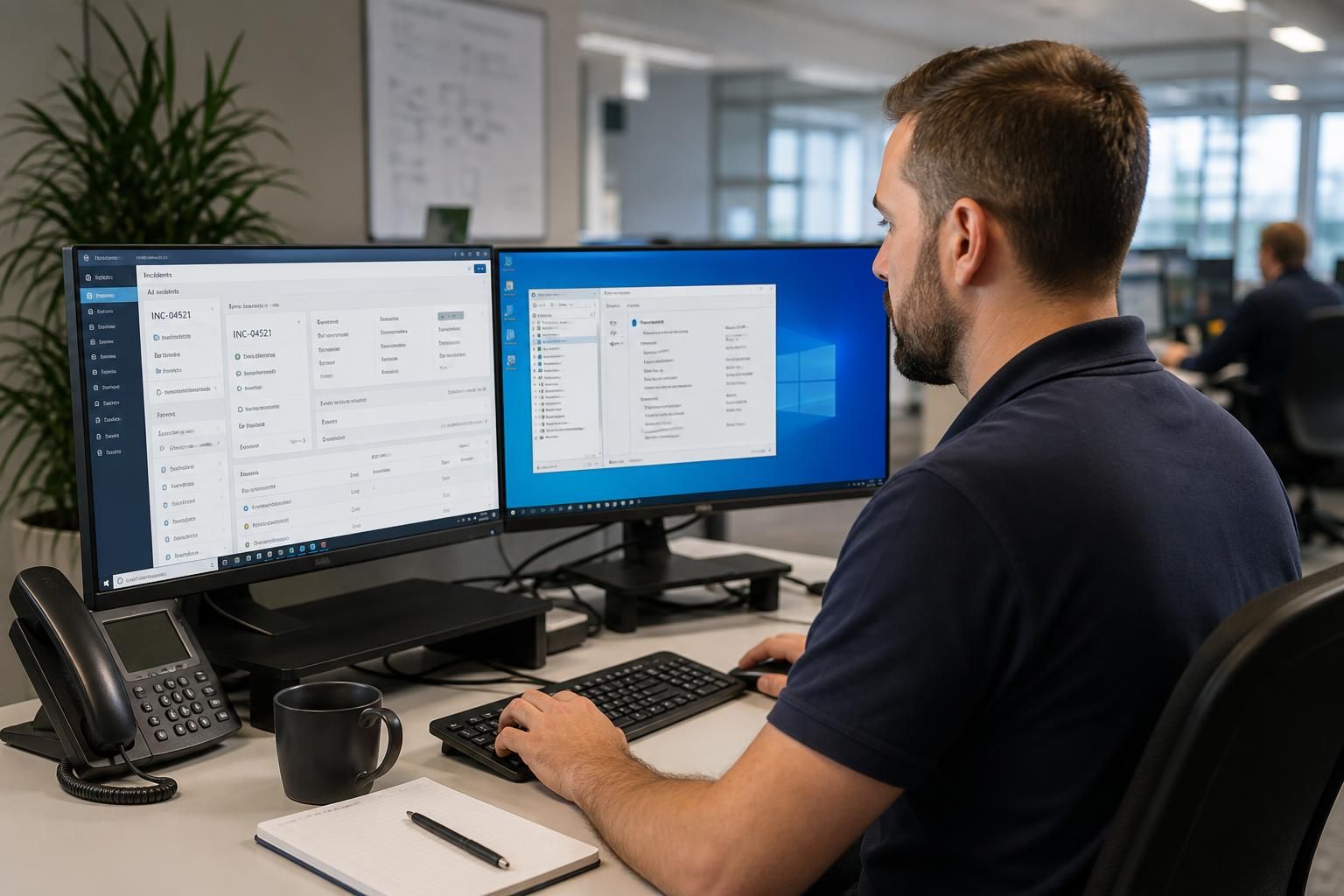
How does remote access support integrate with your incident management process?
Remote access support integrates with incident management by giving authorised technicians a controlled way to investigate affected systems, apply remediation and document actions within the incident record. Access should follow the organisation’s escalation, approval, evidence-gathering and post-incident review procedures, with sessions logged and permissions limited to what the incident requires.
Remote access support forms part of incident management when it is governed as an incident response activity rather than treated as an informal technical fix. The incident record should determine who may connect, why access is required, which actions are permitted, what evidence must be retained and how the incident will be closed. This links technical intervention with the organisation’s wider process for prioritising, escalating and reviewing security or service disruptions.
1. Detection and initial triage. An incident begins with a report from a user, monitoring system, security control or service desk. Before a remote session is opened, the incident should be classified according to its apparent type, affected service, business impact and urgency. This initial assessment helps distinguish, for example, a user-specific configuration fault from a suspected malware incident or a wider connectivity problem.
The record should contain the known symptoms, the affected user or site, relevant device details and the time the issue was reported. Where the incident may involve compromised credentials, unauthorised activity or data exposure, the response process should apply its security escalation rules before ordinary troubleshooting takes place.
2. Authorisation and access planning. The incident manager or designated approver should confirm that remote access is appropriate for the next investigative or corrective step. The technician needs a clear scope, such as reviewing event information, changing a configuration, isolating a device or installing an approved update. Broad, unrestricted access creates unnecessary risk and makes subsequent review more difficult.
Access planning should also consider the sensitivity of the device, the identity of the user, the location of the system and whether another person must approve or observe the session. If the affected device is used for financial, personal or operationally critical data, the incident procedure may require additional authorisation or specialist handling.
3. Investigation and evidence collection. The first remote connection should normally support fact-finding before changes are made. Depending on the incident, this can include reviewing system status, relevant logs, recent configuration changes, security alerts, running processes, installed software and network settings. The technician should record observations in the incident rather than relying on notes kept separately.
Evidence must be handled consistently. Important log entries, screenshots, file paths, error messages and configuration details should be retained according to the organisation’s evidence requirements. Timestamps should be recorded accurately, particularly where events across several systems need to be compared. Investigators should avoid deleting files, clearing logs or restarting services until the effect on evidence has been considered.
4. Containment and remediation. Once the likely cause and risk are better understood, remote access can be used to carry out an approved containment or corrective action. Examples include disabling a compromised account, removing an unsafe configuration, stopping a suspicious process, applying a security update, restoring an approved setting or reconnecting a service after its dependencies have been checked.
Every change should be linked to the incident and described in sufficient detail to show what was changed, why it was necessary and who authorised it. If an action could interrupt a business service or remove evidence, that consequence should be considered before proceeding. Where the proposed change falls outside the original scope, the technician should pause and obtain a revised decision rather than extending access informally.
5. Validation after the session. Remote intervention is not complete when a command has been applied. The affected device or service should be checked against the symptoms that triggered the incident. Validation may include confirming that the user can perform the required task, that a service is operating correctly, that security controls remain enabled and that no related systems have been affected.
For security incidents, validation can also include reviewing fresh logs, checking for repeated suspicious activity and confirming that changed credentials, policies or software states have taken effect. If the issue remains unresolved, the record should explain what has been ruled out and what further escalation is required. A failed remote session is still useful evidence when its outcome is recorded accurately.
6. Communication and ownership. Incident management requires a clear separation between technical activity and business decisions. The technician can report findings and recommend actions, while the incident owner decides on escalation, service restoration, stakeholder notification and closure. Relevant users, managers, security personnel or suppliers should receive information appropriate to their role, without exposing unnecessary technical or personal details.
For incidents affecting more than one site or business function, the record should identify the systems that have been checked and those still awaiting attention. This prevents several technicians from repeating the same work and provides a consistent view of the remaining risk.
7. Closure and post-incident review. The incident should be closed only when the agreed acceptance criteria have been met. The final record should bring together:
- the original report and classification;
- the systems and accounts involved;
- the people who approved and performed remote access;
- the connection and session details required by the organisation’s audit policy;
- the evidence collected;
- the commands, settings or other changes applied;
- the validation checks and final service status;
- any residual risk, follow-up task or recommendation.
A post-incident review can then identify whether the underlying cause was a weakness in configuration, patching, identity management, user guidance, monitoring or the remote access process itself. Actions arising from that review should be assigned an owner and tracked separately from the closed incident where appropriate.
Integration is strongest when the remote support platform and incident management system share a consistent operating procedure, even if they are separate tools. Session identifiers, technician identity, approval information and technical notes should be capable of being reconciled with the incident reference. Access permissions should reflect the incident’s scope and be removed or reduced when the work ends, rather than remaining available because a previous case required them.
Remote access is not suitable for every incident. A device with suspected active compromise may need isolation, forensic preservation or physical handling before normal support activity continues. A system that is powered off, disconnected or unable to run the access agent may require an alternative recovery method. These limitations should be recorded as part of the incident decision-making process, with escalation to the appropriate technical or security specialist.
For a small or medium-sized organisation, a practical process is to define incident categories, approval levels, evidence requirements, session logging rules, escalation contacts and closure criteria in advance. That framework allows remote support to contribute to a controlled response without bypassing governance, weakening evidence or obscuring responsibility for the final decision.
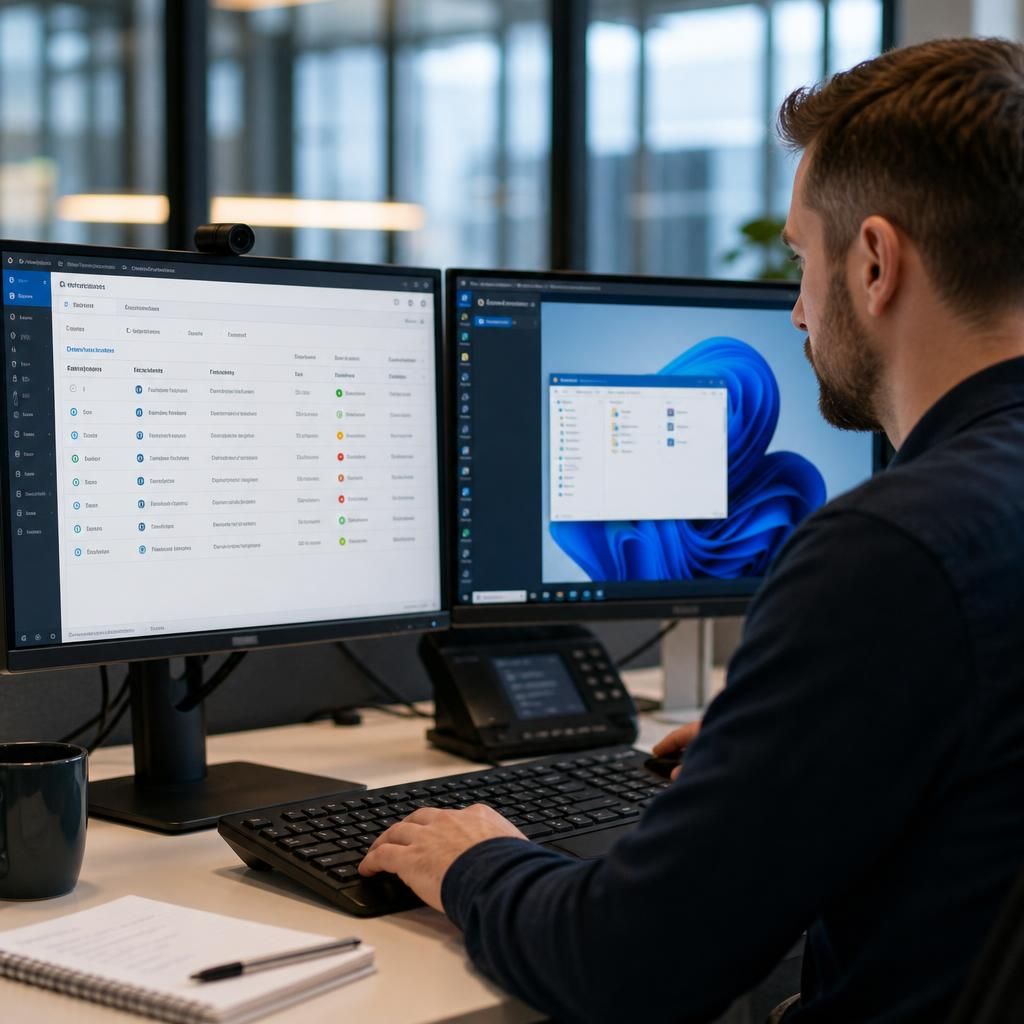
Remote access integrates with incident management most effectively when each technical session is treated as a controlled work item with a defined owner, status and next action. This prevents several technicians from making overlapping changes and gives the incident manager a reliable view of what is happening across affected devices or sites.
An incident record can divide the response into linked tasks, such as checking endpoint status, reviewing a network dependency, applying an approved configuration change or confirming user access after remediation. Each task should identify the responsible person, the system involved, its current state and any dependency that must be resolved first. A technician who cannot proceed should record the reason, rather than leaving the incident appearing inactive.
- Assigned: the work has an owner and a defined purpose.
- In progress: a remote session or related investigation is under way.
- Blocked: access, approval, evidence or another technical dependency is preventing progress.
- Ready for validation: the planned action is complete but its effect still needs to be checked.
- Complete: the task has been reviewed and its supporting information is attached to the incident.
This structure is particularly useful when an incident affects multiple users, systems or locations. It allows the incident owner to coordinate technical work without giving every participant unrestricted access or requiring them to search through separate conversations for the latest position. Remote access therefore contributes not only a method of reaching the affected device, but also a more controlled way to allocate, track and hand over incident work.