

What security controls should outsourced IT include for a small business?
Outsourced IT for a small business should include layered security controls covering threat protection, patch management, secure access, data backups and monitoring. The provider should also define how incidents are handled, test recovery procedures, review user permissions and help the business meet relevant compliance obligations.
For a small business, outsourced IT security controls should be documented, risk-based and capable of being checked. They should protect users, devices, applications and data through defined policies, technical safeguards and operating procedures, with clear evidence that the controls are working.
Start with a documented security baseline. The provider should establish what the business considers an acceptable security configuration. This baseline may cover approved devices, supported operating systems, encryption requirements, account standards, permitted software, remote working arrangements and the handling of company data. It should distinguish between essential controls for every user and additional controls for administrators, finance staff, senior managers or anyone handling particularly sensitive information.
The baseline should also identify exceptions. If a legacy application cannot meet the standard, the provider should record the reason, the associated risk, the compensating measure and the date for review. This prevents temporary workarounds becoming permanent weaknesses.
Maintain an accurate technology inventory. A provider cannot protect assets it does not know about. The inventory should include computers, mobile devices, servers, network equipment, cloud services, business applications, user accounts and important data repositories. Each item should have an owner, a business purpose and an indication of its security status.
Asset records should be reconciled periodically against the systems actually connecting to the organisation. Unapproved devices, unknown applications and abandoned accounts can otherwise remain unnoticed. The inventory should also support secure disposal, ensuring that company information is removed before equipment is reused or discarded.
Harden endpoints and servers. Devices should be configured to reduce unnecessary exposure. Relevant measures include removing unneeded software, restricting local administrator rights, enabling host firewalls, controlling removable media and preventing users from changing important security settings. Standard configurations make devices easier to manage consistently and reduce the number of individual weaknesses a provider must investigate.
Endpoint controls should cover laptops and mobile devices used away from the office as well as equipment connected to the internal network. Where business data is stored locally, full-disk encryption and the ability to lock or erase a lost device are important safeguards. The provider should define how devices that fall outside the approved configuration are identified and brought back into compliance.
Use strong identity controls. Access should be based on an individual identity rather than shared credentials. The provider should support multi-factor authentication where appropriate, particularly for administrative, cloud and remote access accounts. Privileged work should be carried out through separate administrative accounts so that routine email and web activity are not performed with elevated rights.
Joiners, movers and leavers should follow a controlled process. New access should require authorisation, changes should reflect a person’s current role, and departing users should have access removed promptly as part of an agreed procedure. Service accounts, emergency accounts and supplier accounts need named owners, restricted permissions and regular review rather than being left outside normal governance.
Protect email, web use and collaboration tools. Small businesses are frequently exposed through malicious attachments, deceptive messages, unsafe links and the unauthorised sharing of documents. Controls should include filtering for suspicious content, protection against impersonation and policies governing external sharing. The provider should also help users recognise common attack techniques and provide a clear route for reporting a suspicious message.
Cloud collaboration platforms require their own configuration review. External users, public links, unused workspaces and inherited permissions can expose information even when the underlying service is reputable. A sensible control framework limits sharing by default, records ownership and removes access when a project or relationship ends.
Separate important systems where practical. Network and cloud environments should not give every device or user unrestricted access to every resource. Segmentation can limit the spread of a compromised account or device by separating administrative services, user devices, guest access, operational technology and sensitive systems. Rules should be based on the traffic genuinely required, with unnecessary routes removed.
For a small organisation, this does not always require a complex architecture. It does require the provider to understand which systems depend on each other and to document the access paths. Changes to network rules should be authorised, recorded and tested so that security improvements do not create unmanaged operational risks.
Encrypt sensitive information. Encryption should be considered both while information is being transmitted and while it is stored. The provider should identify which data requires stronger protection, where the encryption keys are controlled, and what happens if a key or device is lost. Encryption is not a substitute for access control, but it can reduce the consequences of a stolen device, intercepted connection or improperly disposed storage medium.
Include vulnerability management. Beyond routine software updates, the provider should identify weaknesses in systems, applications and configurations, assess their significance and track corrective action. Vulnerability scanning can help discover exposed services or outdated components, while configuration reviews can find insecure settings that a software update will not correct.
The process should prioritise issues according to business impact and exposure rather than treating every finding identically. It should record who owns the action, any accepted risk and the evidence that the issue has been resolved. Independent testing may be appropriate for internet-facing systems or significant infrastructure changes, particularly where a risk cannot be assessed reliably through automated tools alone.
Make logging useful rather than excessive. Security logs should provide enough information to investigate unusual activity, such as repeated authentication failures, unexpected privilege changes, suspicious data access or the creation of new forwarding rules. The provider should define which events are collected, how long they are retained, who can view them and how their integrity is protected.
Monitoring should have clear escalation criteria. A log that no one reviews is not an effective control, and an alerting system that produces unmanageable noise can hide important events. The provider should periodically assess whether alerts are identifying relevant activity and whether investigations are being recorded consistently.
Control data loss and recovery dependencies. Backups are only one part of resilience. The provider should identify critical information, confirm that copies are logically separated from everyday user accounts and establish who is authorised to restore it. Recovery procedures should account for identity systems, line-of-business applications, configuration data and the order in which services must be brought back.
Recovery evidence should be documented, including what was restored, whether the information was usable and which problems were found. This helps distinguish a backup that exists from a recovery capability that the business can rely on.
Address people and supplier-related risk. Security awareness should be relevant to the work people actually do, covering topics such as password handling, suspicious requests, information sharing, lost equipment and reporting mistakes. Training should be supported by clear policies and practical processes rather than relying on users to make consistently correct decisions without guidance.
The outsourced provider should also assess its own access to the business. Its staff should receive only the permissions needed for their role, use identifiable accounts and have their activity recorded where appropriate. Subcontractors and third-party platforms should be included in the risk assessment, with responsibilities for security, confidentiality, incident notification and the return or deletion of business data clearly documented.
Define evidence and accountability. A useful outsourced IT arrangement specifies what the provider will manage, what remains the customer’s responsibility and how control performance will be demonstrated. Suitable evidence may include asset records, access reviews, vulnerability reports, configuration records, training records and incident summaries. Reports should explain material risks and outstanding actions in language that business owners can understand.
The controls should be reviewed when the organisation adds a site, adopts a new cloud application, changes its working practices, acquires another business or begins handling more sensitive information. This keeps the security framework aligned with the business instead of treating it as a one-off technical exercise.
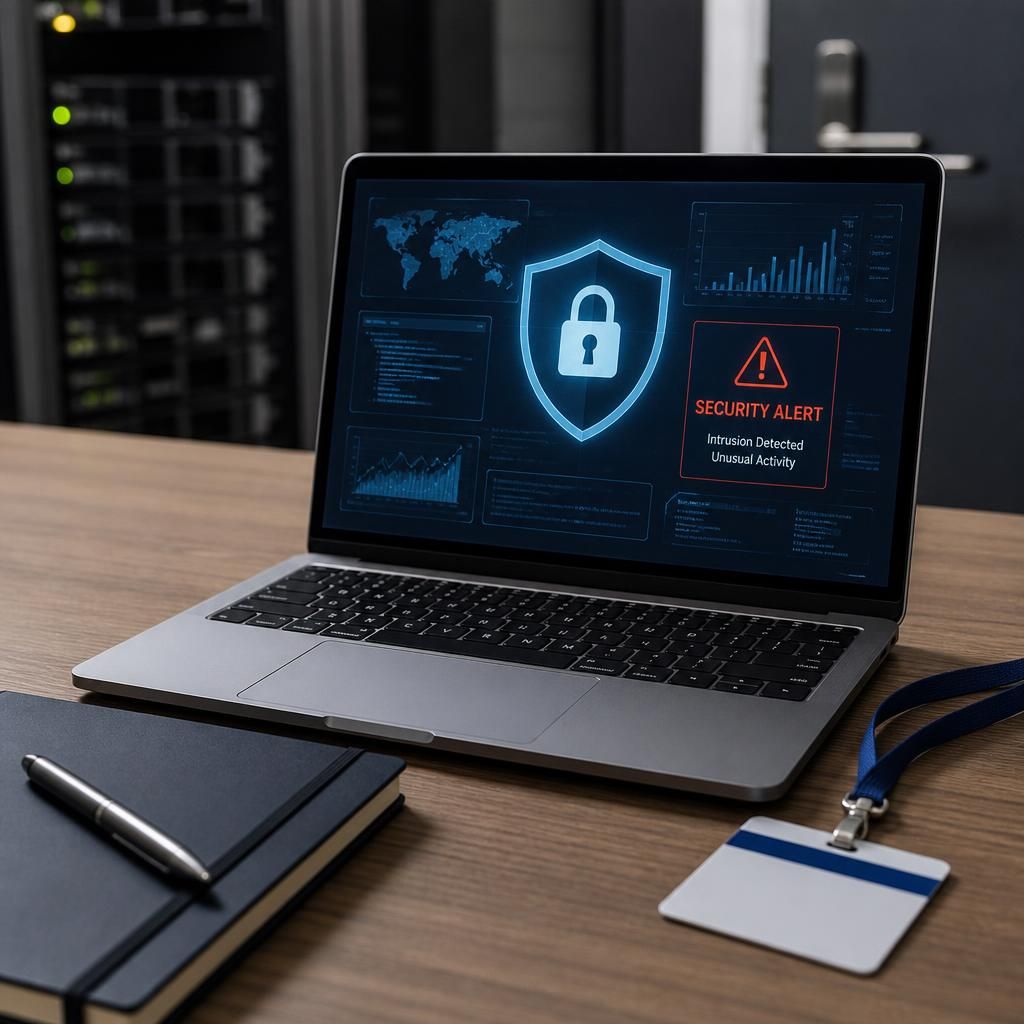
Outsourced IT security controls should also cover the physical protection of equipment and facilities. A stolen or tampered-with server, network device or unattended laptop can undermine otherwise effective digital safeguards.
- Restrict access to server rooms, communications cabinets and areas containing networking equipment.
- Use visitor controls and keep access records where sensitive infrastructure is located.
- Protect equipment against avoidable risks such as overheating, power interruption, water damage and unauthorised removal.
- Ensure laptops and removable devices are secured when not in use, particularly in shared or public workplaces.
The provider should clarify which physical controls it manages directly and which remain the small business’s responsibility. This distinction is important where systems are hosted across offices, third-party data centres and cloud platforms, because the relevant safeguards and evidence may come from different parties.