How is business broadband installed?
Business broadband is installed through a planned process: the provider checks the premises and available infrastructure, arranges the connection, installs or configures the required equipment, and tests the service before handover. Timescales vary according to the connection type, site requirements and any cabling or infrastructure work needed.
Business broadband installation is a coordinated process involving the internet access circuit, the equipment at the premises and the organisation’s internal network. A connection is not fully ready for business use until the service has been activated, the router or firewall has been configured, and devices can reach the required online services securely.
1. Confirm the technical requirements
Before an order is placed, the business should establish what the connection needs to support. This includes the number of users, cloud applications, voice services, remote access, video meetings, guest Wi-Fi and any sites that need to connect to one another. The required service type may differ between a small office, a manufacturing site and a multi-site organisation.
It is also important to record practical details such as the installation address, the location of the communications cabinet, the preferred router position and the route into the building. Existing cabling, restricted access areas and landlord permissions can affect the work involved.
2. Check the building and access route
Some installations can use existing infrastructure, while others require new cabling, duct access or work on the building itself. An engineer or survey process may identify the point where the external service enters the premises, the route to the equipment room and whether additional internal cabling is needed.
For rented or shared premises, the building owner or managing agent may need to approve the work. If access involves shared ducts, communal areas or neighbouring land, permissions can become a significant part of the installation process. A business should confirm who is responsible for arranging these permissions rather than assuming the broadband provider will handle every requirement.
3. Prepare the internal network
The broadband circuit is only one part of the installation. The existing network should have a suitable firewall or router, correctly configured switches, appropriate cabling and enough capacity for the intended use. Older equipment may not support the connection’s capabilities, particularly where the service is faster than the current internal network.
Preparation may include allocating a location for the provider’s equipment, providing power, labelling network ports and checking that the cabinet has sufficient space. The organisation should also decide whether the new service will replace an existing connection, operate alongside it during a transition or form part of a resilience arrangement.
4. Install and activate the service
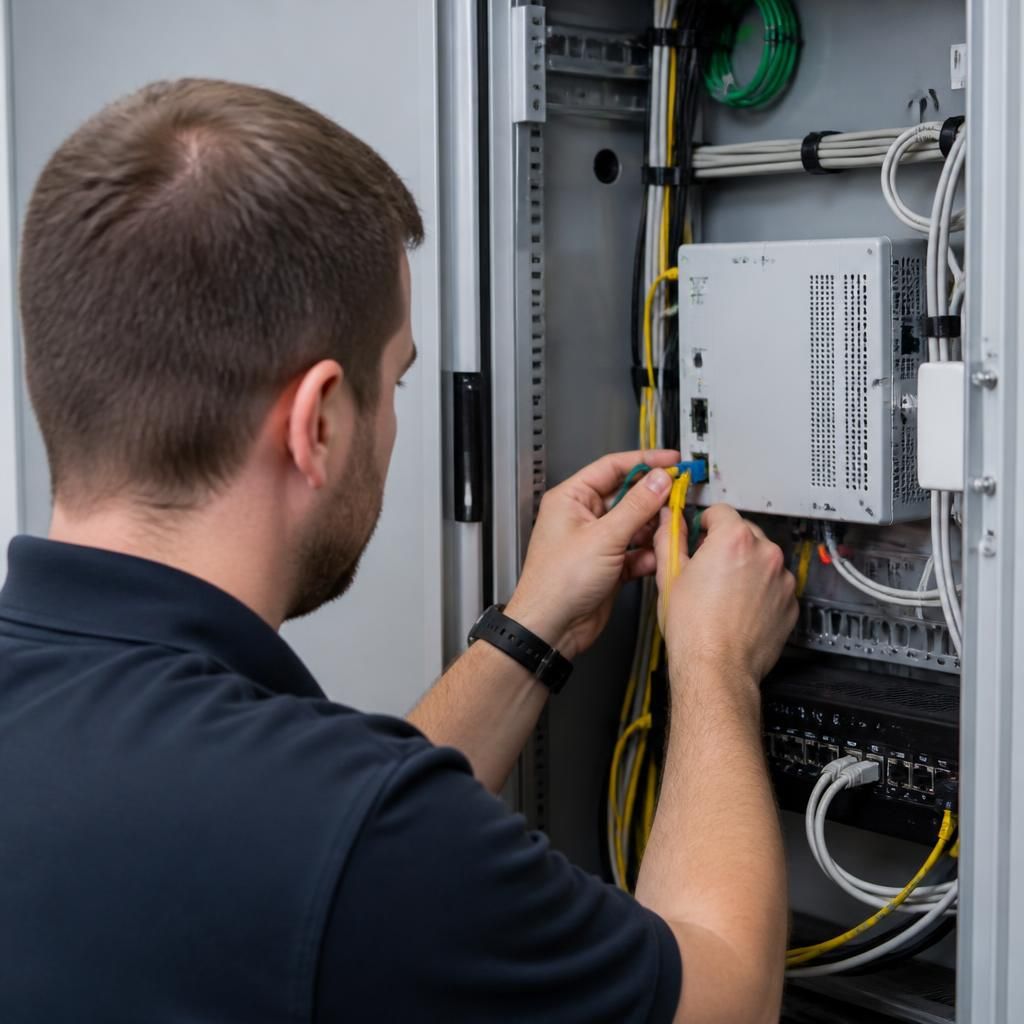
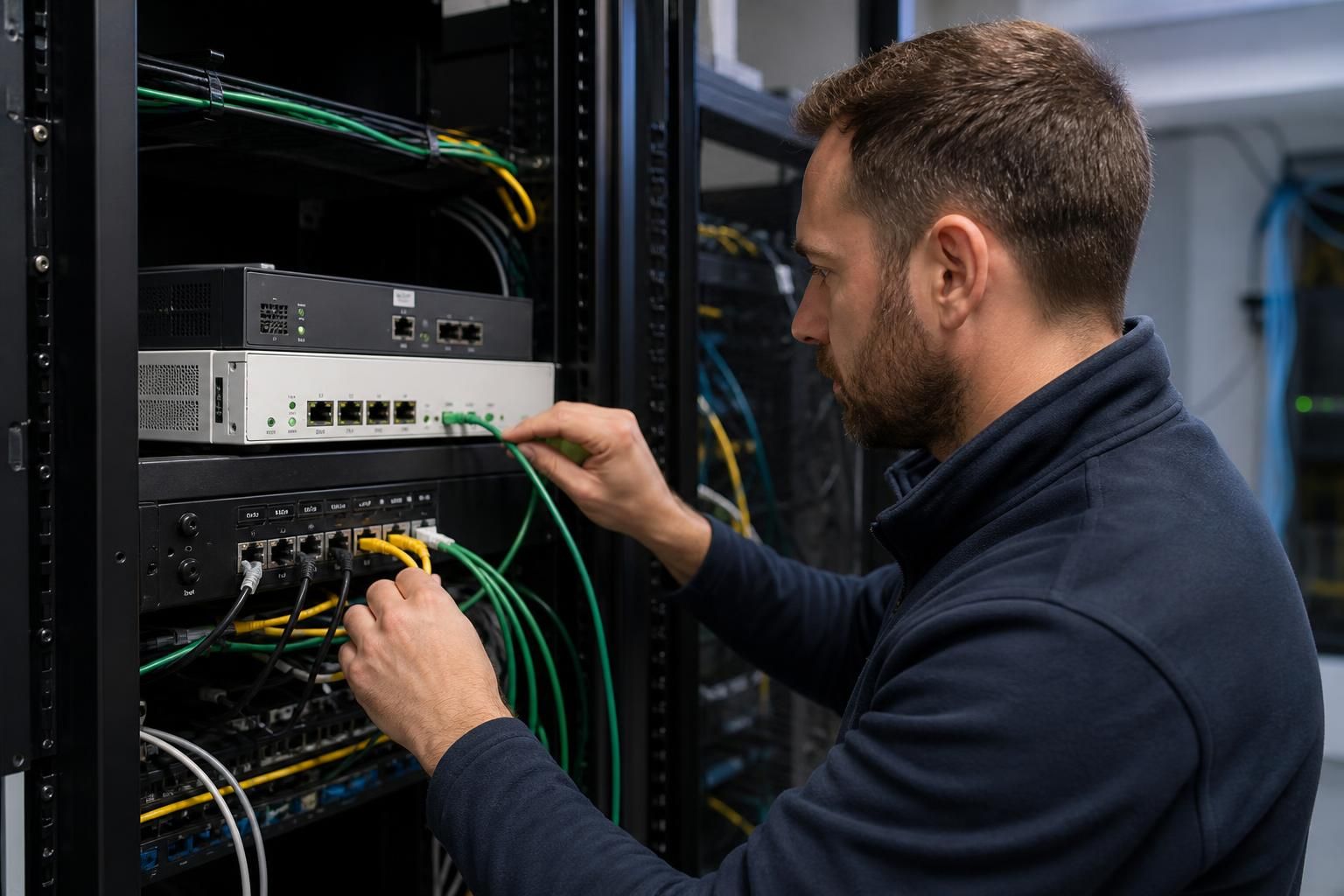
On the installation date, the provider’s engineer connects the premises to the access network and installs or connects the necessary termination equipment. This may involve work at the building entry point, a communications cabinet or a designated equipment area. The engineer may need access to more than one part of the site, so someone with knowledge of the building should be available to provide access and answer practical questions.
The router, firewall or other customer-premises equipment is then connected to the service. Depending on the arrangement, the provider may supply this equipment or an IT team may configure its own device. Settings can include the WAN connection, authentication, addressing, routing and any static network details supplied for the service.
5. Configure business systems
Connecting the circuit does not automatically configure the organisation’s wider systems. The firewall may need rules for remote access, hosted applications, voice services or site-to-site traffic. Network address translation, DNS, DHCP, VLANs and Wi-Fi settings may also need to be reviewed.
Security should be considered during this stage. Default administrative credentials should be replaced, management access should be restricted and unnecessary inbound traffic should not be allowed. If the broadband connection is being used with an existing security appliance, its compatibility and configuration should be checked before users are moved across.
6. Test before handover
Testing should cover more than a single speed check. The installation team or IT provider should confirm that the router is receiving the service correctly, internal devices can access the internet and important business applications function as expected. Testing may also include DNS resolution, upload performance, latency, firewall rules, remote access, voice quality and connectivity between sites where relevant.
Where the new circuit replaces an existing service, the business should test the changeover procedure and confirm which equipment, credentials and network settings need to be retained. Any faults or limitations should be recorded before the service is accepted.
7. Document the completed installation
A proper handover should include the service reference, equipment details, connection information, support contacts, network settings and any limitations identified during testing. The location of the termination equipment and the route of new cabling should also be recorded.
Documentation makes future fault-finding and equipment changes more straightforward. It also helps an organisation understand which tasks belong to the broadband provider and which belong to its IT team, firewall supplier, cabling contractor or building manager.
Installation requirements vary considerably between premises. S2 Technology Group can help businesses assess the connection alongside their firewall, internal network and wider IT infrastructure, so that the broadband service is integrated into the working environment rather than treated as an isolated connection.
A business broadband installation includes a defined handover point between the provider’s access network and the organisation’s own equipment. This demarcation point is usually where the incoming circuit terminates on provider-supplied equipment or a network interface. From there, the connection passes to the business’s router or firewall and then into its internal network.
Identifying this boundary matters when diagnosing faults. If the provider’s equipment is not receiving the service, the issue may relate to the external circuit or its termination. If that equipment is operating correctly but users cannot reach applications, the cause may lie with the firewall, cabling, switching or internal network configuration. Recording the handover point and connected equipment makes it easier to direct faults to the right party.
The installation should therefore be assessed as an end-to-end connection rather than just an engineer visit. The provider’s circuit, the handover equipment and the organisation’s own network each have a role, and all three must operate together for the broadband service to support normal business use.