
Is remote managed IT support suitable for multi-site businesses?
Yes. Remote managed IT support can suit multi-site businesses by providing centralised monitoring, troubleshooting and technology management across offices, branches and remote users, while supporting consistent security and connectivity.
Remote managed IT support is generally suitable for multi-site businesses when most technology can be monitored, configured and troubleshot remotely, and there is a clear process for issues that require someone on site. It is particularly effective where the organisation needs consistent IT policies across offices, branches, warehouses or other locations without maintaining a complete IT team at every site.
Multi-site organisations often face technology problems that are difficult to manage consistently. Each location may have different internet connections, equipment, users and working practices. Without central oversight, software updates can be missed, security settings can vary and recurring faults may be handled differently from one site to another. A remote managed IT arrangement provides a structured way to apply common standards while still accounting for local requirements.
Its suitability usually depends on the following factors:
- Standardised systems: Remote support works most effectively when devices, operating systems, user accounts and core applications are documented and managed according to agreed standards.
- Reliable connectivity: Support tools need a dependable connection to communicate with devices and services. Site-to-site links, internet access and wireless networks should therefore be assessed as part of the service design.
- Centralised identity management: A consistent approach to user accounts, permissions and authentication makes it easier to control access as employees move between locations or work across several sites.
- Suitable remote-management tools: Devices should be capable of secure monitoring, maintenance and troubleshooting without requiring an engineer to attend for every routine task.
- Documented local arrangements: Details such as network layouts, equipment locations, key contacts and access procedures help support teams understand differences between sites.
For a business with several offices, remote support can simplify the management of user devices, email, cloud services, security controls and standard business applications. A policy change can be planned centrally and applied consistently, rather than being recreated independently at each location. Support staff can also compare recurring issues between sites, which may reveal a wider problem with a particular configuration, connection or application.
Remote management is not limited to offices. It can also support organisations with warehouses, production facilities, depots or staff working from different locations. In these environments, the technology may include shared workstations, handheld devices, printers, access points and connections to operational systems. The support model should distinguish between business-critical equipment and ordinary user devices, because the consequences and appropriate escalation route may differ.
There are limits to what can be completed remotely. Hardware replacement, structured cabling, damaged network equipment, power faults and some printer or building-network problems may require a person at the relevant site. A suitable service model therefore defines how physical incidents are handled, who can provide local assistance and how remote engineers work with on-site contacts. This prevents remote support from being treated as a substitute for every form of technical intervention.
Before introducing remote managed IT support across multiple locations, the business should establish a reliable baseline. This normally includes an asset register, a map of sites and connections, a list of critical applications, current user and permission structures, backup responsibilities and known technical risks. It is also useful to identify which systems are shared across all locations and which are specific to one branch or department.
Governance is equally important. Changes should be recorded, tested where appropriate and assessed for their effect on other locations. Maintenance windows, access controls and escalation procedures should be agreed in advance. Reporting should allow decision-makers to see issues by site as well as across the organisation, including recurring faults, unresolved risks, device status and changes made to the environment.
Remote managed IT support is therefore a good fit for multi-site businesses that want consistent technical management, provided the service includes accurate documentation, secure access, appropriate monitoring and a practical route for physical work. S2 Technology Group can help organisations assess whether their current infrastructure, connectivity and operating processes are suitable for this model, then shape remote IT support around the differences between each location.
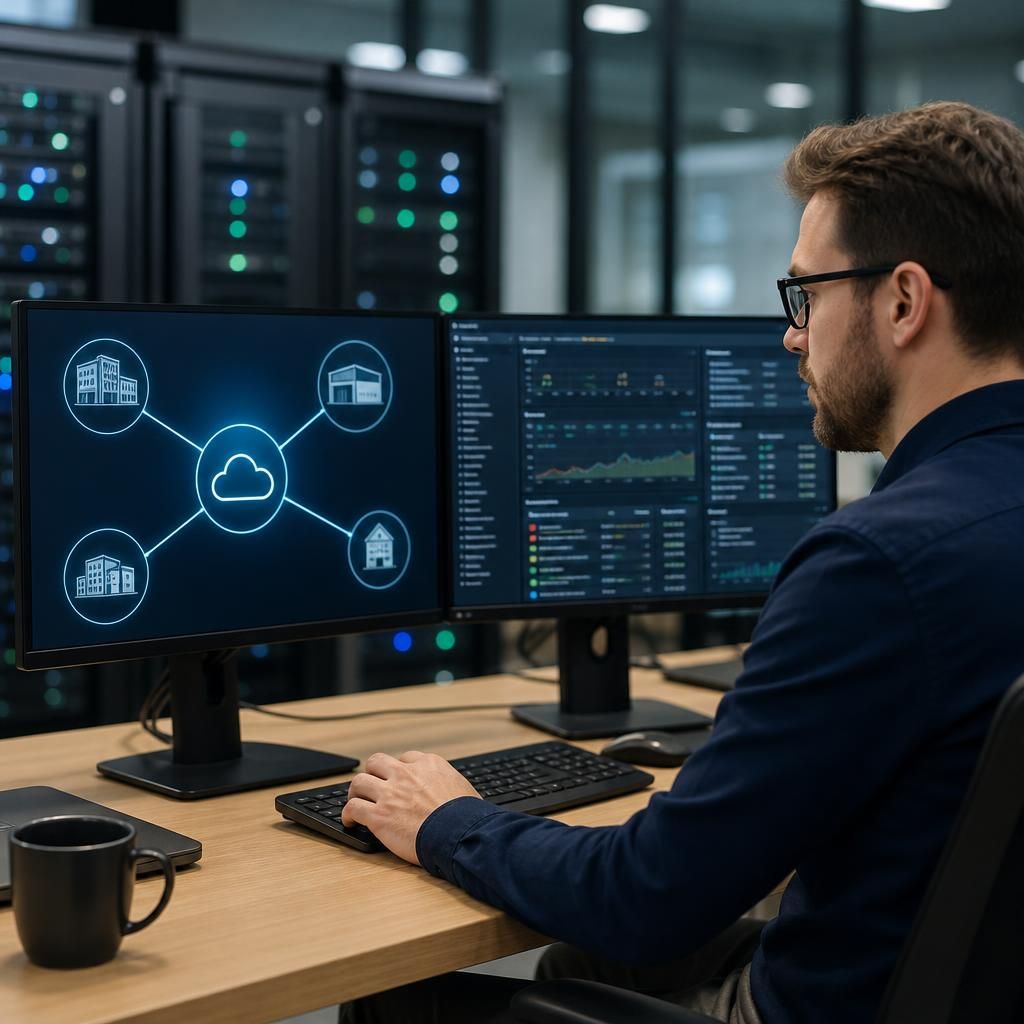
Remote managed IT support is most suitable for a multi-site business when support is structured around each location’s operational importance, rather than treating every site identically. A head office, warehouse, production facility and small branch may use different systems and have different consequences if technology becomes unavailable.
A practical approach is to classify services by business impact. Core identity, communication and shared applications may need consistent management across the organisation, while site-specific systems should have their own support notes, dependencies and escalation paths. For example, a branch may depend mainly on cloud applications, whereas a warehouse may rely on local printing, handheld devices or connectivity to stock systems.
This classification helps determine which incidents can be handled through standard remote procedures and which require additional safeguards, alternative working arrangements or coordinated local assistance. It also makes reporting more useful: decision-makers can distinguish an isolated site issue from a problem affecting a process used across the whole business.
S2 Technology Group can use this site-by-site assessment to help establish a remote managed IT support model that reflects operational priorities, rather than applying one uniform approach to every location.