

Does remote managed IT support include backup monitoring?
Yes, remote managed IT support can include backup monitoring as part of the agreed service scope. This typically involves checking backup jobs, identifying failures or missed runs, and escalating issues so they can be investigated before a restore is needed.
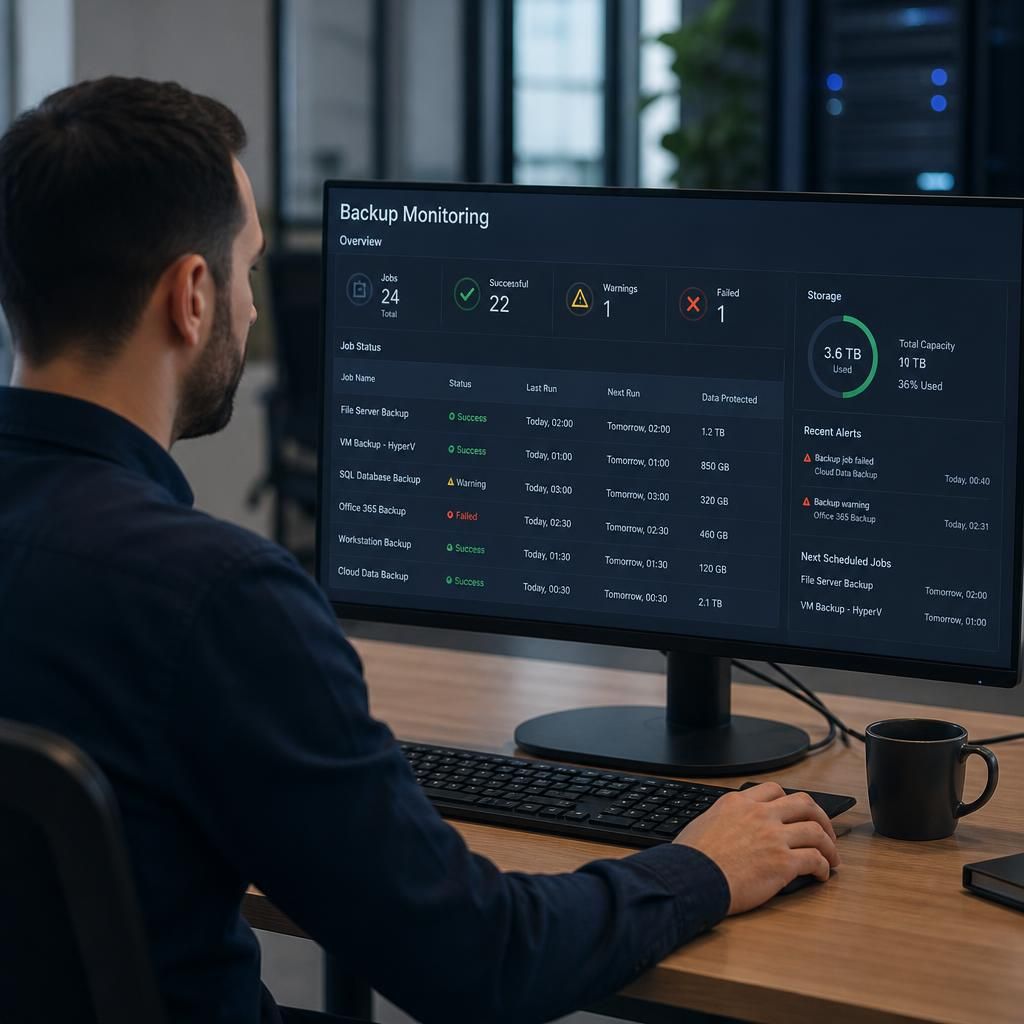
Remote managed IT support can include backup monitoring, but the precise coverage depends on the agreed backup design and service scope. Monitoring should assess more than whether a backup application has started. It should provide visibility of whether protected data is being backed up to the intended destination, whether the backup remains usable, and whether an issue requires technical investigation.
A properly defined monitoring service may review several parts of the backup process, including:
- Completion of scheduled backup tasks across servers, applications, devices or cloud workloads.
- Connection and authentication to backup destinations.
- Available storage capacity and unexpected growth in backup data.
- Warnings about corrupted files, incomplete jobs or files excluded from protection.
- Changes to backup policies, schedules, retention settings or protected workloads.
- Whether backup data is being transferred and retained according to the organisation’s agreed arrangements.
Monitoring can also be configured around the business’s recovery requirements. For example, a business may need frequently changing operational data protected more often than archived information. The relevant considerations include the recovery point objective (RPO), which describes how much recent data the organisation can afford to lose, and the recovery time objective (RTO), which describes how quickly a system needs to be restored. These requirements help determine suitable schedules, retention periods and alert priorities.
Backup monitoring is not the same as proving that every file can be restored. A successful backup job indicates that a process completed, but it does not by itself confirm that the required data is complete, readable or recoverable in the required form. For that reason, a robust arrangement should include planned restore tests or other verification appropriate to the systems being protected. Testing might involve restoring individual files, application data, a virtual machine or a wider system, depending on the organisation’s recovery plan.
Remote support teams generally use alerts and management consoles to review backup status without needing to be physically present at the organisation’s premises. The important point is how those alerts are interpreted and managed. A useful process distinguishes between an informational message, a condition that needs investigation and a serious protection gap. It should also identify who owns the next action, particularly where the issue relates to storage capacity, network connectivity, permissions, licensing or a third-party platform.
The service description should make clear what is and is not monitored. Questions worth confirming include:
- Which servers, endpoints, cloud services and applications are included?
- Are backup destinations and storage capacity included in the checks?
- Are encryption, access controls and retention policies reviewed?
- Are restore tests included, or are they a separate activity?
- How are unresolved backup risks documented and reported?
- What responsibilities remain with the business, such as approving retention requirements or supplying access credentials?
Reporting should give a decision-maker a clear view of protection status rather than simply listing technical alerts. It may summarise protected systems, exceptions, recurring issues, completed verification activities and recommended changes. This helps identify patterns such as repeated failures on one device, insufficient retention for a particular application or backup capacity that is approaching its configured limit.
For organisations using remote managed IT support from S2 Technology Group, backup monitoring can be considered alongside wider cyber security, cloud and infrastructure arrangements. The most suitable scope depends on the data involved, the systems that support the business and the recovery outcomes that have been agreed. Backup monitoring is therefore an important control, but it should form part of a documented backup and recovery plan rather than being treated as a substitute for restore testing, appropriate security or clear ownership.
Backup monitoring should also check whether backup copies remain suitably separated from the systems they protect. If production accounts, devices or storage are compromised, backups that share the same access controls or environment may be exposed to the same incident.
Depending on the backup design, monitoring may therefore include alerts for unexpected changes to backup repositories, administrative access, deletion activity or the loss of a separate protection layer. These checks do not replace wider cyber security controls, but they can highlight when the backup arrangement no longer provides dependable protection against operational failure or malicious activity.