How are legacy systems handled during network upgrades?
Legacy systems are handled through an inventory and compatibility assessment before any network upgrade, identifying dependencies, unsupported protocols and business-critical applications. They can then be retained within a controlled network segment, integrated through tested interfaces or replaced through a staged migration, with backup and rollback plans protecting continuity.
Legacy systems are handled according to their business risk, technical constraints and role in the wider environment. Rather than connecting them to a new network without adjustment, the upgrade should define how each system will communicate, who may access it, how it will be monitored and what conditions must be met before the change is accepted.
A useful assessment considers more than the age of the equipment or software. It should examine:
- whether the system is still supported by its supplier and whether replacement parts, updates or specialist knowledge remain available;
- the data it stores, processes or transfers, including whether that data must be protected to meet contractual or regulatory requirements;
- its dependence on fixed IP addresses, older authentication methods, file shares, database services, print services or specialist devices;
- the effect of a fault on production, customer service, finance, compliance or other critical business activity;
- the extent to which the system can be changed without invalidating software licences, warranties or vendor support.
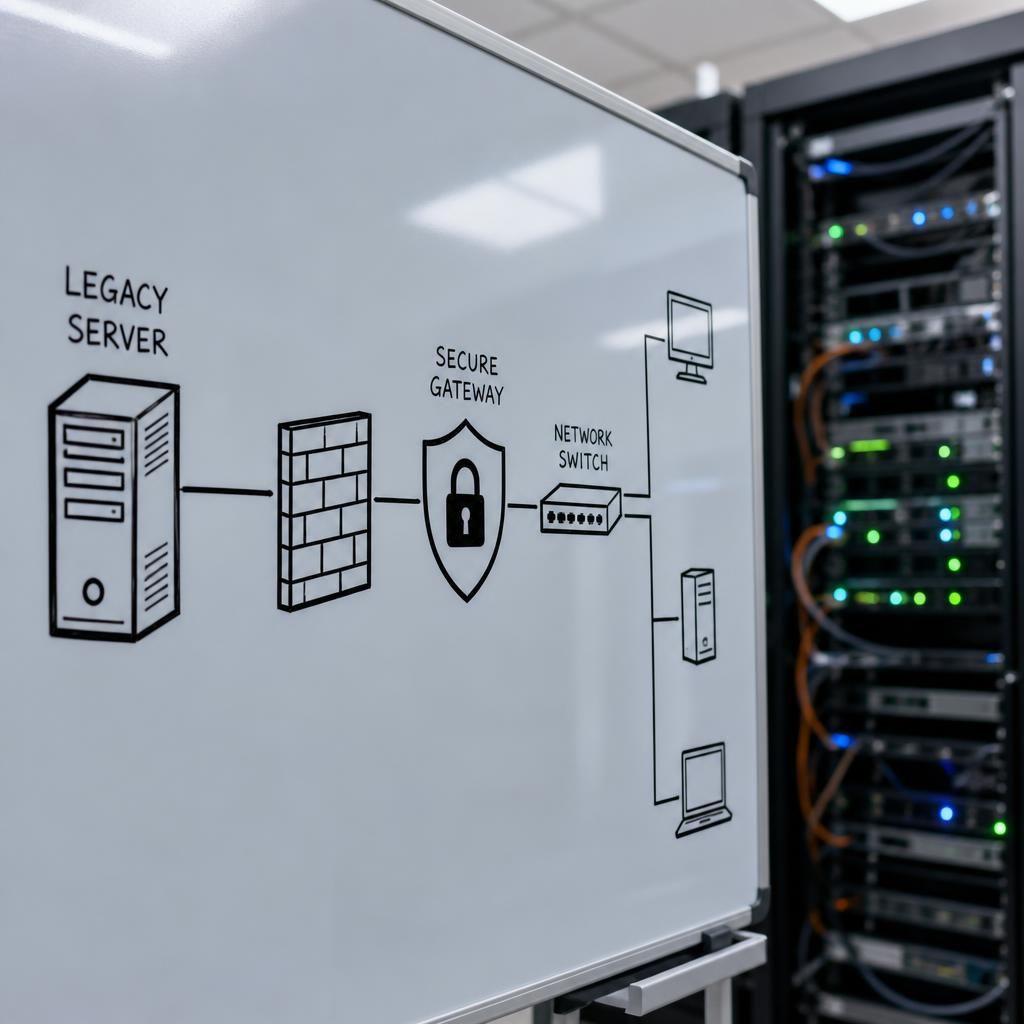
The outcome should be a documented treatment decision. Some systems may be kept temporarily while a replacement is prepared. Others may need an interface, gateway or carefully defined firewall rule to communicate with modern services without exposing the older system unnecessarily. Where a system cannot meet the organisation’s security requirements, its use should be restricted and a retirement or modernisation plan given a clear owner and target date.
Network design is particularly important when older systems cannot support current security controls. Isolation should be based on the system’s actual communication requirements, not simply on its location. Access can be limited to named servers, devices, applications or administrative accounts, while unnecessary inbound and outbound traffic is blocked. Management access should be separated from ordinary user access, and connections involving sensitive data should use suitable encryption wherever the system and its intermediary controls allow it.
Testing should take place before the production change. A representative test environment, where practical, can confirm that the legacy application still reaches the services it needs and that newer network controls do not disrupt essential functions. Testing should include authentication, printing, file transfers, scheduled jobs, reporting, integrations and any equipment controlled by the system. Business users and system owners should confirm that the results are acceptable, rather than relying only on a technical connectivity test.
The change plan should record responsibilities, approval points, dependencies and measurable acceptance criteria. It should also define what would cause the work to stop, such as failed transactions, missing data, abnormal device behaviour or loss of access to a critical service. Keeping the old configuration, network rules and system settings documented makes it easier to investigate unexpected behaviour and prevents knowledge being lost when the upgrade team moves on.
After the upgrade, legacy systems need focused monitoring rather than being treated as finished once they reconnect. Logs should be reviewed for rejected connections, unusual authentication activity and unexpected traffic. Performance and transaction results should be checked with the relevant system owner, and any temporary exceptions should be recorded with a review date. Documentation should then show the final network path, permitted dependencies, support arrangements and remaining technical debt.
For organisations without the specialist capacity to assess these interactions internally, S2 Technology Group can provide structured IT support and networking guidance around Stourbridge, Kinver, Wordsley, Kingswinford, Kidderminster, Halesowen, Dudley and neighbouring areas. The objective is to make legacy technology a controlled part of the upgraded environment while giving the business a clear route towards longer-term modernisation.
Decommissioning a legacy system should be treated as a controlled business change, not as an automatic consequence of completing the network upgrade. Before removal, the replacement should produce the required records, reports and transactions under normal operating conditions, with the system owner confirming that the results are complete and accurate.
The retirement process should then define how historical data will be retained, who can access it and how long it must remain available. Any required exports should be checked for readability and completeness before the old system is disconnected. Once approval is recorded, accounts, services, network routes and stored credentials associated with the retired system should be removed, while asset records and support documentation are updated to show the final status.