What does fully managed IT support include for new starters?
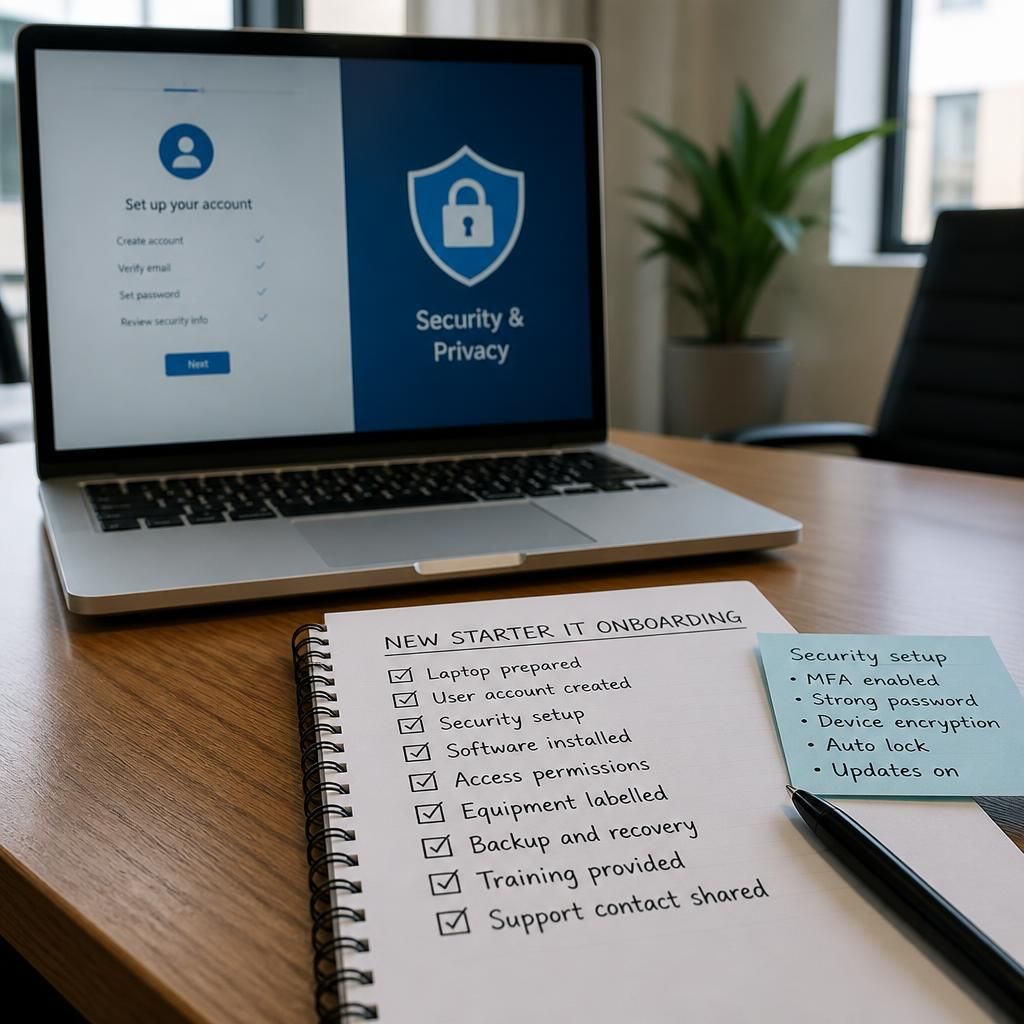
Fully managed IT support for new starters typically includes secure device configuration, user account creation, access permissions, essential software installation and security checks. It may also cover onboarding guidance, acceptable-use policies and basic training so the employee can work securely from their first day.
Fully managed IT support for new starters includes the planning, coordination and verification needed to bring someone into the organisation without creating avoidable operational or security gaps. In addition to preparing the employee’s technology, the process should record what has been issued, confirm that the setup matches the role, and provide a clear route for resolving problems after the employee begins work.
A well-managed onboarding process usually starts with an agreed request from the hiring manager or HR team. This should provide the employee’s start date, job role, work location, reporting line and any relevant working arrangements. The IT provider can then match the request to an established onboarding checklist rather than relying on informal messages or individual memory.
The checklist should identify the equipment and services the employee needs, the person responsible for each task and the point at which each item must be checked. It should also distinguish between standard requirements and role-specific needs. For example, a new member of a finance team may need different business applications, data-handling arrangements or approval processes from someone working in sales or operations.
Asset management is another important part of the service. The provider should record equipment allocated to the employee, including its identifying details, condition and ownership status. This creates an accurate asset register and supports later changes such as repairs, replacements, transfers or eventual return of equipment. It also helps the business identify gaps when a new starter has not received everything expected.
Fully managed support should include coordination with relevant internal contacts. Depending on the organisation, this may involve HR, the employee’s manager, facilities, payroll and compliance staff. Coordination is particularly important where the employee needs a physical workspace, telephone service, specialist equipment or access to information held by another department. IT should not treat the technical checklist as separate from these operational dependencies.
Before the employee starts, the provider should test the complete working arrangement rather than checking each item in isolation. Useful checks include:
- Confirming that the assigned equipment is recorded against the correct employee.
- Checking that the employee can reach the systems and information required for their role.
- Verifying that authentication and recovery arrangements work as intended.
- Confirming that collaboration, communications and remote working tools function together.
- Checking that any role-specific applications or peripherals are usable.
- Recording unresolved issues, ownership and the next action required.
These checks should be completed using the organisation’s approved procedures. A provider should not bypass authorisation simply to make onboarding appear complete. Where a request is unclear or conflicts with the employee’s role, it should be referred to the appropriate manager or data owner before access or equipment is changed.
The first few days should include a defined support process, not just a completed setup. New starters may encounter problems that are not visible during preparation, such as unfamiliar workflows, missing permissions for a particular task or difficulty using a business system. Fully managed IT support can log these issues, identify recurring causes and update the onboarding checklist when the same problem affects multiple employees.
It is also useful to obtain confirmation from the employee and their manager that the required working arrangements are in place. This confirmation should not be treated as proof that every aspect of onboarding is complete unless the relevant checks have been carried out. Instead, it provides a practical opportunity to identify missing requirements and separate technical issues from training or process questions.
Documentation should remain current after onboarding. The support record may include the employee’s department, assigned equipment, approved services, relevant contacts and any exceptions to the standard process. Documentation should contain only the information needed for administration and support, with sensitive details handled according to the organisation’s data protection requirements.
When responsibilities change during a new starter’s early employment, the same managed process should be used to update the arrangement. A move between teams, a change in working location or a revised role may require a review of equipment, services and permissions. Keeping these changes linked to an approved request reduces the risk of an employee retaining unnecessary access or lacking an essential business resource.
For businesses using fully managed IT support, the most useful measure of onboarding quality is whether the process is repeatable, documented and aligned with each role. The provider should be able to show what was requested, what was completed, what was tested and which items remain outstanding. This gives managers a clearer view of readiness while giving the IT team the information needed to support the employee properly after they join.
New-starter IT support should also account for accessibility and practical usability, not just whether an account and device have been issued. Before setup, the business should identify any approved requirements such as screen magnification, speech-to-text tools, alternative input devices, display adjustments or specific communication needs.
The provider can then configure the relevant device and applications, confirm that the required assistive features are available, and check that they work with the systems used in the employee’s role. These requirements should be recorded appropriately, with sensitive personal information limited to those who need it for support. If the employee’s needs or working arrangements change, the setup should be reviewed through the same managed process.