
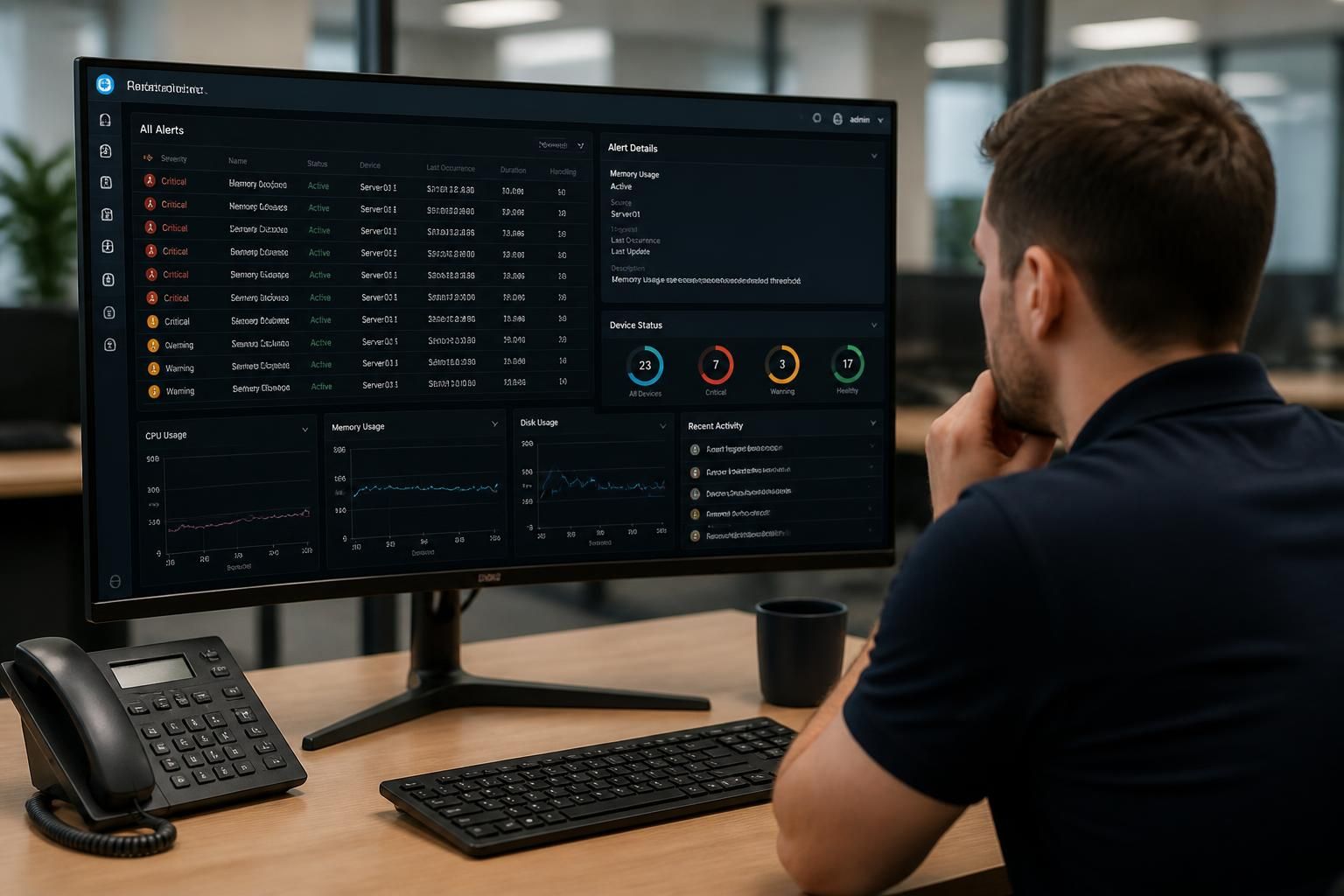
How are remote monitoring alerts investigated?
Remote monitoring alerts are investigated by validating the signal, checking the affected system’s context and history, and assessing the potential business impact. The issue is then prioritised, diagnosed using available remote data, and resolved or escalated with relevant findings recorded for follow-up.
Remote monitoring alerts are investigated through a controlled evidence-gathering process that separates genuine faults from expected activity, identifies the underlying cause and determines the safest corrective action. The investigation normally combines telemetry from the monitored device or service with configuration records, recent changes and related alerts across the environment.
1. Confirm what generated the alert
The first step is to establish exactly which condition triggered the notification. This may be a resource threshold, service failure, connectivity loss, backup exception, hardware warning, security-related event or a change in system status. The alert details are checked for the affected asset, detection time, current state and any supporting diagnostic information.
It is important to distinguish between an active condition and a notification about a condition that has already cleared. A transient event may require observation and correlation with other data, while a persistent condition needs a more direct technical investigation.
2. Establish the system’s operating context
An alert has to be interpreted in relation to the role of the affected system. High resource use on a development machine may have a different significance from the same symptom on a server supporting business applications. The investigation can therefore consider:
- the services and users that depend on the affected device;
- whether the system is part of a wider site, network or cloud environment;
- known maintenance, backup or scheduled processing activity;
- recent configuration, software or infrastructure changes; and
- whether related alerts have occurred on connected systems.
This context helps determine whether the event is isolated or evidence of a wider fault. It also prevents a technical symptom from being treated as the root cause without examining its dependencies.
3. Correlate the available evidence
Monitoring data is assessed alongside relevant logs, performance trends, service states, connectivity information and configuration details. Correlation can reveal a sequence that is not visible in the original alert. For example, an application warning may follow a loss of network access, a storage issue or an authentication failure.
The investigation may compare the event with previous behaviour on the same system and with activity on similar systems. This can identify whether the condition is unusual, recurring or associated with a particular type of workload. Where several alerts appear together, they are examined as a possible chain of events rather than treated as unrelated incidents.
4. Test the most likely causes safely
Once the evidence has narrowed the possibilities, technical checks are used to test the leading hypotheses. These may include checking service dependencies, reviewing recent changes, examining resource consumption, confirming network paths or verifying that a scheduled task completed correctly.
Tests should be proportionate to the risk. Read-only checks are generally preferred at the diagnostic stage, particularly on systems supporting important business functions. Any corrective action that could interrupt a service, alter data or affect connected users should be considered for its potential impact before it is carried out.
5. Determine whether the issue is operational or security-related
Some alerts indicate ordinary technical degradation, while others may point to unauthorised access, malicious activity or a compromised account. Unusual login patterns, unexpected changes, disabled security controls or abnormal communication can require a different investigation path from a failed service or overloaded system.
Where an alert has possible security implications, the evidence must be preserved carefully and actions should avoid destroying useful information. Access, containment, account protection and escalation requirements may need to be considered alongside restoring normal operation.
6. Apply or recommend the appropriate action
The outcome may be a technical correction, a configuration change, restoration of a failed component, removal of an underlying cause or escalation to a specialist. In some cases, the correct decision is to continue observing the system because the evidence does not justify making a disruptive change.
Actions are selected according to the cause and business context rather than simply clearing the notification. A symptom that repeatedly returns after a temporary reset indicates that further work may be needed, such as addressing capacity, dependencies, configuration or a recurring process failure.
7. Verify the result
After action is taken, the affected service and its related dependencies are checked to confirm that the condition has genuinely cleared. Verification can include reviewing new monitoring data, confirming service operation, checking that users or connected systems can perform the required function and looking for recurrence of the original event.
Closing an alert solely because the notification disappeared can leave an unresolved fault behind. Verification should therefore consider both the immediate signal and the operating condition that caused it.
8. Record useful findings
A meaningful investigation record should explain what was detected, which evidence was reviewed, what cause was identified or considered, what action was taken and whether further work is required. It may also note affected systems, relevant changes and any recommended adjustment to monitoring or maintenance.
These records support future diagnosis and help identify recurring patterns. Repeated alerts with the same underlying cause may indicate a need to revise system configuration, improve resilience, change a threshold or add a more suitable monitoring check. In this way, investigation is not limited to handling individual notifications; it also contributes to better-informed IT management.

Remote monitoring can identify symptoms and provide useful evidence, but it cannot establish every fault remotely. A hardware problem, intermittent local network issue or physical change to equipment may require additional checks at the site or by a specialist. Investigators should therefore recognise when the available data is insufficient rather than treating an incomplete diagnosis as a confirmed cause.
In these cases, the alert record should state what has been verified, which uncertainties remain and what further evidence is needed. This creates a clear handover for on-site investigation or specialist escalation and reduces the risk of applying a remote fix that masks the underlying problem.