
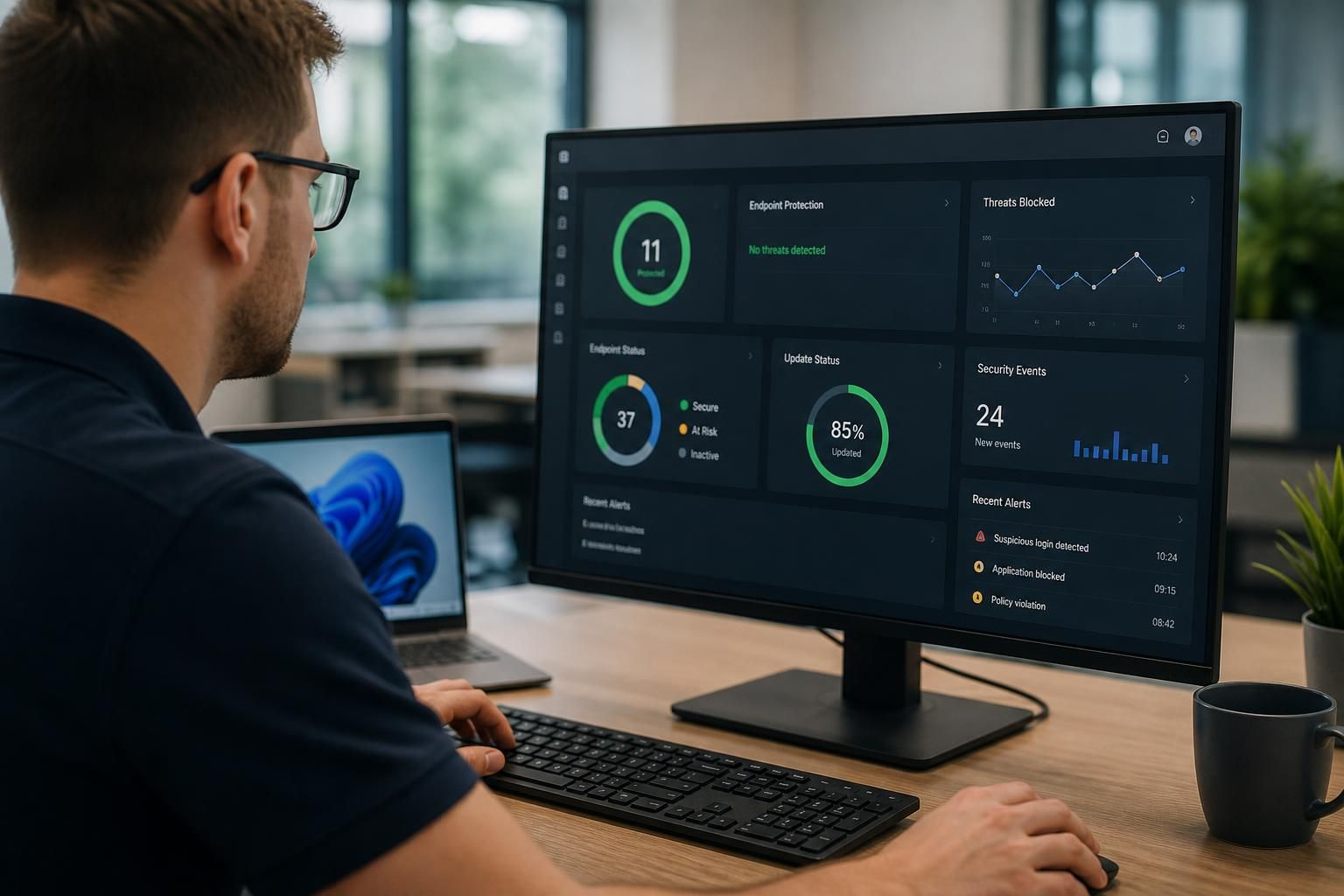
How does local IT support handle device security?
Local IT support handles device security through a combination of security policies, software updates, endpoint protection, access controls and monitoring. It can also investigate alerts, manage secure configurations and help ensure laptops, desktops and mobile devices remain protected as business requirements change.
Local IT support handles device security by managing the full security lifecycle of each business device, from procurement and configuration through to replacement or disposal. This involves establishing what devices exist, deciding how they should be used, protecting the information stored on them and defining what happens if a device is lost, compromised or no longer required.
Building an accurate device inventory
Security decisions depend on knowing which laptops, desktops, tablets and mobile phones connect to business systems. A local IT support provider can maintain an inventory showing the device owner, operating system, business purpose, location and security status. This helps identify unmanaged devices, equipment that has been assigned to former employees and systems that should no longer be permitted to access company data.
Inventory records also support risk-based decisions. A device used to access financial information or administer business systems may require stricter controls than a device used for general office work. This distinction helps organisations focus security effort where a failure would have the greatest effect.
Protecting data stored on devices
Device security is not limited to preventing malicious software. If a laptop is stolen, the information stored on its drive may be exposed even when the device is switched off. Full-disk encryption helps make that data unreadable without the appropriate authentication. Secure screen-lock settings, protected recovery processes and restrictions on removable storage provide additional safeguards against unauthorised access.
Support providers can also help determine which information should be stored locally and which should remain within controlled cloud or business systems. Reducing unnecessary local copies limits the amount of sensitive information exposed if a device is lost or compromised.
Managing business and personal devices
Bring-your-own-device arrangements require clear separation between personal use and business information. A support provider may help define which devices are acceptable, what security conditions must be met and whether business data can be removed without affecting personal content. Mobile device management can apply restrictions to business applications, enforce encryption and support the removal of company information when a device is lost or an employee leaves.
These arrangements should be documented rather than left to informal agreement. The policy should cover permitted devices, data storage, use of removable media, installation of applications and the process for reporting loss or suspected compromise.
Reducing the effect of a security incident
A device can still be compromised despite sensible preventative measures, so local IT support should have a defined containment process. This may include disconnecting the affected device from business resources, identifying what information or accounts it could access, preserving relevant records and checking whether other devices show related signs of compromise.
After containment, the device may need to be rebuilt from a trusted configuration rather than simply returned to use. Important business files should be recovered from a known-good source, and any exposed credentials or sessions should be reviewed. The purpose is to remove the cause of the incident and reduce the risk of reintroducing it.
Supporting secure device use
Technical controls are more effective when employees understand how they are expected to use their devices. Guidance should cover suspicious attachments, unsafe downloads, public networks, lost equipment, unauthorised software and the reporting of unusual behaviour. Staff should know how to report a misplaced device or suspected compromise without attempting actions that could destroy useful evidence.
Security training should reflect the organisation’s actual working practices. For example, staff who travel between sites may need guidance on physical privacy and connecting from unfamiliar networks, while employees handling confidential records may require stricter rules for local storage and printing.
Securing the device lifecycle
Device security begins before equipment reaches an employee. Procurement and setup should consider whether the device can support required security features, whether it can be centrally managed and whether its intended use is appropriate for the information it will handle. During deployment, a standard configuration reduces variation and makes later checks more reliable.
When a device is reassigned, accounts, stored data and management records should be reviewed. When it is retired, securely erasing the storage is important, particularly if the equipment is sold, recycled or returned to a supplier. Disposal records can help demonstrate that business information was handled responsibly.
Checking that controls continue to work
Device security requires regular review rather than a one-off installation. A support provider can examine whether devices remain enrolled in management systems, whether encryption is still active, whether unauthorised applications have appeared and whether equipment has fallen outside the organisation’s agreed standards. Exceptions should be recorded, assigned to an owner and resolved according to their risk.
S2 Technology Group approaches device security as part of wider managed IT support, combining practical device management with advice on business risk, user requirements and secure working practices. For organisations around Stourbridge and neighbouring areas, this can provide a structured way to manage laptops, desktops and mobile devices without relying solely on individual employees to maintain security themselves.
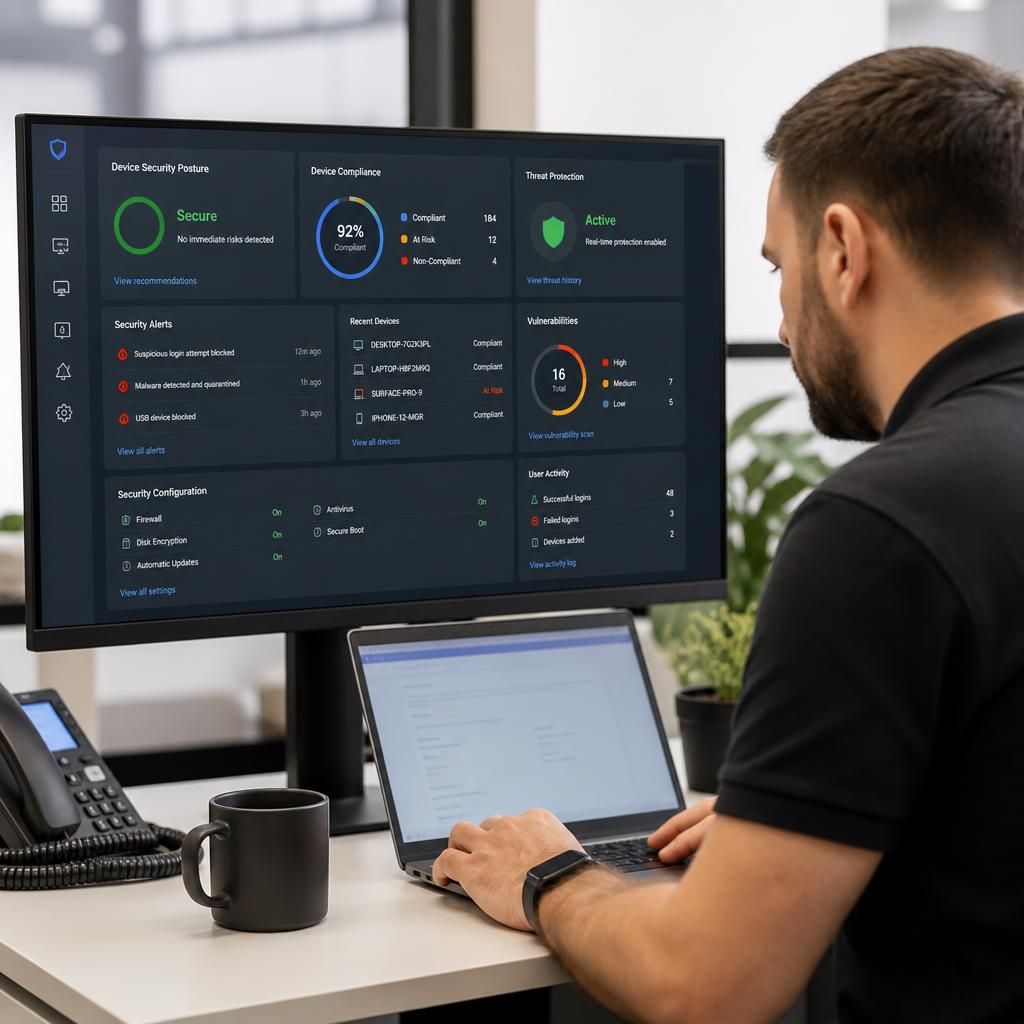
Device security also depends on controlling access to business systems, not just protecting the device itself. Local IT support can help apply access policies that consider the user, the device and the resource being requested before a connection is approved.
These controls may include multi-factor authentication, role-based permissions and rules that restrict access from devices that do not meet the organisation’s security requirements. For example, a standard user’s laptop should not automatically be able to administer critical systems, while access to sensitive applications may require additional verification. Sessions can also be reviewed and revoked when a user changes role, leaves the organisation or a device is suspected of being compromised.
This approach limits the damage caused by a stolen password or unauthorised device. It also creates a clearer record of who accessed a system, from which device and under what permissions, helping the organisation investigate unusual activity and adjust access as its structure changes.