
How can local IT support improve network troubleshooting?
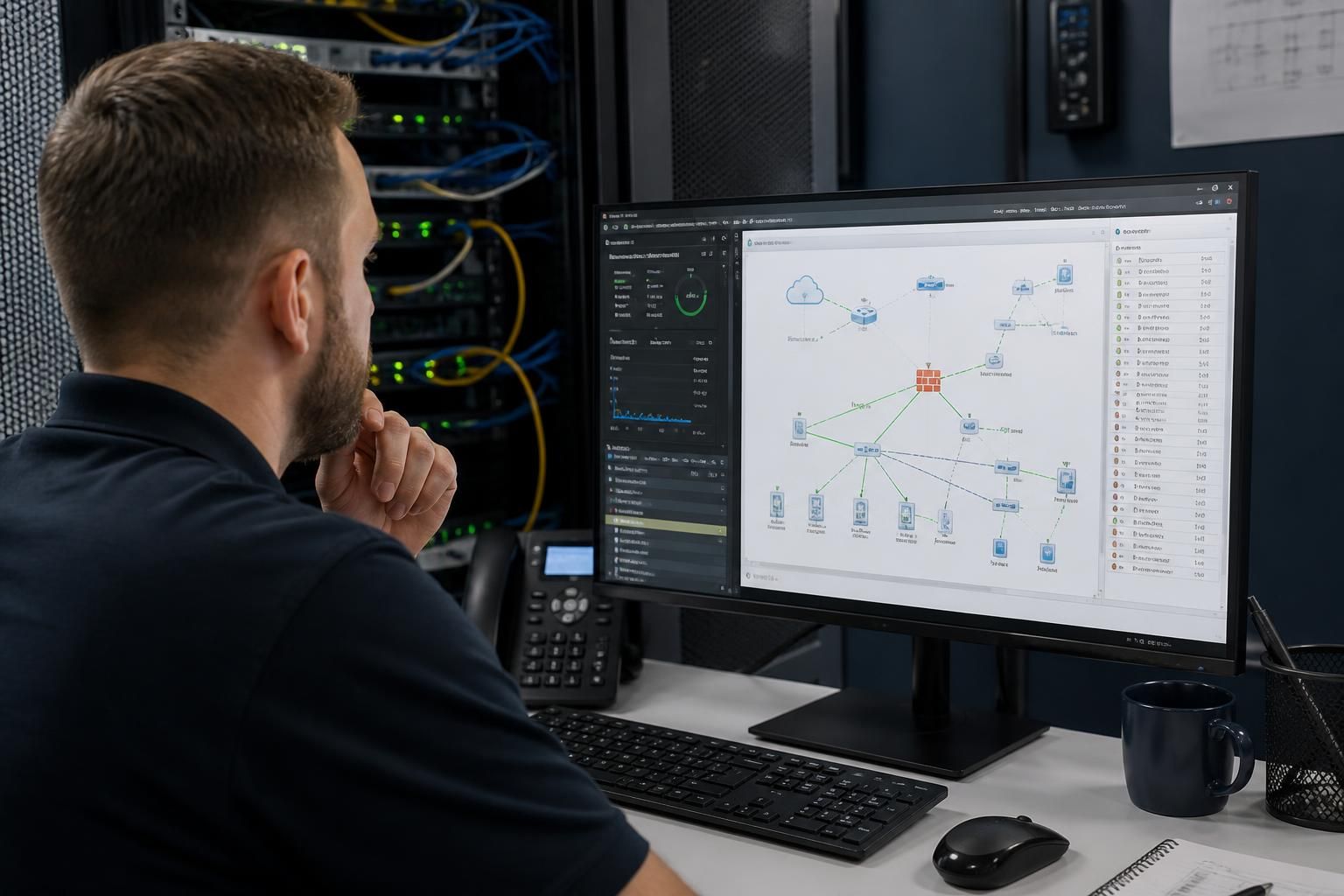
Local IT support improves network troubleshooting by combining remote diagnostics with practical knowledge of the business’s systems, devices and connectivity arrangements. This helps identify whether a fault relates to cabling, configuration, hardware, access controls or external connectivity, so the issue can be isolated and addressed systematically rather than through trial and error.
Local IT support improves network troubleshooting by applying a consistent diagnostic process, combining network data with knowledge of the working environment, and involving on-site investigation when a fault cannot be confirmed remotely. The result is a more reliable way to distinguish a user-specific issue from a wider network problem and to correct the underlying cause rather than repeatedly treating the symptoms.
The first step is to define the scope and impact of the fault. A support provider can establish whether the problem affects one device, a department, a particular connection point, a wireless area, a server-dependent application or the whole organisation. Details such as when the issue started, which services are unavailable and whether anything changed beforehand help narrow the investigation. This prevents unrelated faults from being grouped together and gives the troubleshooting process a clear starting point.
Network troubleshooting is more effective when it follows the network stack in a logical order. Checks may include:
- power, cabling and physical connection points;
- wireless coverage, interference and access point performance;
- IP addressing, DHCP allocation and DNS resolution;
- switching, routing and network segmentation;
- firewall rules, authentication and access permissions;
- internet or site-to-site connectivity; and
- the performance of the affected application or hosted service.
This layered approach helps separate a connectivity fault from a service fault. For example, a user may report that an application is unavailable when the actual cause is failed name resolution, an incorrect network assignment or a permissions change. Testing each dependency in sequence provides evidence for the diagnosis instead of relying on assumptions.
Local support can also improve investigations involving physical infrastructure. Some problems are difficult to confirm from network data alone, particularly intermittent wireless dropouts, damaged cabling, overheating equipment, poorly positioned access points or an unreliable power supply. A technician familiar with the premises can compare the reported symptoms with the physical layout, trace connections and check equipment in context. This is particularly useful where a fault is limited to one room, floor or connection point.
Good troubleshooting also depends on collecting and interpreting evidence. Relevant logs, device status information, event timestamps, connection histories and configuration changes can show whether a problem is isolated or recurring. Comparing current behaviour with an established baseline makes unusual latency, packet loss, address conflicts or unexpected traffic easier to identify. Monitoring should support investigation without generating unnecessary alerts that obscure important events.
Once the likely cause has been isolated, changes should be controlled and reversible wherever practical. A support provider may test a configuration adjustment, replace a suspect component, correct an addressing conflict or amend an access rule. The effect should then be checked against the original symptoms, with affected users or systems included in the validation. Making several unrelated changes at once can hide the cause and make future diagnosis more difficult.
The value of this process is not limited to resolving the immediate incident. A complete record should explain the symptoms, evidence considered, cause identified, corrective action and any follow-up recommendation. This creates a useful reference for future investigations and highlights weaknesses such as undocumented connections, ageing equipment, inconsistent configurations or inadequate network separation. Where appropriate, the outcome can feed into planned improvements rather than being left as an isolated support ticket.
Businesses should therefore assess local IT support by asking how network incidents are investigated, not simply whether faults can be logged. Useful questions include:
- How is the scope of an incident established?
- What network and security data is reviewed?
- How are physical faults and wireless issues checked?
- How are configuration changes approved, recorded and tested?
- How are recurring or intermittent problems documented?
- How are users informed about the cause and resolution?
A provider that can answer these points clearly is more likely to deliver structured network troubleshooting. For small and medium-sized businesses, this approach helps turn isolated connectivity complaints into documented technical findings, supporting a more stable and manageable IT environment.
Local IT support can improve network troubleshooting by establishing where responsibility for a fault sits. A connectivity problem may originate within the business network, at the internet connection, with a hosted application or in a site-to-site service. Identifying the relevant boundary prevents internal equipment from being changed unnecessarily when the evidence points to an external provider.
A structured escalation should include useful technical evidence, such as affected services, timestamps, connection details, error messages and the tests already completed. This gives the receiving provider a clearer basis for investigation and reduces duplicated diagnostic work. The local IT support provider can then track the technical handover, assess any proposed changes and confirm whether the original network symptoms have been resolved.
Discuss your network troubleshooting needs
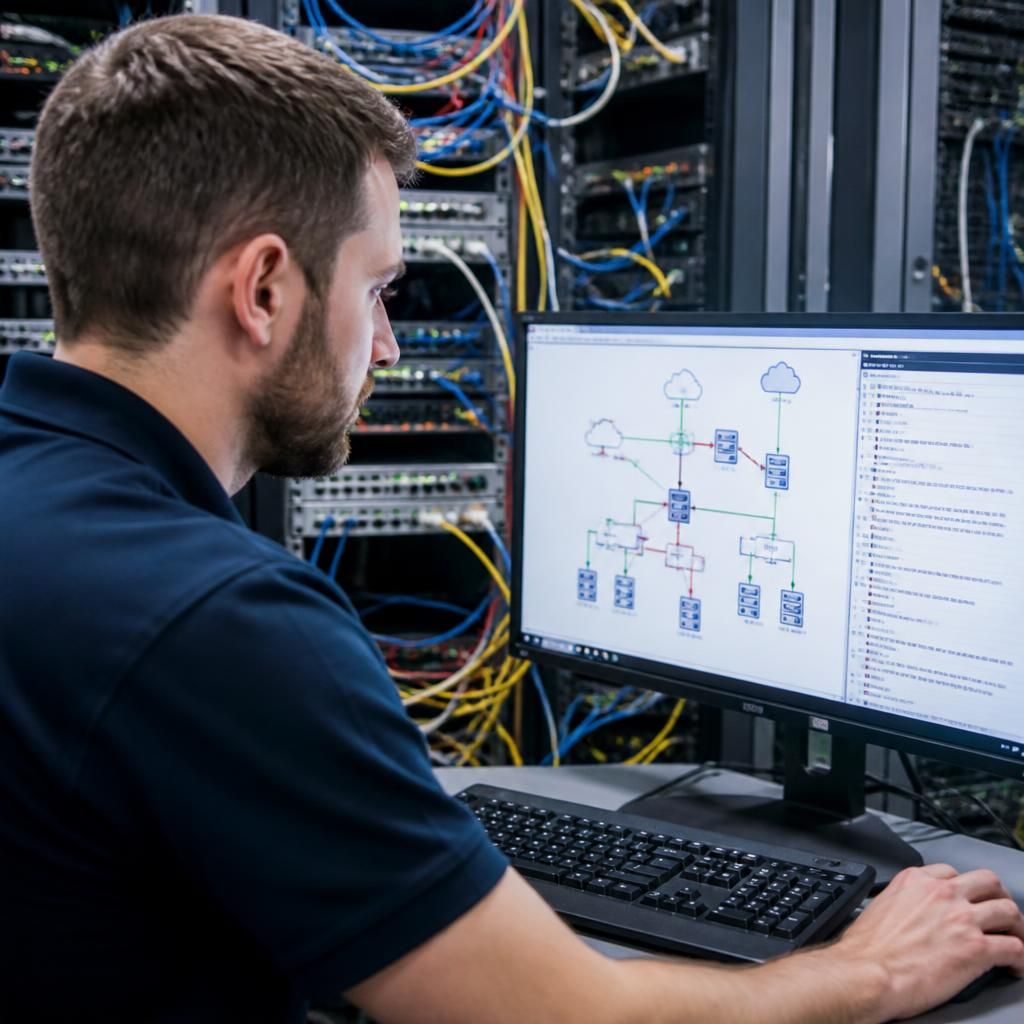
If network faults are difficult to diagnose or keep returning, discuss your network troubleshooting needs with S2 Technology Group. A review can help identify where investigation, documentation or infrastructure improvements would provide the greatest benefit.