
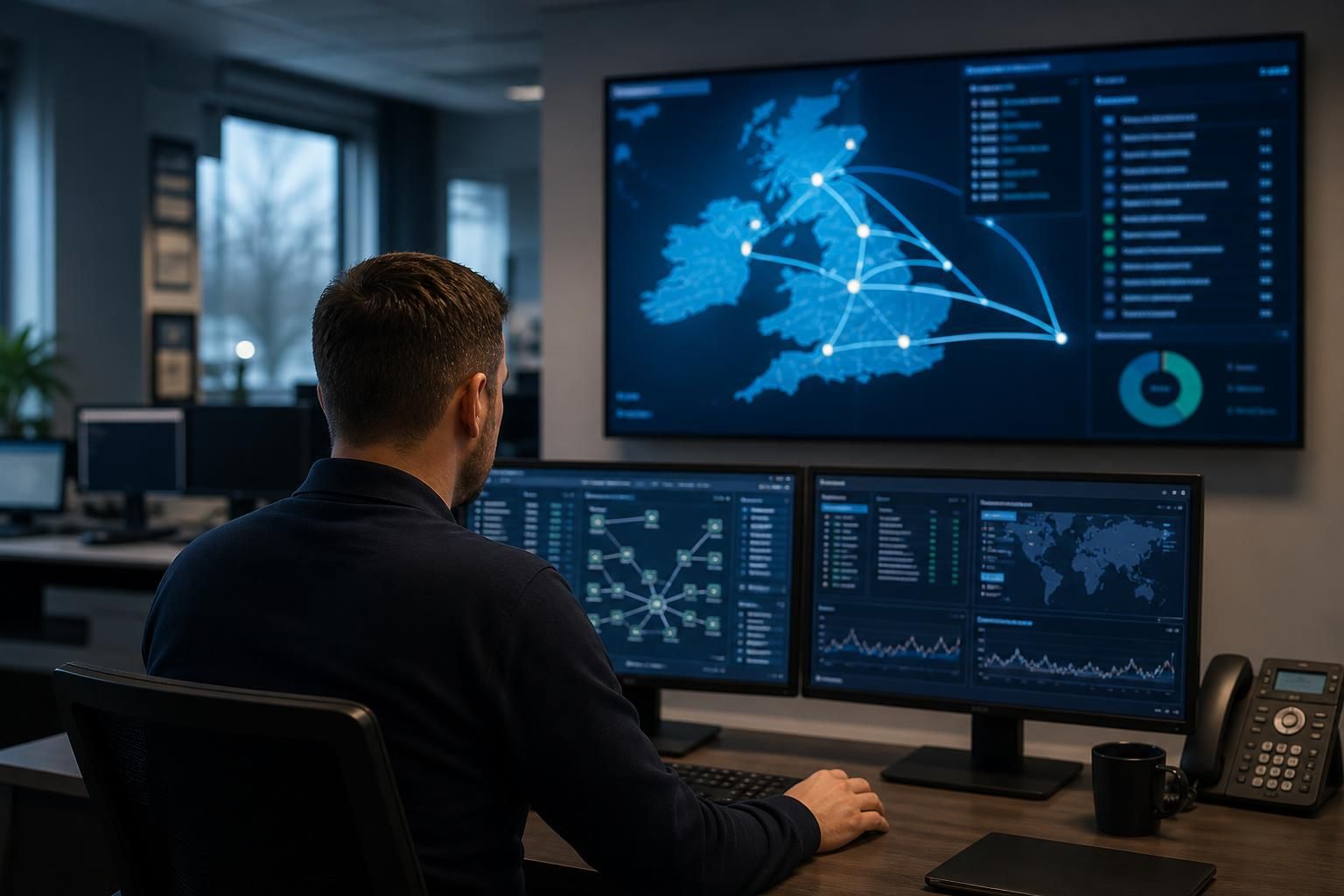
Can local IT support serve businesses with multiple locations?
Yes. Local IT support can serve businesses with multiple locations by combining centralised monitoring and management with location-specific support, helping maintain consistent security, connectivity, devices and user access across each site.
For a multi-site organisation, effective local IT support is based on a consistent management framework combined with an understanding of each office, branch or operational location. The aim is not to treat every site as identical, but to control the common elements centrally while accounting for differences in connectivity, equipment, users and operational requirements.
Start with a complete site-by-site baseline. Before support arrangements are designed, each location should be documented separately. This normally includes:
- Users, devices, servers and network equipment assigned to the site
- Internet connections, wireless coverage and links to other locations
- Business-critical applications and any systems hosted locally
- Printers, phones, security equipment and other connected devices
- Local dependencies, such as a warehouse system, production equipment or specialist software
- Access requirements for employees who work across more than one location
This baseline gives the support provider a reliable reference point when investigating a fault, planning an upgrade or assessing whether a site has fallen outside the organisation’s technical standards.
Standardise the elements that should be common. Multi-site businesses are easier to manage when core controls are applied consistently. Device configuration, user access, security policies, software maintenance, backup procedures and monitoring should follow agreed standards wherever practical. Standardisation reduces avoidable differences between offices and makes it easier to identify whether a problem is isolated or part of a wider issue.
Some variation will still be necessary. A manufacturing site may have different equipment and network requirements from a professional services office, while a smaller branch may rely on cloud applications rather than local servers. The appropriate approach is to record these exceptions, assess their risks and manage them deliberately rather than allowing separate technology environments to develop without oversight.
Manage identity and access centrally. Employees who move between sites, work from home or support several offices need access that reflects their role rather than their physical location. User accounts, permissions and remote access should be reviewed as part of a controlled process. When someone joins, changes role or leaves, the required changes should be applied across relevant systems and locations.
Privileged access requires additional controls because an administrator account may provide access to multiple sites at once. Separate administrative accounts, strong authentication, limited permissions and appropriate activity records can reduce the risk of one compromised account affecting the wider organisation.
Design connectivity around business priorities. A site may depend on access to cloud platforms, shared files, voice services, central applications or systems hosted at another location. Support should therefore consider the effect of a connection failure, poor wireless coverage or unsuitable network equipment on actual business processes. Troubleshooting is more effective when the provider understands which services are essential and how traffic moves between locations.
Connectivity arrangements should also be documented clearly, including the equipment in use, key configuration details, responsibility for each connection and the route for escalating faults. Where a business has several sites, changes to one location can affect others, so network upgrades and configuration changes should be assessed before implementation.
Apply security controls at every location. A smaller branch should not become a weak point simply because it has fewer employees or less equipment. Endpoint protection, secure wireless configuration, patch management, email security, access controls and backup arrangements should be considered across the whole estate. Security monitoring can help identify unusual activity, unsupported devices or gaps in configuration that may not be visible to an individual site manager.
Staff at each location also need clear guidance on reporting suspicious emails, lost devices, unusual login prompts and suspected data exposure. A documented incident process should explain who makes decisions, how affected systems are isolated and how business operations are restored.
Use consistent documentation and change control. Accurate records are particularly important when several offices share systems or depend on the same infrastructure. Documentation should cover network layouts, equipment inventories, user access, cloud services, backup arrangements, supplier responsibilities and important configuration information. It should be updated when equipment is replaced, a site is opened or closed, or a major system changes.
Planned changes should be assessed for their effect on every relevant location. A network upgrade, identity change or application migration may need testing at one site before wider deployment. This staged approach can reveal compatibility problems without exposing the entire organisation to an untested change.
Measure support by business impact, not just ticket volume. A useful review considers recurring faults, outages affecting particular sites, ageing equipment, security findings, unresolved risks and projects needed to support growth. Regular service reviews can then distinguish between isolated incidents and structural problems, such as inadequate connectivity, inconsistent device standards or insufficient capacity.
S2 Technology Group supports this type of multi-site planning through managed IT services, cyber security, cloud solutions, business connectivity, infrastructure upgrades and remote access advice. For organisations around Stourbridge, Kinver, Wordsley, Kingswinford, Kidderminster, Halesowen, Dudley and neighbouring areas, the important consideration is whether the provider can combine a consistent management method with practical knowledge of the organisation’s individual sites.

A local IT support provider can support multiple locations when responsibilities are defined across the business, the provider and other technology suppliers. This prevents faults at one site from being delayed by uncertainty over who owns the connection, equipment, application or physical infrastructure involved.
A responsibility matrix can record who is accountable for common situations, such as an internet outage, a failed network device, a new office installation, a user access issue or a problem with a specialist system. It should also identify the relevant supplier contacts and the information needed to escalate a fault. This is particularly useful when different sites use different connectivity providers, landlords, cabling contractors or operational systems.
The arrangement should include a clear route for site managers and employees to raise issues, while keeping technical decisions under appropriate central control. Local knowledge can then be used to explain the business effect of a problem without allowing each location to create separate fixes or unsupported workarounds. This combination gives a multi-site business a consistent support structure while preserving the practical context needed to manage each location effectively.