Can local IT support help with staff onboarding?
Yes. Local IT support can make staff onboarding easier by preparing devices, user accounts and access permissions in line with the new starter’s role, while applying appropriate security controls from the outset. S2 Technology Group can help businesses around Stourbridge establish a consistent onboarding process that reduces manual administration and avoids unnecessary access.
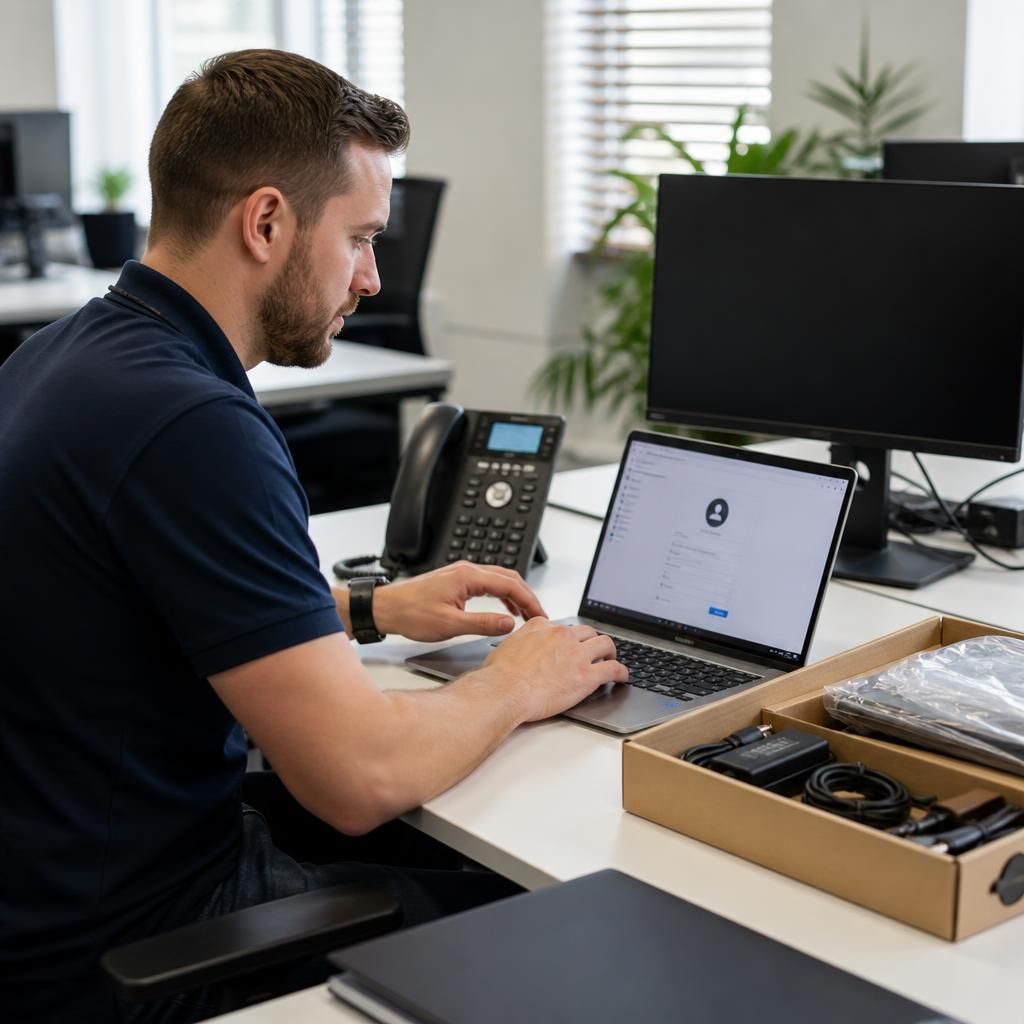
Local IT support can make staff onboarding more consistent by turning a new starter’s requirements into a controlled sequence of technical tasks. This usually covers account creation, role-based access, device configuration, security checks, application allocation and handover information, with each step completed against an agreed approval process.
A well-designed onboarding process starts before the employee receives their equipment. The business should provide the support provider with confirmed details such as the individual’s role, department, reporting manager, start date, working locations and the systems they need to use. These details help distinguish essential access from optional access and reduce the risk of granting permissions simply because they are convenient.
- Identity and account setup: creating the user identity, assigning the correct groups and applying the organisation’s password and authentication requirements.
- Role-based permissions: providing access to files, applications and services according to the person’s responsibilities, rather than copying another employee’s complete access profile.
- Device preparation: configuring the computer with approved settings, required software, updates, encryption and security controls before it is issued.
- Connectivity: checking that the user can connect securely to business systems from their normal working location, including any approved remote access arrangements.
- Handover information: recording how the employee should access systems, report technical issues and follow the organisation’s security procedures.
Using a documented checklist is important because onboarding often involves several people. A manager may approve access, HR may confirm employment details, and IT support may perform the technical work. Clear ownership prevents tasks from being assumed complete when an approval, licence assignment or security setting is still outstanding. It also creates a record that can be reviewed if the user later experiences an access problem.
Security should be built into the process rather than added after the employee starts. Access should follow the principle of least privilege, giving the new starter only the permissions needed for their role. Strong authentication should be enabled where supported, and recovery details should be managed through approved business processes. Devices should be protected with current security software, appropriate update policies and controls that reduce the risk of data exposure if equipment is lost.
Local support can also help coordinate the practical handover. This may include confirming that the device is assigned to the correct employee, checking that required applications open successfully, testing access to shared resources and ensuring that the user understands how to request assistance. For remote or multi-site employees, these checks can be completed without relying on an informal desk-side setup, provided the business has suitable remote management and access arrangements.
The process should include more than the first day. New starters may need additional access after they have completed training or moved into a particular responsibility. A short review with the manager can identify permissions that are missing, unnecessary or broader than intended. Any changes should be recorded so that the user’s access remains aligned with their role.
The same records support later joiner, mover and leaver processes. When an employee changes department, their old permissions may need to be removed before new ones are added. When they leave, accounts, sessions, devices and access tokens need to be handled in accordance with the organisation’s offboarding procedure. Consistent documentation makes these changes easier to manage and reduces reliance on individual staff members’ memory.
S2 Technology Group can help businesses establish and maintain this type of onboarding workflow as part of wider IT support and security management. The appropriate process will depend on the organisation’s systems, working arrangements and access requirements, but the underlying aim is the same: give each new starter the tools needed for their role while maintaining control over business data and systems.
Local IT support can make onboarding more predictable by separating standard requests from exceptions. A standard profile might cover a typical role, while an exception could involve specialist software, unusual working arrangements or access that requires additional approval. Recording these differences before the start date helps prevent last-minute changes from being treated as routine permissions.
This approach also creates a clearer handover between the business and its support provider. The organisation can review which parts of the process are repeatable and which need individual assessment, while the provider can identify dependencies that might otherwise be missed. S2 Technology Group can help document these onboarding patterns so that each new starter follows a controlled process without assuming that every employee needs the same setup.