How should an IT support service manage technology lifecycles?
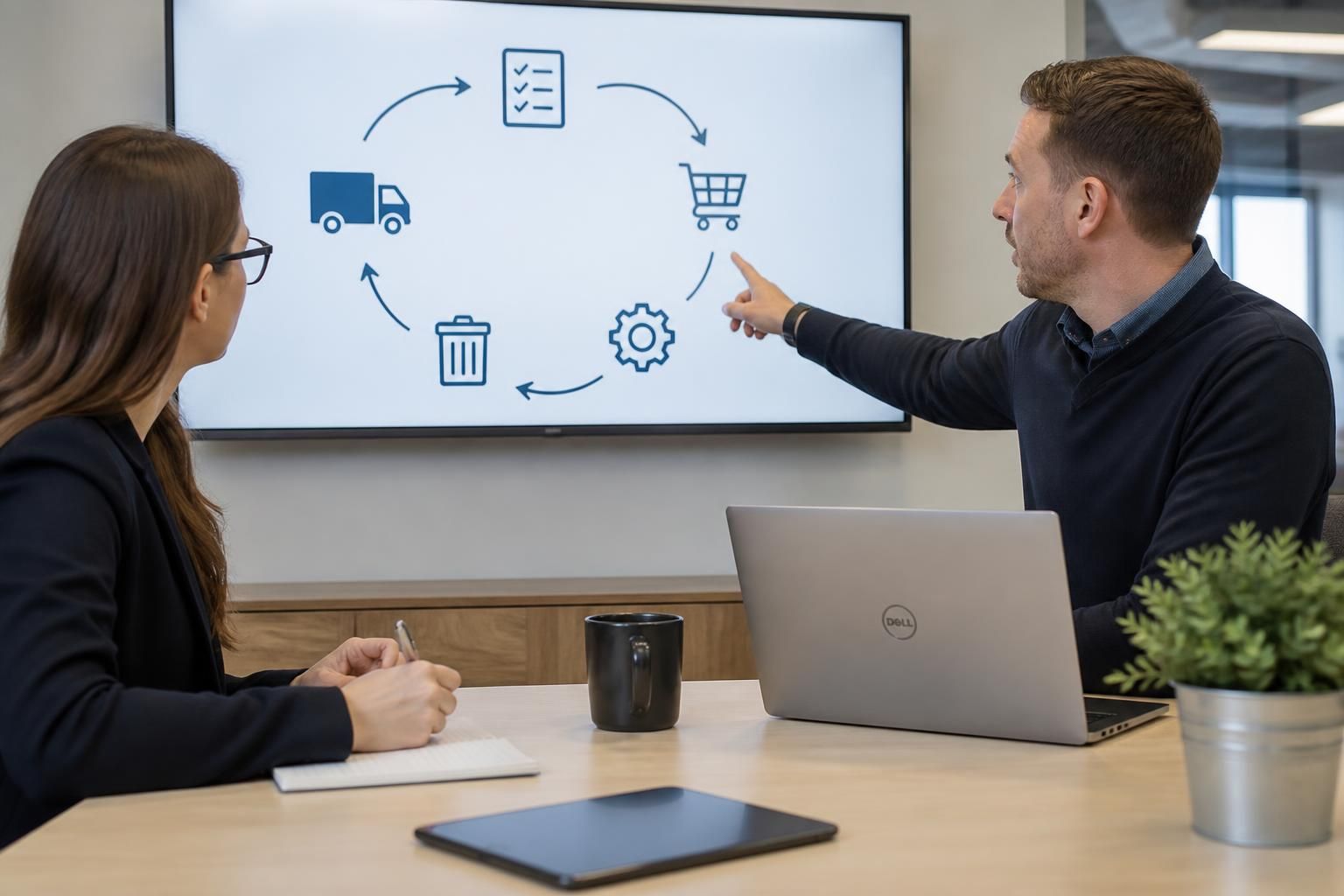
An IT support service should manage technology lifecycles through planned assessment, procurement, deployment, maintenance, review and retirement. This keeps systems secure, compatible with business requirements and cost-effective, while ensuring ageing hardware, software and infrastructure are upgraded or securely disposed of at the appropriate time.
An IT support service manages technology lifecycles by treating each device, application and infrastructure component as a governed business asset rather than an isolated technical purchase. It records ownership, purpose, dependencies, condition, security status and planned end date, then uses that information to make controlled decisions about risk, investment and replacement.
The process usually begins with a complete and reliable asset record. This should identify, where relevant:
- the device, system, application or service in use;
- its assigned user, location and business owner;
- the operating system, version, configuration and support status;
- its relationship with other systems, networks and business processes;
- licensing, warranty, contract and renewal information; and
- known risks, incidents, performance limitations or unresolved technical debt.
Accurate records help an IT support provider distinguish between technology that is genuinely obsolete and technology that remains suitable but needs configuration changes, additional capacity or better controls. They also make it easier to identify systems with a common dependency, such as an application that relies on a particular operating system or server component. Replacing one item without considering those relationships can create compatibility problems or interrupt an important business process.
Lifecycle decisions should be based on risk and business need, not age alone. A relatively new system may require attention if it no longer receives security updates, cannot support a necessary business function or has become difficult to administer. Conversely, an older asset may remain appropriate where it is supported, secure, adequately maintained and compatible with the organisation’s requirements. An IT support service should document the reasoning behind each decision rather than applying an arbitrary replacement rule.
A useful lifecycle plan sets out decision points for each asset. These can include:
- when the technology should be reviewed against current business requirements;
- when supplier support, software updates or warranty protection is due to end;
- which events should trigger an earlier review, such as repeated faults, a security concern or a business change;
- what technical and operational dependencies must be tested before a change; and
- what budget, approvals, staff involvement and implementation work are required.
This plan should be connected to business planning. A replacement may affect user workflows, data access, connectivity, integrations, compliance responsibilities and training. The IT support service can therefore help the organisation compare options according to factors such as resilience, maintainability, security controls, compatibility, total cost and the likely effect on users. The cheapest purchase price is not necessarily the lowest-cost option if it creates complex support requirements or shortens the useful life of connected systems.
Change control is particularly important when technology is introduced or altered. Before implementation, the provider should establish the intended configuration, identify a rollback or recovery approach, confirm any required data protection measures and agree how the change will be tested. Testing should reflect real business use rather than simply confirming that a device or application starts. For example, it may need to verify access permissions, printing, shared files, integrations, remote access and the operation of line-of-business applications.
Lifecycle management also includes monitoring the technology after a change. An IT support service should check whether the new arrangement is stable, whether users can complete their work and whether documentation accurately reflects the final configuration. Lessons from incidents and service requests can then inform future technology choices. This creates a feedback loop in which recurring weaknesses are addressed through planned improvements instead of being handled as isolated faults.
End-of-life planning should start before equipment or software becomes unusable. The provider should identify what happens to business data, user accounts, licences, configurations and connected services. For hardware, the process may include verified data erasure or destruction, removal from management systems, cancellation or reassignment of licences, and an asset record showing how the item was handled. Where disposal is carried out by a third party, the organisation should retain appropriate evidence of the disposal process.
Software and cloud services require their own retirement controls. Accounts should be removed or transferred in line with the organisation’s access policy, integrations should be disconnected safely, stored data should be retained or deleted according to business and legal requirements, and renewal arrangements should be checked so that an unused service does not remain active. Simply uninstalling an application or switching off a device may leave information, credentials or dependencies behind.
A mature lifecycle process is measured through useful management information rather than a single age report. Relevant records may show unsupported assets, upcoming renewals, overdue reviews, unresolved compatibility risks, repeated failures and technology that lacks a named owner. Reviewing this information with business stakeholders helps determine which actions are urgent, which can be scheduled and which require a wider technology project.
For a small or medium-sized organisation without a full internal IT function, an external IT support service can provide the structure, documentation and technical judgement needed to maintain this process. The important distinction is that lifecycle management is not simply replacing old equipment: it is the ongoing governance of technology, its risks, its dependencies and its contribution to the organisation’s work.
A further part of technology lifecycle management is controlling variation across the organisation. An IT support service can define supported technology standards for devices, operating systems, applications and configurations, then record any approved exceptions. A consistent baseline makes systems easier to maintain, secure and replace because the provider is not managing an unnecessary range of incompatible arrangements.
Exceptions may be justified by specialist software, operational requirements or compatibility with equipment used in a particular business process. However, each exception should have a named owner, a documented reason and a review point. This prevents a temporary workaround from becoming an unsupported permanent dependency and helps the organisation decide whether it should be retained, redesigned or phased out.
Standardisation should not mean replacing suitable technology without cause. It provides a controlled framework for lifecycle decisions, allowing the IT support service and business stakeholders to identify where differences create material support or security risk while preserving arrangements that remain appropriate for legitimate operational reasons.