Can an IT service desk integrate with existing business systems?
Yes. An IT service desk can integrate with existing business systems through APIs, email, identity platforms, monitoring tools and asset records, allowing relevant information to move between systems without replacing the tools your organisation already uses.
Yes. An IT service desk can integrate with existing business systems without requiring an organisation to replace its core applications. The integration connects relevant records, events and user information so that support processes can use consistent data across the technology environment.
The practical approach depends on which systems are already in use, what information needs to move between them and how much automation is appropriate. A service desk may connect with:
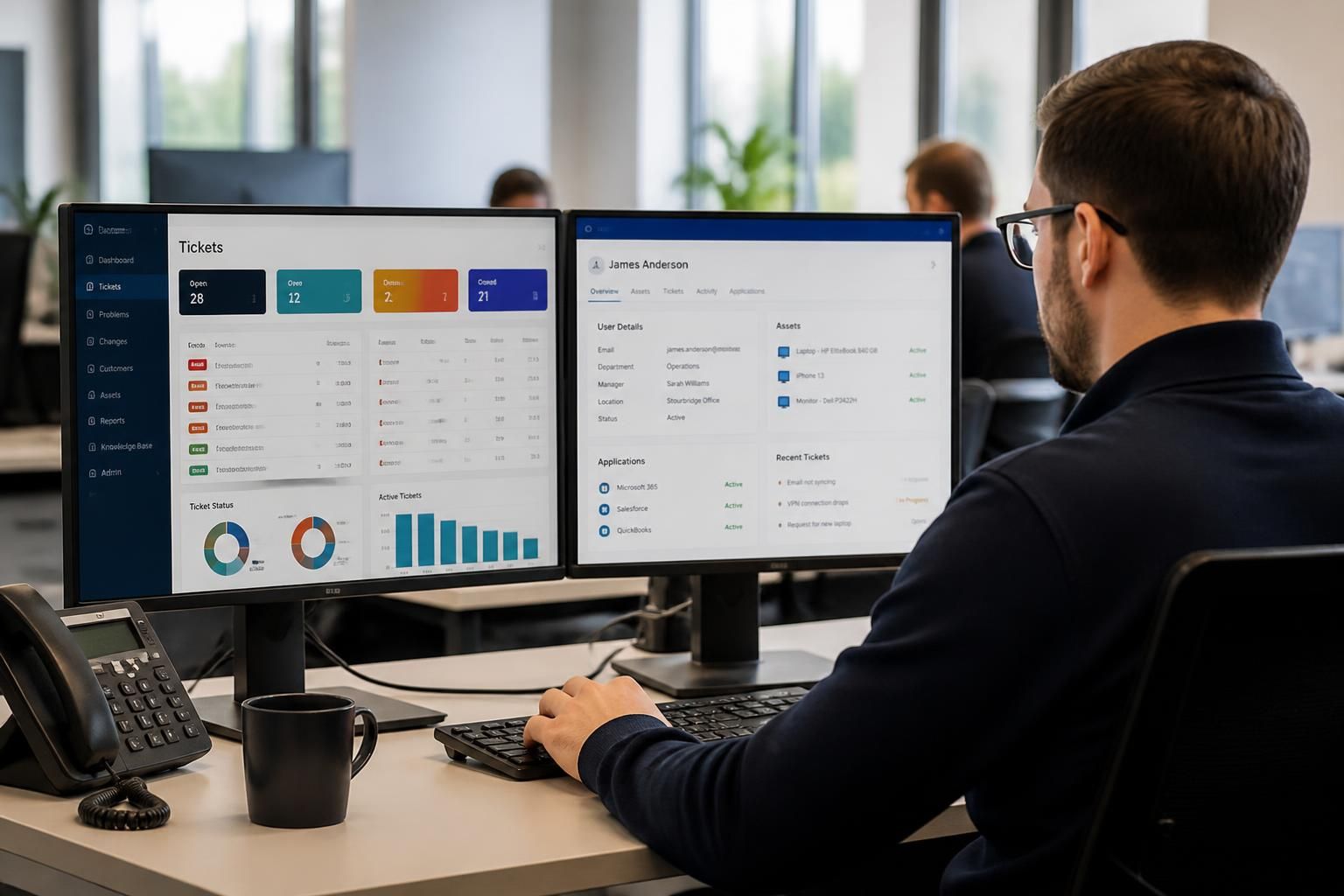
- Identity and access systems: user accounts, departments, roles and employment status can support account creation, access requests and leaver processes.
- Email and collaboration tools: users can submit requests through approved channels, while ticket updates and notifications are routed to the appropriate people.
- Monitoring and security platforms: alerts about devices, networks or security events can create tickets for investigation, subject to filtering and prioritisation rules.
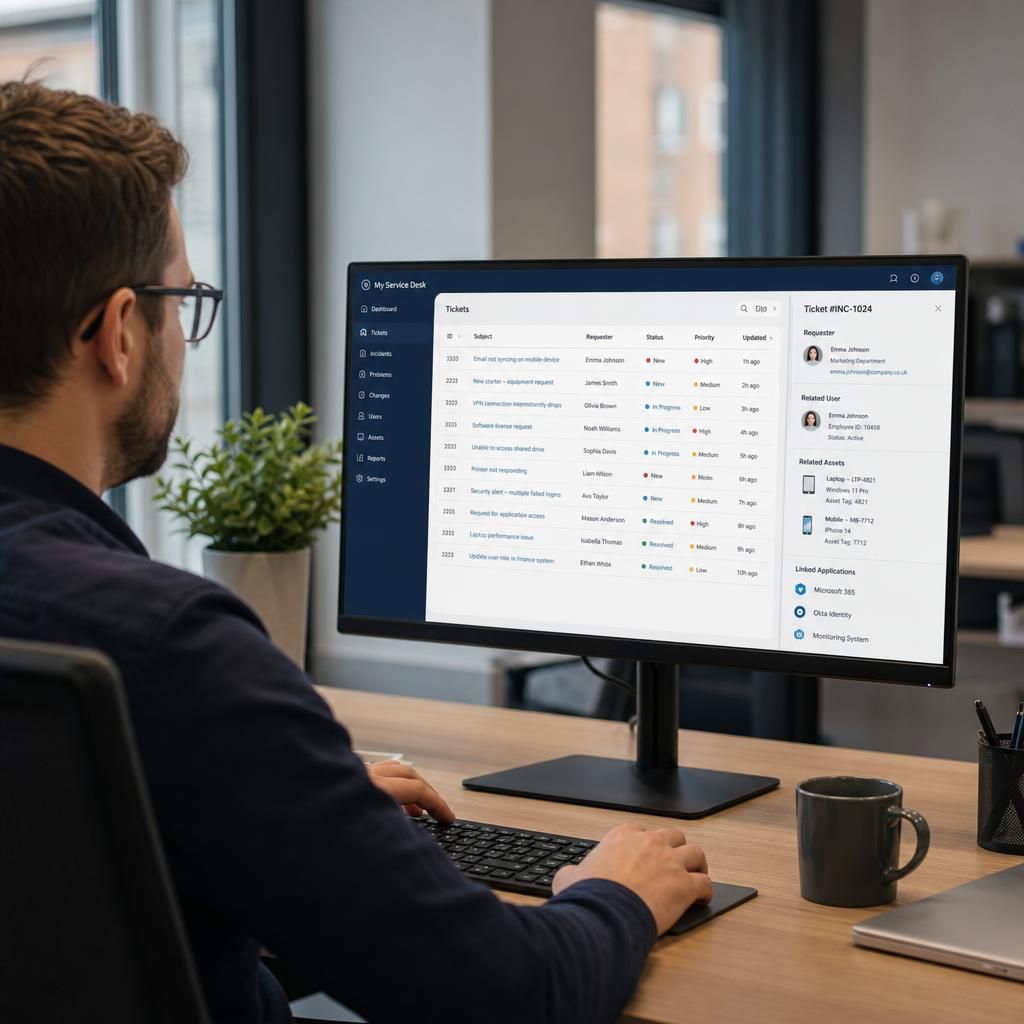
- Asset and configuration records: tickets can be associated with a particular laptop, server, application or network component, giving technicians useful context.
- Human resources systems: joiner, mover and leaver information can support repeatable workflows, provided personal data is handled appropriately.
- Business applications: systems such as customer, finance or operational platforms may provide information needed to investigate an issue or route it to the correct team.
There are several ways to establish these connections. An application programming interface, or API, allows systems to exchange structured data according to defined rules. Webhooks can notify the service desk when a specific event occurs, such as a new employee being recorded or a monitoring alert being raised. Email integration is less sophisticated but can still turn messages into tickets when the sender, subject and content follow controlled rules. Scheduled imports and exports may be suitable for systems that do not support live integration, although they create a delay between a change and its appearance in the service desk.
Integration is most effective when the data flow is defined before any technical configuration begins. Important questions include:
- Which system is the authoritative source for each type of data?
- Which fields need to be transferred, and which should remain private to the original system?
- Should information move in one direction or be synchronised in both directions?
- What event should create, update, close or escalate a ticket?
- How will duplicate records, failed transfers and conflicting changes be handled?
- Who is permitted to view or modify the exchanged information?
For example, an identity integration might use the organisation’s user directory as the source for names, departments and account status. A new starter could then be associated with a standard access request, while a leaver event could generate a controlled task for reviewing accounts and equipment. The service desk should not automatically perform every action simply because systems are connected; approval steps may be needed for privileged access, sensitive data or changes that could disrupt operations.
Monitoring integration requires similar care. Sending every technical alert into the service desk can create duplicate or low-value tickets, making important incidents harder to identify. Rules can group repeated alerts, suppress known maintenance events and associate a notification with the affected asset. The resulting ticket should retain enough evidence for investigation, including the source, time, affected component and relevant diagnostic information.
Security should be considered part of the integration design rather than added afterwards. Connections should use appropriate authentication, restricted permissions and encrypted communication. Service accounts should have only the access required for their specific function, and their credentials should be managed securely. Audit records should show when data was transferred, which account performed the action and whether the transaction succeeded. Personal, financial and security-related information should be limited to what the support process genuinely needs.
A controlled implementation normally follows these stages:
- Review the current environment: document the existing service desk, business applications, data owners and manual processes.
- Choose a defined use case: begin with a process where the data, outcome and approval requirements are clear.
- Map the fields and rules: agree how statuses, priorities, users, assets and categories correspond between systems.
- Build and test the connection: test normal transactions as well as rejected data, duplicate events, unavailable systems and permission failures.
- Run a controlled release: monitor the integration with a limited scope before extending it to more users, systems or workflows.
- Review and maintain it: update mappings and credentials when applications, business processes or security requirements change.
Integration does not remove the need for good service desk processes. Clear ticket categories, ownership rules, escalation paths and service levels remain necessary. A connection can transfer incorrect or incomplete information just as efficiently as accurate information, so data quality and workflow design need regular review.
For a small or medium-sized organisation, the sensible starting point is usually to identify the repetitive support tasks that consume the most administrative effort or create the greatest risk of error. S2 Technology Group can help organisations around Stourbridge, Kinver, Wordsley, Kingswinford, Kidderminster, Halesowen and Dudley assess their existing systems, plan suitable integrations and align them with wider IT support and cyber security controls.
Integration does not always mean full automation. An IT service desk can connect to an existing business system at different levels, depending on the risk and value of the process involved.
Visibility integration gives technicians relevant information from another system while leaving the original record unchanged. For example, a support record might display a device’s ownership or an application’s status. Workflow integration passes an approved request between systems, such as sending an access task to the appropriate business application. Action integration allows a service desk event to trigger a change, such as creating or updating an account, but this requires stronger controls because an error could affect business operations.
Starting with visibility or controlled workflow integration is often more appropriate than immediately automating actions. It allows the organisation to assess data quality, user permissions and process ownership before permitting systems to make changes automatically. Each connection should also have a named owner responsible for reviewing its purpose, documenting dependencies and deciding whether it remains suitable when the underlying business system changes.