How does a business VoIP phone system integrate with existing business applications?
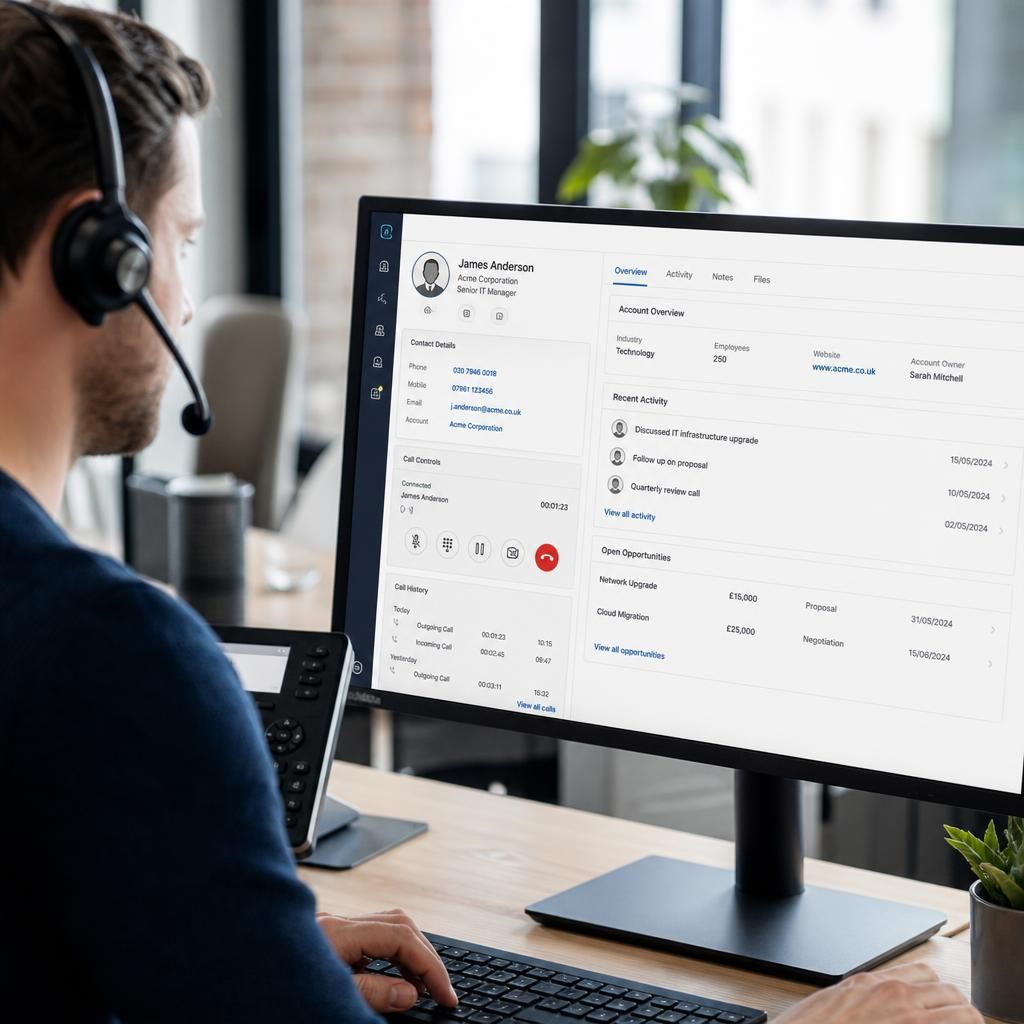
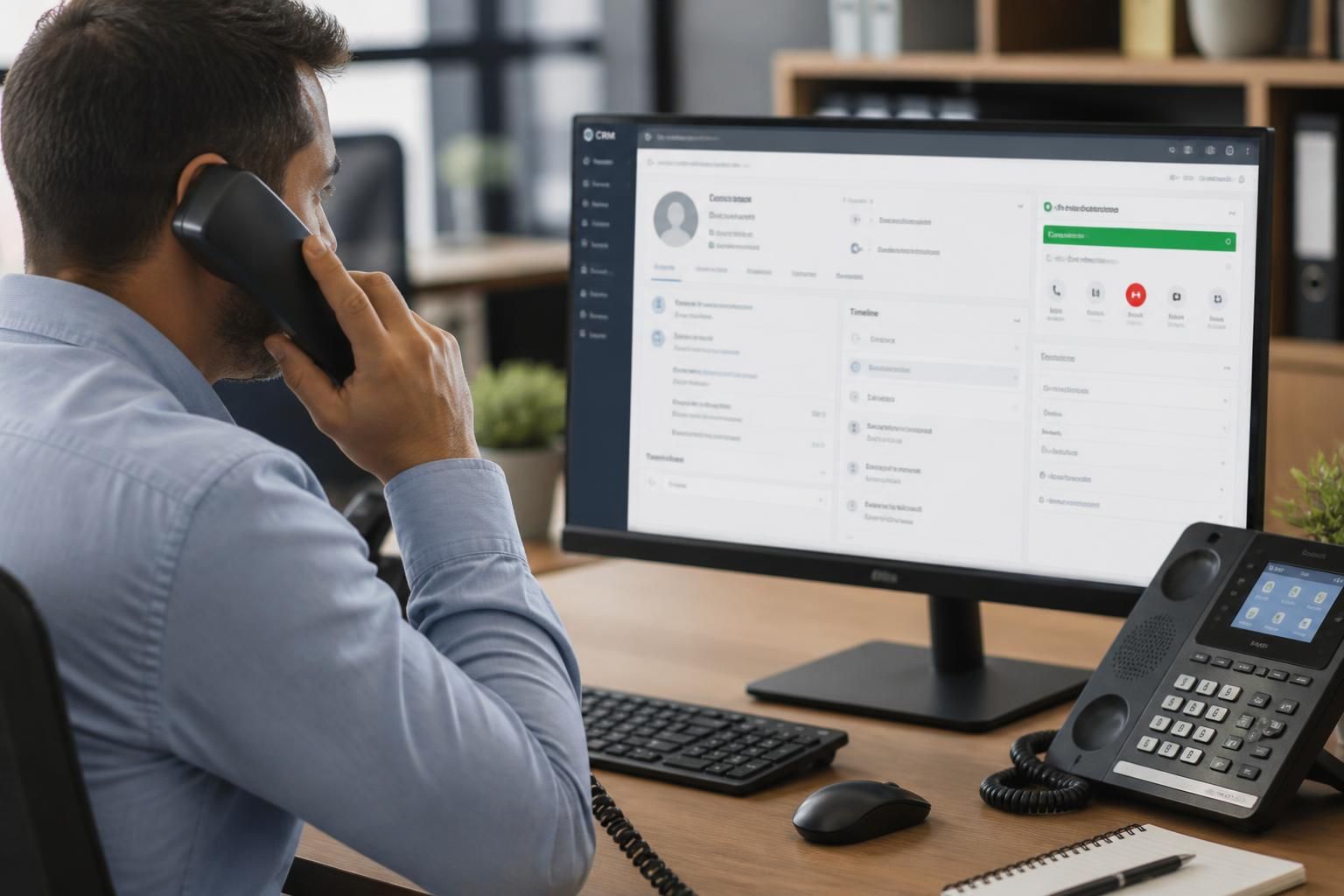
A business VoIP phone system integrates with existing applications through software connectors or APIs, linking telephony with tools such as CRM, email and customer service platforms. This can enable click-to-dial, caller information displays, automatic call records and contact updates without requiring staff to switch between separate systems.
A business VoIP phone system integrates with existing applications by exchanging selected telephony data and commands with the software a business already uses. The integration may be built into the phone platform, added through a software connector, or developed using an application programming interface (API). The right approach depends on the applications involved, the data they hold and the workflows the business needs to support.
Common integration methods
- Native integrations: The VoIP platform has a pre-built connection for a particular type of business software. This is generally the simplest option to configure, although the available functions may be limited to those supported by the provider.
- API integration: An API allows one system to request or send defined information to another. This is useful where a business needs more control over the integration or uses specialist software that has no ready-made connector.
- Webhooks and event-driven connections: An application can send a notification when a specified event occurs, such as a call ending, a user changing status or a voicemail being received. Another system can then carry out an agreed action.
- Middleware: A separate integration service can translate data between the phone system and several applications. This can help where each application uses different field names, authentication methods or data formats.
- Desktop and browser integrations: A browser extension or desktop application can provide telephony controls within another work environment. This is often used where staff spend most of their time in a web-based business system.
CRM and sales systems
VoIP integration with a customer relationship management system can connect telephony with customer accounts, opportunities and sales activities. The system may use an agreed identifier, such as a telephone number or account reference, to associate a call with the correct business record. More advanced integrations can support workflow actions such as creating a follow-up task, changing the stage of an opportunity or notifying a team when a call requires attention.
These workflows need careful configuration. A shared telephone number may belong to several contacts, while a company may have multiple offices or departments. The integration should define how duplicates are handled, which record takes priority and what happens when no matching record is found. It should also distinguish between internal calls, supplier calls and customer interactions rather than treating every call as a sales activity.
Email and calendar applications
A phone system can work alongside email and calendar software to support scheduled calls, meeting invitations and internal availability information. For example, a call-handling workflow may use a user’s presence or calendar status to determine whether a call should be offered to that user or directed to another agreed destination.
Calendar integration must not be allowed to override business call-routing rules without review. A private appointment, an incorrectly marked meeting or a shared calendar can produce an unsuitable result. Businesses should define which calendars are used, how statuses are interpreted and who can change those rules.
Customer service and helpdesk platforms
Integration with a service desk can link telephony events to incidents, service requests and customer accounts. A call may be used to create a new case, add information to an existing case or alert the team responsible for a particular service. Routing can also be based on factors held in the service platform, such as customer category, contract type or the team assigned to an issue.
Service teams should agree how calls are classified and who owns the resulting work item. Without consistent categories and ownership rules, integration can create duplicate cases or distribute work to the wrong queue. The phone platform and helpdesk should also use compatible retention and access controls if call-related information is stored in both systems.
Collaboration and business workflow tools
VoIP systems can exchange status information with collaboration platforms and workflow applications. This may allow users to set a telephony presence from a single interface, trigger an approval or escalation process, or send a notification to a selected operational team. In a multi-site organisation, these connections can help apply common routing and reporting rules while preserving separate departments or locations.
Integration should support the way staff work rather than duplicate every feature in every application. If users must update the same status in several places, the information will quickly become inconsistent. It is better to nominate one authoritative source for each type of data, such as user identity, department membership or customer ownership.
Identity, authentication and permissions
Most integrations require authentication so that the connected applications can establish that requests are legitimate. Options may include individual user sign-in, service accounts, access tokens or an organisation’s identity management system. The chosen method should support least-privilege access: an integration should be able to read or change only the information required for its stated purpose.
Businesses should document who owns each connection, where credentials are stored, how access is revoked when a user leaves and how tokens are replaced. Multi-factor authentication should be retained wherever the connected systems support it. Administrative access to integration settings should be restricted because a change to a routing or workflow rule can affect many users.
Data protection and recording considerations
Integration can move personal or commercially sensitive information between systems, so the data flow should be mapped before implementation. This includes telephone numbers, names, internal notes, user identifiers, call metadata and any recordings or transcriptions that are deliberately connected to another application.
The business should decide what information is necessary, where it is stored, how long it is retained and which roles can view it. Recording or transcription features require particular care because the resulting content may contain confidential customer or employee information. The integration should not copy data into additional systems simply because the connection makes it technically possible.
Compatibility and implementation
- Document the business process first, including the applications involved, the users affected and the decisions the integration should automate.
- Check the phone system and application documentation for supported versions, API limits, authentication options and restrictions on data usage.
- Define field mappings and ownership rules. Decide which system is authoritative if the same information is changed in more than one place.
- Build the connection in a test environment where possible, using representative but controlled data.
- Test successful actions, missing data, duplicate records, rejected requests, network interruptions and changes to user permissions.
- Introduce the integration in a controlled way and monitor errors, failed synchronisation and unexpected workflow activity.
- Review the connection after software updates or changes to business processes, because an application update can alter fields, permissions or API behaviour.
An integrated VoIP system is therefore not simply a phone service with an extra plug-in. It is part of a wider information flow between telephony, identity systems and business applications. A well-designed connection uses only the necessary data, assigns clear ownership, protects access and automates a defined process without making staff maintain conflicting records.
A business VoIP phone system should remain usable if a connected application is unavailable. CRM access, screen-pop information or automatic call logging may be temporarily affected by an application outage, an expired session or a failed connector, but users should still be able to make and receive calls through the phone platform.
Integration design should therefore include a defined fallback process. Staff may need to search for customer details manually, record call notes for later entry or use an alternative contact directory until the connection is restored. Administrators should also be able to identify whether a problem lies with the telephony service, the business application or the connection between them. This separation limits the operational impact of an application fault and makes troubleshooting more precise.