Which backup solution is best for a small business?
For most small businesses, the best option is a managed hybrid backup solution combining a local recovery copy with encrypted, off-site cloud storage. It should provide automated backups, protected historical versions, monitoring and regularly tested restores so the business can recover files and systems after hardware failure, accidental deletion or cyber attack.
The best small-business backup solution is one that matches the organisation’s recovery requirements, protects every important workload and can be managed consistently. The right choice depends less on the size of the business than on how much data it creates, where that data is held and how disruption would affect day-to-day operations.
Begin with a complete inventory of the systems that require protection. This may include desktop and laptop files, physical servers, virtual machines, databases, network storage, email, cloud applications and data held at branch locations. A solution that covers only selected folders or office computers can leave important information outside the recovery plan.
Recovery objectives should then be documented. The recovery point objective defines how much recent data the business could afford to lose, while the recovery time objective defines how quickly each system needs to be usable again. A shared document repository may tolerate a different recovery process from an accounts system, production application or customer database. These requirements help determine backup frequency, storage capacity and the type of recovery available.
Important selection criteria include:
- Workload coverage: the platform should support the operating systems, applications, databases and cloud services that the business actually uses.
- Recovery flexibility: it should allow individual files, folders, mailboxes or application data to be recovered without restoring an entire system unnecessarily.
- System recovery: where critical servers are involved, consider whether the solution can recover a complete machine, virtual environment or application rather than only its files.
- Security controls: encryption, access controls, multi-factor authentication, separation of administrative privileges and tamper-resistant retention reduce the risk of an attacker altering the recovery copies.
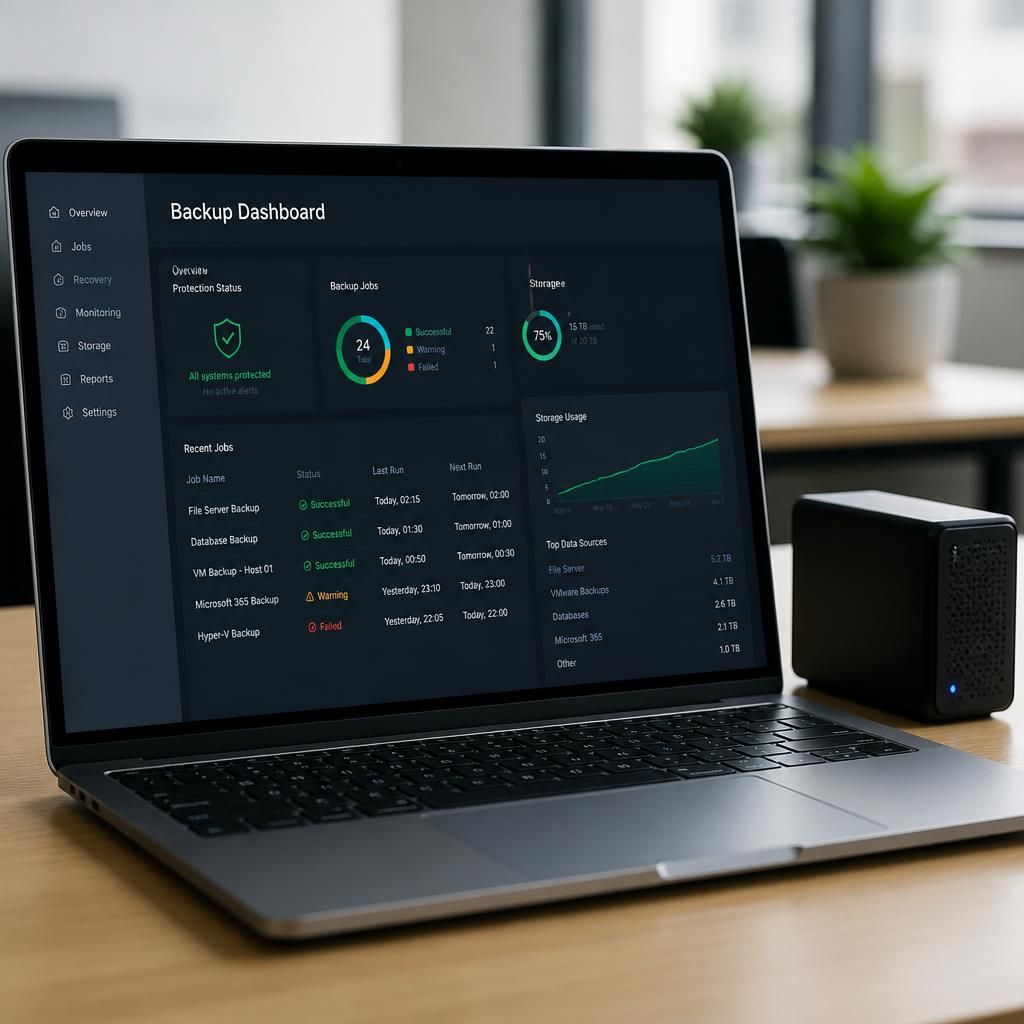
- Operational visibility: administrators need clear information about failed jobs, missed devices, storage capacity, unusual changes and unresolved alerts.
- Testing capability: the provider or internal IT team should be able to verify that data can be restored and that recovered systems are usable.
- Scalability: adding users, devices, applications or sites should not require replacing the entire backup arrangement.
Storage location is another important consideration. Keeping a copy in the same building can make recovery from a damaged device more convenient, but it does not address every risk affecting that site. Data stored away from the primary environment provides a separate recovery option, subject to the provider’s security, retention and access controls. Businesses should also establish whether stored data is held in an appropriate jurisdiction and whether the arrangement supports their contractual or regulatory obligations.
Ransomware protection requires more than simply creating frequent copies. The backup environment should be separated from ordinary user accounts, limit who can delete or alter historical data, and retain versions that cannot be changed during their protection period. Alerts should identify suspicious activity, but alerts are useful only when somebody is responsible for reviewing and acting on them.
Cost should be assessed across the full service rather than by storage price alone. Relevant factors can include protected devices, data volume, retention periods, cloud application coverage, setup, administration, recovery assistance and additional storage. A low initial price may not represent good value if the business must configure jobs manually, investigate failures itself or purchase separate tools for servers and cloud data.
Small businesses should ask prospective providers practical questions before choosing a service:
- Which devices, applications and cloud services are included?
- What happens when a backup job fails or a device stops reporting?
- How are administrative accounts protected from compromise?
- How long are versions retained, and can retention be locked against alteration?
- Can the business recover a single file as well as a complete system?
- How are restores documented and tested?
- Where is the data stored, and how is it removed when the service ends?
- What assistance is available during a recovery?
A suitable solution should also produce useful records. Backup status, failed jobs, restore tests, retention settings and changes to protected systems should be documented so that the business can demonstrate that its process is controlled rather than assumed to be working. The arrangement should be reviewed when the organisation adopts new applications, changes its working locations or alters its regulatory responsibilities.
For a small business without dedicated backup expertise, a managed service can reduce the administrative burden by combining configuration, monitoring, maintenance and recovery guidance. The essential test is not whether a backup job has run, but whether the business can recover the right data and systems in a controlled, repeatable way when they are needed.
The best backup solution must capture data in a form that can be restored reliably. File-based protection may be suitable for documents, but databases and business applications often need application-aware backups so transactions are captured consistently rather than as unrelated files.
Ask how the solution handles each important workload: whether it can preserve database integrity, capture the configuration needed to rebuild an application, and restore cloud-hosted information in a usable format. This distinction matters because a backup can report as successful while still being difficult to use if the related application data, settings or dependencies are missing.
When comparing providers, request an explanation of the backup method used for each system and a demonstration of the recovery process for a representative workload. The strongest option is one that aligns its protection method with the way each type of data is created and used.