
What is the difference between local and online backup for small business?
Local backup stores copies of business data on equipment or media at the organisation’s premises, while online backup transfers copies to securely managed remote storage accessed through the internet. Local backup can support rapid recovery without an internet connection, whereas online backup provides off-site protection and remote access, so many small businesses use a combination of both.
Local and online backup differ mainly in where backup copies are stored, how they are reached, and what happens when the primary systems are unavailable. Local backup gives the organisation direct control over nearby storage, while online backup places copies in professionally managed remote infrastructure. The right choice depends on recovery requirements, internet connectivity, security controls, data volume and the risks the business needs to withstand.
Local backup: control and convenient access
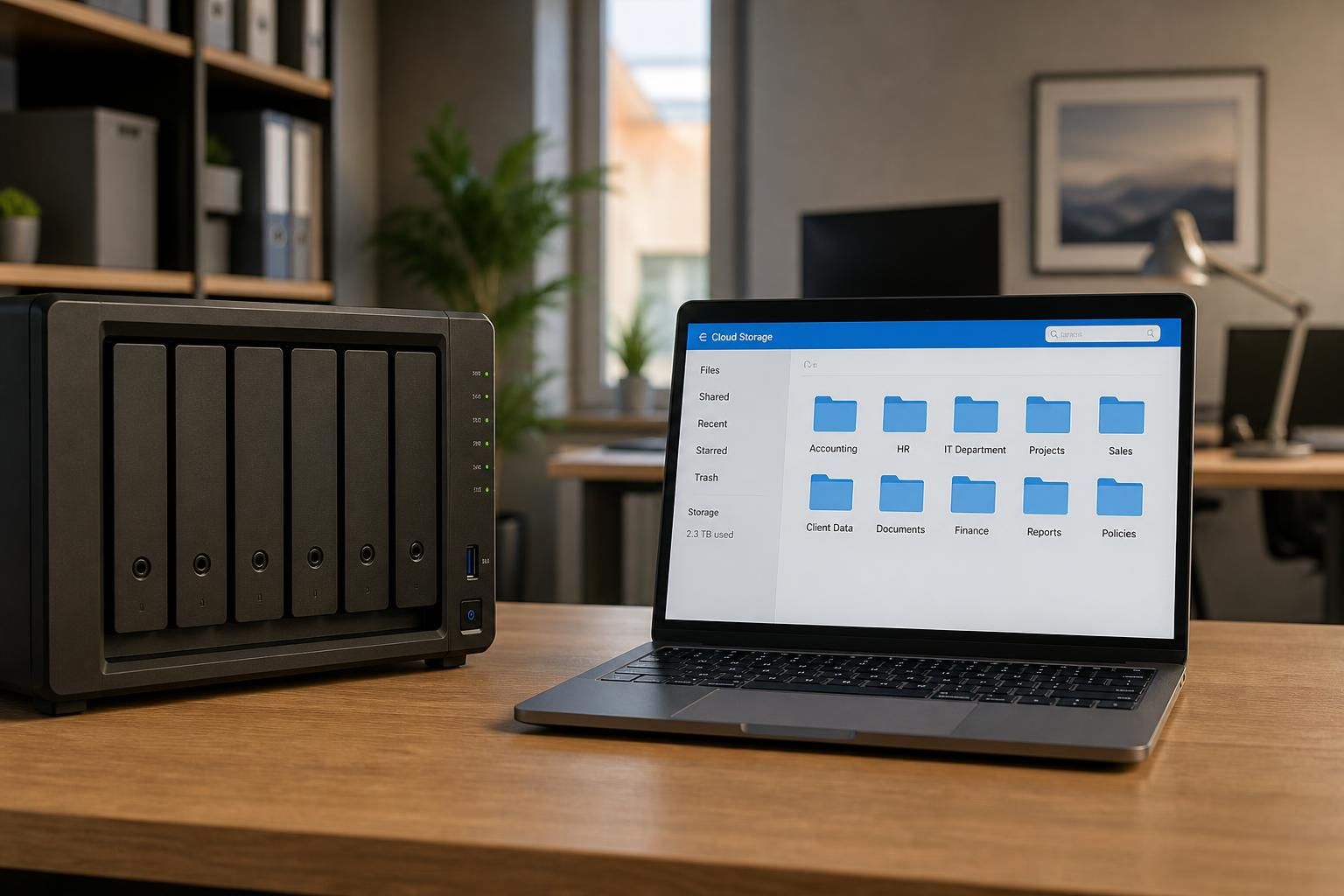
Local backup typically writes data to storage located at the business premises, such as a dedicated backup server, network-attached storage or removable media. Because the equipment is nearby, a business can often restore files or systems over its internal network without first transferring the data across the internet. This can be useful when a large volume of information needs to be recovered.
Local storage also gives the organisation direct responsibility for the hardware, physical access and backup configuration. That control can be useful, but it creates management obligations. The equipment needs suitable access restrictions, maintenance, monitoring and protection from power loss, theft, fire, water damage and other incidents affecting the premises.
A local copy should not be treated as independent simply because it is stored on a different device. If backup storage remains permanently connected to the same network, malware or compromised administrator credentials may allow an attacker to alter or delete it. Removable media can reduce this particular exposure when it is handled securely, but it introduces processes for rotation, storage, labelling and testing.
Online backup: separation and managed access
Online backup sends selected data to remote storage through an internet connection. The service normally uses software or an agent to identify changed files, encrypt data during transfer and maintain historical versions according to the configured retention policy. Administrators access the backup environment through a management interface rather than handling all storage equipment themselves.
Remote storage separates backup copies from incidents at the main premises. It can therefore provide an important layer of protection if local equipment is stolen, damaged or affected by a widespread malware incident. However, online backup depends on the availability and capacity of the internet connection. Initial transfers and major restores can also require careful planning where data volumes are large or connectivity is limited.
Online does not automatically mean secure. A suitable service should be assessed for encryption, identity controls, administrative permissions, audit records, versioning, deletion protection and the handling of compromised accounts. The organisation should also understand where data is stored, how it is segregated, what recovery options are available and how the provider supports data removal at the end of the arrangement.
Key differences to assess
- Location: local copies are held on the organisation’s premises, whereas online copies are held in remote infrastructure.
- Recovery path: local restores generally use the internal network and local hardware; online restores use an internet connection or another method provided by the service.
- Physical risk: local equipment remains exposed to incidents affecting the site unless another copy is stored elsewhere. Online storage provides geographical separation, subject to the provider’s resilience and security arrangements.
- Management: local systems require the business or its IT provider to manage hardware and storage capacity. Online services reduce the need for on-site backup infrastructure but still require configuration, monitoring and account administration.
- Scalability: local capacity may require additional equipment as data grows. Online capacity is usually adjusted through the service configuration, although pricing, retention and transfer limits must be checked.
- Connectivity: local recovery can continue without an internet connection for data held on site. Online backup requires suitable connectivity for transfers and remote restores.
- Security exposure: local devices need protection from physical and network threats, while online environments require careful control of provider access, administrator accounts and data transfer.
Why many businesses use both
A combined approach can balance recovery convenience with protection against site-level incidents. For example, a business may maintain a local copy for operational recovery while sending additional, protected copies to remote storage. The copies should be managed as part of one documented backup design rather than assumed to be separate merely because two destinations exist.
The design should specify which systems and data are included, how often changes are captured, how many historical versions are retained, who can administer the backups and where copies are kept. It should also define the order for restoring servers, applications and user data. A backup that has never been restored in a realistic test cannot be treated as a proven recovery method.
How to choose for a small business
Start by identifying the systems that the organisation could not operate without, the maximum acceptable period of data loss and the time in which each system would need to be usable again. Then compare local and online options against the business’s data volume, internet capacity, premises risk, internal IT skills and compliance obligations.
For a small business without extensive in-house IT expertise, the practical issue is not simply buying storage. Policies, access controls, alerts, retention, testing and documented recovery procedures determine whether the arrangement works when it is needed. S2 Technology Group can help organisations around Stourbridge, Kinver, Wordsley, Kingswinford, Kidderminster, Halesowen, Dudley and neighbouring areas assess these requirements and plan a backup approach that combines appropriate local and online protection.
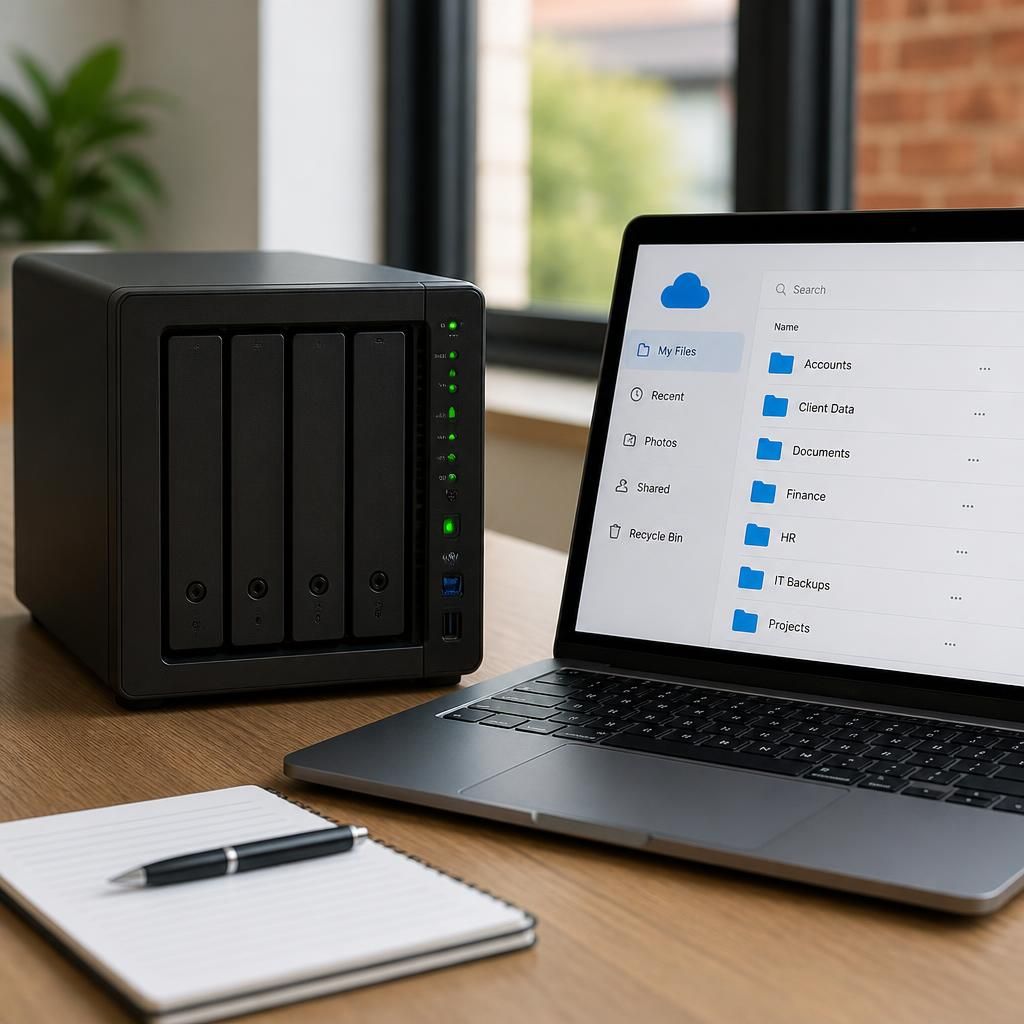
A further difference between local and online backup is how the costs are structured. Local backup usually requires the business to purchase and replace storage hardware, provide suitable space and power, and budget for additional capacity as data grows. Online backup generally uses a recurring service charge, with pricing influenced by storage volume, retention settings and data transfer requirements.
The headline storage price is only part of the comparison. A local arrangement may also involve hardware maintenance, media rotation and staff or IT provider time. An online arrangement may reduce on-site infrastructure but should be assessed for restore charges, transfer limits, service dependencies and the level of administration included. Comparing the full operating cost over the expected life of the backup design gives a more useful result than comparing storage prices alone.