

Should business backups be stored onsite or offsite?
Business backups are best stored using both onsite and offsite copies. Onsite storage supports fast recovery from everyday incidents, while offsite storage protects backup data if fire, theft, flooding or a ransomware attack affects the business premises.
The right choice is usually not onsite or offsite storage, but a backup design that assigns each location a different role. Onsite copies can support operational recovery, while a separately managed offsite copy provides a recovery option if the primary site, local equipment or network-connected backup systems cannot be trusted.
Onsite storage is typically useful for restoring recently changed files, folders, virtual machines or other business data without transferring the full backup set across an internet connection. This can make recovery more practical where the business has substantial data volumes or needs to resume work from local infrastructure. It also gives the organisation a copy that can be managed as part of its own backup environment.
However, an onsite copy is exposed to many of the same risks as the production systems. A power problem, hardware failure, accidental deletion, unauthorised access or an incident affecting the premises may impact both the original data and the backup. If backup storage is continuously connected and writable, malware may also be able to alter or delete recovery points. Onsite storage should therefore not be treated as the sole safeguard.
Offsite storage separates backup data from the systems it protects. Depending on the design, copies may be held at another physical location or in a professionally managed cloud platform. This separation reduces dependence on one building, one set of equipment and one local network. It is particularly important for organisations whose operations depend on shared files, business applications, customer records or other data that would be difficult to recreate.
Offsite storage has its own considerations. Restoring a large dataset may depend on available bandwidth, the capacity of the offsite service and the organisation’s authentication and access arrangements. Data held remotely must also be encrypted in transit and at rest, with access limited to authorised administrators. The provider’s retention controls, service resilience, data location and recovery procedures should be understood before the arrangement is adopted.
A sound policy should define how the two locations are used rather than simply creating duplicate copies. Consider the following points:
- Recovery priorities: identify which systems and data must be restored first, and whether the required recovery point is available in the onsite copy, the offsite copy or both.
- Separation: keep at least one recovery copy logically isolated from ordinary user accounts and production administration. Immutability or write-once retention can help prevent recovery points being changed during an attack.
- Encryption and access: protect backup data with strong encryption and separate administrative credentials. Multi-factor authentication and role-based permissions can reduce the risk of a compromised account controlling the backup environment.
- Retention: retain multiple recovery points so that an organisation can return to a clean version rather than relying only on the newest copy. The appropriate period depends on operational, contractual, regulatory and legal requirements.
- Connectivity: assess whether the internet connection can support routine offsite transfers and recovery. Large datasets may require staged synchronisation or a recovery method that does not depend entirely on the primary connection.
- Testing: perform test restores rather than assuming that a completed backup is usable. Testing should cover individual files as well as complete systems where those systems are part of the recovery plan.
The best arrangement also reflects the size and structure of the organisation. A small business with modest data volumes may use local backup appliances alongside encrypted cloud copies. A multi-site organisation may distribute copies between locations, provided that each site is not treated as automatically independent and access controls are managed consistently. Businesses with specialist applications should confirm that application data, configuration files, permissions and dependencies are included, rather than backing up only visible documents.
Cost should be assessed across the full lifecycle, not just the purchase price of storage. Relevant factors include storage capacity, retention, transfer charges, administration, monitoring, recovery bandwidth and the effort required to test restores. A low-cost backup that cannot be accessed, is too slow to restore or has not been tested may offer less practical protection than a properly managed design with clearly defined recovery procedures.
For most small and medium-sized organisations, the decision should therefore be documented in a backup policy covering copy locations, protection methods, retention, responsibilities and restore priorities. The policy should be reviewed when systems, data volumes, premises or compliance requirements change. Onsite and offsite storage are complementary controls; using both is only effective when the copies are independent enough to withstand the same incident and are regularly checked for recoverability.
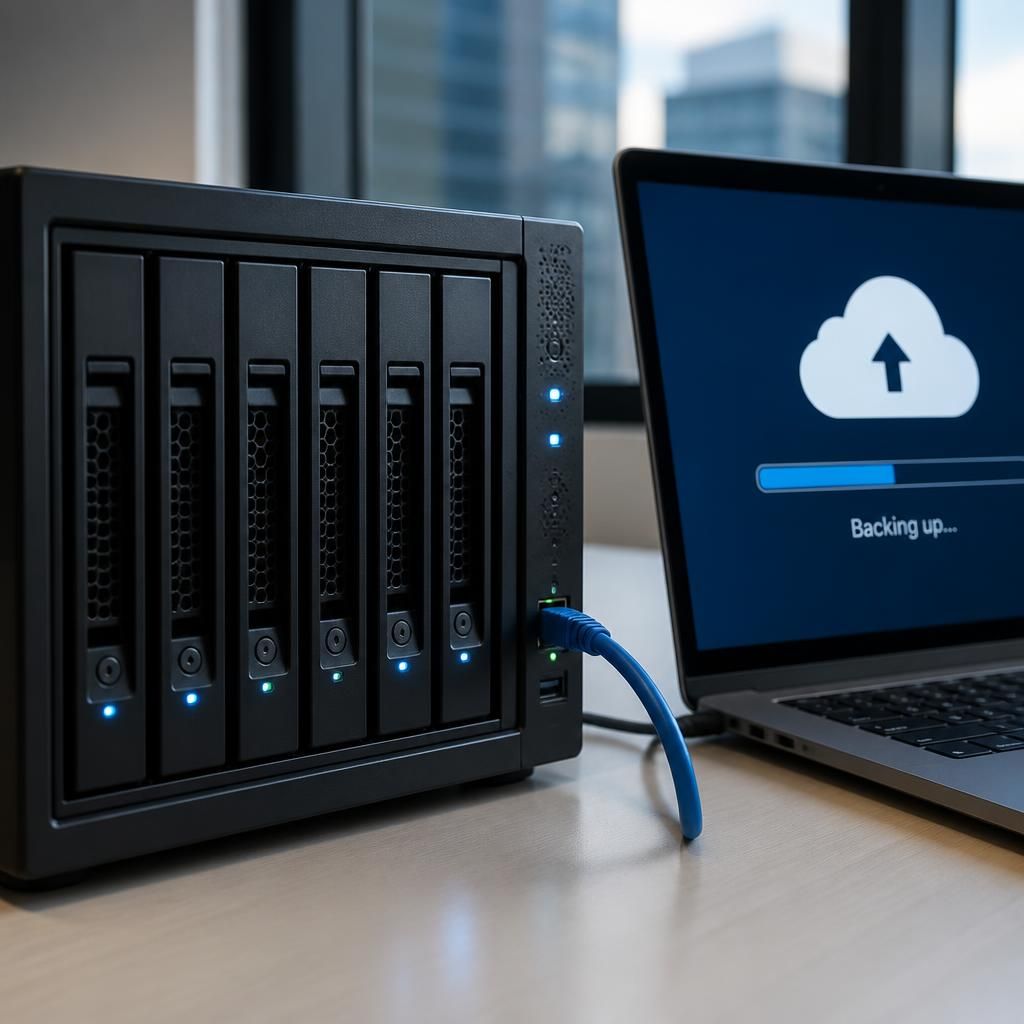
Offsite does not necessarily mean sufficiently distant. A second backup device in another room, building or nearby office may still be exposed to the same fire, flood, power failure, access issue or regional disruption as the primary systems. The required separation should therefore reflect the organisation’s premises, operating locations and credible local risks.
When assessing an offsite arrangement, document where the copy is held, which incidents could affect both locations and how recovery would be initiated if the main site were inaccessible. A business with one premises may need a geographically separate service, while a multi-site organisation should confirm that each location has genuinely independent power, connectivity, administration and physical access. The objective is not simply to have two addresses, but to ensure that one incident cannot remove both the working data and its recovery copy.
Review Your Business Backup Storage Strategy
Review your current backup policy to confirm that onsite and offsite copies have clearly defined roles, appropriate access controls and tested recovery procedures. S2 Technology Group can help your organisation assess its business backup storage strategy and identify practical improvements.