
Can business backup solutions restore entire systems, not just individual files?
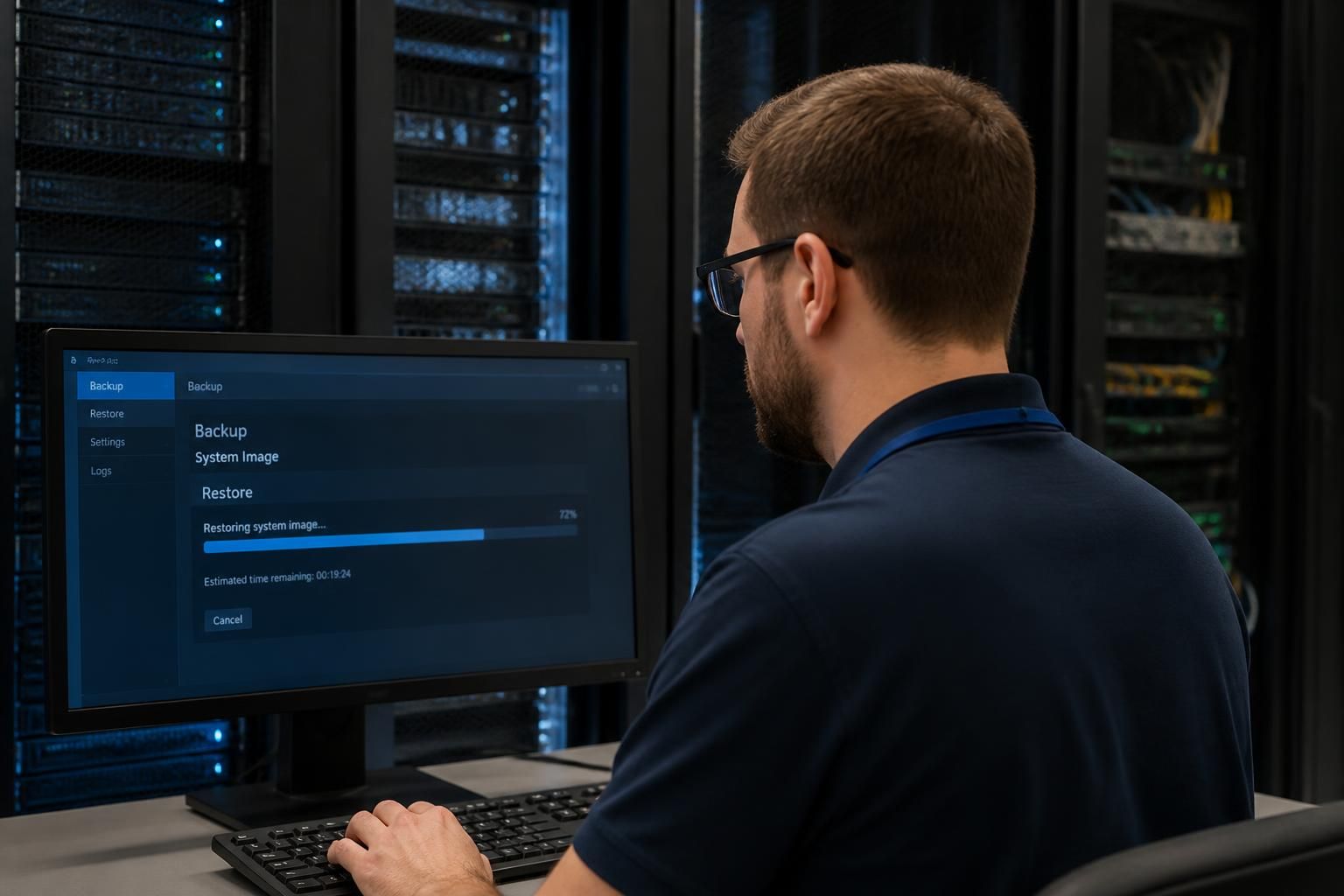
Yes. Business backup solutions can restore an entire system when they create a complete image of the operating system, applications, settings and data, rather than backing up files alone. This supports bare-metal recovery to replacement or repaired hardware, while file-based backups are limited to restoring individual folders or documents.
A complete system recovery depends on what the backup captures, where that backup is held and whether the recovery process has been tested. A suitable business backup platform can recreate a server or workstation environment, including its boot configuration, applications, user settings, system state and business data, but not every backup service provides this level of protection.
There are several recovery scenarios to consider:
- Hardware failure: a failed server or workstation can be recovered to replacement equipment, provided the backup is compatible with the target hardware or can be adapted during recovery.
- Malware or ransomware: the system can be rebuilt from a known clean recovery point rather than relying on potentially corrupted live data.
- Accidental configuration changes: an earlier system state may restore settings, applications and data to a point before the problem occurred.
- Site loss: where backups are held separately from the original equipment, systems may be recovered at another location or into suitable replacement infrastructure.
Full-system recovery is different from copying folders to another disk. The backup must include the information required to make the device usable again, such as the operating system, boot records, installed software, configuration files, permissions and application data. If only user files are protected, the operating system and applications may need to be reinstalled manually before those files can be returned.
The recovery destination also matters. A replacement device may have different storage controllers, firmware, processor architecture or network settings. A robust process therefore includes recovery media, hardware-independent restoration where appropriate, documented configuration details and a method for dealing with changes between the original and replacement environments. Virtualised recovery can provide another option by recreating a protected server as a virtual machine, subject to the organisation’s infrastructure and licensing arrangements.
Recovery points determine how much work may be lost. Restoring from the latest usable copy may recover most recent changes, while an older clean copy may be preferable after an undetected security incident. Backup retention should therefore provide multiple points in time rather than a single overwriteable copy. Backups should also be protected from unauthorised alteration, with access controls and separation from the systems they protect.
A complete image alone does not guarantee a successful recovery. The backup may be incomplete, encrypted credentials may be unavailable, an application may depend on a separate database, or a required configuration may not have been included. Recovery documentation should identify system dependencies, recovery order, administrator credentials, network requirements and the people responsible for approving restoration.
Testing is essential. A practical test can involve restoring a representative system to isolated hardware or a separate virtual environment, checking that it boots, confirming that applications open and verifying that important data is usable. The results should record what was restored, how long the process took, which dependencies were encountered and what changes are needed. Tests should be repeated after major infrastructure, application or backup-policy changes.
When assessing a business backup solution, ask whether it supports image-based recovery, individual file restoration and application-aware protection where required. Also check whether it can restore to replacement hardware or virtual infrastructure, how recovery points are protected against deletion, and whether the provider supplies clear recovery procedures. S2 Technology Group can help businesses assess these requirements as part of a wider backup and IT management strategy for organisations around Stourbridge and neighbouring areas.
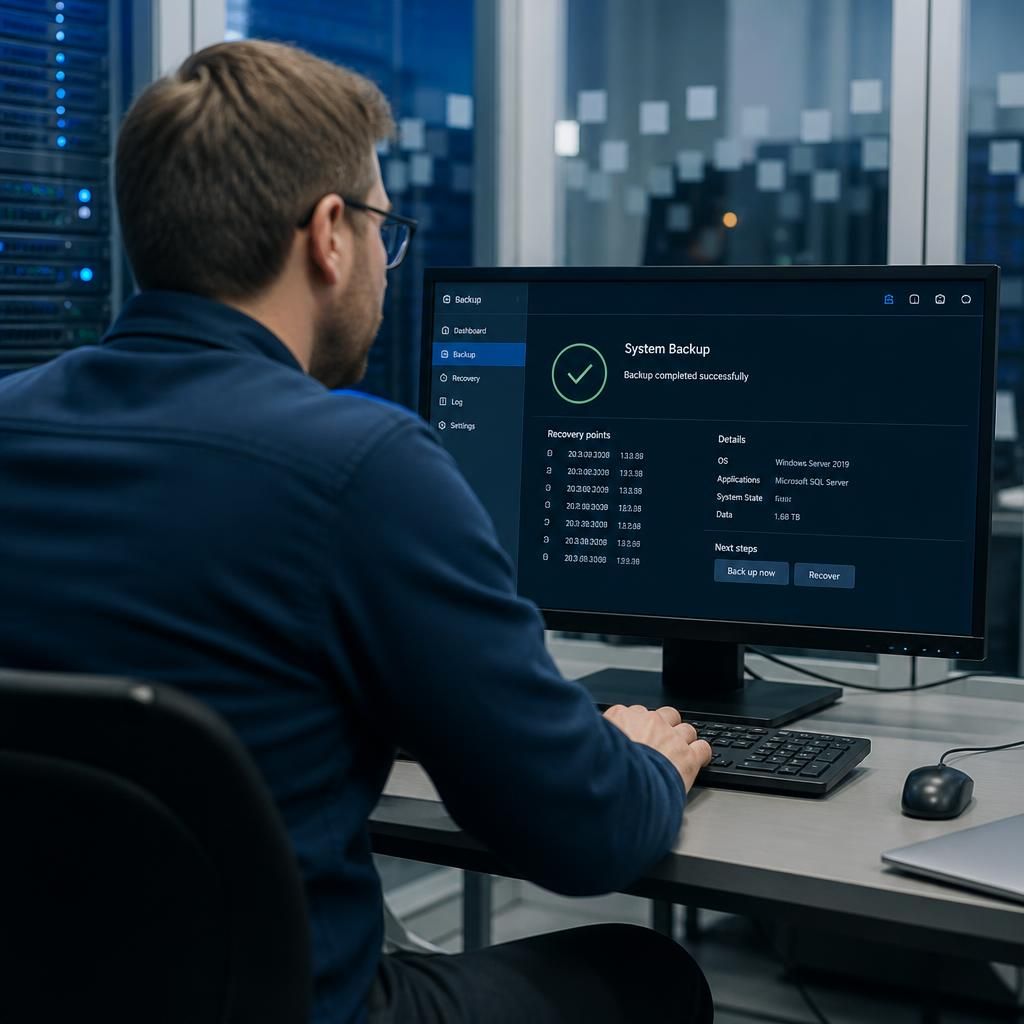
An entire-system restore recreates a defined computing environment, but it does not automatically restore every connected service in the business. A server image may return the operating system, installed applications and local configuration, while identity services, DNS, databases, cloud platforms and network equipment may still need to be recovered separately.
For this reason, a backup plan should define recovery scope for each critical system. Document which servers, workstations, databases and supporting services are included, the order in which they must be restored, and which functions can operate while another system remains unavailable. This prevents a technically successful image restore from being mistaken for complete business service recovery.
It is also useful to separate system recovery from data validation. After an image has been restored, administrators should confirm that services start correctly, users can authenticate, applications can reach their databases and recent transactions are present. Where a system handles structured data, application-aware protection may be needed so that files are recovered in a usable and consistent state rather than merely copied back to disk.
Assess Your Business Backup Recovery Requirements
Discuss your recovery requirements with S2 Technology Group to identify whether your current business backup solution can support complete system restoration. This can help clarify any gaps in recovery scope, dependencies or documentation before they affect your plans.