Can business backup solutions continue when the primary internet connection fails?
Yes, business backup solutions can continue when the primary internet connection fails, provided they use local storage, an alternative connection or both. Cloud-only backups generally cannot transfer data until internet access is restored, so resilient designs combine offsite protection with a suitable local backup process.
Continuity during an internet outage depends on separating the process of capturing data from the process of sending it offsite. A well-designed business backup solution can continue protecting changes locally, retain backup copies that are already available, and queue data for offsite transfer until the primary connection is restored.
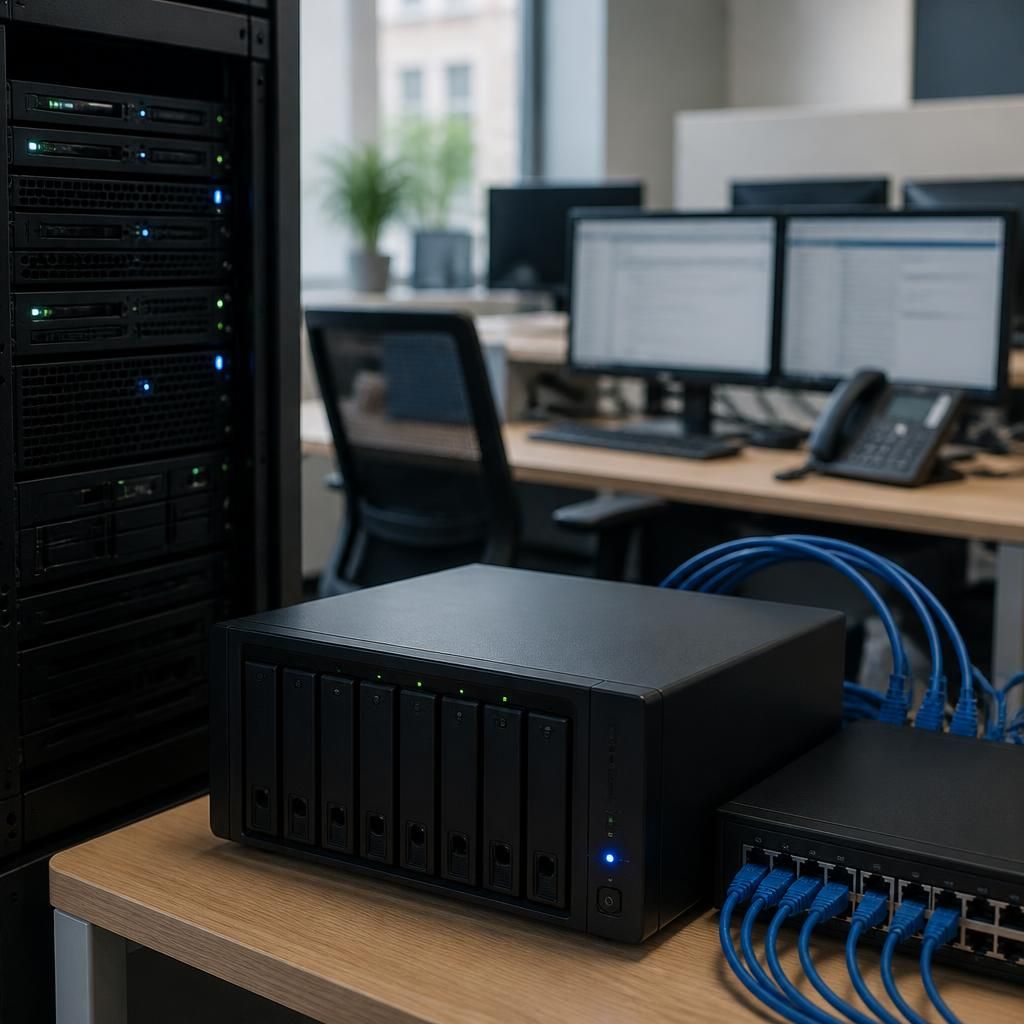
Backup software installed on servers, workstations or virtual machines can usually write to a local repository without reaching the cloud. This allows scheduled copies to continue during an outage, provided the backup storage, backup server and local network remain available. The software should record which jobs completed, which were interrupted and which files are waiting to be replicated, rather than treating a failed cloud connection as a successful backup.
The main operating models are:
- Local-first backup: data is copied to storage within the business before being sent to an offsite location. Local recovery remains possible while the internet is unavailable.
- Cloud backup with a local cache: recent backup data is temporarily held on a local appliance or server, then transferred to cloud storage when connectivity returns.
- Alternative connectivity: a secondary broadband, mobile or other WAN connection allows backup traffic to continue when the primary circuit fails. This should be configured with suitable security controls and enough capacity for the required data.
- Offline or removable copies: selected backup sets are disconnected from the network, reducing their exposure to ransomware and providing another recovery option if connected systems are compromised.
These approaches have different limitations. A local copy can support recovery without internet access, but it may be affected by a fire, theft, flood, power failure or ransomware incident at the same site. An alternative connection preserves data transfer but may have lower capacity, usage restrictions or different routing. Offline media avoids dependence on a live connection, although it requires controlled handling, clear labelling, encryption and regular verification.
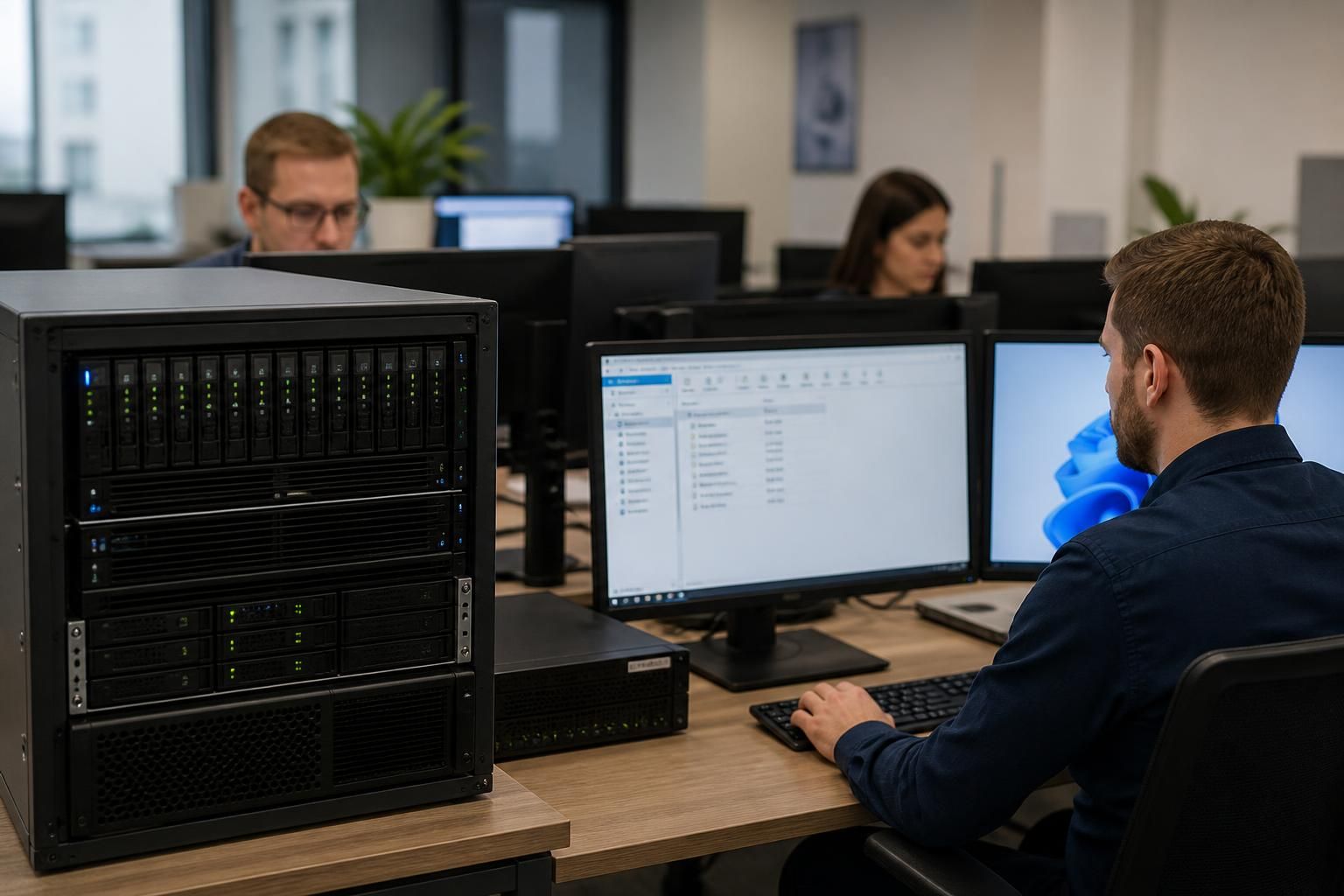
During an outage, recovery priorities should be defined in advance. If a file server or virtual machine is still available on the local network, users may be able to continue working from it. If a system has failed, a local backup repository can be used to restore files, applications or an entire workload without first downloading the backup from the cloud. Cloud-only recovery may have to wait until internet access is available, so the location of recovery copies should reflect the systems the organisation considers most important.
Once connectivity returns, the backup platform should reconcile the interrupted jobs and transfer the queued changes. Administrators should check for failed retries, duplicate or incomplete backup chains, storage capacity problems and conflicts caused by data changing during the outage. A connection being restored does not by itself confirm that the offsite copy is current; the backup console and job logs need to be reviewed.
Internet independence also involves access to the systems used to administer and restore backups. Keep recovery credentials, encryption keys, configuration details and procedures available through a controlled method that does not rely solely on the failed connection. If identity services, DNS, remote management or cloud authentication are hosted externally, document how authorised staff can access the local backup environment during an outage.
Testing should include a simulated loss of the primary connection. Check that local backup jobs run, that data is recoverable from local storage, that the secondary connection takes over if one is configured, and that queued data is transferred correctly afterwards. Test the recovery of both individual files and complete workloads, as a design that protects data but cannot restore the required systems is not a complete continuity solution.
S2 Technology Group can help businesses assess these dependencies and design backup arrangements around local recovery, offsite protection and available connectivity. The appropriate design depends on the organisation’s systems, recovery priorities, security requirements and tolerance for operating with data that has not yet reached its offsite copy.
A connection outage does not stop business data changing, so backup continuity also depends on preserving consistent application states. Simple file copying may not capture an active database or virtual machine cleanly, particularly when transactions are still being written during the outage.
For important workloads, use application-aware backups, snapshots or transaction-log protection where appropriate. These methods help maintain a usable local recovery point while offsite transfer is unavailable, reducing the risk that a later restore depends on incomplete or inconsistent data. The design should identify which applications require this treatment rather than applying the same backup method to every system.