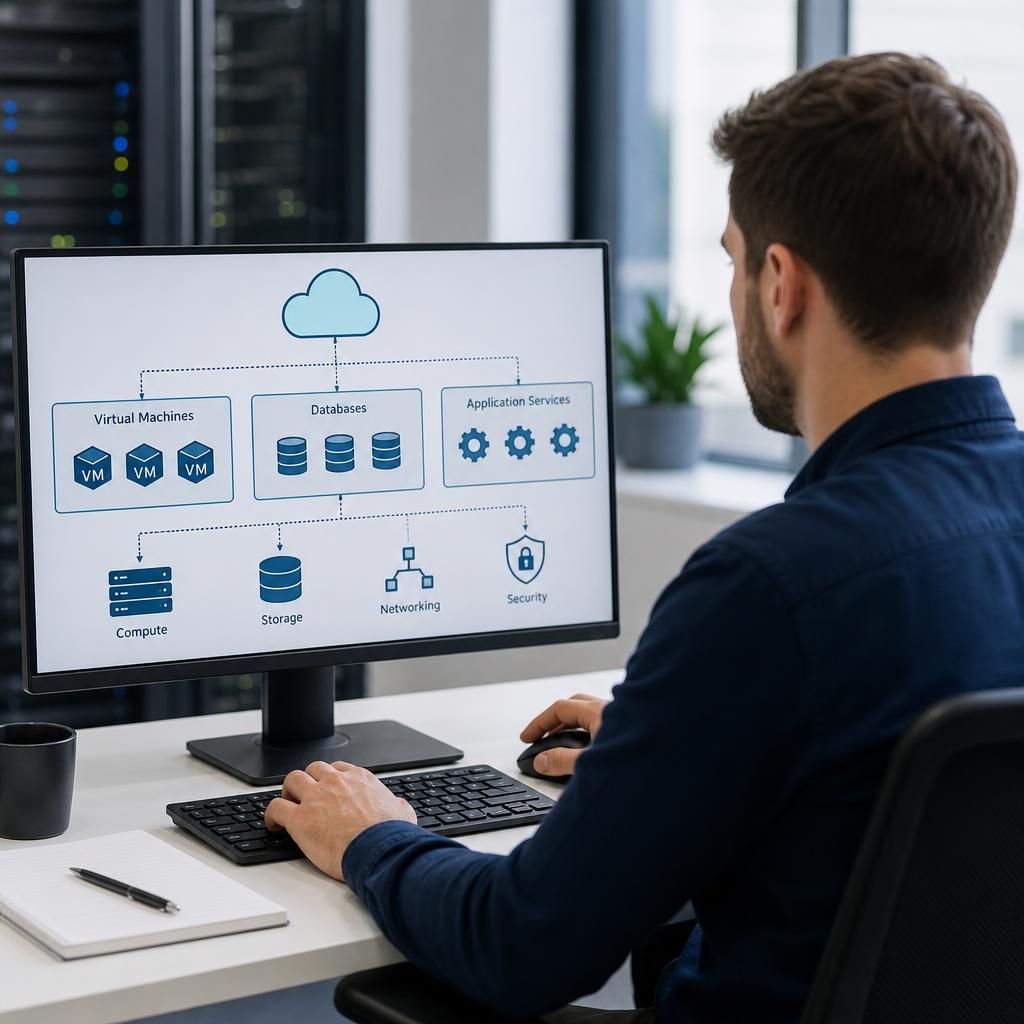
What workloads can IT Infrastructure as a Service support?
IT Infrastructure as a Service can support workloads such as business applications, virtual servers, databases, file services, development and testing environments, and remote access systems. It is also suitable for data-intensive workloads when the required computing, storage, networking, security and backup resources are properly designed and managed.
IT Infrastructure as a Service (IaaS) can support most workloads that require configurable computing, storage and networking resources, provided the application’s technical, security and operational requirements are assessed first. It is particularly suitable for workloads that need adjustable capacity, access from multiple locations, or a managed infrastructure foundation without owning and maintaining all the underlying hardware.
Common workloads supported by IaaS include:
- Line-of-business applications: Business-critical software can run on dedicated virtual machines or other isolated infrastructure, with resources selected to match its processor, memory, storage and operating system requirements.
- Websites and application platforms: Public-facing sites, customer portals and internal applications can be hosted on infrastructure configured with the required networking, access controls and resilience arrangements.
- Enterprise resource planning and operational systems: Systems used for finance, stock control, production, scheduling or customer management can be hosted where the application vendor supports the required infrastructure model.
- Collaboration and productivity workloads: IaaS can provide supporting infrastructure for applications that need shared access, integration services, authentication components or controlled connections between offices and cloud systems.
- Analytics and reporting: Workloads involving large datasets, scheduled processing or business intelligence can use additional compute and storage capacity when the data platform is designed for that purpose.
- Integration services: Middleware, application programming interfaces, message queues and other services that connect business systems can be hosted on appropriately secured infrastructure.
- Specialist and legacy applications: Older applications that cannot yet be moved to software-as-a-service may be suitable for virtualisation, subject to operating system support, licensing, hardware dependencies and supplier requirements.
IaaS is also useful for workloads with changing demand. A business may need more resources during reporting cycles, seasonal activity, project work or periods of rapid growth, then reduce that capacity when demand falls. This does not mean that every platform automatically scales itself; the required architecture, configuration and management process must be planned in advance.
Workloads with relatively stable demand can be suitable as well. In these cases, the infrastructure can be sized around normal usage, with additional capacity and resilience considered for maintenance, failure scenarios and future growth. The right design depends on the workload’s performance requirements rather than whether its demand is constant or variable.
Before moving a workload to IaaS, an assessment should cover:
- Performance: Processor, memory, storage speed, network throughput and latency requirements should be documented, including peak usage rather than only average usage.
- Dependencies: Applications may rely on databases, directory services, file paths, licensing servers, specialist devices or connections to other systems. These dependencies must work in the proposed environment.
- Data requirements: The design should consider data volume, growth, retention, access permissions, backup and recovery objectives.
- Security: Workloads need appropriate identity controls, network segregation, patching, logging and protection against unauthorised access. Moving infrastructure does not remove the business’s responsibility for correct configuration and appropriate use.
- Availability and recovery: The business should define which components are essential, how they will be restored after a fault and whether the proposed infrastructure supports those requirements.
- Compatibility and support: Operating systems, application versions, licences and supplier support policies can affect whether a workload can be hosted successfully.
Some workloads may need a hybrid design rather than a complete move. For example, an application may remain connected to equipment at a business site, while its application tier, reporting functions or supporting services run on IaaS. This approach can be appropriate where a workload has local hardware dependencies, strict latency requirements or a staged migration plan.
Workloads that require specialist physical equipment, direct access to hardware, extremely low latency or software that is not supported in a virtualised environment may need additional investigation. IaaS can still form part of the wider solution, but it should not be treated as an automatic fit for every application.
A practical workload review normally records the application owner, business importance, users, dependencies, data classification, resource requirements and recovery needs. Workloads can then be grouped into those ready to migrate, those requiring remediation and those better retained in another environment. This produces a more reliable IaaS design than moving systems based solely on their current server specification.
S2 Technology Group can help small and medium-sized organisations assess these requirements and plan infrastructure around the workloads they actually run. The aim is to match each workload with an appropriate combination of compute, storage, networking, security and management rather than applying one design to every system.
IT Infrastructure as a Service can support separate development, testing and production environments without requiring each environment to have its own physical server. This allows teams to test application changes, updates and integrations in an isolated environment before they affect live business systems.
It can also provide temporary infrastructure for defined projects, such as system upgrades, data analysis or application development. Resources can be configured for the project’s requirements and removed or reduced when they are no longer needed, provided this is included in the operating process. Access permissions, data handling rules and backup arrangements should be applied to each environment rather than assuming that non-production systems carry no risk.