Can an IT helpdesk support remote workers?
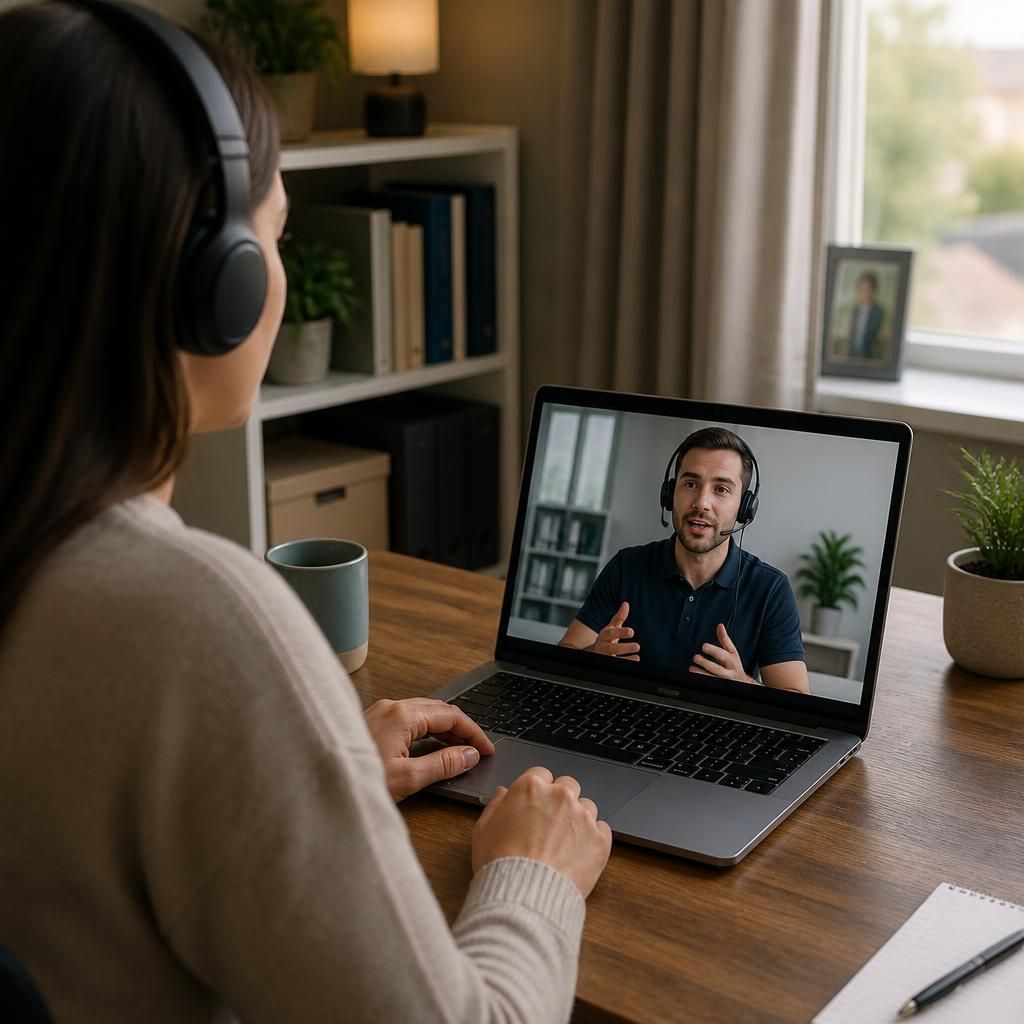
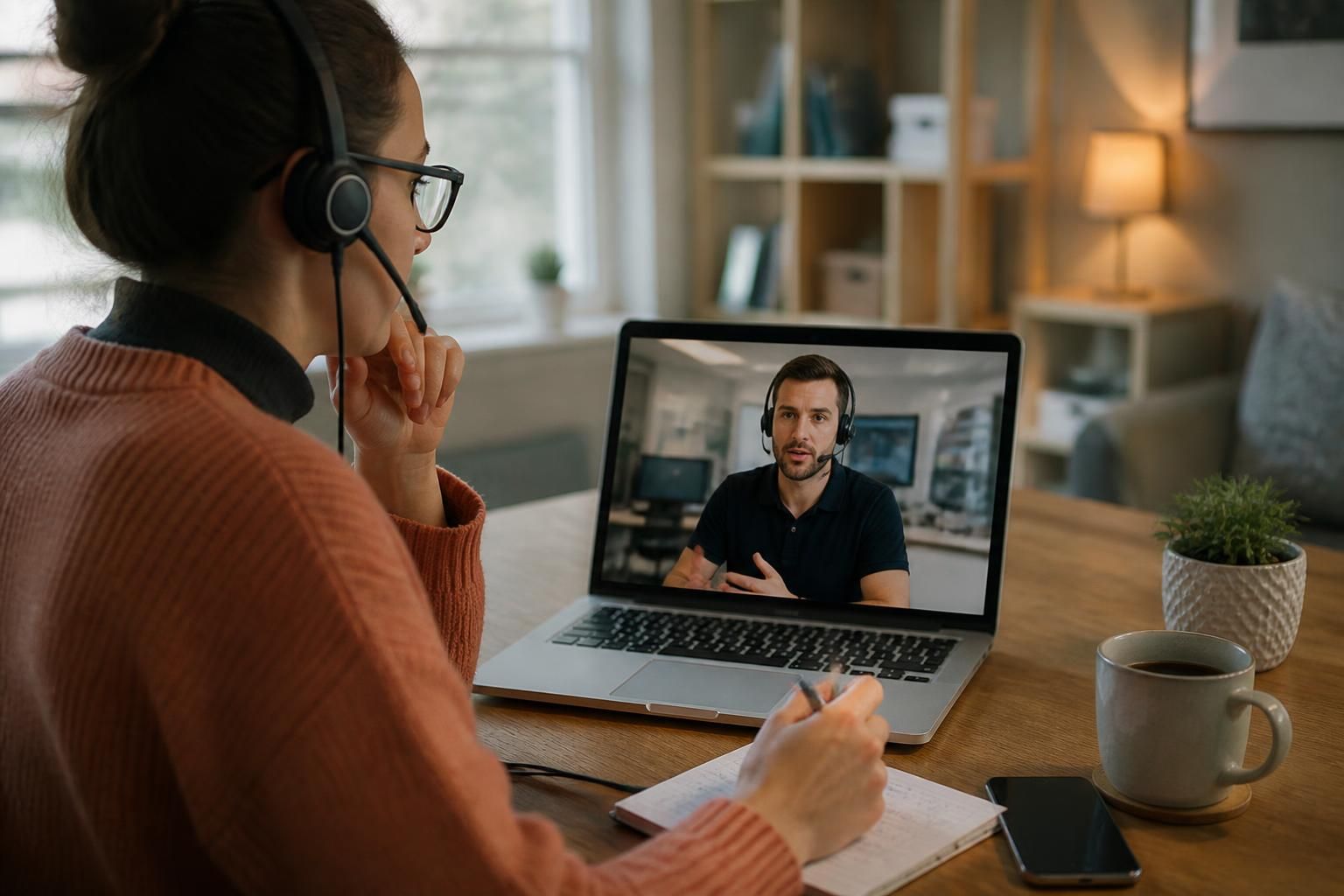
Yes. An IT helpdesk can support remote workers by diagnosing device and software problems remotely, resolving account and access issues, guiding users through secure connectivity, and escalating complex faults when necessary.
An IT helpdesk can support remote workers effectively when its processes, tools and security controls are designed for users who are not connected to the organisation’s office network. Support is delivered through remote management platforms, secure communications, documented procedures and user guidance, allowing many issues to be investigated without the worker bringing a device into the office.
What remote helpdesk support involves
Remote support usually begins with gathering information about the user, device, location of the problem and effect on their work. The helpdesk can then review relevant system information, check recent changes, inspect error messages and apply approved fixes. Where direct access is appropriate, a technician may use a secure remote-support session, normally with the user’s knowledge and permission.
This approach is suitable for many routine issues, including application configuration, operating system faults, printer setup, password and authentication problems, software updates, and access to business systems. It can also help distinguish between a device fault, a local home-network problem and an issue affecting a wider service.
How remote support is kept secure
Remote assistance should not rely on informal screen-sharing or unmanaged personal tools. A controlled service should use authenticated technician accounts, permission-based access, audit records and a defined process for ending each support session. Technicians should only access the systems and information needed to investigate the reported issue.
Security also depends on the worker’s identity and device. The helpdesk may support measures such as multi-factor authentication, managed security software, encryption, screen-lock policies and secure device configuration. Access rights should reflect the person’s role and be reviewed when responsibilities change. These controls reduce the risk that a lost laptop, compromised account or unauthorised remote session exposes business information.
Supporting devices outside the office
Remote workers may use company-owned laptops, personally owned devices or equipment shared between locations. Each arrangement has different support and security implications. Company-managed devices can be monitored for update status, security settings, storage capacity and signs of malfunction. Personal devices may require clear boundaries covering which applications, data and support actions the organisation permits.
A helpdesk can also maintain an accurate record of the equipment assigned to each worker. This helps technicians identify the device involved, confirm its configuration and establish whether a fault is isolated or recurring. It is particularly useful when workers move between home, office and customer sites.
Connectivity and home working problems
Home working issues do not always originate with the business’s systems. Problems may arise from weak wireless coverage, a misconfigured router, a damaged cable, an overloaded home network or a service interruption from an internet provider. The helpdesk can guide the user through basic checks and determine whether the problem sits with the device, the organisation’s connection method or the local internet service.
Where a home setup is unsuitable for business use, the helpdesk can document the limitation and advise on an appropriate configuration. It should avoid making assumptions about equipment that the organisation does not manage, particularly where changes could affect other household users or introduce security risks.
Communication matters when users are remote
Remote support needs clear communication because a technician cannot rely on being able to observe the user’s environment directly. A useful support record should include the symptoms, the affected device or service, steps already attempted, relevant screenshots or error messages, and the business impact. Plain instructions, numbered steps and confirmation after each change reduce the risk of misunderstanding.
Helpdesk staff should also explain any action that could interrupt work, restart a device or change a user’s settings. If a remote session is unsuitable, the issue may need another form of investigation, such as collecting diagnostic information or arranging access to the equipment through an approved process.
Remote working and data protection
Support procedures should account for the information visible on a remote worker’s screen, in locally stored files and in collaboration tools. Technicians should verify the user’s identity before discussing sensitive information or changing security settings. Support records should contain enough detail to track the work without unnecessarily copying confidential business data.
Organisations should also define what happens when a device is lost, stolen or believed to be compromised. The helpdesk can follow the relevant incident procedure, record the report and involve the appropriate technical or security personnel. This is different from treating the event as an ordinary device fault because preserving evidence and limiting access may be important.
Limitations of remote helpdesk support
Remote assistance cannot resolve every problem. Physical damage, failing hardware, inaccessible equipment, local electrical faults and some network problems may require hands-on investigation. A helpdesk should identify these limits rather than repeatedly applying software fixes to a physical fault. It can still contribute by gathering diagnostic information, advising on safe next steps and coordinating the required technical response.
For organisations with remote or hybrid teams, S2 Technology Group can provide managed IT support that combines remote troubleshooting with device management, cyber security guidance, cloud services and business connectivity. The appropriate service model depends on the organisation’s systems, working practices, security requirements and the degree of control it needs over employee devices.
A remote-worker helpdesk can coordinate faults that involve external services, not just problems within the organisation’s own systems. For example, when a user cannot connect to a cloud application or business network, the helpdesk can establish whether the cause is the user’s device, the organisation’s configuration or a third-party service.
This coordination gives the organisation a controlled route for investigating the problem. The helpdesk can record the symptoms and relevant diagnostics, contact the appropriate provider where authorised, monitor the technical investigation and keep the user informed about the next step. It should avoid passing responsibility between the worker and external suppliers without first establishing what is actually failing.