
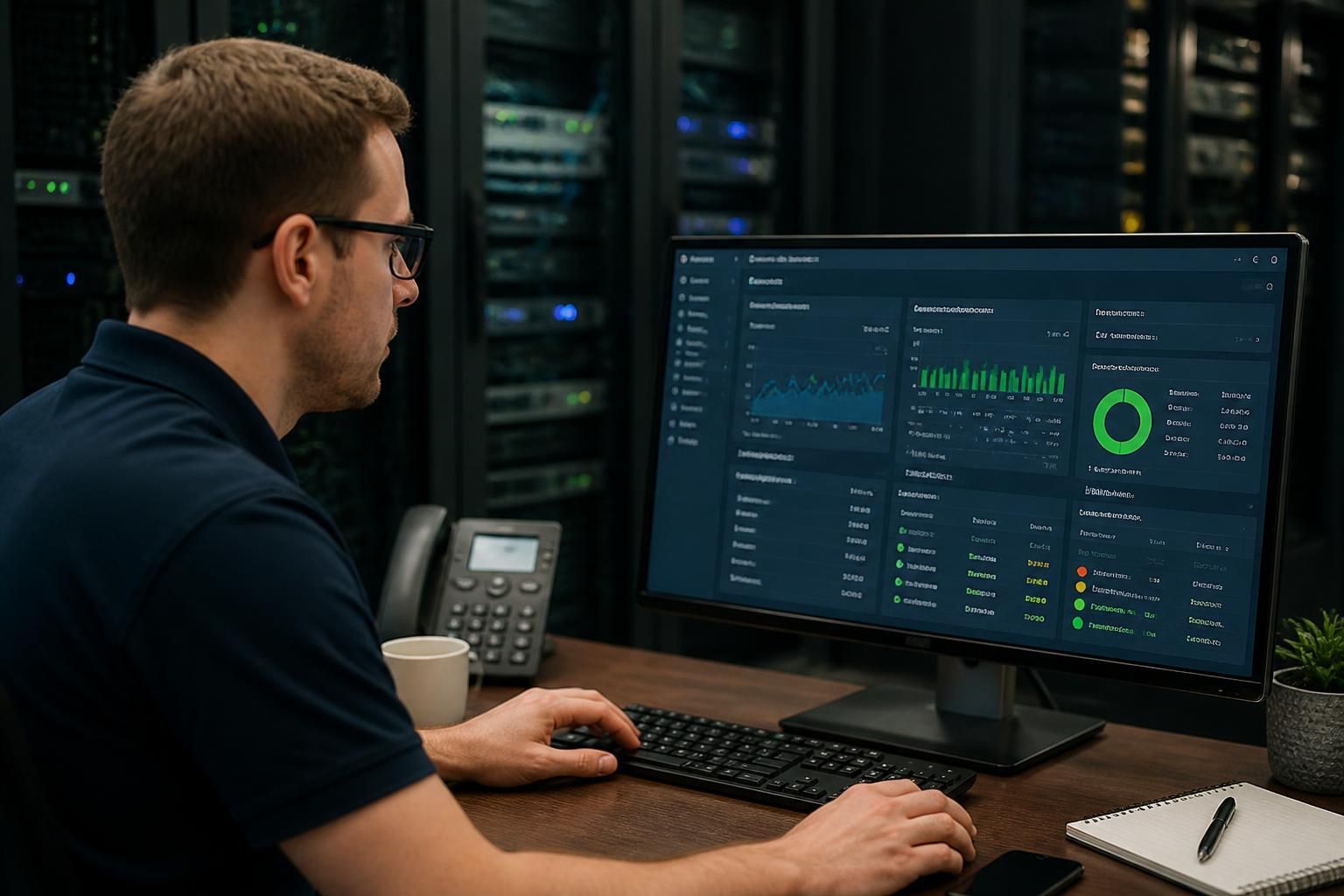
What is needed to set up remote monitoring?
Setting up remote monitoring requires a monitoring platform, secure access to the systems and devices in scope, reliable connectivity, and clearly defined checks, thresholds and permissions. It also needs an agreed process for reviewing alerts, maintaining monitoring policies and escalating issues, which an IT support provider such as S2 Technology Group can help design and manage.
A successful remote monitoring setup needs more than monitoring software. It requires an accurate inventory of the environment, a defined monitoring design, compatible deployment methods, appropriate permissions, agreed data-handling rules and a tested process for keeping the configuration accurate as systems change.
Start with an asset and service inventory. Identify the equipment, applications and services that support the organisation, including physical and virtual servers, workstations, network infrastructure, cloud services, backup systems and business-critical applications. Record useful context for each item, such as its owner, location, operating system, business function and dependencies. This prevents important systems from being omitted and helps distinguish genuinely significant events from activity on a low-priority device.
The inventory should also identify systems that should not be monitored by a particular method. Some devices may not support an agent, while others may require monitoring through an existing management interface, a network protocol or application-specific checks. Establishing these constraints before deployment avoids unreliable data and unnecessary configuration changes.
Define what the monitoring is intended to show. Each monitored asset should have a clear set of objectives. For example, a server might need checks for resource consumption, storage capacity, service status and backup activity, while a network device may need checks for interface health, link status and configuration changes. Application monitoring may need to test whether a transaction, database connection or web service is functioning rather than simply confirming that the underlying server is powered on.
It is also important to distinguish between availability, performance, security-related events and capacity indicators. These categories produce different types of information and may require different owners. A technically valid metric is not automatically useful; the measure should relate to a business service or a known operational risk.
Check compatibility before deployment. Review the operating systems, device types, network architecture and cloud services in scope. Confirm that the chosen monitoring method can collect the required information without creating conflicts with existing security controls or management tools. Deployment may involve an approved software agent, an authenticated connection, an existing endpoint management system or a configuration on a network device, depending on the environment.
Testing should take place on representative systems before wider rollout. Confirm that the monitoring data is complete, that device names and ownership details are understandable, and that removing or updating a monitored component will not leave inaccurate records behind. A staged deployment makes it easier to identify compatibility issues and refine the configuration before it is applied throughout the organisation.
Apply appropriate permissions and data governance. Monitoring accounts should have only the access needed to collect the defined information or perform an authorised action. Separate credentials, role-based permissions and documented ownership help reduce the consequences of an account being misused. Credentials should be managed through the organisation’s approved security processes rather than embedded in informal documentation or shared between staff.
Decide what information may be collected, where it will be stored, who may view it and how long it should be retained. Monitoring data can reveal system names, user activity, software versions, network structure and operational patterns. Access to dashboards, reports and exported data should therefore reflect job responsibilities. The setup should also take account of internal policies and any contractual or regulatory requirements that apply to the organisation.
Establish a useful baseline. Initial data helps show what normal operation looks like for each system. A baseline may include typical resource use, usual service states, expected traffic patterns and regular scheduled activity. It should be gathered during representative operating conditions rather than treated as a fixed technical ideal. Business growth, seasonal demand, software changes and altered working practices can all change what is normal.
Document exclusions and known exceptions as part of the baseline. Planned maintenance, scheduled backups, test environments and specialist equipment may behave differently from production systems. Recording these details gives the monitoring configuration useful context and reduces the risk that normal, approved activity is interpreted incorrectly.
Assign responsibility for the monitoring service. Define who owns the monitoring platform, who maintains the monitored asset list, who reviews trends and who decides whether a configuration change is required. Each important system should have a clear technical or business contact. Without ownership, monitoring information can be collected successfully but remain disconnected from decisions and remedial work.
Documentation should include the monitoring scope, collection methods, account ownership, dependencies, exceptions, escalation routes and change history. It should be updated when devices are replaced, applications are retired, networks are redesigned or new cloud services are introduced. Periodic review is necessary because an initially accurate configuration can become misleading as the technology environment develops.
Test the complete operating process. Before relying on the system, verify that data is being collected, dashboards are readable, records are assigned correctly and notifications reach the intended recipients. Controlled tests can confirm that a monitored condition is recorded as expected and that the relevant team knows how to interpret it. Test recovery as well as failure, including what happens when an agent stops reporting, a connection is interrupted or a monitored service is deliberately taken out of use.
For a small or medium-sized organisation without dedicated monitoring expertise, an IT support provider can help with discovery, deployment, configuration reviews and ongoing maintenance. S2 Technology Group can incorporate remote monitoring into wider IT management, ensuring that the monitored environment, its ownership and its operational documentation remain aligned.
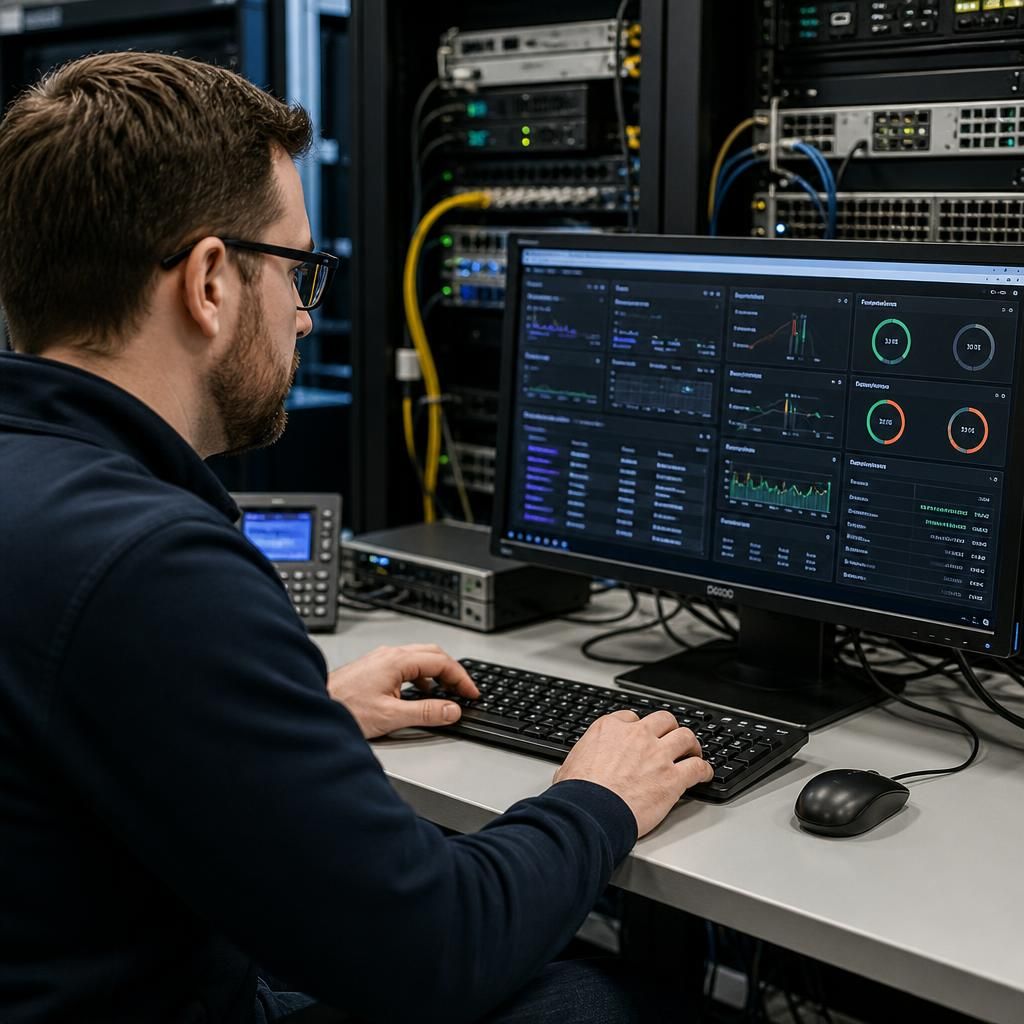
A remote monitoring setup needs a defined communication path between the monitored systems and the monitoring platform. This may use an installed agent, an authenticated management interface or a local collector that gathers information from devices on the internal network.
Before deployment, document how each connection will be established and secured. Check whether firewalls, network segmentation, proxies or certificate requirements affect the flow of monitoring data. Outbound-only communication may be preferable to opening inbound access to internal systems, while a local collector can be appropriate where devices are isolated from the wider network or where direct cloud connectivity is restricted.
Consider what happens if the connection to the monitoring platform is interrupted. A suitable design should identify whether the collector can retain data temporarily, how a loss of reporting will be identified and which systems remain visible during the interruption. These decisions help separate a genuine system fault from a failure in the monitoring path itself.
- Map the communication route for each monitored environment.
- Use the minimum firewall and access changes required.
- Keep collectors, agents and connection certificates under documented ownership.
- Test monitoring across segmented networks and representative cloud services.