

How does managed IT infrastructure address legacy systems?
Managed IT infrastructure addresses legacy systems by assessing their risks, dependencies and business importance, then prioritising upgrades, security controls or replacement where appropriate. This approach helps integrate essential older technology with newer systems while creating a structured path towards more secure, reliable and scalable infrastructure.
Managed IT infrastructure addresses legacy systems by bringing them under a controlled lifecycle rather than treating them as isolated exceptions. The work identifies how an older application, server, device or operating system is used, what it depends on, and what would happen if it failed. The resulting plan can combine protection, integration, modernisation and eventual retirement, based on business risk and technical feasibility.
Understanding what makes a system legacy
A legacy system is not necessarily obsolete. It may still perform an important business function, but rely on unsupported software, ageing hardware, outdated protocols, undocumented configurations or specialist knowledge held by very few people. A system can also become legacy when it no longer fits the organisation’s current infrastructure, even if it remains operational.
Managed infrastructure work therefore begins with evidence rather than assumptions. This can include reviewing asset records, software versions, support status, user access, backup arrangements, network connections and links to other applications. Interviews with staff and suppliers may also be needed where documentation is incomplete. The objective is to establish:
- which business processes depend on the system;
- where its data is stored and how that data moves;
- which servers, devices, accounts and network services it requires;
- whether it can be patched, backed up, monitored and recovered;
- what skills or suppliers are needed to maintain it; and
- what technical or operational consequences would follow from failure.
Separating business importance from technical age
Age alone does not determine the correct response. A long-established system that supports a critical manufacturing, logistics or financial process may require tighter safeguards than a newer application used for a low-impact task. Conversely, a recently installed system can create significant risk if it has excessive privileges, weak authentication or poor backup coverage.
A practical review considers both business criticality and technical condition. Systems can then be grouped into categories such as retain with controls, modernise, replace, isolate or retire. This prevents an organisation from replacing technology simply because it is old, while also avoiding indefinite reliance on systems that cannot be secured or supported properly.
Reducing exposure where replacement is not immediate
Some legacy platforms cannot be upgraded without disrupting an important process, invalidating specialist software or creating compatibility problems with connected equipment. In these cases, managed infrastructure can reduce exposure through compensating controls. Depending on the environment, these may include:
- separating the system from general user and internet-facing networks;
- restricting inbound and outbound connections to those that are necessary;
- limiting administrative access and reviewing accounts regularly;
- placing management interfaces behind stronger access controls;
- monitoring unusual login activity, traffic or system behaviour;
- removing unnecessary services and disabling unused connections; and
- maintaining tested backups and documented recovery procedures.
These measures do not make unsupported technology equivalent to a current, fully maintained platform. They reduce the available attack surface and help define the remaining risk while a longer-term decision is made. Any exception should be recorded with an owner, a reason, required safeguards and a review point.
Managing dependencies and integration
Legacy systems often cause problems at their boundaries rather than within their core function. An older application may depend on a particular database format, file share, authentication method, network address or scheduled transfer. Replacing one component without understanding those dependencies can interrupt processes that appear unrelated.
Infrastructure management addresses this by mapping connections before changes are made. Where appropriate, integration can use controlled interfaces, scheduled data exchanges, intermediary services or carefully governed access to shared data. Data ownership, validation and error handling need to be clear, especially where information is transferred between an older platform and newer cloud or business systems. The aim is to avoid creating a new fragile connection while attempting to remove an old one.
Improving maintainability and operational knowledge
Legacy risk is often increased by incomplete documentation. If no one can explain how a system is configured, what it connects to or how it should be restored, even a minor fault can become difficult to diagnose. Managed infrastructure should maintain practical records covering system purpose, dependencies, access arrangements, configuration, backup location, recovery steps and supplier responsibilities.
Documentation should be updated after approved changes rather than created once and left to become inaccurate. Access to sensitive configuration information should also be controlled. This gives authorised technical staff a reliable basis for maintenance and reduces dependence on one employee’s memory or an unavailable external contractor.
Planning modernisation or replacement
Where continued operation is no longer appropriate, modernisation should be treated as a transition programme rather than a simple equipment swap. The plan may need to address data migration, application compatibility, user training, licensing, authentication, interfaces, records retention and the safe disposal of old equipment or data.
A staged approach can reduce operational disruption. For example, the existing platform may remain available while data is validated in a replacement environment, selected users test the new process, and integration points are checked. The old system should not be decommissioned until ownership, data completeness, access requirements and recovery arrangements have been confirmed.
Testing changes before retirement
Changes affecting legacy systems require particular care because their behaviour may not be fully documented. Testing should cover normal transactions, connected applications, user permissions, scheduled tasks, backups and recovery. It should also consider what happens when a dependent service is unavailable or when data does not meet expected formats.
Where a full test environment is not practical, the change plan should define safeguards such as a confirmed backup, a maintenance procedure, an identified rollback method and validation checks after implementation. Testing results and any exceptions should be recorded so that future changes are based on known behaviour rather than trial and error.
Keeping the approach under review
Legacy management is not a one-off audit. Software support status, business processes, supplier arrangements and security threats change over time. Reviews should therefore reconsider whether existing controls remain effective, whether the system is still necessary and whether a realistic replacement route has become available. Monitoring, incident records and failed maintenance tasks can provide evidence that the original treatment needs to change.
For a small or medium-sized organisation without a full in-house IT team, a managed IT infrastructure service can provide the structure for this work: maintaining records, coordinating technical changes, applying agreed controls and linking infrastructure decisions to operational requirements. The result is a measured way to keep essential legacy technology usable while reducing dependence on unsupported systems and preparing for a controlled transition.
Managed IT infrastructure can address legacy systems by separating the need to retain historic information from the need to keep outdated software running. Where an older application is used mainly to access records, a controlled archive may allow the original system to be retired without losing information needed for operational, contractual or regulatory purposes.
An archive strategy should define which records must be retained, who may access them, how they can be searched and how their integrity will be maintained. Information may be exported into a supported format with relevant dates, owners and source details preserved. Access should be limited to authorised users, with activity recorded where the information is sensitive.
This approach avoids keeping an entire legacy platform operational solely for occasional reference. Before retirement, the organisation should confirm that the archived information is complete, readable and usable by the people who need it. Retention periods and secure disposal should then be reviewed as part of the wider infrastructure lifecycle.
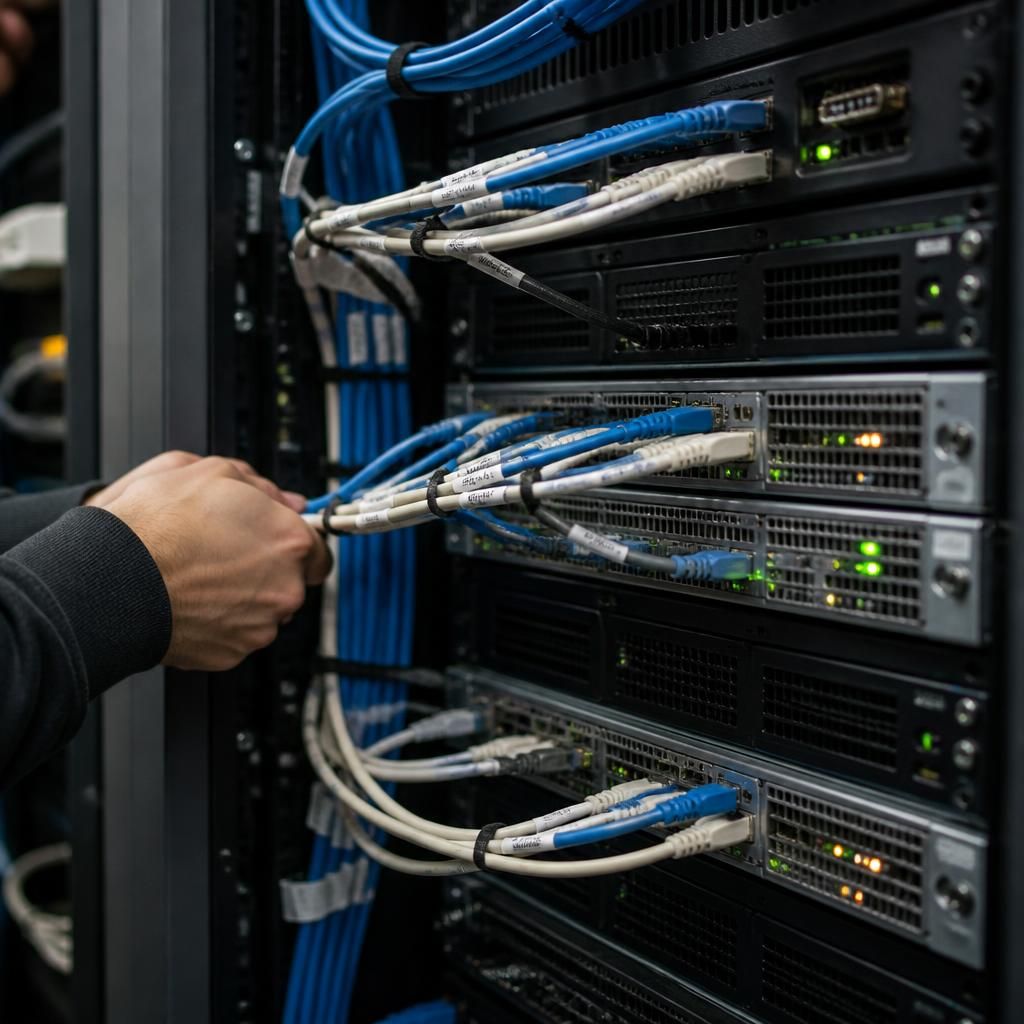
Discuss your legacy systems with an IT infrastructure specialist
Discuss your legacy systems with an IT infrastructure specialist to review their current role, dependencies and future options. S2 Technology Group can help businesses around Stourbridge assess whether systems should be retained, modernised or replaced.