
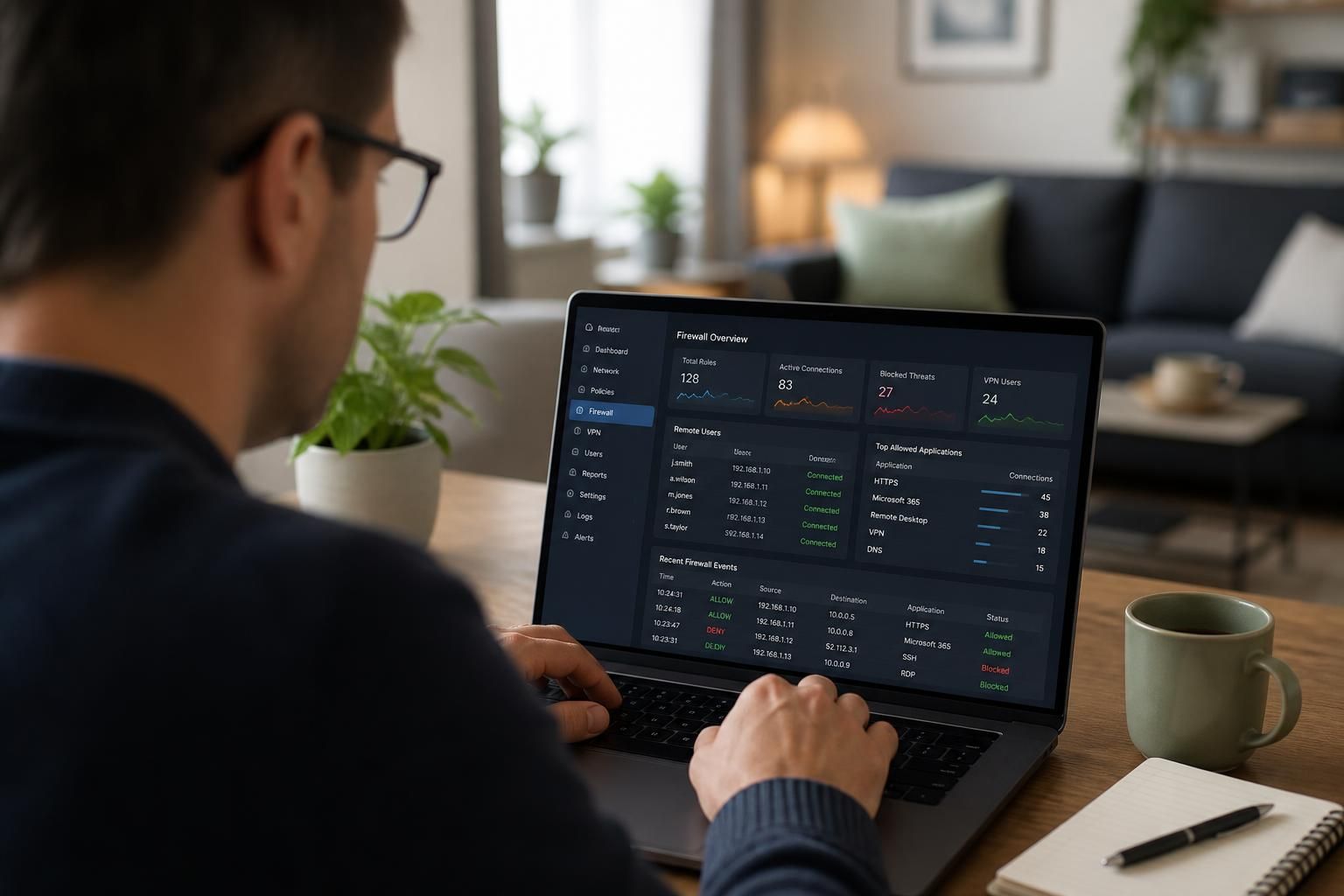
Can a firewall protect remote workers?
Yes, a firewall can help protect remote workers by securing the connection between their devices and business systems, controlling authorised access and blocking suspicious network traffic. It is not a complete solution on its own: endpoint protection, strong authentication, secure device configuration and user awareness are also needed to protect remote access effectively.
Yes, a firewall can protect remote workers, but its effectiveness depends on where it is deployed and what traffic it can actually control. A traditional perimeter firewall protects systems behind the business network; it does not automatically protect a laptop being used at home, in a hotel or on a public Wi-Fi network. Remote-working security therefore requires controls at the business network, the remote device and the access service connecting them.
There are several ways a firewall can contribute to remote-worker protection:
- Remote-access gateways: A firewall can terminate and govern a virtual private network connection, allowing access only to approved internal services.
- Cloud and application controls: Cloud-hosted firewalls can apply policies to traffic between users, cloud services, offices and hosted systems, rather than relying solely on an office-based appliance.
- Endpoint firewalls: A firewall on the laptop can restrict unwanted inbound connections and limit which applications are allowed to communicate, even when the device is away from the office.
- Network segmentation: Remote users can be placed into access groups so that reaching one business system does not automatically provide access to every other system.
The most important design principle is least-privilege access. A remote user should be able to reach the applications and data required for their role, rather than being given broad access to the entire internal network. Firewall policies can use identity, device, destination, application and connection type as conditions. For example, an employee may be allowed to reach a document platform and a finance application, while administrative interfaces and server-management networks remain inaccessible.
Remote access also needs to account for traffic that never passes through the office firewall. A worker may use cloud applications directly, connect from an unmanaged home network or access company resources from a personal device. In these situations, an office firewall cannot inspect or enforce every connection. Endpoint controls, secure cloud configuration and an access policy that checks the user and device are needed to cover the gaps.
A virtual private network can provide an encrypted route between a device and a business gateway, but encryption alone does not make the connection trustworthy. The firewall still needs to enforce authentication, authorisation, session restrictions and appropriate routing. Businesses should also decide whether remote internet traffic uses a full-tunnel or split-tunnel design. With full tunnelling, internet traffic is routed through business security controls, providing more central visibility. Split tunnelling sends some traffic directly to the internet, which can reduce network load but leaves more security responsibility with the remote device and its local controls.
Firewall protection is weakened when devices are poorly managed. Remote laptops should receive security updates, use supported operating systems, run endpoint protection and be configured to prevent unnecessary services from accepting connections. Disk encryption and screen-lock policies help protect information if a device is lost, while application control can reduce the risk of unauthorised software creating network connections. A firewall cannot correct an insecure device configuration by itself.
Policies should be specific enough to support working practices without creating unnecessary exposure. Useful controls include:
- separating staff, contractors and administrators into different access groups;
- restricting access to named services instead of allowing unrestricted internal network access;
- blocking inbound connections from the public internet unless there is a documented business requirement;
- limiting administrative access to approved devices and management networks;
- recording rejected connections and unusual access attempts for investigation; and
- removing access promptly when a user changes role or leaves the organisation.
Logging is essential because a firewall can only support an investigation if its records show what happened. Logs should identify the relevant user or device where possible, the destination, the rule applied, the result and the time of the connection. Monitoring should focus on patterns such as repeated denied connections, access from unexpected locations, unusual destinations and attempts to reach restricted systems. Logs must be retained and reviewed in line with the organisation’s security and data-handling requirements.
Businesses should test remote access from realistic locations and devices before relying on it. Testing should confirm that authorised users can reach the services they need, unauthorised users are denied, lost or untrusted devices cannot bypass controls, and ordinary internet use is not disrupted unnecessarily. Rule changes should be documented and reviewed so that temporary exceptions do not become permanent weaknesses.
For small and medium-sized organisations, the practical objective is not simply to install a more powerful firewall. It is to align the firewall with identity management, device administration, remote-access design, cloud services and clear access policies. A managed IT provider such as S2 Technology Group can assess these elements together, helping businesses around Stourbridge, Kinver, Wordsley, Kingswinford, Kidderminster, Halesowen, Dudley and neighbouring areas build a remote-access arrangement that is controlled, monitored and suitable for their operating model.
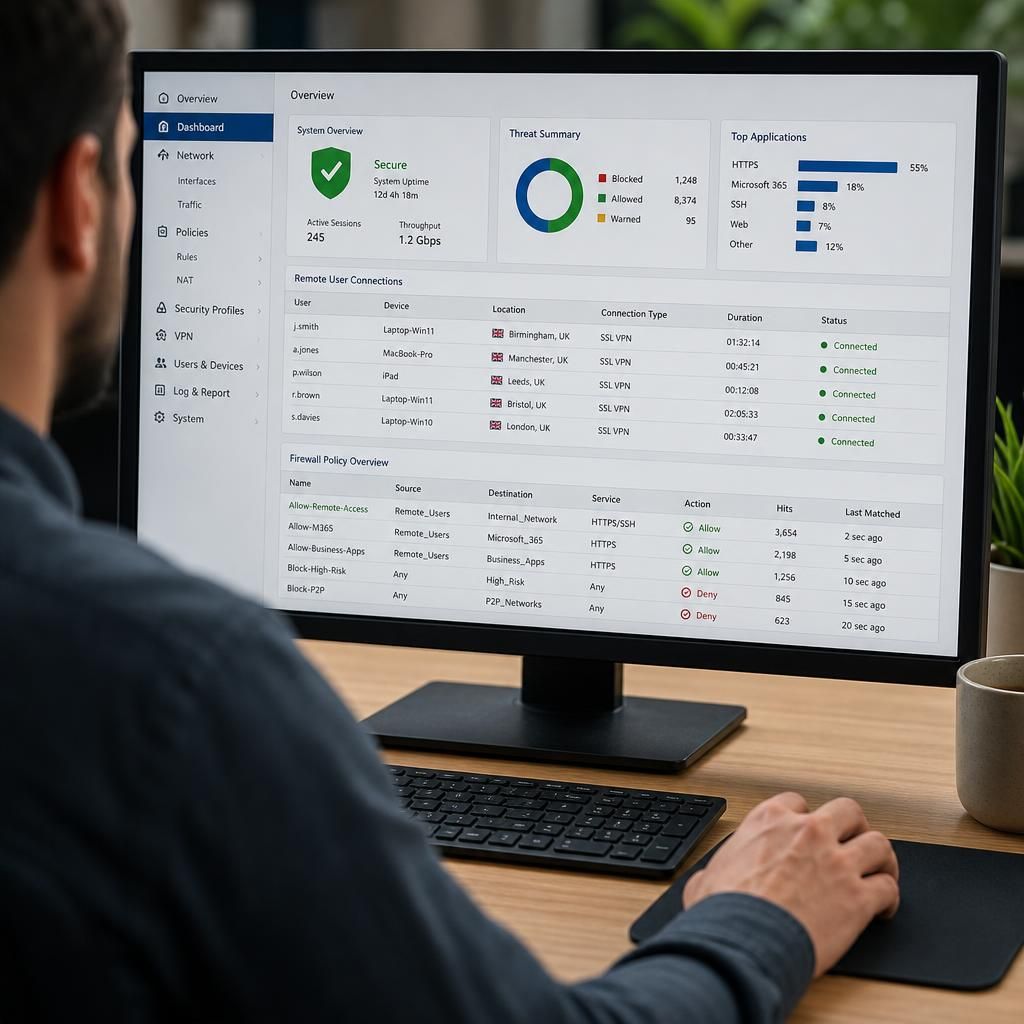
A firewall can protect remote workers by controlling outbound connections as well as incoming access. If a remote device is compromised, outbound firewall policies can restrict which destinations and services it may contact, reducing the opportunity for malware to communicate externally or transfer business data without authorisation.
This protection should be based on the organisation’s working requirements rather than a blanket block on internet access. For example, policies may restrict administrative devices to approved management services, prevent unusual protocols from leaving the network and limit access to destinations that are not required for a user’s role. Any exceptions should have a clear owner and business reason.
Outbound controls are most useful when combined with records that show which device or user initiated a connection, where it was going and which policy allowed or denied it. A sudden attempt to contact an unfamiliar service can then be investigated alongside endpoint and identity records. The firewall will not identify every compromised device by itself, but it can provide an additional containment point when remote access controls are bypassed or a device begins behaving unusually.