How does Intune manage Android devices?
Microsoft Intune manages Android devices by enrolling them into organisational management, applying security and compliance policies, and controlling access to business resources. Administrators can also deploy approved applications, configure device settings and take remote actions such as locking or wiping a device when required.
Intune manages Android devices through Android Enterprise management modes, each designed for a different ownership model and business use case. The chosen mode determines how the device is enrolled, which settings the organisation can control, how business information is separated from personal information, and which remote management actions are available.
Management begins with the enrolment model. Administrators normally select a mode based on whether the device is personally owned, allocated to one employee, shared between users or used for a single business function. Common options include:
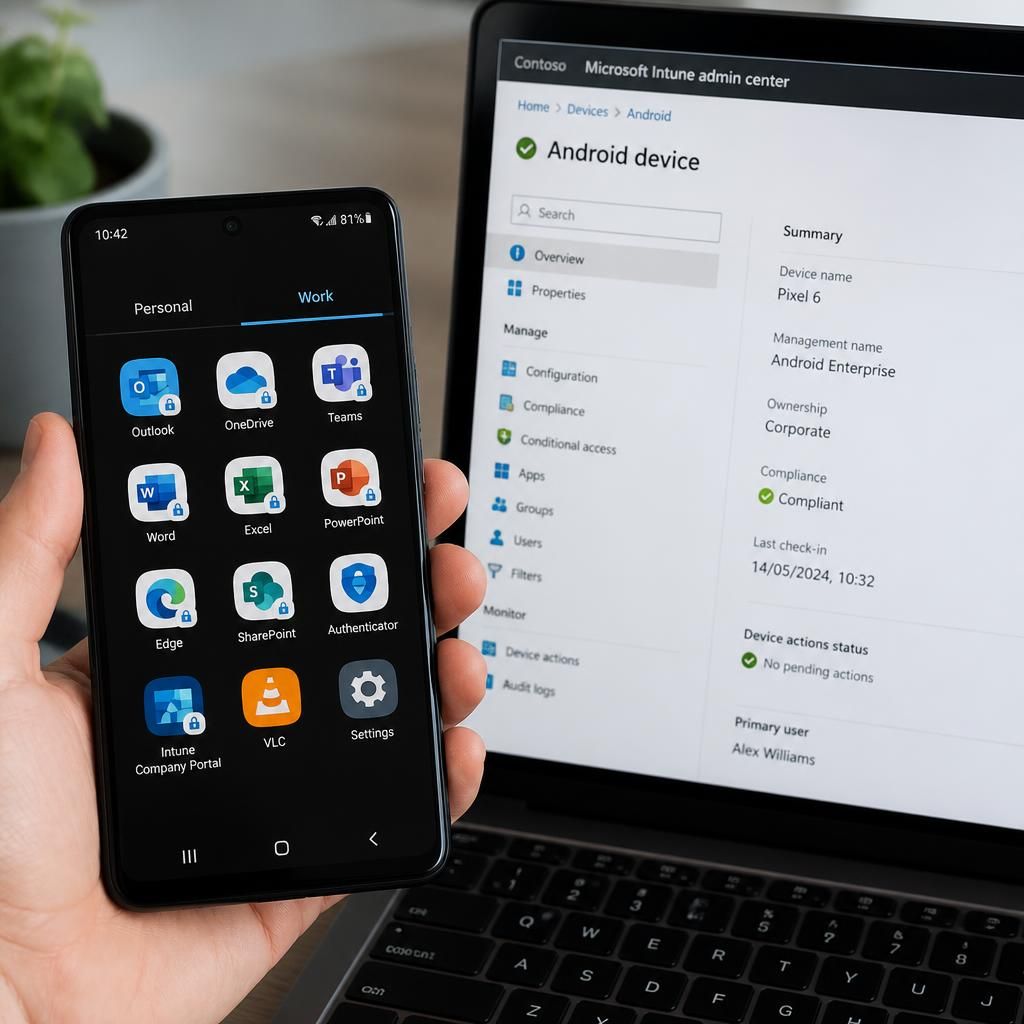
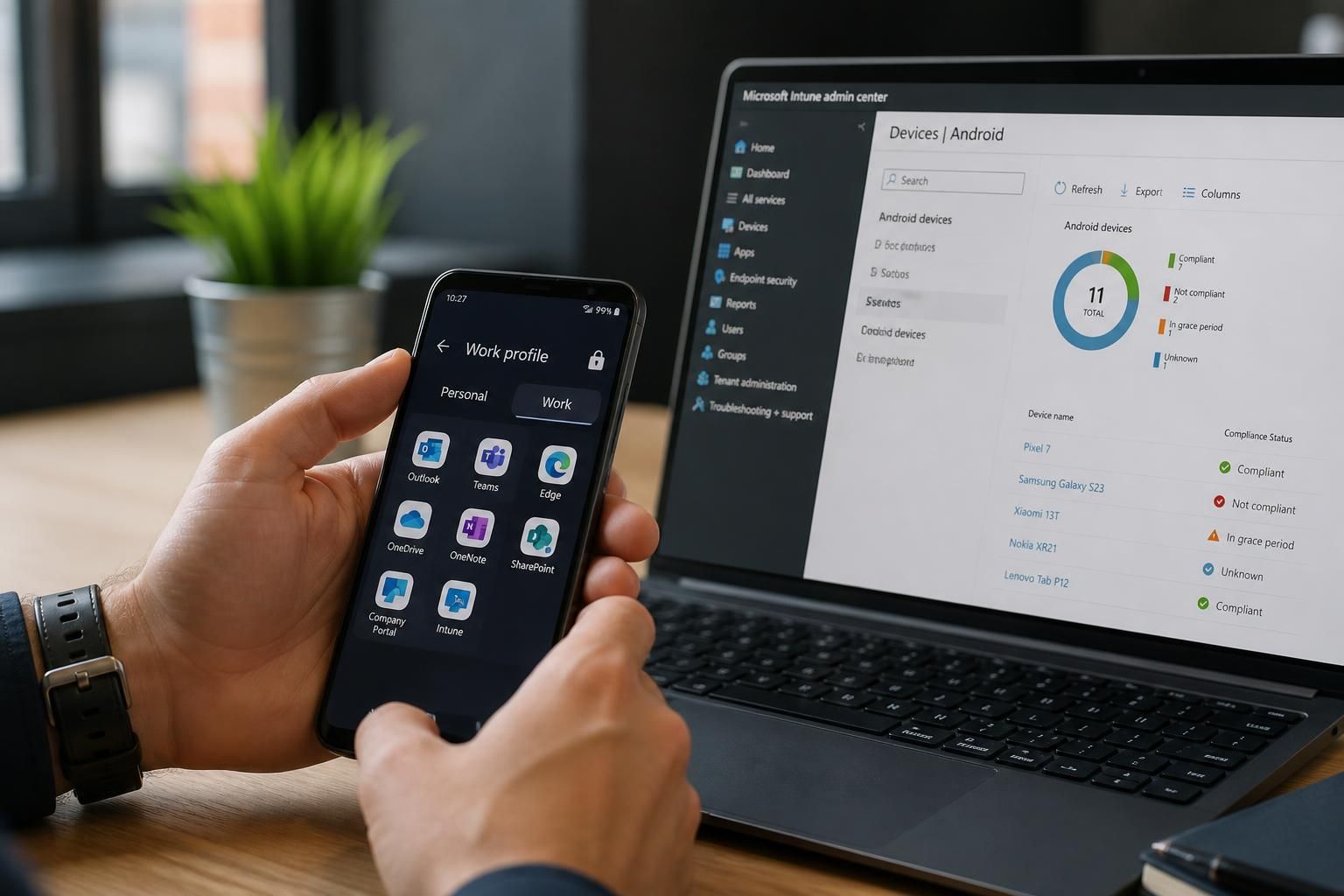
- Personally owned devices with a work profile: Android creates a separate managed area for business applications, accounts and data. Personal content remains outside the organisation’s managed area, which is important where employees use their own phones for work.
- Corporate-owned devices with a work profile: The organisation owns the handset, while the employee retains a distinct personal area for permitted personal use. The business can apply stronger controls to the work profile and establish ownership over the device itself.
- Fully managed devices: These are company-owned devices issued to an individual worker. Intune can apply a broader set of device-level restrictions because the handset is intended primarily for business use.
- Dedicated devices: These are configured for a defined purpose, such as a warehouse terminal, reception display, point-of-sale device or shared operational handset. User access and available applications can be restricted to that function.
Enrolment establishes the management relationship. Depending on the device type and deployment process, a user may enrol through a work account, or an administrator may prepare a corporate-owned device using a QR code, enrolment token or an automated provisioning method. During setup, the device receives its management configuration and is associated with the appropriate user, group or operational role.
Configuration profiles translate business requirements into Android settings. These profiles can control password and screen-lock requirements, camera use, screenshots, Bluetooth, USB file transfer, connectivity features and other device capabilities. The available controls depend on the Android version, device manufacturer capabilities and the selected management mode, so a policy should be tested against the actual device models in use rather than assumed to behave identically everywhere.
Intune separates assignment from policy definition. An administrator can create a configuration or compliance policy once and assign it to selected users, devices or groups. Filters and exclusions help distinguish, for example, personally owned phones from corporate-owned tablets, or dedicated warehouse devices from standard employee handsets. This allows the organisation to apply a consistent baseline while making controlled exceptions for legitimate operational requirements.
Security management covers both the device and its business workspace. Intune can require encryption where supported, enforce secure authentication, restrict risky device features and identify conditions that make a device unsuitable for business use. Compliance rules can assess factors such as operating system version, encryption status, password configuration and whether the device is rooted or otherwise compromised. A compliant status can then be used as an input when deciding whether the device should access organisational services.
Application management is linked to the enrolment mode. Administrators can make approved applications available, require essential applications on managed devices and remove applications from the business workspace when they are no longer authorised. Application configuration policies can pre-set work-related options, while app assignment rules control whether an application is required, available for optional installation or removed. On dedicated devices, the application set can be reduced to the functions needed for the defined task.
Business data is kept within managed boundaries. On devices using a work profile, the profile provides a logical separation between work and personal applications and data. Administrators can control how managed applications share information, while users can continue to use the personal side of the device independently where the configuration permits it. On fully managed or dedicated devices, the organisation has wider control over the whole device, making those modes more suitable where personal use is not required.
Device status is monitored through reporting and compliance information. Intune records enrolment state, policy results, application status and other management signals. Administrators can use this information to identify devices that have not checked in, failed a configuration, fallen behind on required updates or lost compliance. Troubleshooting should consider the device model, Android release, management mode, assigned policies and the time of the last successful check-in.
Android management also includes the device lifecycle. When a handset is issued, its enrolment and required configuration can be prepared before it reaches the user. If the device changes owner, its assignment and policies can be updated. When it is retired, lost, replaced or returned, the organisation can remove the managed business environment or reset the corporate device according to the ownership model. A selective removal is generally appropriate where only business data should be removed, while a full reset is more suitable for a corporate-owned device being redeployed.
Effective Android management therefore depends on matching the control level to the device’s purpose. A personal phone usually needs a separated work profile and proportionate controls, whereas a shared operational terminal may need a dedicated configuration with restricted applications and limited user interaction. Clear ownership records, tested policies, supported device models and defined retirement procedures are essential for maintaining consistent management as the Android estate changes.
Intune can also protect organisational data through app protection policies, without requiring full Android device enrolment in every situation. These policies apply to supported business applications and define how work data may be accessed, copied, moved or saved. For example, an organisation can require an application PIN, prevent business content being pasted into personal apps, and restrict saving work files to unauthorised locations.
This approach is useful where a business needs to control corporate information but does not need to manage the entire handset. Administrators can apply the policy to selected users or applications, review whether it is being followed, and remove business access when a user no longer meets the required conditions. It provides a more targeted control layer alongside Android Enterprise management, rather than replacing device-level settings where those are necessary.