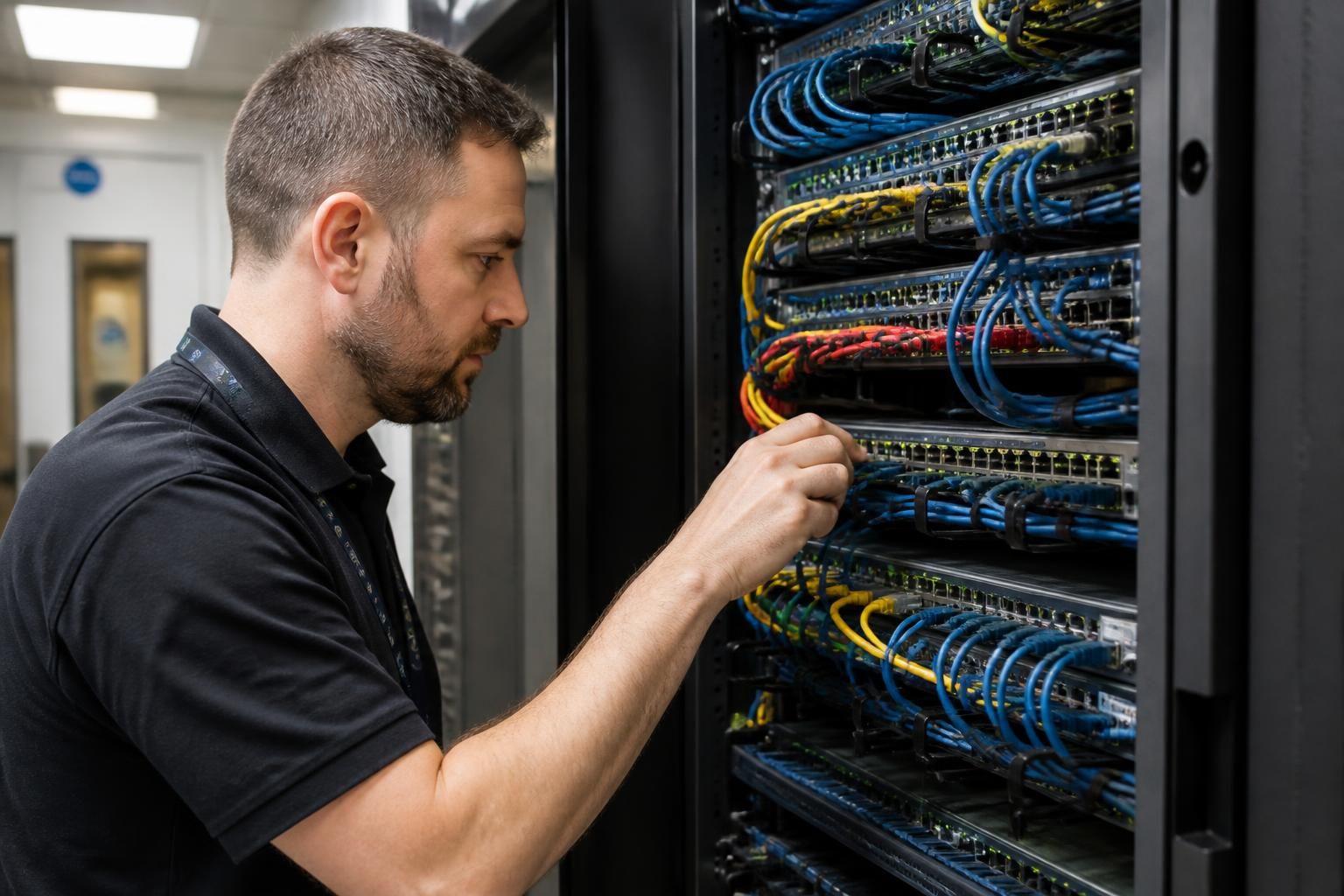
What does an onsite IT support visit typically include?
An onsite IT support visit typically includes diagnosing faults, checking relevant hardware and network connections, applying agreed fixes, and verifying that affected systems work correctly. The technician may also identify security or infrastructure issues and record findings for follow-up recommendations.
A typical onsite IT support visit is a structured assessment and service activity carried out at the business premises. It usually combines preparation, discussions with relevant staff, observation of the working environment, technical investigation, agreed maintenance or remedial work, and a clear handover of what was found and what should happen next.
Before attending, the technician will usually establish the scope of the visit. This may involve reviewing the support request, previous records, known equipment details and any symptoms reported by staff. The technician may also confirm which users, rooms, devices or systems are relevant, what access will be needed, and whether any work requires approval before it is carried out. This preparation helps separate the immediate issue from related matters that may need separate investigation.
At the site, the visit commonly begins with a discussion with the person responsible for the issue. The technician may ask when the problem started, which users are affected, whether the symptoms are consistent, and whether anything changed shortly beforehand. Staff descriptions can reveal patterns that are not obvious from a single device, such as a problem limited to one area, one type of workstation or a particular business process.
The technician may then review the physical and operational environment around the affected technology. Depending on the reason for the visit, this can include:
- Examining the location, condition and layout of relevant workstations, servers, communications equipment and peripherals.
- Looking for practical issues such as obstructed equipment, unsuitable placement, damaged leads, loose connections, heat, dust or inadequate ventilation.
- Checking how users, devices and shared resources interact with the local network and business applications.
- Reviewing whether equipment is labelled, accessible and arranged in a way that supports safe maintenance.
- Observing how staff carry out the affected task, where this helps distinguish a technical fault from a configuration or process issue.
Some visits include controlled testing on individual devices or systems. This might involve reviewing operating system status, installed software, user profiles, event information, peripheral behaviour or relevant configuration settings. Where a fault is intermittent, the technician may compare an affected device with a working example or reproduce the issue under agreed conditions. Testing should be proportionate to the problem and should avoid unnecessary disruption to business activity.
Any changes should be considered in relation to business impact. A technician may identify dependencies between a workstation, a shared system, a network service and the user’s normal workflow before making an adjustment. If a proposed change could affect other users or business-critical equipment, it may be recorded as a recommendation for separate approval rather than completed as part of the original visit. This distinction helps prevent an apparently minor fix from creating a wider operational problem.
Where appropriate, onsite work may include practical improvements such as tidying or replacing unsuitable connections, repositioning equipment, updating a device, correcting a configuration, removing an unnecessary local issue or helping a user adopt a safer working method. The exact work depends on the agreed scope, the condition of the equipment and whether the required change can be made safely without additional planning or specialist involvement.
Security is also considered in the context of the visit. The technician may look for exposed equipment, unauthorised physical access, insecure local practices or signs that a device is not being managed consistently with the organisation’s requirements. This does not mean that every visit becomes a full cyber security assessment; instead, relevant observations can be raised when they are encountered during the work.
Before leaving, the technician should normally review the position with the nominated contact. A useful handover explains what was examined, what action was taken, whether any limitations affected the investigation, and whether further work is advisable. Recommendations might relate to replacement planning, configuration changes, network improvements, user guidance or a separate project. Items that need approval, purchasing or additional technical planning should be distinguished from work completed during the visit.
The value of an onsite visit is therefore not limited to fixing an individual symptom. It provides an opportunity to understand how technology is being used in its real setting, identify physical or operational factors that remote access may not reveal, and give the business a practical basis for deciding what should be addressed next. For small and medium-sized organisations, this can be particularly useful where a limited internal IT function means that equipment, user practices and infrastructure are managed together rather than by separate specialist teams.
An onsite IT support visit is usually focused on the agreed problem rather than being a full inspection of every system at the premises. The technician will assess what is relevant to the reported issue and avoid extending the work into unrelated areas without approval.
This means a visit may resolve a fault while also identifying work that needs a separate plan. Examples include extensive cabling changes, a wider equipment replacement programme, infrastructure redesign or a detailed security assessment. Separating immediate support from project work gives the business a clearer understanding of what has been completed, what remains outstanding and which decisions require further consideration.