
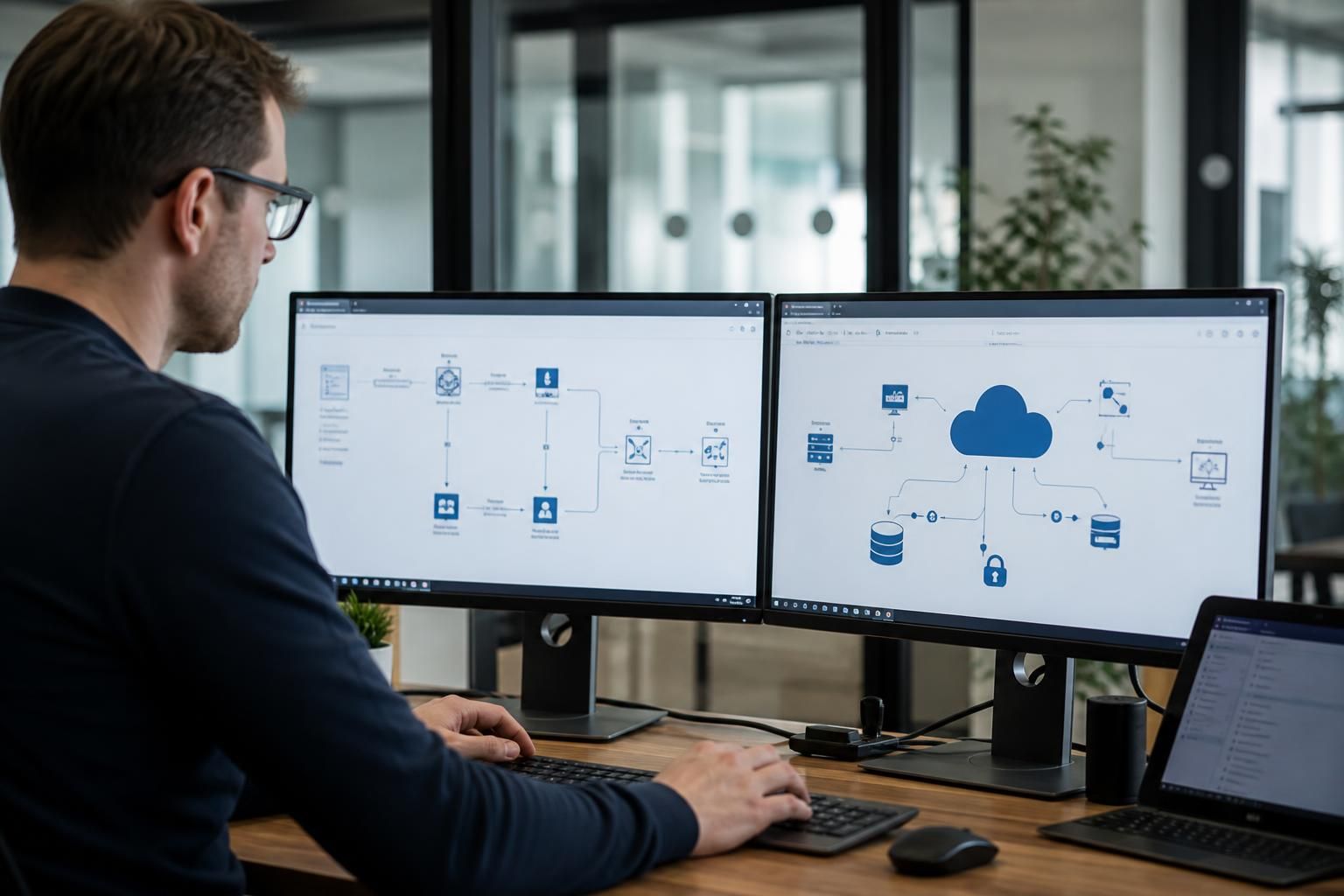
Can cloud IT services integrate with existing business systems?
Yes. Cloud IT services can integrate with existing business systems through application programming interfaces (APIs), connectors, file transfers and identity management, provided the applications are compatible and data flows are planned securely. An assessment of current software, access requirements and dependencies helps determine the right integration method and identify any systems that may need updating or replacing.
Cloud IT services can integrate with existing business systems when the applications, data structures and operational requirements are compatible. Integration may allow information to move between cloud and on-premises platforms, reduce duplicate data entry and connect separate processes without replacing every system at once. The practical approach depends on what the existing applications support, how data is structured and how much disruption the business can accept.
Integration does not always mean full replacement. A business may keep specialist or legacy applications in place while moving related services to the cloud. For example, a manufacturing organisation might retain a production system on its premises while connecting cloud-based document management, collaboration or reporting tools. A professional services firm might link its finance, customer management and file storage systems so that staff can work from consistent information across different platforms.
The main technical considerations include:
- Data structure: Different applications may use different names, formats and rules for the same information. Customer records, stock references, employee details and invoice data may need to be matched and transformed before they can be used reliably by another system.
- Data ownership: The business should define which application is the authoritative source for each type of information. Without this rule, changes made in different systems can conflict or create duplicate records.
- Application capability: Some older systems have limited integration features or require specialist development. In other cases, the software licence may restrict access to certain functions or prevent external systems from connecting to it.
- Network design: Systems hosted in different locations need dependable, secure communication between them. The design may need to account for firewalls, private network connections, bandwidth, latency and periods when a connection is unavailable.
- Security controls: Each connection should have an appropriate permission model, encryption and audit trail. Access should be limited to the data and actions required by the integration rather than giving one system broad access to another.
There are several ways to connect systems. A direct connection can be suitable where two well-supported applications have a simple relationship. A central integration platform can be more appropriate where several systems need to exchange information, because it provides one place to manage transformations, errors and monitoring. Scheduled synchronisation may be sufficient for reports or administrative data, whereas operational processes may require information to be transferred almost immediately. The correct option depends on business requirements rather than on whether a system is cloud-based.
Integration also needs to account for how staff actually work. A technically successful connection can still cause problems if it introduces duplicate screens, unclear ownership or unexpected changes to established procedures. Before implementation, the business should document which events cause data to move, which fields are required, what happens when information is missing and who is responsible for resolving exceptions.
Testing should take place before a live rollout. A suitable test should use representative data and cover normal transactions, duplicate records, invalid values, access failures and interrupted connections. It should also confirm that information arrives in the correct system, that dates and tax or financial fields retain the right meaning, and that users can identify whether a transaction has completed. A staged rollout can limit risk by starting with one process, department or group of users before extending the arrangement.
Ongoing management is important because integration can break when an application is upgraded, a password or certificate expires, a data field changes or a supplier retires an older feature. Monitoring should identify failed transfers and unusual activity, while logs should support investigation without exposing more sensitive information than necessary. Back-up and recovery procedures should also consider whether connected systems can be restored in a consistent state.
For small and medium-sized organisations, the most practical route is usually to prioritise the integrations that remove a clear manual task, improve information accuracy or support a critical business process. A technology review can map the current systems, dependencies and desired outcomes, then separate straightforward configuration from work that may require application changes or replacement. S2 Technology Group helps businesses assess and manage cloud, connectivity and wider IT requirements so that integration decisions fit the organisation’s existing environment and future plans.
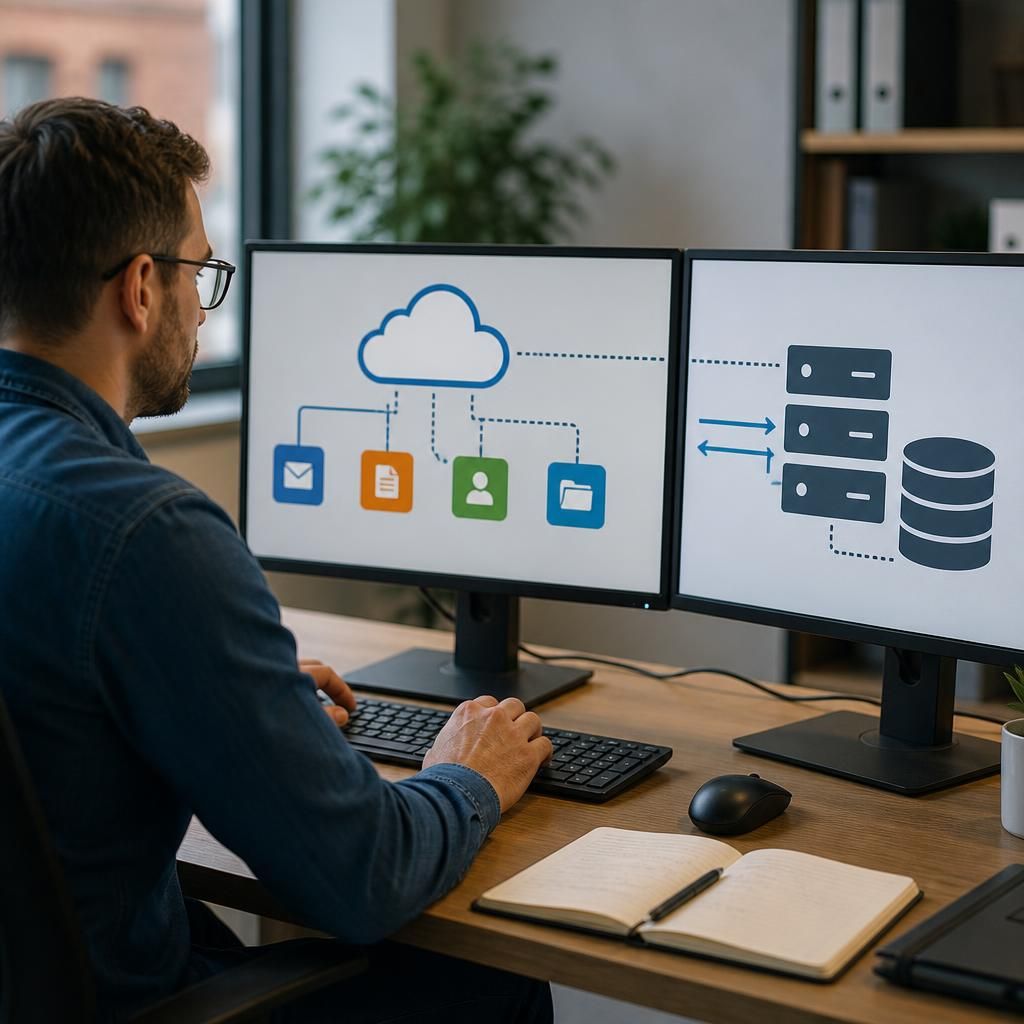
Identity integration connects cloud services with the accounts already used to access business systems. Rather than creating separate usernames and passwords for every application, a central identity service can authenticate users and apply consistent access rules across cloud and on-premises environments.
A well-designed arrangement should account for the full user lifecycle. New starters may need access based on their role, while changes in responsibilities should trigger a review of permissions. When someone leaves the organisation, access to connected services should be removed promptly and consistently. Single sign-on can simplify the user experience, but it should be combined with multi-factor authentication and appropriate conditional access controls.
- Confirm that each application supports the required authentication or directory standard.
- Map job roles to the applications and functions each person genuinely needs.
- Decide how accounts are created, changed, suspended and removed.
- Review service accounts and administrator access separately from ordinary user accounts.
- Keep authentication logs available for investigating unusual or unauthorised access.
Identity integration is particularly useful where staff use several services or work across different sites. It can reduce account administration, but it does not remove the need to review permissions as the organisation, its systems and its working practices change.