What information should users include in an IT help desk ticket?
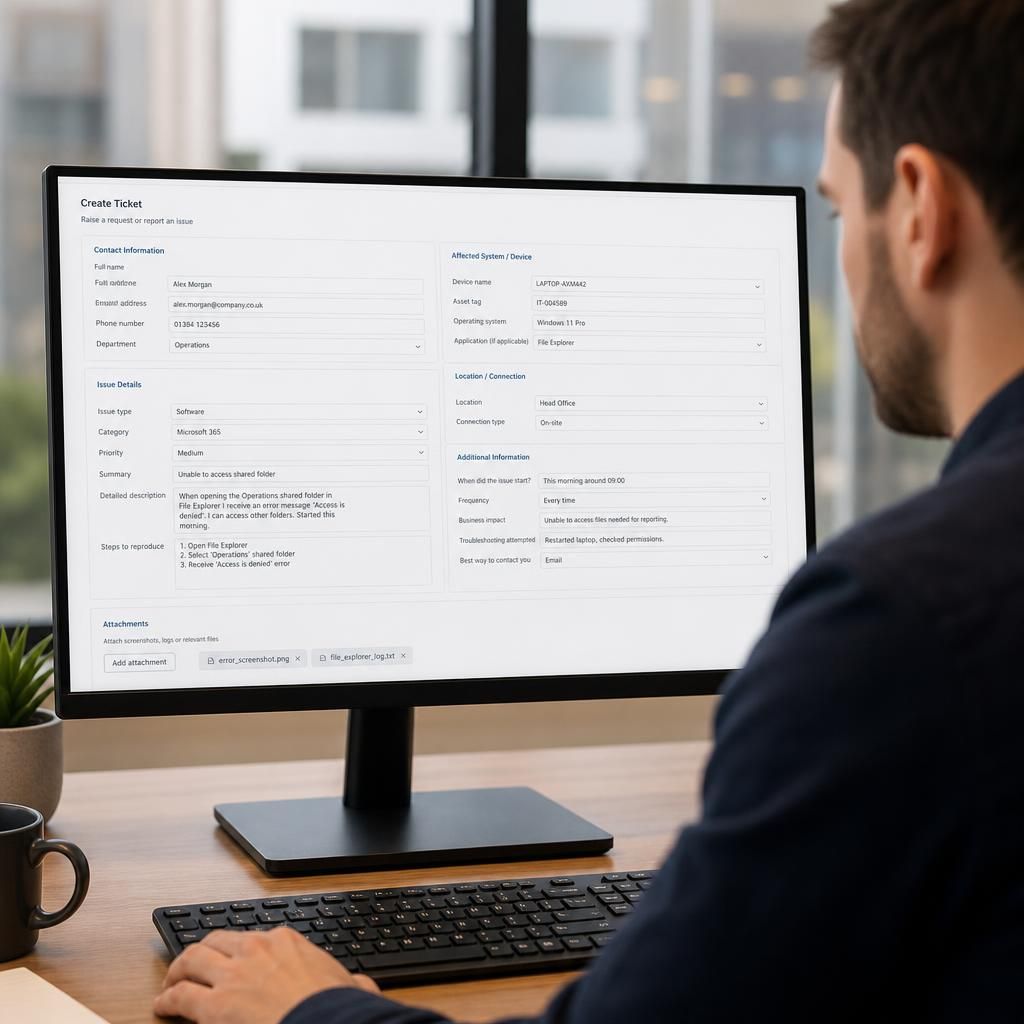
An IT help desk ticket should include a clear description of the issue, the affected user or system, when it began, and the business impact. Add any error messages, relevant screenshots, troubleshooting already attempted, and the best way to contact you so the support team can assess and investigate the problem accurately.
A well-prepared IT help desk ticket should provide enough structured context for the technician to identify the right service, assess the scope of the fault, reproduce it safely and determine the next diagnostic step. In addition to the initial problem summary, include the relevant account, device, application and location details, together with any restrictions on access or information handling.
Include the following information where relevant:
- Ticket category: Select the closest service or issue type, such as email, printing, user access, networking, hardware, software or security. Accurate categorisation helps route the ticket to the appropriate support process.
- Asset and account identifiers: Provide the device name, asset tag, username, email address, telephone extension or other internal reference used by your organisation. Avoid relying on a person’s name alone where several users have similar names.
- Location and connection context: State the office, site, department or working location involved. For remote users, note whether the device is connected through a home network, mobile connection, virtual private network or another remote access method.
- Scope of the issue: Explain whether the problem affects one function, one device, a particular team or several sites. If other people are affected, list their teams or locations rather than creating duplicate tickets for the same incident.
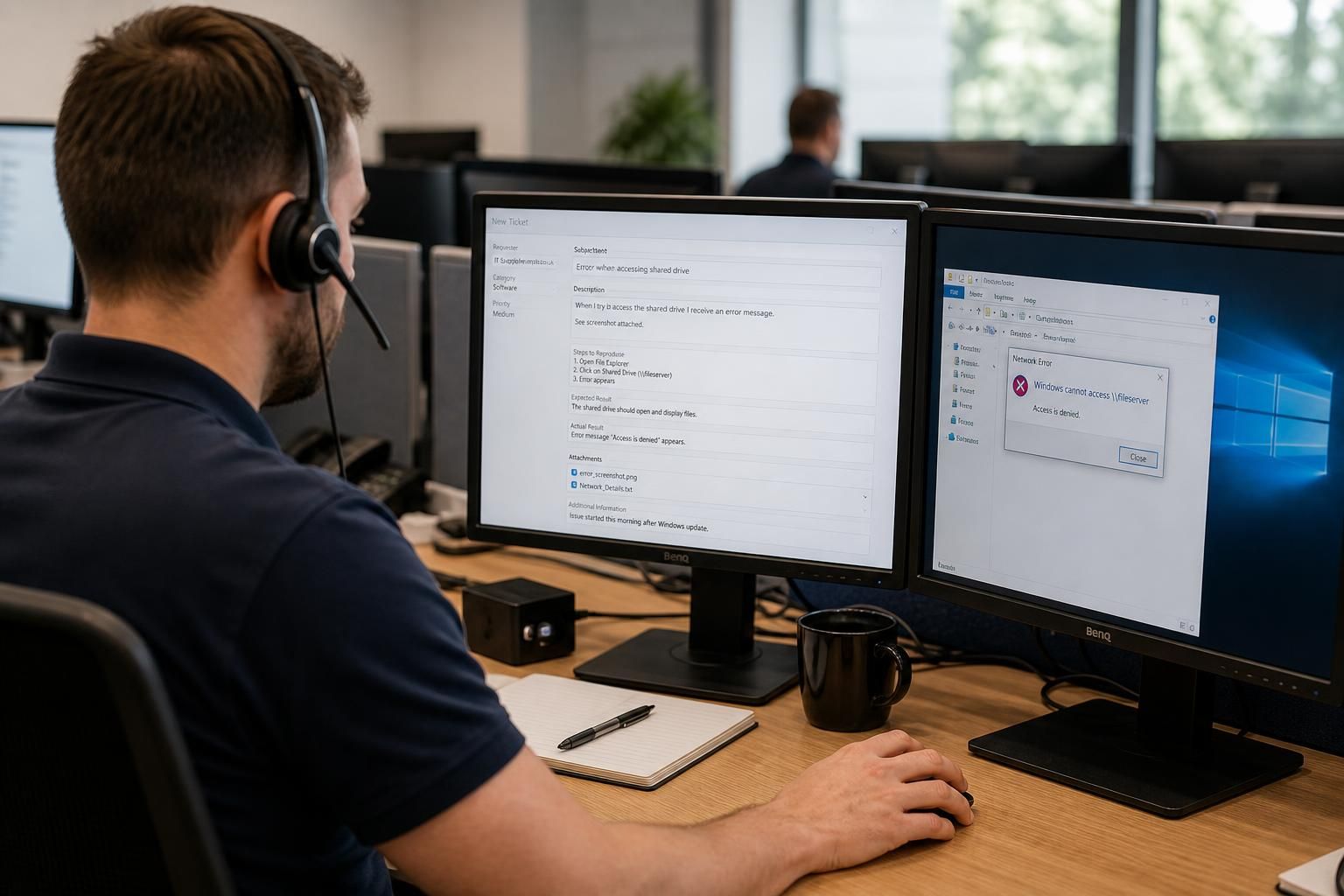
- Reproduction steps: Set out the exact sequence that leads to the problem. Include the page, menu, file, shared resource or business process involved, and identify the step at which the result differs from what was expected.
- Frequency and consistency: Say whether the behaviour happens every time, intermittently or only under particular conditions. Note any pattern, such as a problem occurring after reconnection, during a specific workflow or with a particular file or recipient.
- Expected and actual result: Describe what the system should have done and what it did instead. This distinction is often more useful than a general statement that an application is not working.
- Recent changes: Mention relevant changes to the user account, device, software, permissions, network, office location or business process. Include changes made by another supplier or internal team if they may affect the issue.
- Impact on work: Explain the specific task that cannot be completed, whether a workaround exists and whether information or a business process is at risk. Distinguish between inconvenience, reduced productivity, a blocked process and a potential security incident.
- Access requirements: State whether the technician may need remote access, a test account, access to a particular device or coordination with a named site contact. Never include passwords, authentication codes, recovery phrases or other secrets in a ticket.
Take care with attachments and sensitive information. Attach only files that are necessary for diagnosis, and check that they do not contain personal data, customer records, financial information or confidential documents that the support team does not need. Redact sensitive sections before uploading them. If the issue may involve a suspected phishing message, malware, unauthorised access or data exposure, do not forward it casually or alter the original evidence; follow the organisation’s security reporting procedure and identify the message or device securely.
Use one ticket for one related issue unless the service desk instructs you otherwise. Combining unrelated faults makes ownership and progress harder to track. Conversely, if several users report the same symptom, reference the existing ticket rather than submitting multiple versions with different descriptions. For a recurring issue, add new examples to the original record so the technician can compare patterns.
A useful ticket is factual and specific rather than speculative. Record observable behaviour, exact wording and relevant conditions, but avoid guessing at the technical cause. For example, explain that a user can sign in but cannot open a particular shared folder, rather than concluding that the server or permissions are definitely at fault. This gives the technician evidence without narrowing the investigation prematurely.
Before submitting, check that the ticket contains the correct user and asset identifiers, a clear reproduction path, the operational consequence, any relevant recent change and safe supporting files. Keep the ticket updated if the situation changes, particularly if a workaround is found, more users become affected or the issue develops into a security concern. These details give an IT service desk a dependable record for investigation and escalation, whether support is provided by an internal team or a managed IT provider such as S2 Technology Group.
For a service request rather than a fault report, explain the outcome required and the business context behind it. State whether the request involves a new user, a change to an existing service, access to a resource, equipment for a role or support for a planned business activity. Include the people, sites or systems in scope and identify any approval, compliance or project dependency that the service desk should consider.
Where the request relates to a planned change, include the preferred implementation date, any restricted period, and how the organisation will confirm that the result is acceptable. Avoid presenting a preferred technical solution as a requirement unless it has already been agreed; describing the business need gives the technician enough context to assess suitable options and identify information that is still missing.