
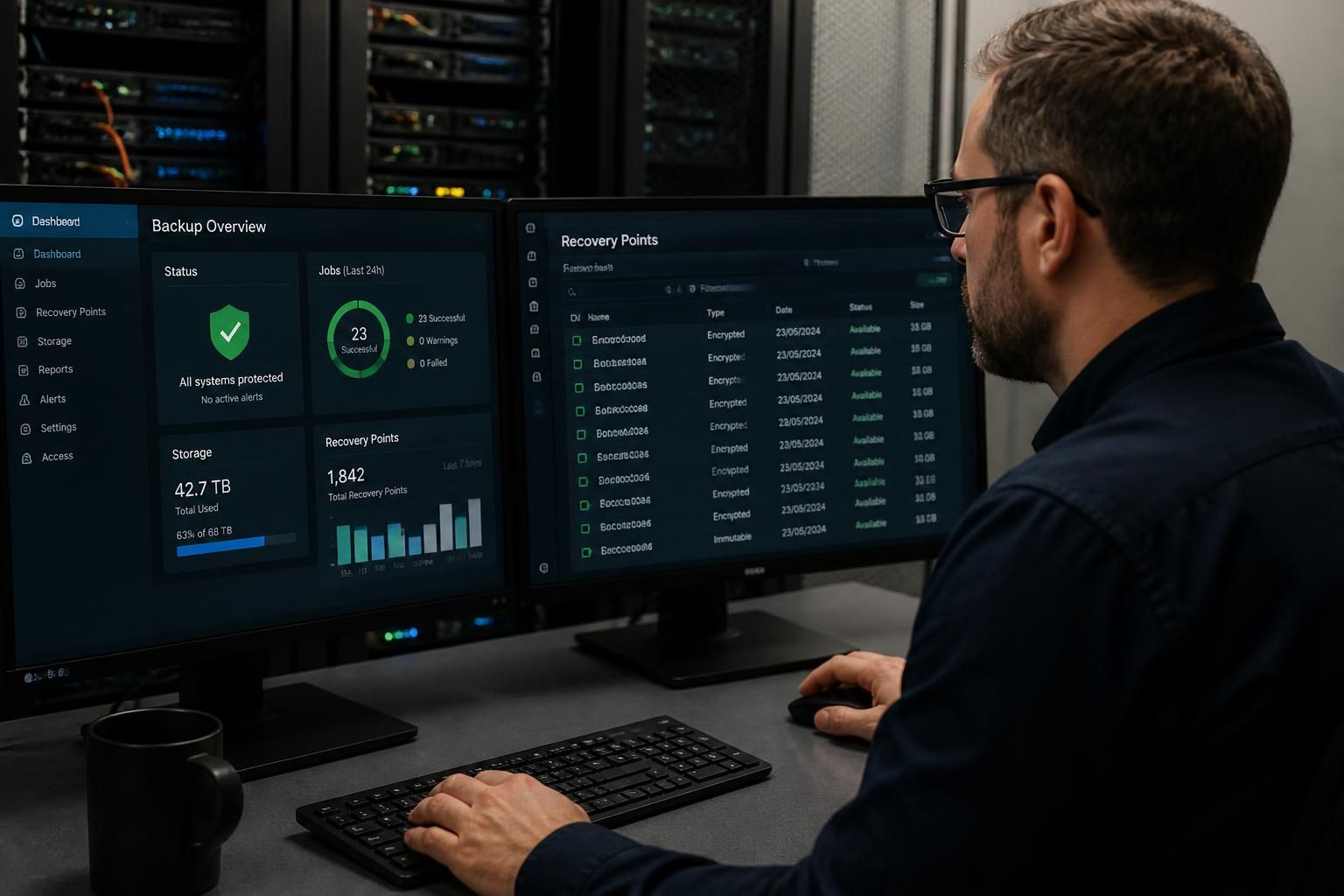
How Should SMEs Protect Backups From Cyber Threats?
SMEs should protect backups with a layered approach that includes separate, encrypted copies, restricted administrative access, offline or immutable storage, and monitoring for unauthorised changes. Regularly test that backups can be restored so ransomware or other cyber incidents do not leave the business relying on unusable data.
Protecting backups from cyber threats means preventing attackers from accessing, altering or deleting recovery data while maintaining a controlled way to recover essential business information. An effective approach combines sound backup design with secure administration, defined retention rules, recovery planning and evidence that the process works in practice.
Start with a backup policy. The policy should identify which data and systems must be recoverable, who owns the process, how long different types of data must be retained and what constitutes a successful recovery. It should cover file servers, databases, virtual machines, cloud services, user devices and configuration data where these are needed to rebuild the business. Treating cloud-synchronised files as the only backup is risky: synchronisation can also replicate accidental deletion, corruption or ransomware encryption.
Separate backup operations from ordinary IT administration. Backup consoles, storage accounts and recovery credentials should not depend solely on the same domain, identity provider or administrator account that an attacker might compromise. Use named accounts, multi-factor authentication where supported, strong credential management and a documented process for granting and removing access. Service accounts should have only the permissions required for their specific task, and their credentials should not be reused across unrelated systems.
Control how long data remains available for alteration. Retention and versioning give an organisation more than one recovery point, which is important if corruption or malicious activity is discovered after the latest backup was created. Define retention according to business, regulatory and contractual requirements rather than keeping everything indefinitely. Excessive retention increases storage, privacy and management risks, while insufficient retention may remove the last usable copy before an incident is identified.
Protect the backup infrastructure itself. Backup servers, agents and storage appliances are part of the organisation’s attack surface. Apply security updates through a controlled process, remove unused integrations, restrict management interfaces and review vendor access. Record configuration changes and ensure that backup jobs cannot be silently disabled without detection. Where a third-party cloud or managed platform is used, establish which security controls the provider operates and which remain the SME’s responsibility.
Design recovery around business priorities. Not every system needs to return at the same stage. Establish an order for restoring identity services, network dependencies, core applications, shared data and individual user access. Document the dependencies between systems, such as databases required by line-of-business applications or authentication services needed by administrators. This prevents a technically valid backup from being unusable because the supporting environment has not been rebuilt.
A recovery plan should also explain how the organisation will operate if the normal backup console, office network or identity system is unavailable. Keep essential recovery documentation in a location that is not dependent on the systems being recovered. It should include asset information, responsible roles, escalation routes, recovery sequences and the evidence needed to decide whether restored data is trustworthy.
Use controlled recovery exercises. A meaningful exercise should check more than whether a job reports as completed. Select representative files, applications and system configurations, confirm that recovered data is complete and usable, and record the time and resources required. Exercises should include scenarios such as a compromised administrator account, damaged production data and loss of access to the usual management platform. Findings should result in assigned corrective actions, not simply a pass or fail record.
Keep backup evidence separate from production records where possible. Job histories, configuration exports, recovery logs and exercise results help establish what happened during an incident and support later investigation. They also make it easier to identify recurring failures, such as capacity limits, expired credentials, incomplete application coverage or backups that run successfully but omit critical data.
When ransomware or another cyber incident is suspected, do not immediately reconnect restored systems or overwrite potentially useful evidence. The incident response process should determine which accounts, devices and network paths may be compromised, preserve relevant logs, isolate affected environments and approve the recovery source. Restoring from a contaminated copy can reintroduce the threat and undermine the recovery effort.
For many SMEs, the practical standard is a documented, independently administered backup process with appropriate retention, protected management access, clear recovery priorities and recorded recovery exercises. A managed IT and cyber security provider can help review the design, identify gaps between production systems and backup coverage, and integrate backup recovery into wider business continuity planning.
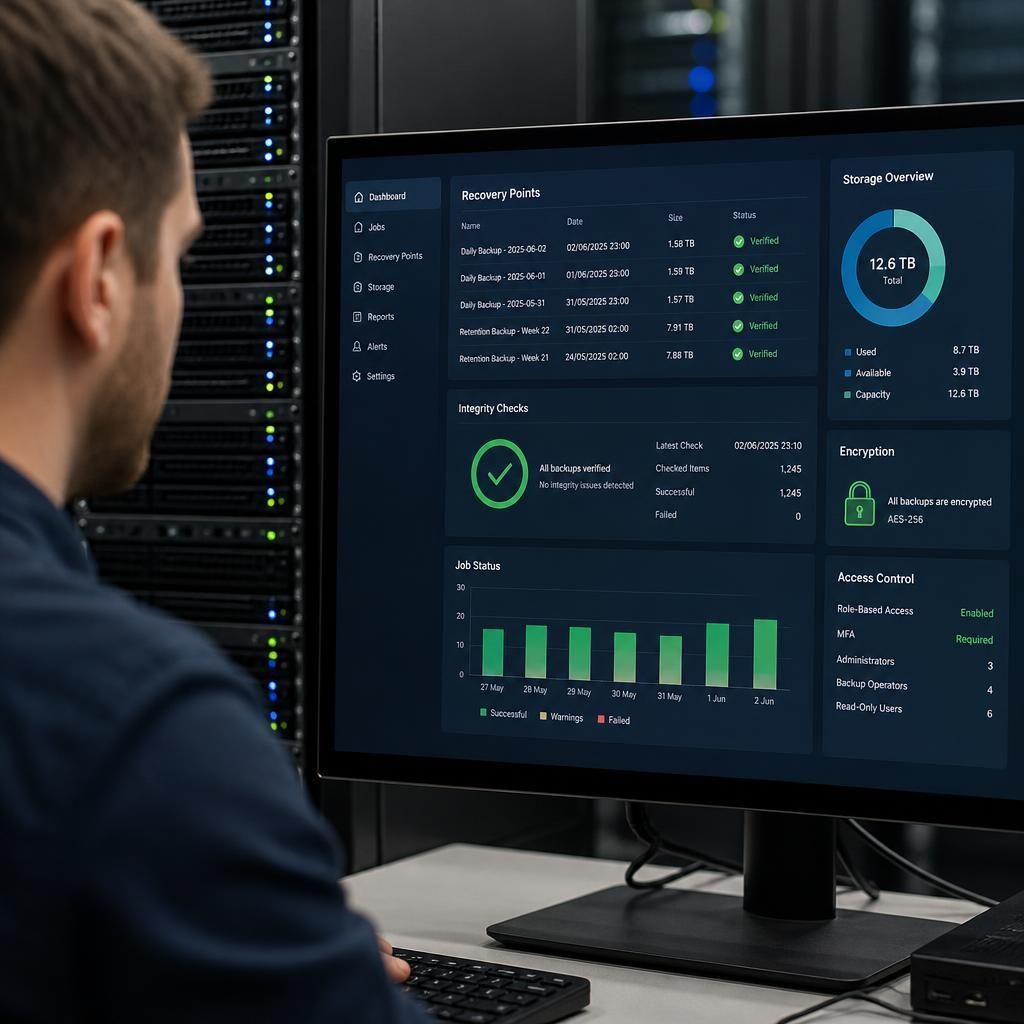
Backup integrity checking confirms that recovery data is complete, unchanged and readable rather than merely showing that a backup job finished. SMEs should use automated verification where available, including checks that backup files can be read, recovery points are not corrupted and application data remains consistent.
Checks should cover the information most important to the business, such as databases, shared files and system configurations. Record failed validations separately from ordinary job-status reports, investigate repeated errors and set alerts for unusual changes in backup size, file counts or recovery-point creation. These signs can indicate a failing storage system, a misconfigured job or malicious activity.
Integrity evidence should be reviewed as part of regular backup governance. Keeping dated validation results provides a clearer basis for deciding which recovery points can be trusted during an incident and highlights gaps before they affect a recovery.