
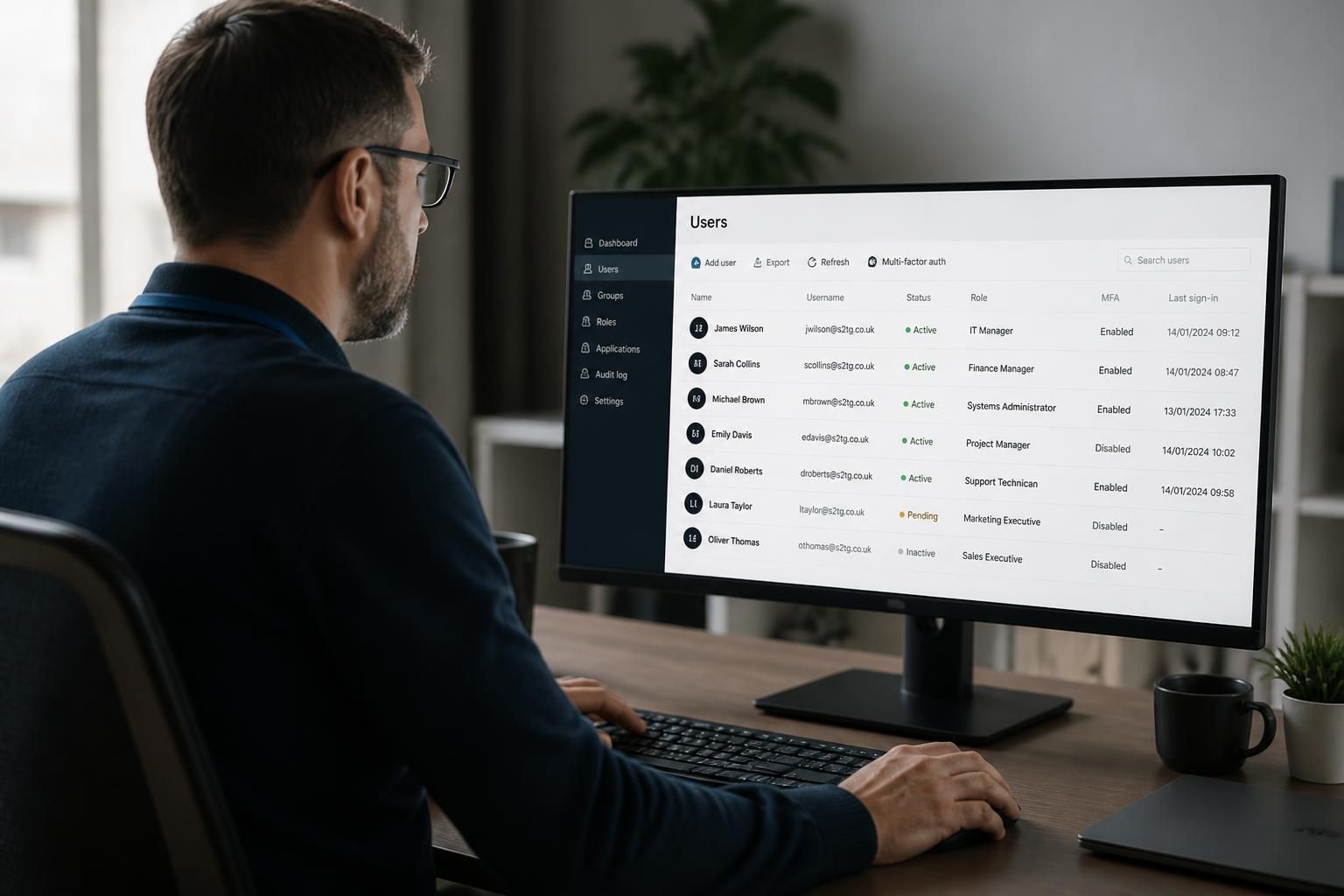
Can remote managed IT support manage user access and permissions?
Yes. Remote managed IT support can administer user accounts and permissions by applying role-based access, managing joiner, mover and leaver changes, and reviewing access rights remotely, helping ensure users have the access required for their role without unnecessary privileges.
Remote managed IT support can manage user access and permissions by controlling how identities are created, authenticated and authorised across business systems. The aim is to make access traceable and proportionate: each person should be able to use the files, applications and devices needed for their work, while administrative functions and sensitive information remain restricted.
A well-managed access model normally covers more than a single Microsoft 365 or network account. It can include:
- user accounts, security groups and shared resources;
- cloud applications, line-of-business systems and remote access services;
- device sign-in and local administrator rights;
- file shares, collaboration sites and sensitive data repositories; and
- privileged accounts used to configure systems or make security changes.
Permissions should be based on defined responsibilities rather than convenience. Group-based access makes it easier to apply consistent rules, while limiting local administrator rights can reduce the risk of unauthorised software installation or system changes. Higher-risk actions should be separated from ordinary day-to-day accounts where appropriate, so an account used for email and documents is not automatically able to alter security settings.
Remote management also supports a controlled approval process. A request for new or changed access can be checked against the person’s role, the information involved and the business reason for the request. The resulting change can then be recorded, providing an audit trail of what was requested, who approved it and which systems were affected. This is particularly useful when access spans several applications or locations.
Authentication is an important part of permissions management. Strong sign-in controls, multi-factor authentication and appropriate conditional access rules can help ensure that a valid username and password alone are not treated as sufficient proof of identity. The exact controls depend on the organisation’s systems, risk profile and existing configuration.
Access reviews provide a further safeguard. Rather than assuming that permissions remain appropriate indefinitely, administrators can compare current access with employees’ responsibilities, identify unused or excessive privileges and remove rights that no longer have a valid business purpose. Special attention is usually needed for privileged accounts, shared accounts, external users and service accounts, as these can be harder to attribute to an individual.
Remote managed IT support does not remove the need for internal ownership. Business managers still need to define who should access particular information and approve exceptions. S2 Technology Group can support the technical administration, documentation and review of those decisions, helping small and medium-sized organisations maintain a clearer permissions structure without requiring a full in-house IT team.
The effectiveness of the arrangement depends on accurate staff and system information, documented approval rules and regular communication with the organisation. When those foundations are in place, remote support can make access administration more consistent, auditable and aligned with security requirements.
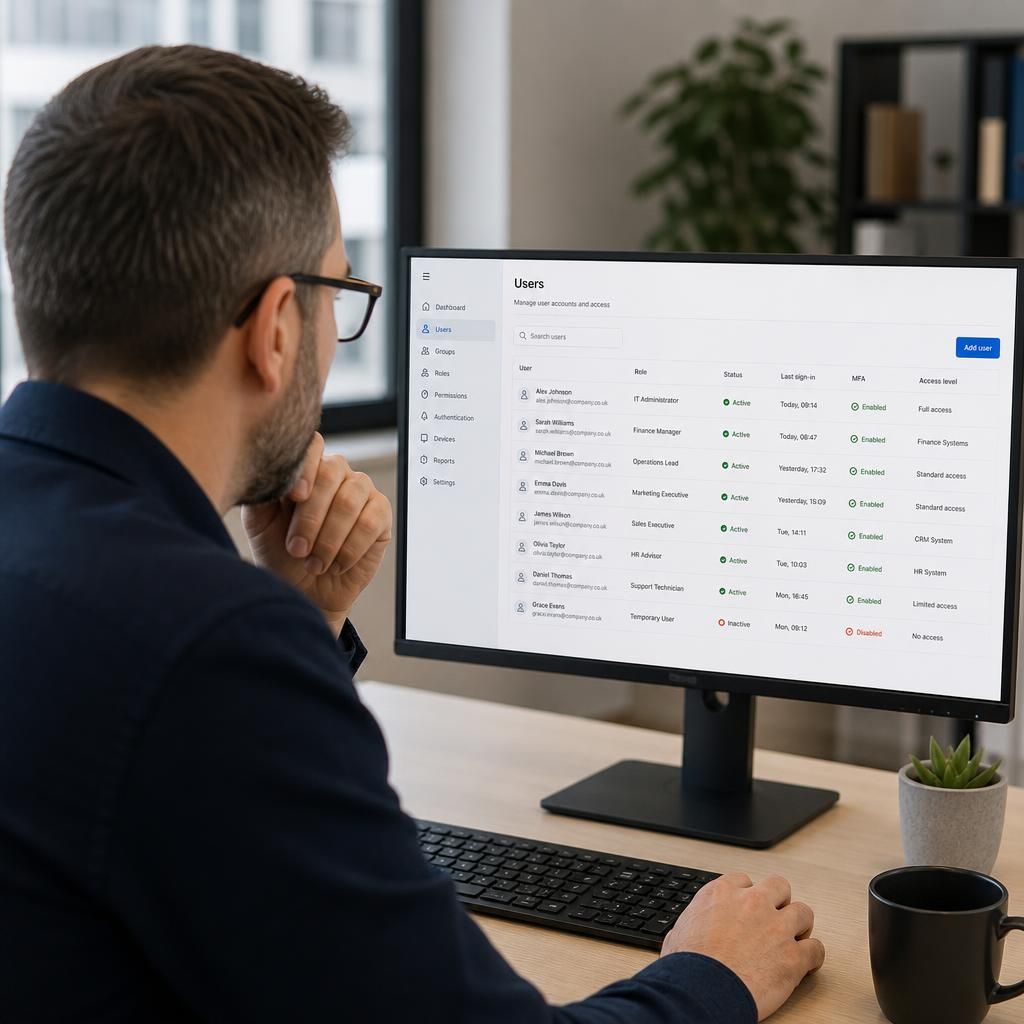
Remote managed IT support can also control temporary privileged access when a user or technician needs to perform a sensitive task. Instead of granting permanent administrator rights, access can be limited to the required system, approved purpose and defined period, then removed when the task is complete.
This approach helps separate routine user activity from higher-risk changes such as altering security settings, configuring servers or accessing confidential systems. The request, approval and removal of temporary access should be documented so the organisation can establish what was changed and why. It is particularly useful where support work requires elevated permissions but permanent administrative access would create unnecessary risk.