
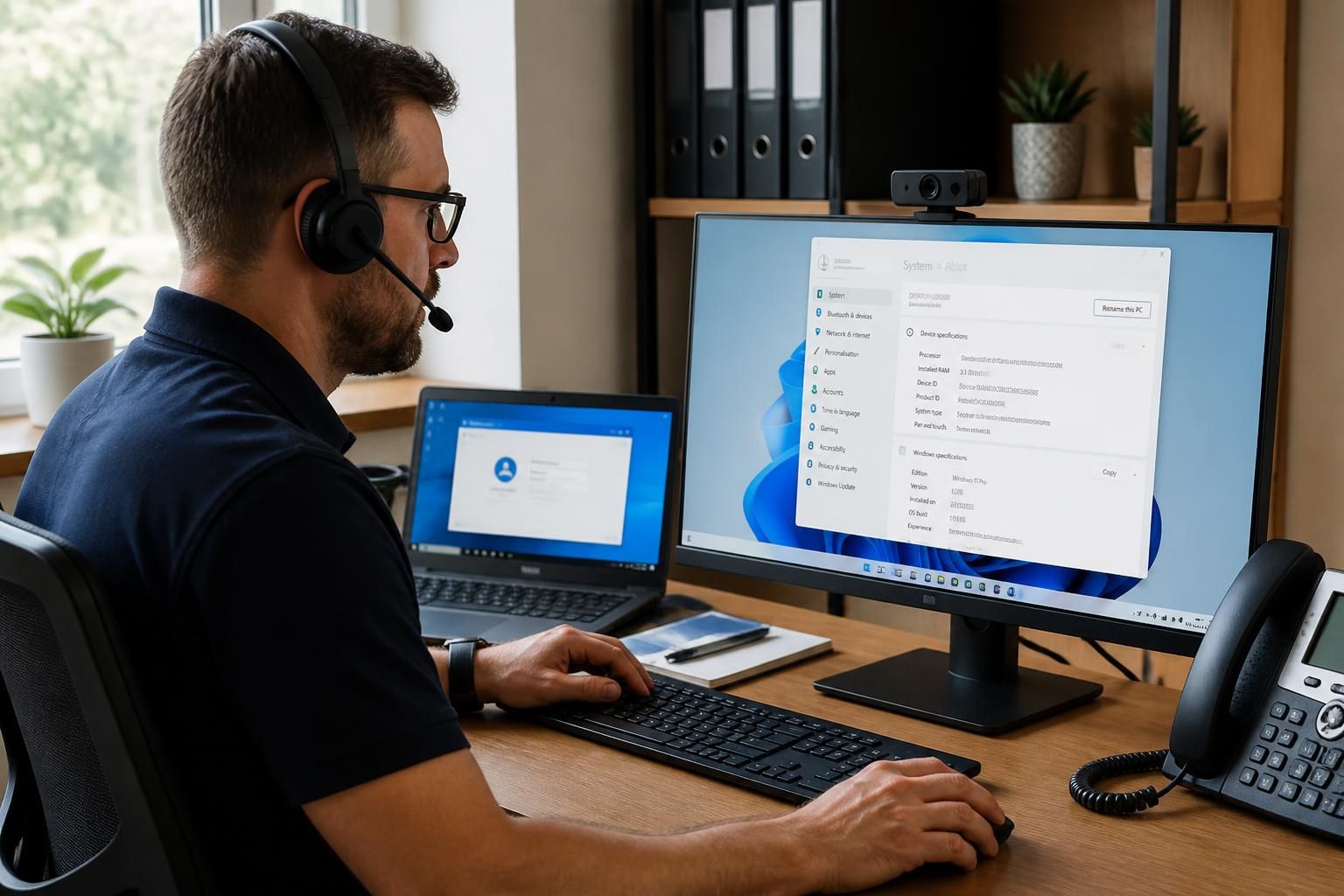
Which issues can remote IT support resolve for a small business?
Remote IT support can resolve many software, access and configuration issues without an engineer visiting your premises, including application errors, account lockouts, connectivity problems, updates and some malware incidents. It is less suitable for faults involving damaged hardware, power, cabling or other equipment that requires physical inspection.
Remote IT support is most effective when a small business problem is caused by software, user settings, permissions, cloud services or system configuration rather than a physical component. An engineer can investigate the affected device or account remotely, identify the underlying cause, apply a controlled fix and check that the user can complete the required task.
Common issues that remote support can resolve include:
- Email and collaboration problems: Support can address incorrect account settings, failed mailbox synchronisation, calendar access issues, missing shared resources and problems connecting approved applications to business accounts.
- File and cloud service access: If a user cannot reach a shared folder, cloud workspace or synchronised document library, the cause may be an account permission, an outdated client, a failed sync process or an incorrect folder path. These issues can often be examined and corrected remotely.
- User setup and permissions: Remote support can configure user profiles, assign appropriate access to business applications and shared resources, and remove access when a role changes. Access should be based on the person’s responsibilities rather than broad permissions that create unnecessary risk.
- Multi-factor authentication and sign-in configuration: An engineer can help investigate failed enrolment, incorrect authentication settings, token or authenticator problems, and access issues caused by a changed phone or user profile. Sensitive credentials should not be disclosed during a support session.
- Printing and peripheral configuration: Although a damaged printer or disconnected cable requires physical attention, many printing failures are caused by software settings, incorrect queues, drivers or permissions. Those configuration problems may be corrected remotely.
- Device performance and stability: Slow startup, repeated application crashes, excessive background processes and low available storage can be investigated through system information, event records and resource usage. The remedy might involve removing unnecessary software, correcting a service configuration or applying an approved system change.
- Business application configuration: Line-of-business software may fail because of an incorrect profile, an expired setting, a missing dependency or a local configuration change. Remote support can compare the affected setup with a known working configuration and correct the software where appropriate.
- Remote working access: Problems with a virtual desktop, secure gateway or approved remote access tool can often be traced to account settings, client configuration, certificates or policy. Remote support can check these elements without requiring the user to bring the device to an office.
- Backup and recovery administration: Support can review backup jobs, investigate failed schedules, correct configuration errors and help locate recoverable files. Restoring information still depends on the backup system containing a usable copy and on the required permissions being available.
Remote support can also reduce the impact of recurring faults. A single fix may restore a user’s access, but a recurring issue can indicate a wider problem such as inconsistent device settings, an ageing software version, excessive permissions or an unmanaged change. Reviewing patterns across support records helps identify whether the business needs a standard configuration, a policy adjustment, user guidance or a planned infrastructure change.
A typical remote investigation follows a structured process. The engineer establishes which users, devices or services are affected, records the symptoms and checks recent changes. They may then review system logs, account status, application settings and relevant security controls. After making a proportionate change, they test the affected function with the user and record the cause and resolution. This approach is preferable to applying unrelated changes that could obscure the original fault or create a new one.
Remote IT support is less suitable when diagnosis depends on inspecting damaged equipment, replacing a component, reconnecting cabling, restoring power or carrying out work that cannot be performed safely through an approved remote connection. It may also be inappropriate when a device is unavailable, compromised to the point that remote control cannot be trusted, or subject to a business process requiring on-site handling. In those circumstances, the remote engineer can still help classify the issue, protect affected accounts or systems where possible, and provide the information needed for the next stage of support.
For a small business, the practical question is not whether every fault can be fixed remotely, but whether the problem has a software, access, configuration or service-based cause. S2 Technology Group uses remote IT support as part of broader managed IT, cyber security and cloud support, helping businesses distinguish remotely resolvable issues from faults that need planned physical intervention.
Remote IT support is also useful when the same issue affects several users or devices. An engineer can compare the affected systems, identify a shared cause and apply an approved configuration change consistently rather than treating each fault as an isolated incident. This may include correcting a common application setting, deploying an updated configuration or removing an incorrect policy.
For a small business, this approach helps distinguish a local user problem from a wider service or device-management issue. The support record should show which systems were checked, what change was made and whether the affected business function was restored. If the issue is caused by a wider infrastructure fault or requires physical work, remote investigation still provides a clear basis for the next support decision.
Discuss which issues remote IT support can resolve
Contact S2 Technology Group to discuss your current remote IT support needs and identify which issues can be managed remotely within your business environment. Where a fault needs physical intervention, the assessment can help establish the appropriate next step.