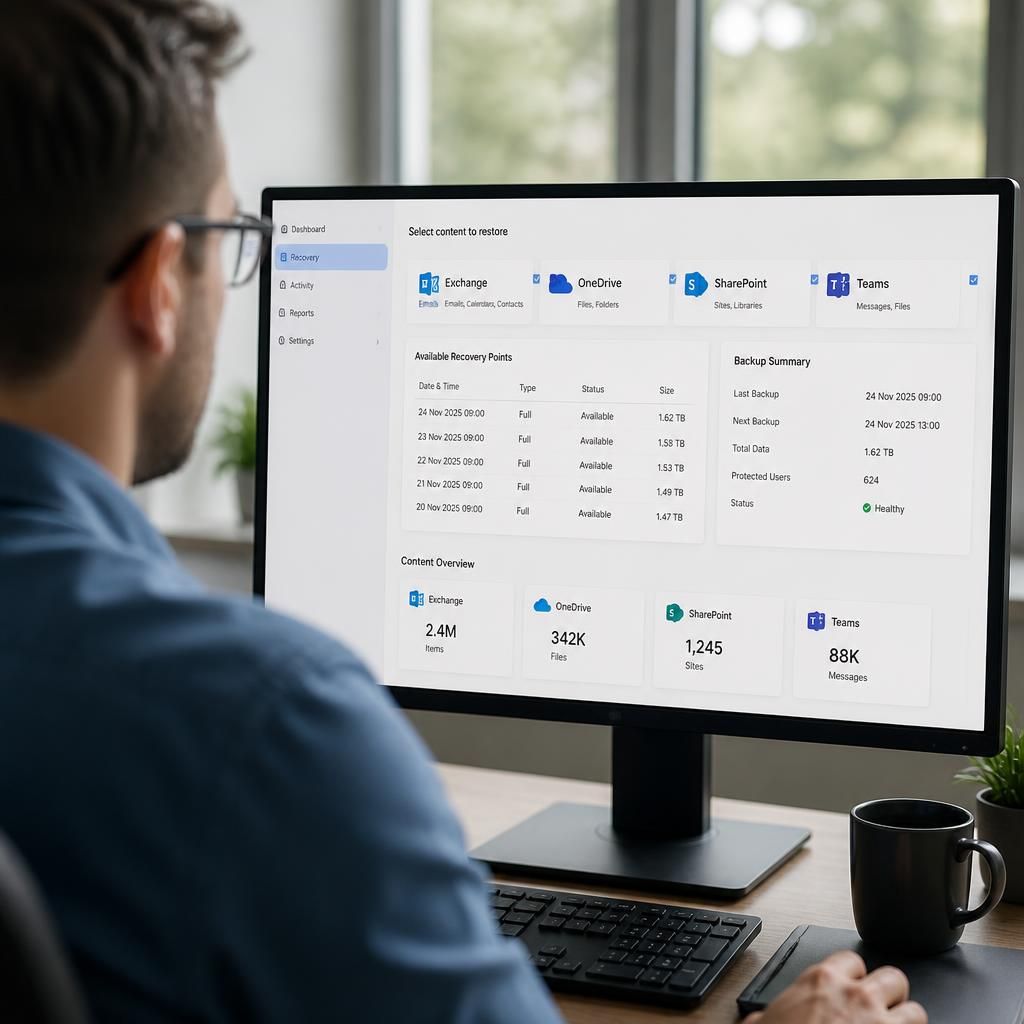
Can Microsoft 365 Backup restore data after ransomware?
Yes. Microsoft 365 Backup can restore backed-up emails, files and other supported business data to a point before ransomware encrypted or deleted it, provided the required backup copies remain available and uncompromised.
Ransomware recovery with Microsoft 365 Backup involves selecting an unaffected recovery point and returning supported Microsoft 365 data to its pre-incident state. This can help recover information that has been encrypted, corrupted or maliciously deleted, but the result depends on what was included in the backup, which recovery points are available and whether the underlying tenant and devices have been secured.
During an incident, the priority is to prevent further changes to business data. The affected accounts, devices and applications should be investigated before recovery begins. Restoring data while compromised credentials or unauthorised access remain active could allow the attacker to encrypt or delete the recovered information again. Identity security, endpoint remediation and access control therefore form part of the recovery process, even though they are separate from the backup itself.
A typical recovery process includes:
- Confirming the incident: establish which users, sites, mailboxes, files or other supported data have been affected and identify the approximate point at which the compromise occurred.
- Choosing a recovery point: select a backup state from before the ransomware activity. The latest available copy is not always the appropriate one if it already contains encrypted or damaged data.
- Checking the recovery scope: determine whether the required workload and data are covered, including the relevant user, site, mailbox or file location.
- Restoring the data: recover the selected information using the available Microsoft 365 Backup recovery options, taking care not to overwrite unaffected information unnecessarily.
- Validating the result: check that files open correctly, email and collaboration data is usable, permissions remain appropriate and critical business records are complete.
- Resuming normal operations safely: reconnect users and systems only after compromised credentials, devices and access paths have been addressed.
The backup does not disinfect a computer or remove ransomware from an endpoint. If a user’s device is still infected, recovered files may be encrypted again when they synchronise. Recovery planning should therefore distinguish between restoring cloud data and rebuilding or securing the systems that access it.
There are also practical limits to consider. A backup cannot restore data that was never within its protected scope, and a recovery point may not contain changes made after that point. Items deleted or altered before the earliest suitable backup may require other records or recovery methods. Retention settings also affect how far back an organisation can look, so the required recovery history should be defined before an incident occurs.
After recovery, review audit information and compare restored content with known business records. Pay particular attention to shared files, important mailboxes, active projects and data subject to contractual or regulatory requirements. Document what was restored, what could not be recovered and which security changes are needed to reduce the risk of a repeat incident.
Microsoft 365 Backup is therefore one part of a ransomware resilience plan rather than a complete incident response service. Its value is greatest when coverage, retention, access permissions, recovery procedures and regular recovery testing have been considered in advance.
Microsoft 365 Backup restores protected data, but it should not be treated as a complete rebuild of the surrounding Microsoft 365 environment. After a ransomware recovery, associated sharing links, permissions, workflows, application connections and user access may need to be checked separately. This is particularly important where restored files support operational processes or are shared across teams.
Organisations should therefore verify not only that the content has returned, but also that authorised users can access it, inappropriate access has not been reintroduced and connected business processes work as expected. A successful data restore is one stage of recovery; confirming that the restored information functions safely within the wider environment is equally important.