When should a business replace an IT asset?
A business should replace an IT asset when its security, reliability, performance or supportability no longer justify the cost of keeping it. Key triggers include repeated faults, outdated software or hardware that cannot support current security requirements, costly repairs, inadequate capacity and the end of the manufacturer’s support lifecycle.
A business should replace an IT asset when its remaining business value is lower than the operational, financial and governance risk of retaining it. Age is only one factor. A sound decision considers the asset’s condition, role, replacement options, data-handling requirements, compatibility with the wider environment and the likely cost of ownership over the next planning period.
Look beyond the purchase price. The cost of keeping an asset can include maintenance, parts, engineer time, user downtime, energy consumption, management effort and the effect of reduced productivity. An asset that appears inexpensive to retain may be poor value if it requires frequent intervention or prevents the business from using more efficient systems. Comparing the expected cost of retention with the full cost of replacement gives a more reliable basis for decision-making.
Consider the asset’s business importance. A device used for general administrative work may have a different replacement threshold from equipment supporting production, logistics, customer communications or access to critical records. Assets with a high operational dependency should be assessed with greater attention to continuity, resilience and available alternatives. A replacement may be appropriate before a visible failure occurs if the business would struggle to operate without that asset.
Assess compatibility and maintainability. An asset may remain functional but become difficult to integrate with current identity controls, backup arrangements, management tools, applications or network standards. Older equipment can also create configuration exceptions that increase the effort required to administer the environment. If an asset can no longer be managed consistently with the rest of the estate, replacing it may reduce complexity and improve control.
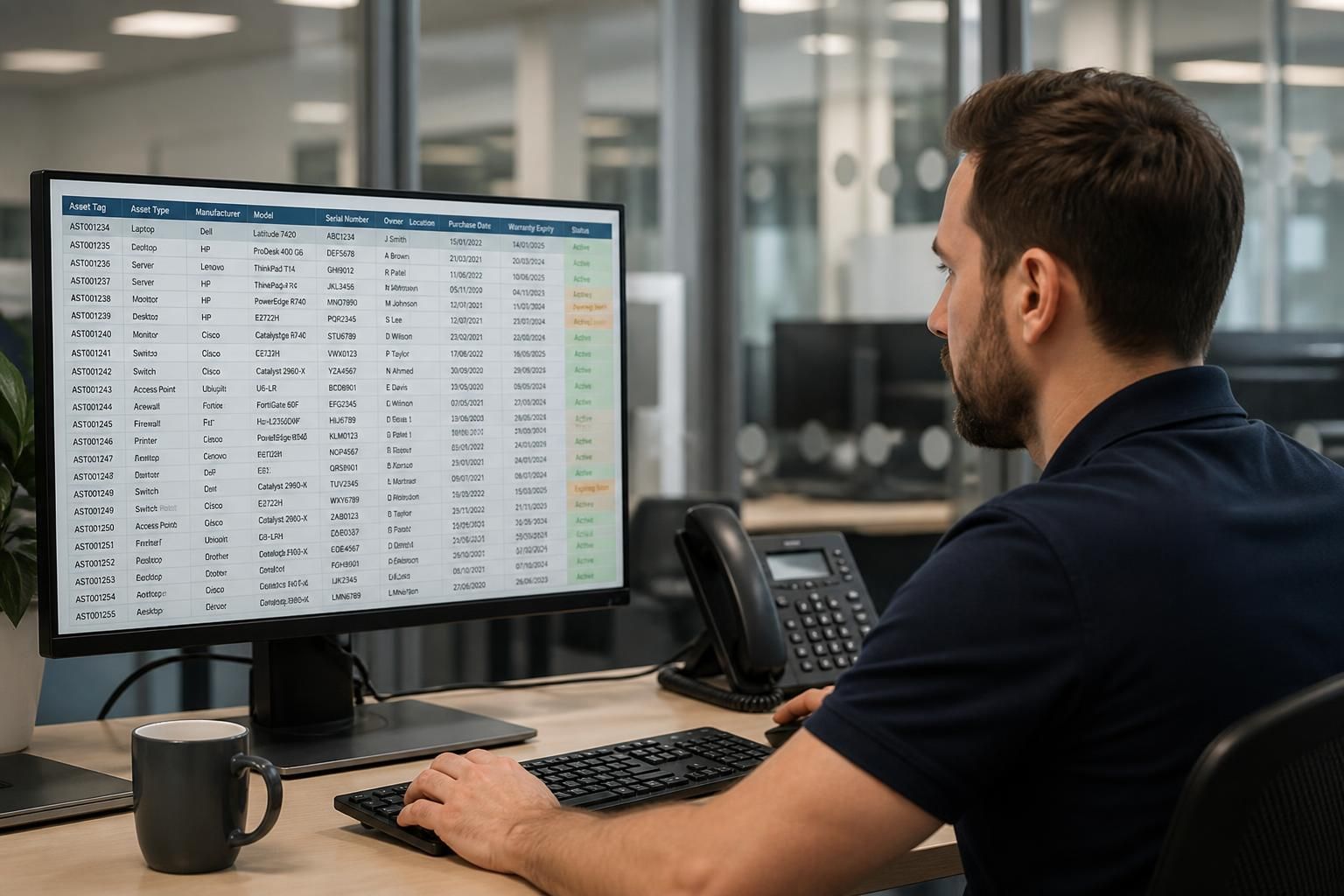
Use a structured assessment rather than a fixed age rule. An IT asset register should record the purchase or deployment date, ownership, location, assigned user, configuration, warranty position, service history and business role. Reviewing this information helps identify assets approaching a planned refresh point and separates isolated issues from wider patterns. The assessment should also record the proposed action, such as retain, repair, redeploy, upgrade, replace or retire, together with the reason and an intended review date.
- Replace: the asset no longer provides an acceptable balance of value, control and operational suitability.
- Upgrade: a defined component or configuration change can extend useful service without introducing disproportionate complexity.
- Redeploy: the asset is suitable for a less demanding role elsewhere in the organisation.
- Retire: the asset has no appropriate further use and should be removed from service securely.
Plan for data and disposal before approving the change. Storage devices, phones, laptops, servers and network equipment may contain business information, credentials, configuration details or cached access tokens. Replacement planning should therefore include data migration, account removal, encryption-key considerations, secure erasure or physical destruction where appropriate, and an update to the asset register. Disposal through an unverified route can create a separate information governance risk even when the replacement itself is well chosen.
Factor in business change. A suitable replacement depends on how the organisation expects to work, not only on what it uses today. Recruitment, office moves, new applications, changes to working arrangements, acquisitions and expansion into additional sites may alter the required specification or quantity. Aligning asset replacement with these plans helps avoid buying equipment that is unsuitable soon after deployment or retaining equipment that constrains the next stage of growth.
Replacement decisions should be prioritised in a roadmap, with urgent risk-based changes separated from planned refreshes. S2 Technology Group can help businesses assess their IT estate, maintain accurate asset information and plan replacement activity around operational requirements, security controls and available budgets.
Warranty expiry is a useful review point, but it is not an automatic reason to replace an IT asset. The decision should consider whether the asset remains dependable, whether suitable support and parts are available, and how difficult it would be to recover if it failed. A device that is inexpensive to maintain and carries little operational risk may be retained, while a similarly aged asset supporting an essential process may justify planned replacement before cover ends.
Review the asset several months before its warranty or service agreement expires. Confirm the likely renewal or repair position, check whether replacement equipment can be configured and introduced without disrupting users, and allow time for secure data transfer and disposal. This creates a controlled decision point rather than leaving the business to replace equipment in response to an avoidable failure.