
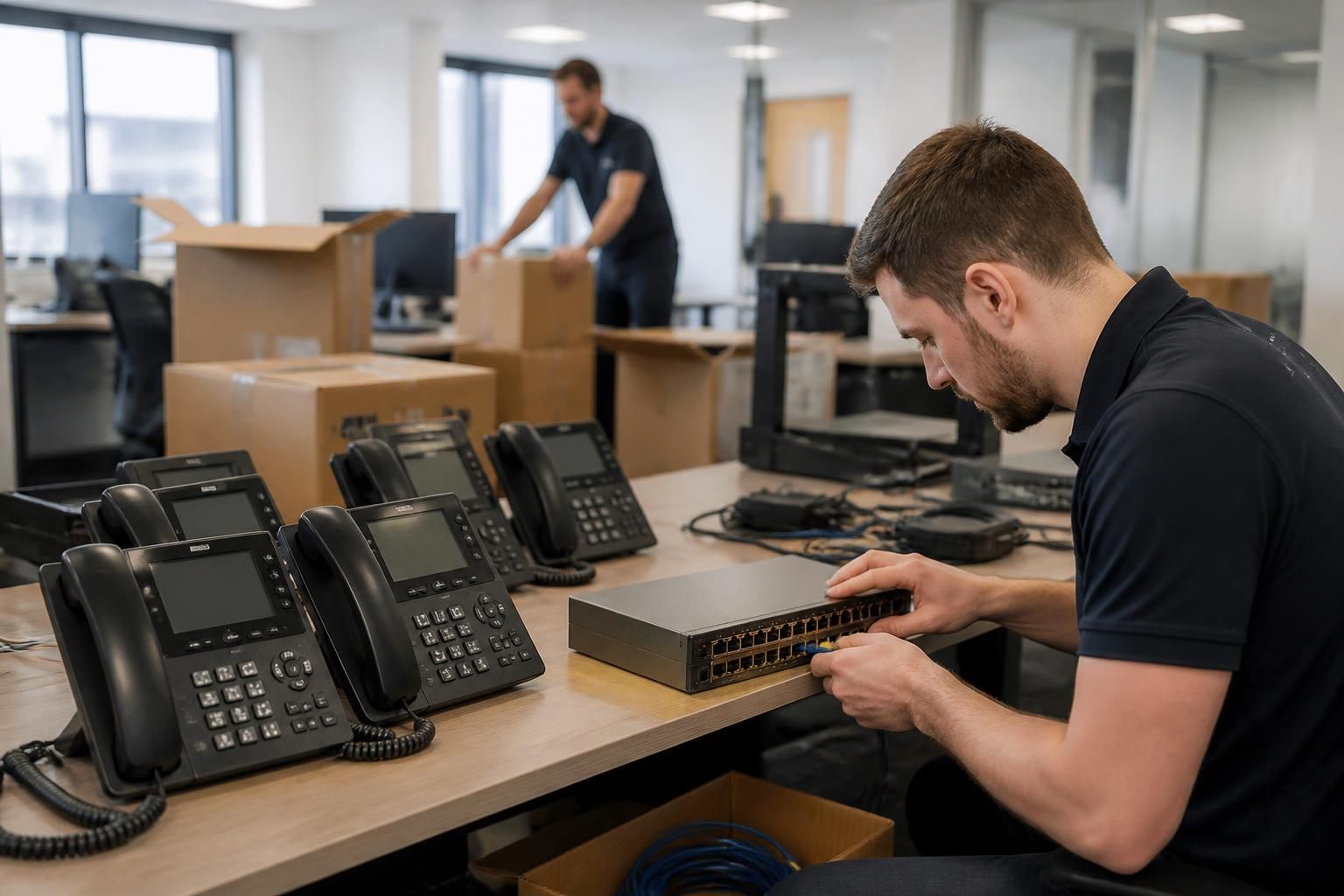
How does managed IT support for VoIP support office moves?
Managed IT support for VoIP coordinates the network, internet connectivity, phone numbers, handsets and softphones before, during and after an office move. It helps verify the new site’s readiness, configure equipment securely and test call functionality so the VoIP service transfers with minimal disruption.
Managed IT support for VoIP supports an office move by treating telephony as part of the wider IT change, rather than as a separate installation. The process covers the technical dependencies that affect calling, including addressing, routing, switching, firewall rules, internet capacity, cabling, power and user access, so the new office can support the existing phone service safely.
The work normally starts with a move assessment. The IT provider documents how the current VoIP service is delivered and identifies what will change at the new premises. This includes the number of users, desk phones, softphones, reception or hunt groups, call queues, voicemail, recording requirements and any integrations with business applications. The assessment should also identify equipment that will move, equipment that will be replaced and any devices that must remain available at the original site during the transition.
- Connectivity: confirm that the new internet service, router and firewall can support voice traffic and the required provider connection.
- Network design: review IP addressing, DHCP, DNS, switching and any voice VLAN arrangements.
- Physical infrastructure: check data cabling, network sockets, switch capacity, power outlets and the location of communications equipment.
- User requirements: record which people need desk phones, softphones, headsets, extensions, direct numbers or shared lines.
- Site dependencies: account for building access systems, reception phones, lifts, alarms or other services that may rely on telephony or network connectivity.
These checks help distinguish a genuine VoIP issue from a problem caused by the new building’s infrastructure. For example, a phone that fails to register may have a network configuration problem, while broken or poorly terminated cabling can cause intermittent symptoms that resemble an internet or handset fault.
Network preparation is a central part of the move. VoIP traffic is sensitive to delay, variation in delay and packet loss. Managed IT support can configure the new network so voice traffic is separated or prioritised appropriately, while maintaining the controls needed for ordinary business devices. Firewall and router rules must permit the required signalling and media traffic without exposing unnecessary management services to the internet. DHCP options, local DNS behaviour and address reservations may also need to be reviewed so devices can obtain the settings they require at the new site.
The provider should verify the new circuit and network configuration before staff relocate. This can include checking upload and download capacity, latency, packet loss, routing, firewall behaviour and the performance of switches and access points. Testing should use the intended network design rather than an improvised temporary arrangement, because a temporary connection may hide problems that appear once all users and devices are connected.
A controlled migration plan reduces avoidable disruption. It should set out the order of work, responsible people, dependencies and a fallback approach. A typical plan may include:
- Document the existing VoIP configuration and user assignments.
- Prepare the new circuit, firewall, switching and network segments.
- Install and label cabling and equipment at the new site.
- Apply the required device and user configuration securely.
- Move or activate services according to the agreed cutover plan.
- Test internal, external, inbound, outbound and transferred calls.
- Monitor for registration, audio or routing issues after users begin working from the new office.
Number management requires particular care. A move may involve changing the registered service address, coordinating a new circuit, retaining existing numbers or arranging porting between providers. These activities have different dependencies and should not be assumed to happen automatically because the handsets have been moved. The plan should identify any temporary call routing or forwarding needed while the service is being transferred, without weakening access controls or creating an unclear customer communication path.
Security controls must move with the service. Administrator accounts should be reviewed before the change, with unnecessary accounts removed and strong authentication applied where supported. Device credentials, provisioning files and configuration backups should be handled securely. Any remote administration access should be restricted to approved routes and users, and equipment left at the old premises should be reset, removed or securely decommissioned rather than abandoned on the network.
Testing should cover more than whether a handset rings. It should confirm that users can make and receive calls, audio works in both directions, transfers reach the correct destination, hold and voicemail operate correctly, and reception, hunt groups and call queues follow their intended rules. Softphones should be tested from the new network and from any approved remote locations. If the business uses call recording, reporting or application integrations, those functions should be checked as part of the same acceptance process.
After the move, managed IT support can compare the new configuration with the documented baseline, review registration and call-quality information, and investigate recurring faults. It should also update network diagrams, device records, extension lists, emergency contact information and recovery documentation. This makes future troubleshooting more accurate and ensures that the VoIP environment reflects the organisation’s actual office layout.
For a small or medium-sized organisation without a full in-house IT team, this approach provides a single technical plan for the dependencies that connect the building move and the phone system. S2 Technology Group can support businesses around Stourbridge, Kinver, Wordsley, Kingswinford, Kidderminster, Halesowen, Dudley and neighbouring areas with the planning, configuration and validation involved in relocating VoIP infrastructure.
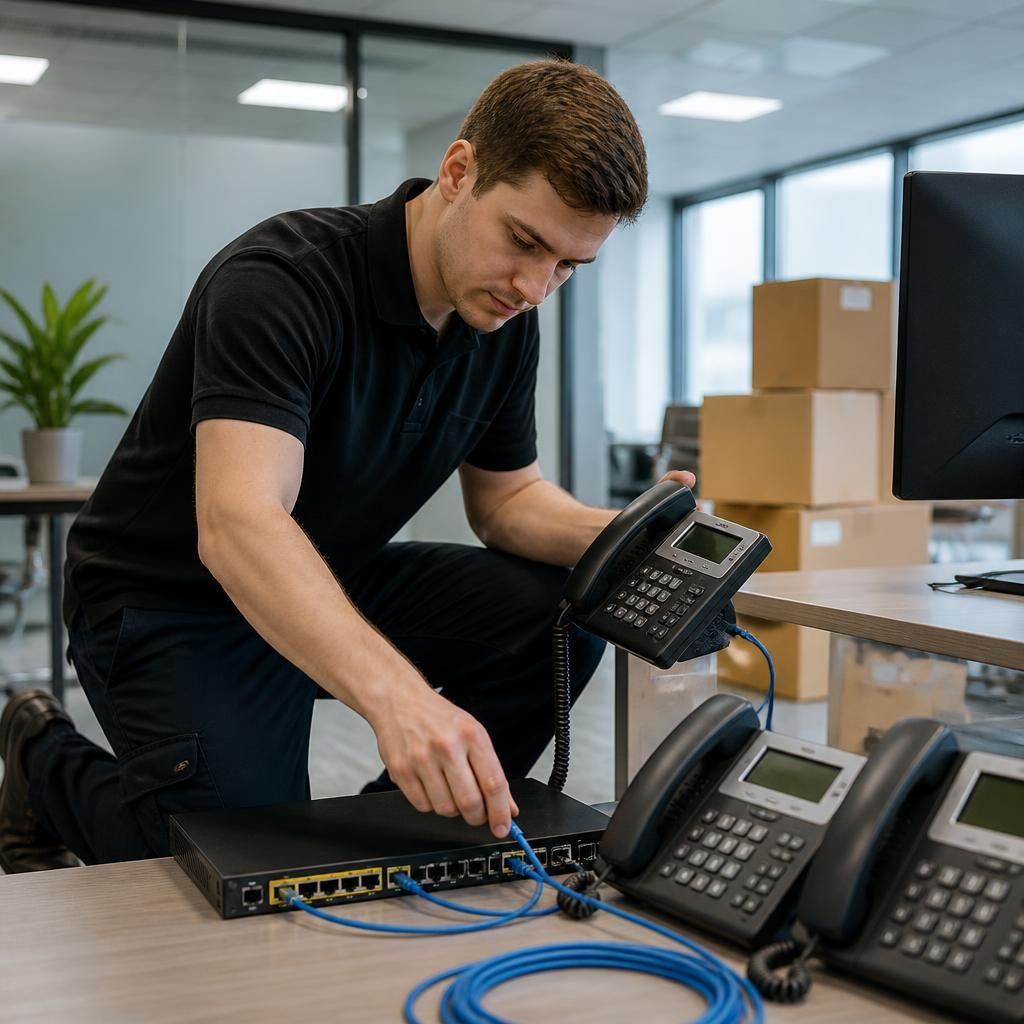
For a phased office move, managed IT support for VoIP can keep the old and new sites coordinated while staff relocate in stages. Users can be assigned to the correct site, with their extensions, shared lines and softphone access checked as each team moves. This avoids treating the move as a single device-swapping exercise when people and equipment are temporarily split between premises.
The support plan should also define when the former office’s VoIP configuration will be removed. Once the final users, phones and dependent services have transferred, unused network paths, device registrations and administrative access can be reviewed and retired. This leaves a clear record of the live environment and reduces the risk of old equipment or settings interfering with the new office.