
Can a virtual desktop support multiple office locations?
Yes. A virtual desktop can support multiple office locations by providing each employee with secure access to the same centrally managed desktop environment, applications and data, regardless of where they work. Each site still needs suitable internet connectivity, user authentication and access policies configured for the organisation’s requirements.
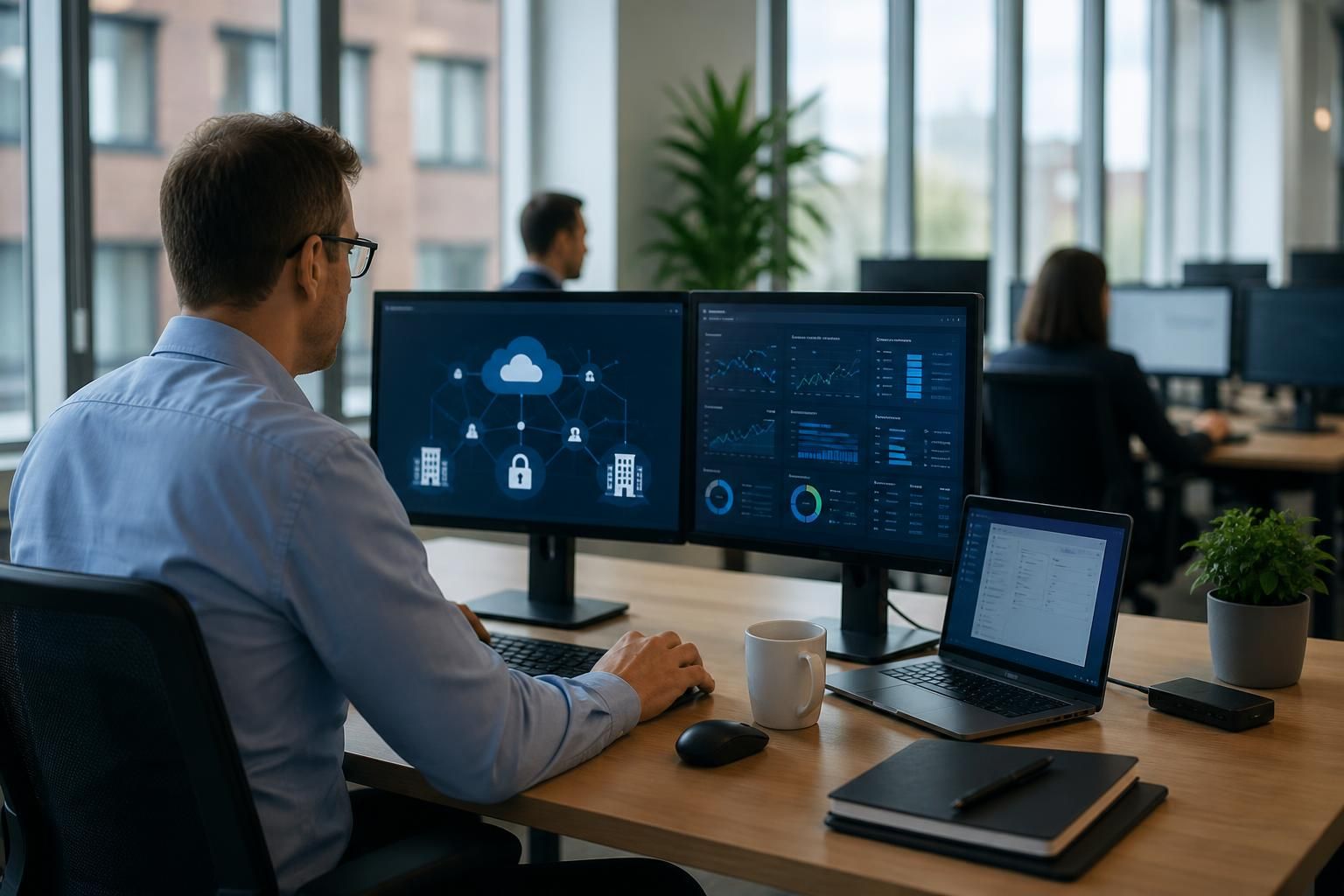
A virtual desktop supports multiple office locations by separating the user’s working environment from the physical computer and office where it is accessed. Employees at different sites can use a consistent desktop configuration, while administrators manage applications, security controls and user settings centrally. This model is particularly useful where teams move between offices, work across shared projects or need access to the same business systems.
Each office connects to the virtual desktop platform through its local network and internet service. The office location does not usually require its own separate desktop infrastructure, but it does need a properly designed network. This includes suitable bandwidth, reliable internal switching and wireless connectivity, appropriate firewall configuration and sensible traffic management. If voice, video conferencing or other cloud services share the same connection, those services should be considered when assessing capacity.
Users can normally access the same virtual desktop from their assigned office, another company location or an approved remote setting. Their files, applications and configuration remain associated with their user account rather than with a particular office computer. This reduces the need to reproduce a complete IT environment at every site and can make it easier to support staff who regularly work across locations.
Multi-site virtual desktop designs commonly include the following elements:
- Centralised application management: approved software is installed, configured and updated within the managed environment rather than separately on every office computer.
- Identity-based access: users sign in with controlled accounts, and access can be limited according to their role, device, location or other security conditions.
- Consistent policies: security settings, session controls, storage rules and configuration standards can be applied across the organisation.
- Office-specific networking: each site is assessed for routing, filtering, local resources and the way traffic reaches the virtual desktop service.
- Centralised administration: support teams can investigate user environments and make changes without visiting every office individually.
Access to local office resources needs particular attention. A virtual desktop may need to use printers, scanners, file servers, telephony systems or specialist equipment at a specific site. These resources are not automatically available simply because the user is connected to the virtual desktop. They must be integrated deliberately, with suitable permissions and configuration. In some cases, printing or device redirection is appropriate; in others, it is safer to keep access limited to the local network or provide an alternative workflow.
Performance can also differ between locations. A site with high latency, inconsistent wireless coverage or a congested internet connection may provide a noticeably poorer user experience than another office using the same virtual desktop service. Assessment should therefore cover each location individually, including peak usage, the number and type of users, expected application activity and any dependence on real-time services. Monitoring should distinguish between a problem in the virtual desktop platform and a problem within a particular office network.
Security controls should be designed for the organisation as a whole but applied with awareness of each site. Important considerations include multi-factor authentication, least-privilege access, session timeout settings, device compliance, encryption and separation of administrative duties. If offices have different risk profiles or handle different types of information, access policies can reflect those differences without creating completely separate desktop environments.
There are several ways to organise users in a multi-office environment. A business may use one shared desktop configuration for everyone, separate configurations for different departments or role-based application groups. The right approach depends on software requirements, data access rules and how much standardisation is practical. Keeping unnecessary variations to a minimum generally makes testing, support and change management simpler.
Implementation should begin with an assessment of users, applications, data, office networks and local dependencies. Applications should be checked for licensing, performance and compatibility within the virtual desktop environment, while business-critical workflows should be tested from each relevant location. A controlled pilot can help identify issues with printing, peripherals, authentication, latency and user permissions before wider deployment.
Ongoing management is just as important as the initial design. Changes to office connectivity, building networks, applications or user roles can affect access from multiple sites. A documented configuration, clear ownership of local infrastructure and regular review of permissions help keep the service consistent as the organisation grows. S2 Technology Group can advise small and medium-sized organisations around Stourbridge, Kinver, Wordsley, Kingswinford, Kidderminster, Halesowen, Dudley and neighbouring areas on the connectivity, security and support considerations involved in a multi-location virtual desktop environment.
A multi-office virtual desktop does not necessarily require every user session to pass through the organisation’s headquarters. Each office can authenticate and connect independently to the central platform, so the desktop service is not dependent on the head office acting as a transit point for all locations.
This distinction matters when designing the network. Applications hosted within the virtual desktop can be accessed through the platform, while systems that remain in a particular office may require a separate, controlled route. Keeping these two types of traffic distinct helps clarify firewall rules, routing requirements and security responsibilities for each site.

Discuss your multi-office virtual desktop requirements
Discuss your multi-office virtual desktop requirements with S2 Technology Group to assess the technical, security and operational considerations for your organisation. A structured review can help define a practical approach before implementation begins.