
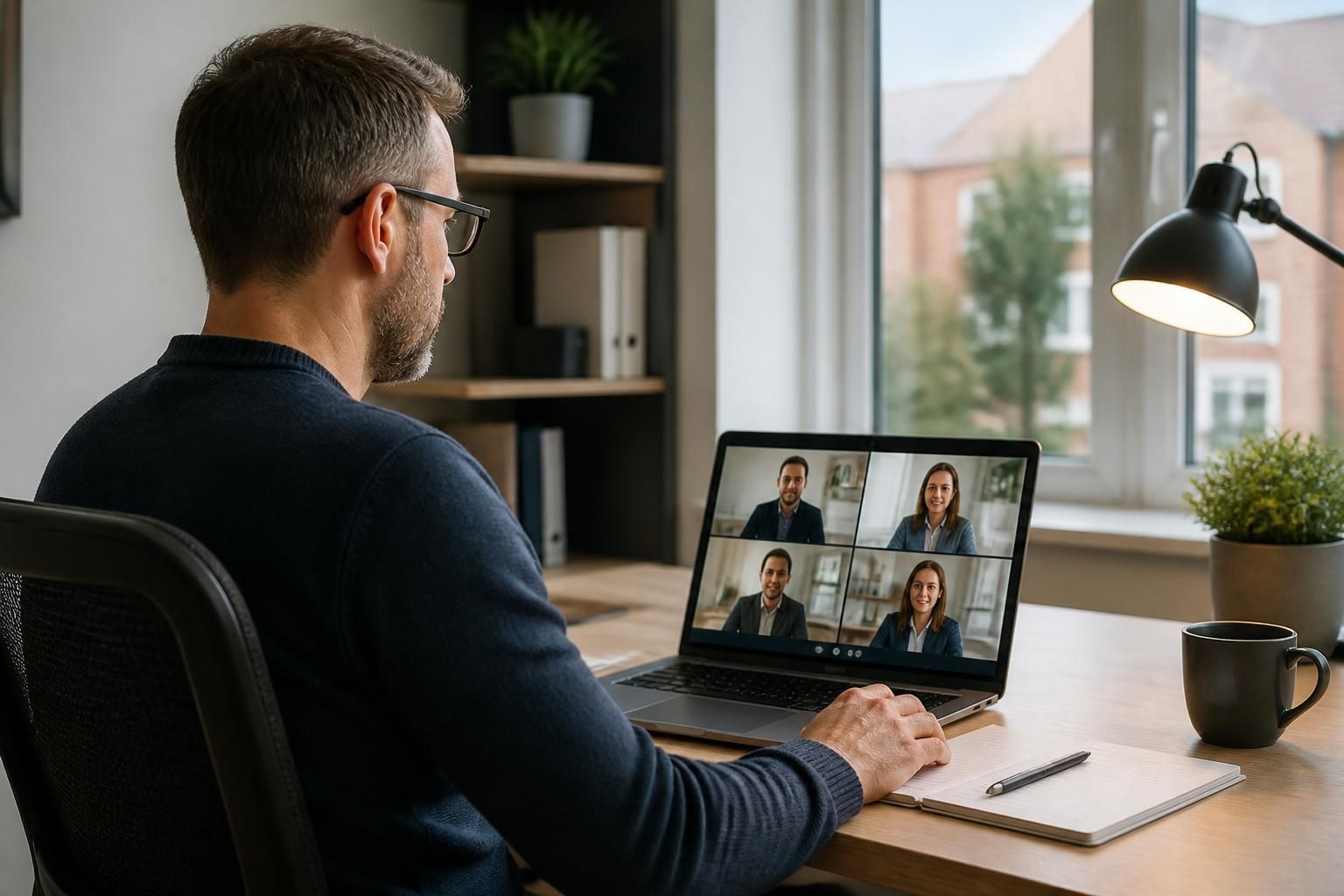
How do managed IT support providers support remote and hybrid working?
Managed IT support providers enable remote and hybrid working by securing access to cloud services, business systems and devices wherever employees work. They also manage user accounts, endpoint protection, connectivity and technical support so staff can work productively without compromising organisational security.
Managed IT support providers support remote and hybrid working by designing the technology, security controls and operating processes that allow employees to work consistently across office, home and other approved locations. Their role is broader than resolving individual technical faults: they help define how people access systems, how devices are managed, how information is protected and how the organisation maintains oversight of its technology estate.
They begin by assessing the way the organisation works. A suitable hybrid-working model depends on factors such as the applications employees use, the sensitivity of the information they handle, the number of operating locations and the tasks that must be completed in person. A provider can map these requirements before recommending changes, rather than applying the same remote-working arrangement to every user or department.
Access is governed according to role and risk. Users should have the permissions needed for their responsibilities, but not unnecessary access to business systems or confidential information. Managed support may include reviewing access groups, applying stronger sign-in controls, removing dormant accounts and establishing processes for joiners, movers and leavers. These measures reduce the risk created by excessive or outdated permissions, particularly when staff work across multiple locations.
Devices are managed as business assets. A provider can establish standards for laptops and other approved devices, including configuration, software deployment, encryption, patch management and security settings. Central management helps an organisation apply consistent rules without relying on each employee to maintain a device correctly. It also supports actions such as restricting access from an unsuitable device, locating an asset in the management system or removing organisational information when a device is lost or returned.
Policies make hybrid working predictable. Technical controls are more effective when employees understand which devices and applications they may use, how information should be shared, and what to do if they suspect an account or device has been compromised. A managed IT provider can help document acceptable-use, remote-access, data-handling and incident-reporting procedures. It may also provide guidance that is specific to different roles, since the practical requirements of a finance user may differ from those of a field-based employee.
Collaboration is structured rather than left to individual preference. Providers can help organisations establish suitable locations for documents, define ownership and retention rules, and reduce the use of unsanctioned applications. Clear arrangements make it easier to find the current version of a file, control who can share it and preserve information when an employee changes role. They also support more consistent working between office-based and remote colleagues.
Support processes are adapted to a distributed workforce. A provider may offer remote diagnosis, guided troubleshooting and user assistance through documented service procedures. Common issues can be recorded and analysed to identify recurring causes, such as configuration problems, unsuitable equipment or gaps in user training. Where an issue cannot be resolved remotely, the support process should define how it is escalated and how responsibility is tracked.
Security monitoring and incident planning remain important outside the office. Hybrid working increases the number of locations, networks and devices involved in day-to-day operations, so providers commonly review security alerts, unusual account activity and device compliance. They can also help create an incident process covering isolation, evidence gathering, communication and recovery. The purpose is to ensure that a suspected compromise is handled methodically rather than through improvised decisions by individual employees.
Business continuity is tested against real working arrangements. A continuity plan should consider how staff would operate if a site, device, application or user account became unavailable. Managed IT support providers can help identify dependencies, document recovery procedures and check whether essential information and systems can be restored. Testing is important because a written plan may not reflect actual responsibilities, technical settings or staff availability.
Performance and capacity are reviewed as working patterns change. A hybrid model can expose weaknesses in equipment standards, application design, network capacity or meeting-room technology. Ongoing management allows a provider to identify these issues through service records, infrastructure reviews and discussions with internal stakeholders. Technology planning can then be based on business requirements instead of repeated short-term fixes.
When evaluating a managed IT support provider for hybrid working, ask how it handles device standards, access reviews, employee onboarding and offboarding, security incidents, data governance, continuity testing and user support. It is also useful to establish what the provider manages directly, what remains the organisation’s responsibility and how recommendations are documented and prioritised.
S2 Technology Group supports small and medium-sized organisations with managed IT services covering IT support, cyber security, cloud solutions and business connectivity. Its approach can include the strategic advice, infrastructure management and remote-access planning needed to align hybrid working with operational and security requirements, rather than treating remote access as a standalone technical feature.
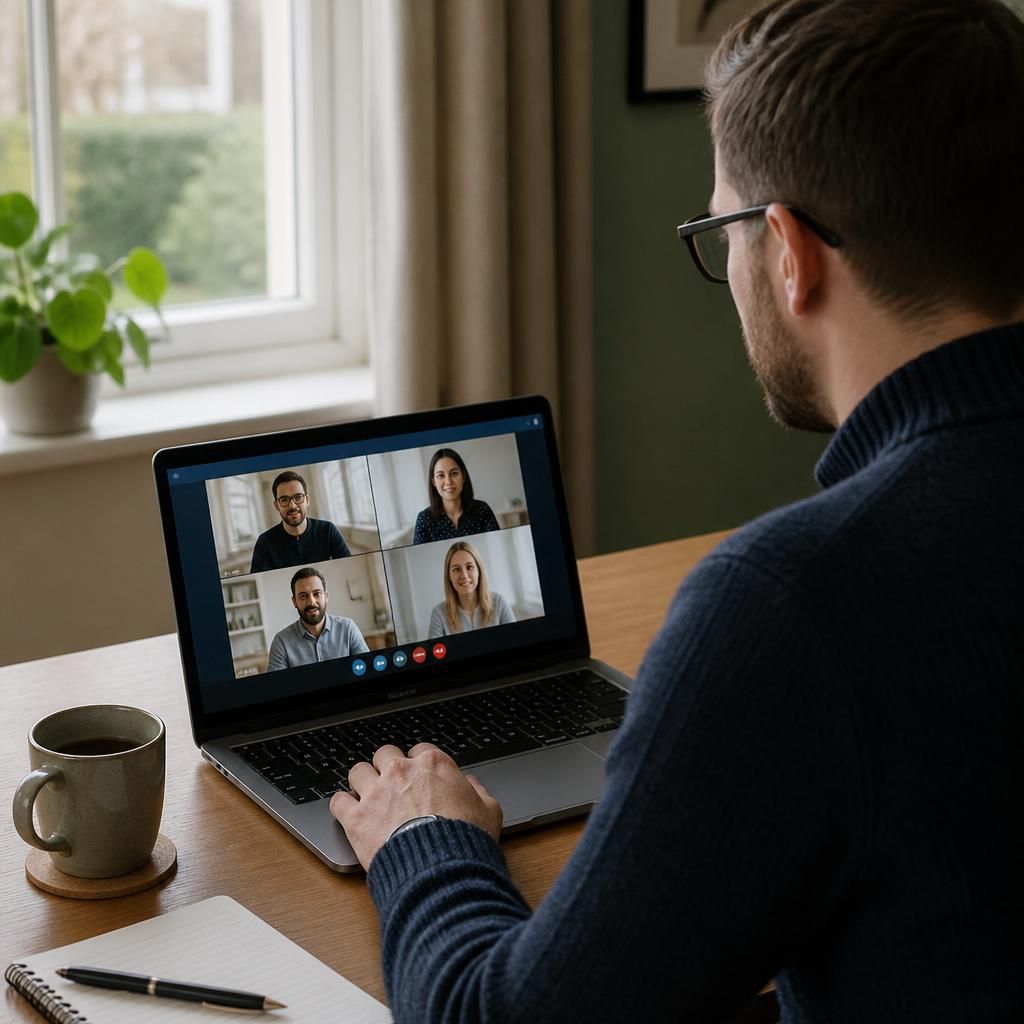
A managed IT support provider helps determine the most suitable way for employees to access each business application remotely. Cloud-based applications may be accessed through a browser, while older or more specialised systems may require a controlled remote desktop or other managed connection. Choosing the access method according to the application’s data, performance and security requirements avoids forcing every system into the same arrangement.
This approach also helps control where information is processed and stored. For example, an application may be configured so that sensitive data remains within a managed environment rather than being downloaded to an employee’s personal computer. The provider can document these arrangements, review whether they remain appropriate as systems change, and identify technical dependencies that could affect remote users.