
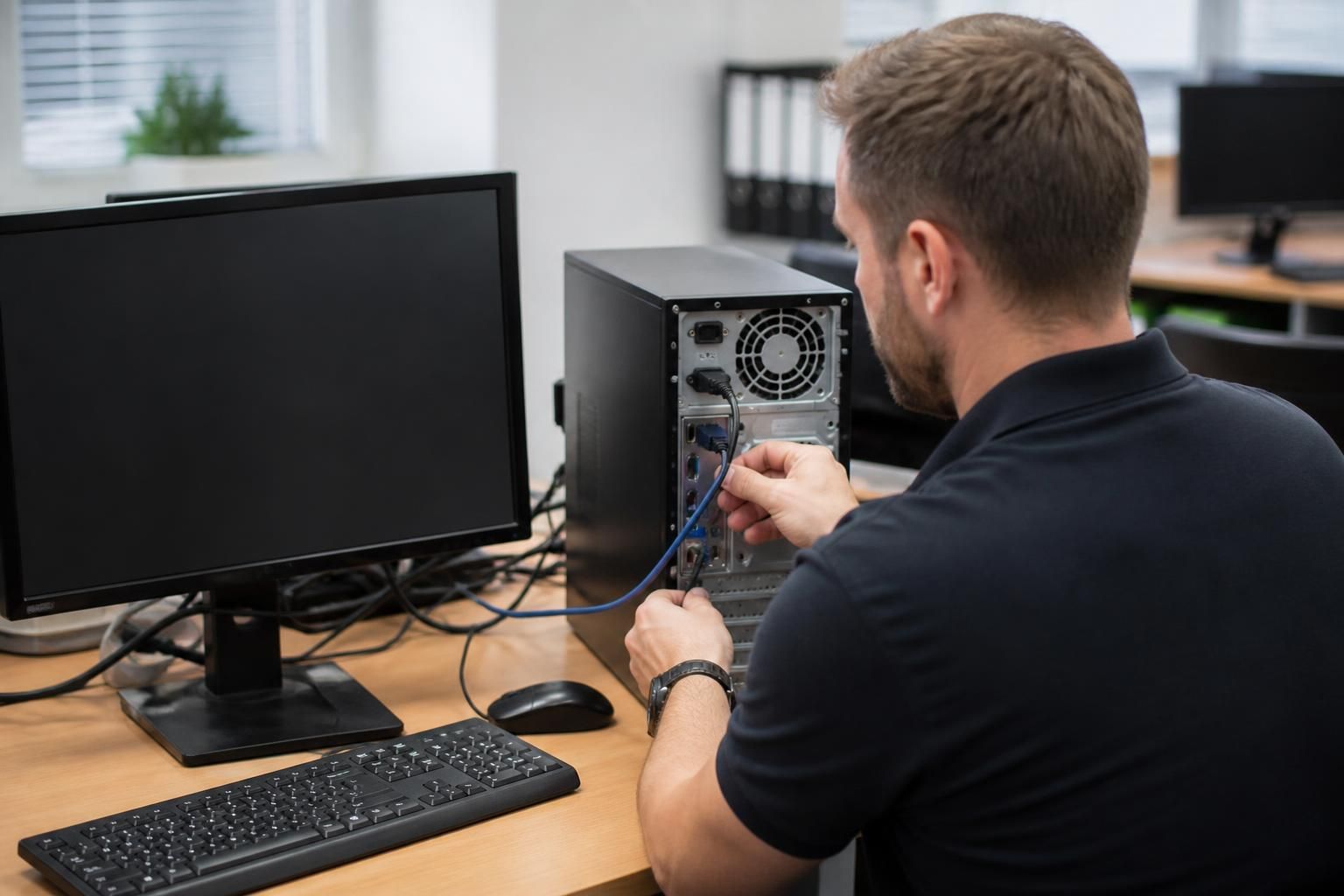
How does onsite IT support assess recurring desktop problems?
Onsite IT support assesses recurring desktop problems by reproducing the fault, reviewing error messages and system logs, and checking hardware, software, network connectivity and user-profile settings. The technician then isolates the root cause, applies a controlled fix, tests the desktop under normal working conditions and records the findings to help prevent the same issue from returning.
Recurring desktop problems are assessed through pattern analysis and structured fault isolation. The aim is to determine why the issue keeps returning, rather than repeatedly treating the visible symptom. An onsite technician compares the circumstances surrounding each incident, identifies the conditions that trigger it and separates a device-specific fault from a wider business technology issue.
The investigation usually begins by establishing the scope and frequency of the problem. The technician may compare affected and unaffected desktops, check whether the same person experiences the issue on another device, and establish whether several users are reporting similar symptoms. This helps identify whether the likely cause is linked to one workstation, a particular user setup, a shared application, a common configuration or a particular area of the premises.
Timing and repetition are important evidence. A fault that occurs after a device has been running for several hours may indicate resource exhaustion or heat-related instability. A problem that appears after a user resumes work, connects a peripheral or opens a particular file may have a different cause. The technician records what happened immediately before the failure, whether the issue clears temporarily after a restart and how long it takes to return. This creates a sequence of events instead of relying on an isolated description.
Physical conditions are also considered because recurring desktop faults are not always caused by software. Inspection may cover ventilation, dust build-up, loose connections, damaged cables, power distribution, docking equipment, monitors and attached peripherals. Intermittent faults can be particularly difficult to diagnose if a cable, adapter or power source is disturbed during normal use. Checking the workstation in its actual operating environment can reveal factors that are not apparent during remote support.
The technician then compares the desktop’s configuration with the organisation’s intended standards. Differences in installed applications, drivers, security settings, permissions, updates, startup items or user-specific customisation can explain why one workstation repeatedly fails while others continue to operate normally. Recent changes are especially relevant, including a new application, policy adjustment, replacement component or alteration to the way staff access business systems.
A useful assessment also considers whether the desktop is experiencing a capacity or compatibility constraint. Sustained processor, memory or storage pressure can cause slowdowns and application failures without producing a complete system outage. In other cases, an older component may function under light use but become unreliable during more demanding tasks. The technician relates resource behaviour to the user’s actual workload rather than assuming that a general performance improvement will address the underlying issue.
Evidence should be gathered in a way that avoids unnecessarily disrupting work or altering the conditions being investigated. Where possible, the technician records the desktop’s state before making changes, notes which diagnostic steps have been completed and distinguishes confirmed causes from working theories. If a change is necessary, it should be limited and reversible so that its effect can be evaluated accurately.
A recurring fault is not considered resolved simply because the desktop works immediately after an intervention. The result must be checked against the original trigger and the user’s normal workflow. Validation can include opening the affected application, repeating the relevant task, reconnecting equipment or confirming that the same operating conditions no longer produce the fault. If the issue cannot be reproduced during the visit, the technician can still define what evidence the user should capture if it returns and what information will make further diagnosis more reliable.
Once the cause is understood, the appropriate remedy may involve correcting a configuration, replacing a defective component, removing an incompatible change, adjusting the user’s working setup or addressing a wider technical dependency. The remedy should match the cause: repeatedly resetting a device may provide temporary relief but will not correct a failing component, unsuitable configuration or recurring environmental trigger.
The final assessment should leave a clear record of:
- the symptoms and circumstances in which they occurred;
- the devices, users or locations affected;
- the evidence that supports the identified cause;
- any changes made and their effect;
- the checks used to confirm the result; and
- any follow-up monitoring or preventive action required.
This approach allows recurring desktop problems to be managed as a root-cause investigation rather than a series of unrelated support tickets. It also gives the business a more reliable basis for deciding whether to repair, reconfigure, replace or monitor the affected equipment.
Assessing a recurring desktop problem should include its operational impact, not just its technical cause. A fault that causes occasional inconvenience is treated differently from one that risks data loss, prevents access to essential systems or affects several staff members.
The technician can classify the issue by considering:
- whether work can continue safely using an approved alternative;
- whether unsaved information or business records could be lost;
- whether the fault creates a security or compliance concern;
- how many users, devices or business processes are affected; and
- whether the problem is becoming more frequent or severe.
This classification helps determine whether a temporary workaround is suitable while further evidence is gathered, or whether the desktop requires more immediate intervention. It also ensures that recurring faults are prioritised according to business risk rather than simply the number of support requests they generate.
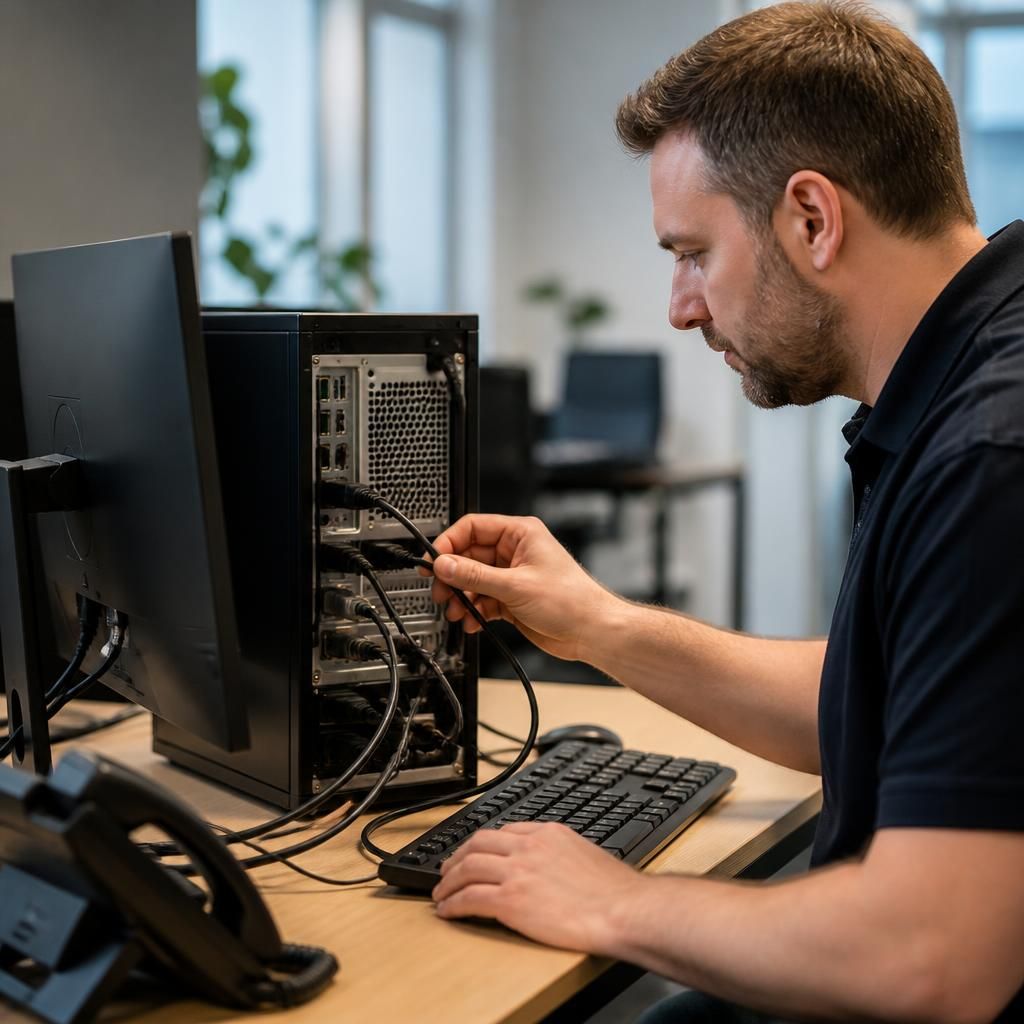
Discuss recurring desktop problems with onsite IT support
If recurring desktop faults continue to disrupt normal work, discuss the symptoms and available evidence with S2 Technology Group’s onsite IT support team. A structured review can help determine the most appropriate next step for the affected equipment.